
Adobe Illustrator Has Been the Standard for Vector Work for More Than Thirty Years
Summary
A vector graphics editor that shipped its first version in 1987, two years before the better known pixel editor, and is still where logos, commercial illustration, type design and print layout get made. Paths scale to billboard size without losing an edge, and a native file is still the handover format of the trade.
Recommend- Name
- Adobe Illustrator
- Version
- 20260613
- Pricing
- Paid
- Open source
- Proprietary
- Operating system
- WindowsmacOS
- Updated
- 2026-10-19 22:00
Paths, not pixels
The first confusion for anyone meeting Adobe Illustrator is where it differs from the pixel editor everyone already knows. The distinction is simple and decisive: a bitmap tool works on pixels, and at three hundred percent they turn into stair steps; a vector tool works on mathematical paths, and at billboard size the edge is still clean enough to cut yourself on. That difference sets the territory. Photographs go to the pixel tool. Logos, commercial illustration, type design and print layout go here.

It started in 1987
The first version shipped in 1987, two years before the pixel editor that would become more famous, at a time when designers still worked with rulers and marker pens. Illustrator is what turned drawing on a computer from a joke into a standard, and the mechanism was the Bézier curve: a line described by its endpoints and the handles that pull it into shape. More than thirty years later, print shops, advertising agencies and type foundries still exchange a native file as the ordinary way of handing work over, which is a durable thing for a file format to become.
The pen tool: painful to learn, hard to stop using
Every introduction to the program begins with the pen tool, and every beginner finds it miserable. Drag to place an anchor point, pull out a handle, control the curvature: the logic is not obvious until it suddenly is. Once it is, the elegance shows up. A single curve can be positioned to a precision finer than a printed dot, and the tangent points, the corners and the axis of symmetry are all directly under the hand.
Logo work happens to demand exactly that order of precision, because brand recognition can collapse over a single pixel of drift. That is why the tool that is hardest to learn is also the one that keeps people in the program for a decade.
Typography is the other half. Type on a path, type inside a region, character styles and paragraph styles, together with the ligatures and small capitals that proper typefaces carry, are enough to build a complete brand manual without leaving the application. Plenty of type designers draw their first draft here too, before the glyphs ever reach a font editor.
What the subscription years added
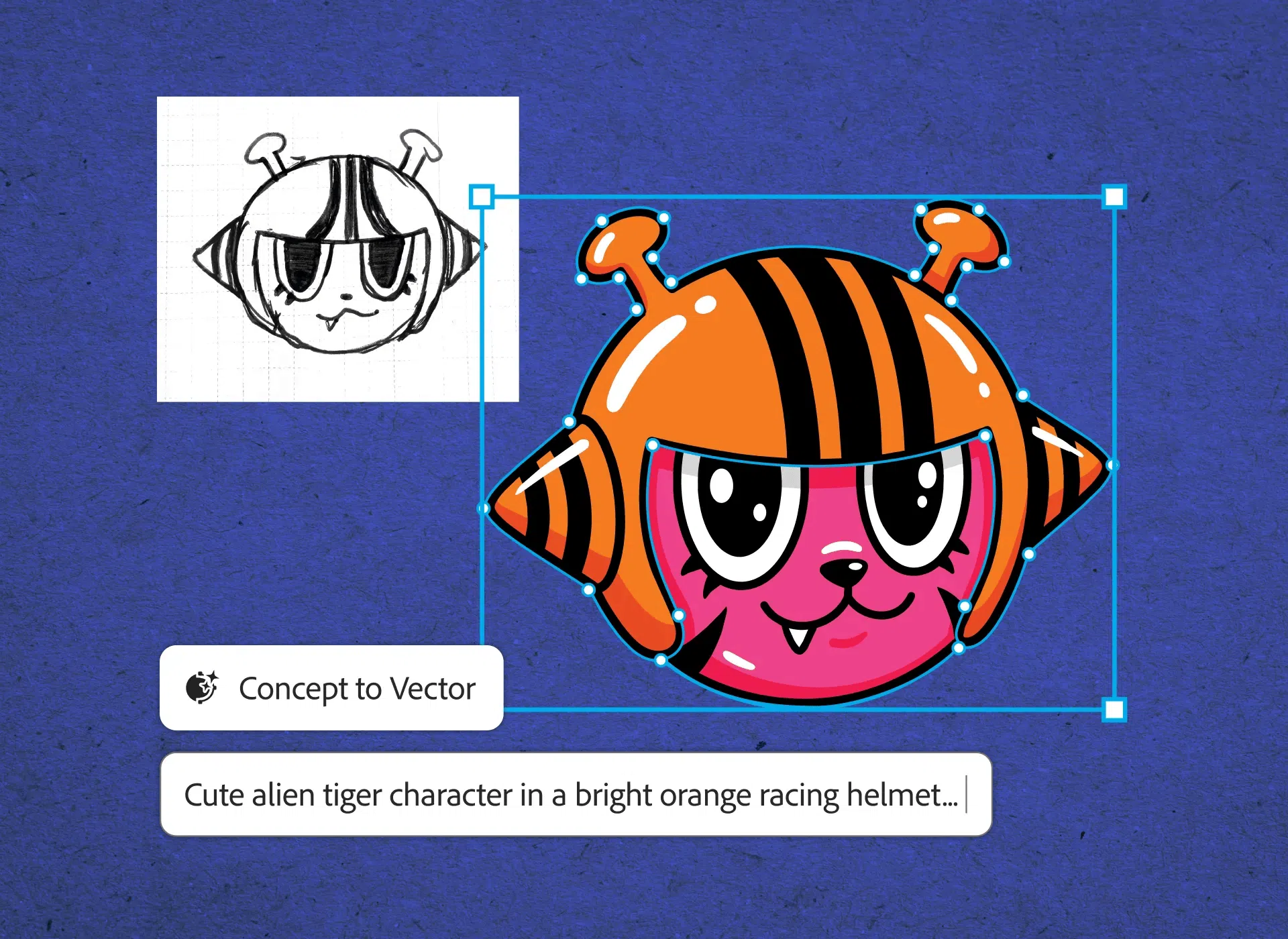
The move to a subscription model turned the program from a one-time purchase into a continuously updated service, which for better or worse means features arrive between major releases. Two of the recent ones are worth naming. Generative recolouring produces colour schemes from a written description, so a client asking for something warmer and less corporate gets a set of options in seconds rather than an afternoon. Text to vector turns a phrase into editable shapes, which will not replace anyone's taste but does shorten the distance between an idea and a sketch that can be discussed.
Neither of those decides whether a design is good. What they remove is the repetitive stage that sits before the judgement: trying twelve palettes, drawing six versions of a mark that only needs to exist so someone can point at it and say no.
Files move between the sibling tools without loss
The other structural advantage is that the applications around it speak the same file. A finished mark drags straight into a page layout application to build a brochure, and from there into a raster editor for the mock-up, with layers and paths intact at every hop. Nothing is flattened, nothing is re-imported at a lower fidelity, and nobody has to explain to a client why the version on screen differs from the version in the print file.
There is a last thing worth saying about a program this old: it is not exciting. Nobody opens it in order to be delighted. They open it because a client needs the mark in one colour, at three sizes, on a substrate nobody has printed on before, by Friday.
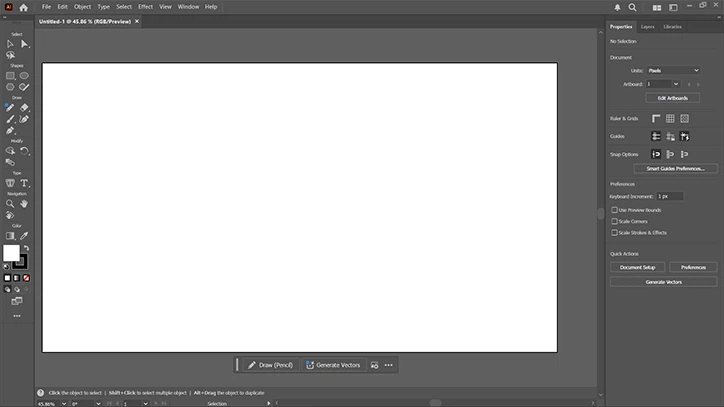
It is not the kind of software that changes how you think. It is closer to a well-weighted tool that becomes an extension of the hand. If the work is print, brand identity or commercial illustration, this is probably the first application opened each morning, and its value is not cleverness; it is that anchors, paths and curves behave predictably at the moment a client asks for the twelfth revision.