
Adobe Audition lines up multitrack, waveform and spectral views
Summary
A professional audio workstation aimed at podcast post-production, sound design and repair, with three working views in multitrack, waveform and spectral, and a working relationship with the video editor from the same family. It covers the chain from noise reduction to the finished file, and the way in is fairly clear.
Recommend- Name
- Adobe Audition
- Version
- 26.5
- Pricing
- Paid
- Open source
- Proprietary
- Operating system
- WindowsmacOS
- Updated
- 2026-10-13 10:56
A recorded voice sounds in the finished piece exactly as it went in; there is far less room to manoeuvre than there is with picture.
One piece of sound, three ways of looking at it
The positioning is on the first screen of the product page: a professional audio workstation. The toolset is described as covering multitrack, waveform and spectral displays, used to create, mix, edit and repair audio. The core verbs come down to four words: edit, mix, record, repair.
The three views answer three kinds of question. The track view is about layers, since dialogue, music and effects each hold a lane, and who ducks under whom is settled here. The waveform view is about level and rhythm, so a fluffed line gets cut and a lip sync gets nudged in this view. The spectral view breaks sound into frequency, and the hiss of a fan or the hum of mains wiring only becomes visible as something to carve out at that layer. A tool that shows only one of the three forces the other two jobs into guesswork.
Clearing the noise out
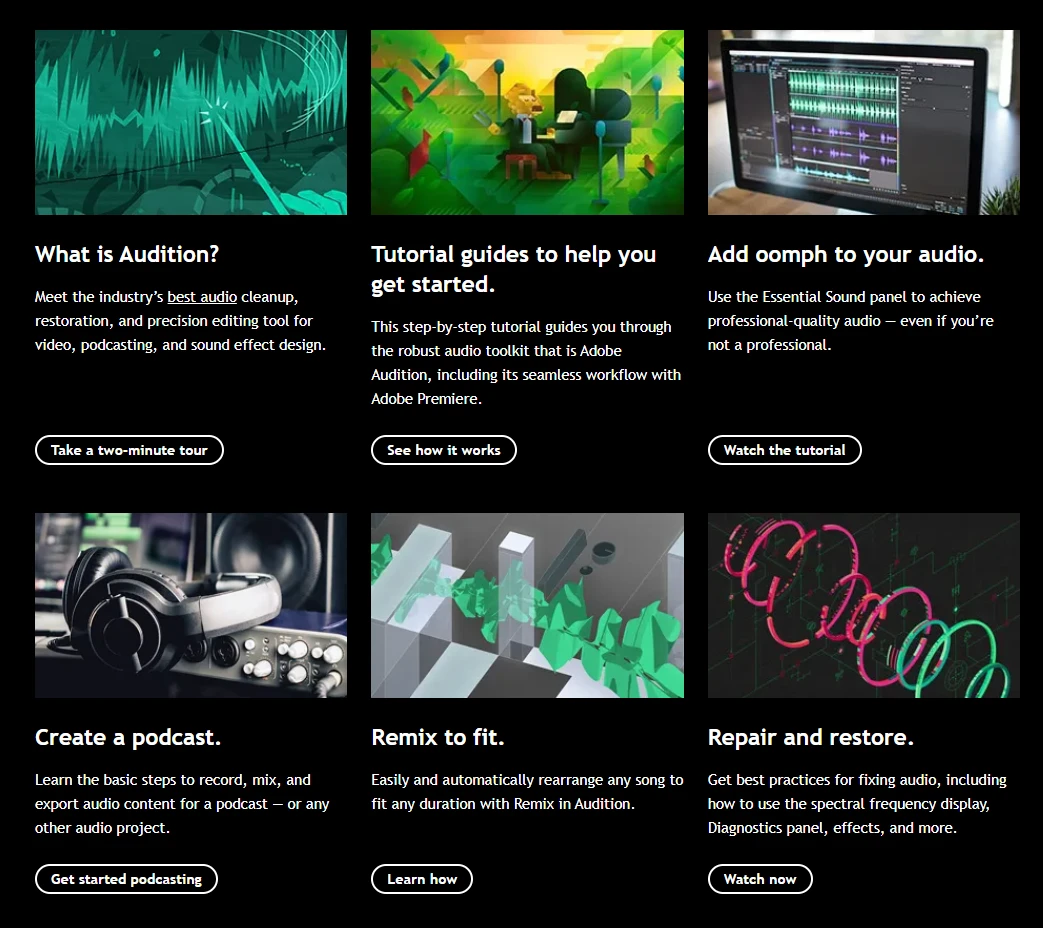
The repair stage leans most often on a panel sorted by purpose. The official line is that it produces professional-sounding audio even when the person is not a professional. The panel gathers noise reduction, loudness and reverb into their own places, and someone who does not know the parameter system can follow the guidance and still finish the job.
Remix deserves a paragraph of its own. The notes say it rearranges a piece of music automatically to fit any duration. Cutting a full track down to exactly thirty seconds for an opening used to mean hunting for loop points on the waveform and then hiding the seams; now the target length goes in first and the result is judged afterwards. Audio finishing inside a video workflow is named as a design goal as well, with the workstation described as speeding up video work and audio polish so that the mix comes out tidier.
Item | Official note |
|---|---|
Current version | 26.5, September 2026 |
Platforms | Windows and macOS; native Windows on ARM support since January 2026 |
Displays | multitrack, waveform and spectral |
Core actions | create, mix, edit and repair audio |
Guided panel | sorted by purpose, usable without specialist knowledge |
Licensing | Creative Cloud subscription |
Versions and how to get it
The release notes put the current version at 26.5, published in September 2026, and this round is mostly polish on capabilities that already existed. Version numbers follow the year-based major scheme, and one entry from January 2026 stands out: the product began running natively on Windows on ARM, which the notes say brings better performance and power efficiency. On a machine with that kind of processor, no translation layer is needed any more.
It is sold as a subscription and can join a Creative Cloud bundle. The licence lasts as long as the subscription does, new versions arrive with it, and no separate purchase is needed for each major release. Plans bill annually and charge monthly, with the exact amount varying by region and tax.
One detail is worth knowing early. The Chinese site states that some features of certain creative apps may not be available in the region for the time being, and the product page already appears in the bundle list. When evaluating, list the steps of your own work and confirm each one is covered, which is steadier than reading a feature overview and hoping.
Clean up the noise and the timing, and listeners start to notice the content itself.
A practical order: in podcast post, run the guided panel first to level loudness and tame noise, then return to the waveform for section-by-section work; when music has to hit a length, let remix produce a first draft; and when working with the video editor from the same family, match the sample rate up front to save a lot of going back and forth.