Ableton Live 12: one set of ideas for the studio and the stage, bought outright with a 90-day trial
Summary
A workstation that started in Berlin in 2001 with live playing in mind: a Session grid for improvising, an Arrangement timeline for finishing, warping, MPE and a hardware chain that carries sketches between them.
- Name
- Ableton Live
- Version
- 12.4.3
- Open source
- Proprietary
- Operating system
- WindowsmacOS
- Website
- https://www.ableton.com/en/live/
- Updated
- 2026-10-06 22:29
A studio that was built for the stage first
Among music production applications, this one has an unusual starting point. It appeared in Berlin in 2001, made by a company founded by musicians, and from the very first release it was designed around playing live rather than around the routine of a recording studio. Most workstations organise the screen the way a control room is organised: a transport, tracks laid end to end, a mixer at the bottom. This one scattered the music into short clips that can be fired at any moment, arranged on a grid and recombined at will. That model went on to shape both how electronic music gets written and how it gets performed. More than twenty years later it is still a standard tool for electronic producers and for anyone playing this kind of music on a stage. It runs on Windows and macOS, and as of September 2026 the current line is Live 12, at 12.4.3.
Two views that share one set of material
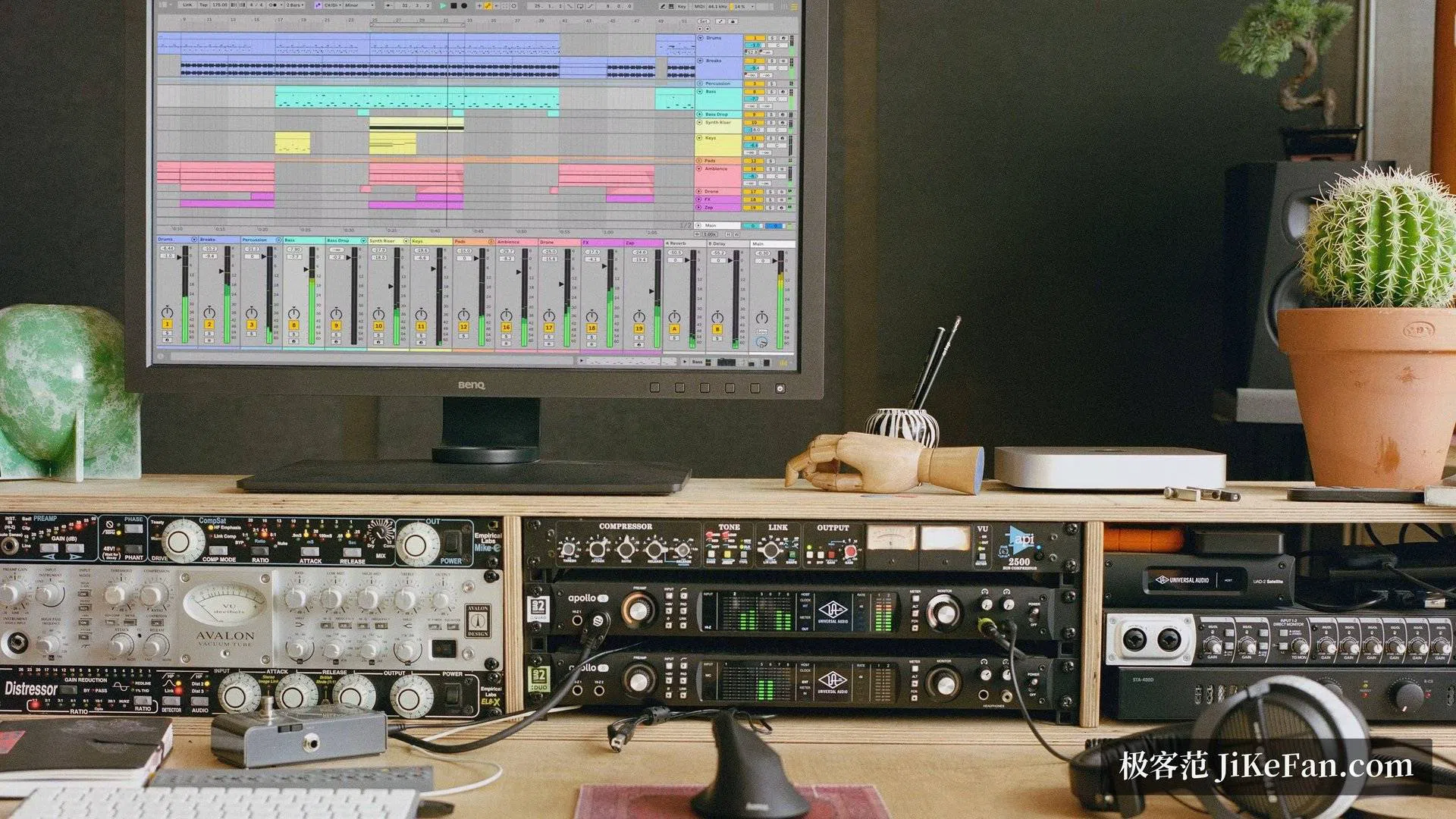
The core of the program is a pair of complementary views. Session view is a flexible matrix of phrases: drums on one row, bass on another, chords and melody on their own, each row holding several variations. On stage you fire whichever cell you want, stack them, mute them, and the arrangement builds itself out of decisions made in real time. It is equally useful for trying out an idea that has no structure yet. Arrangement view is the conventional timeline: drag the material you improvised into it, lay it out in sections, trim the edges, draw the automation, and a finished piece comes out. Both views read the same pool of clips, so switching between them is not a conversion step — the path from improvisation to finished track stays continuous.
Time and pitch, handled separately
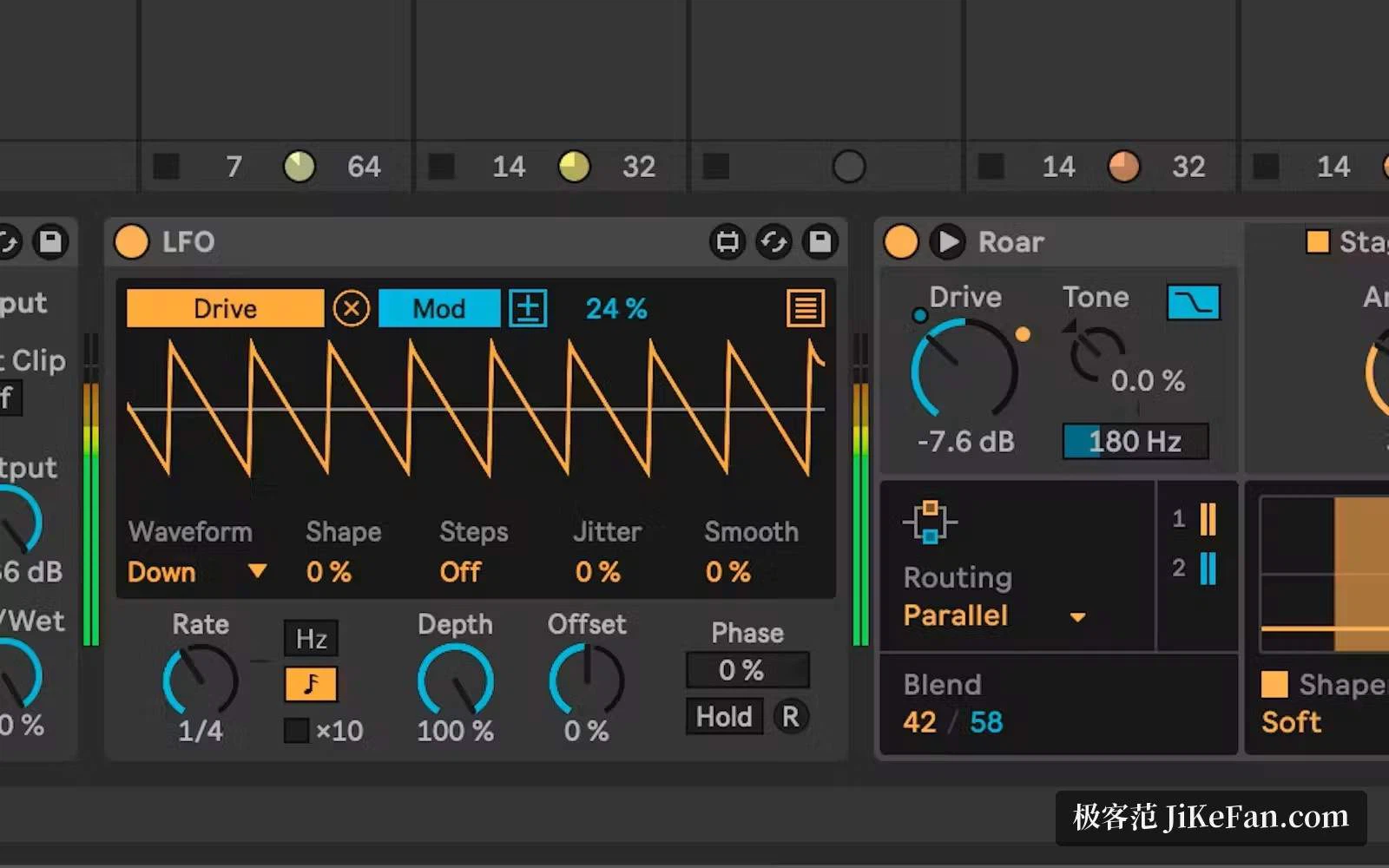
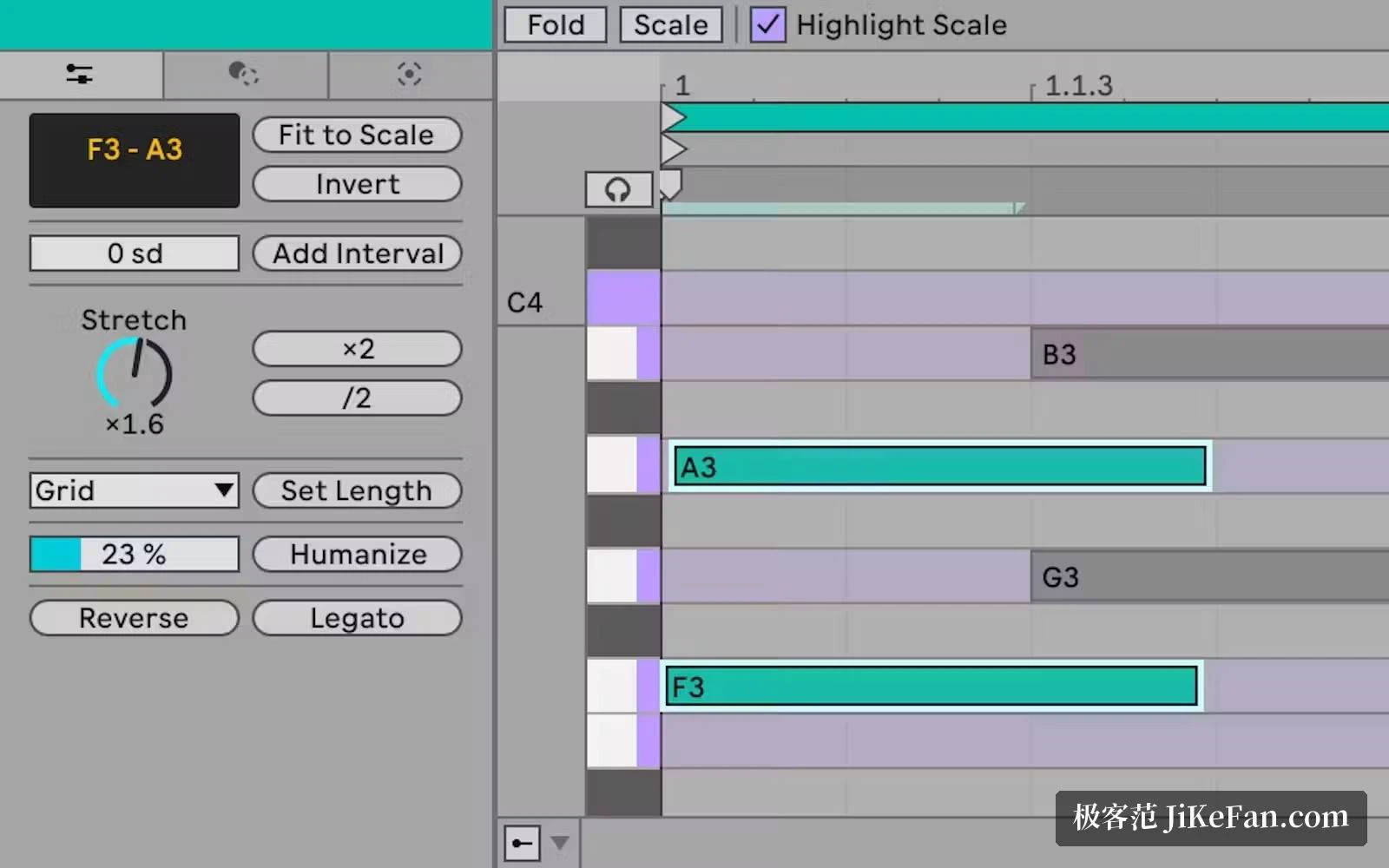
Warping is the feature the program built its reputation on. Changing tempo without changing pitch, and changing pitch without changing tempo, is what lets loops recorded at different speeds sit in the same project and lock to one grid; the stretching holds up well enough that reconstructed material rarely announces itself. MIDI editing was strengthened considerably in the 12 series: probability and transform tools can add small variations to notes that would otherwise repeat identically, so a mechanical loop starts to sound played rather than pasted; MPE support lets compatible controllers shape pitch, timbre and pressure per note the way an instrument responds to fingers. The bundled instruments and effects cover synthesis, sampling, compression, equalisation, and the resonators and filters that sound design leans on. The Suite tier adds Max for Live, an environment for building your own instruments and effects rather than choosing from a menu.
Hardware that carries the idea, and sketches that travel
A full chain has grown around the program. Push moves arrangement work off the screen and onto velocity-sensitive pads with colour feedback, so sequencing, playing and mixing can happen from the pads themselves. The compact Move records ideas on a commute, which then continue on the desktop. The Note app on mobile shares the same clip logic, and a sketch started there opens in the desktop project without being rebuilt. The free updates through 2026, from 12.2 to 12.4, kept polishing the everyday edges: Bounce to New Track turns a clip into audio in a couple of steps, and the browser gained a quick tag panel that makes a large sample collection easier to sift.
Bought once, in the tier you need
The licence is a one-time purchase rather than a subscription. Intro sits around 99 US dollars and gives 16 tracks — enough for sketches and idea capture. Standard, around 439, removes the track ceiling and suits complete arrangements. Suite, around 749, includes the full instrument library and Max for Live, and is the choice for people who treat sound design as the main event. Updates within a major version cost nothing, owners of an earlier version get a reduced price on the next one, students and teachers can apply for an education discount, and a trial long enough to run a real project through the whole workflow comes before any of that.
Where the workflow gets out of the way
Smaller details do the same job. The browser lets you tag material and read several columns of metadata at once, so finding a sound no longer means opening folders one after another. Clips can be bounced to an audio track as a whole, which frees processor headroom for the mix. Automation is drawn parameter by parameter, which makes filter sweeps and volume rides quick to write rather than fiddly. Learning material is not scarce either: the official tutorial series starts from zero, and the third-party shelf of courses and project templates is large enough that almost any specific question has already been answered somewhere. If you make electronic music and want writing and performing to live in one tool, this is worth a serious look.