
Avidemux: a light open source video tool where a lossless cut takes seconds
Summary
A tool of a few tens of megabytes for the jobs that do not need a timeline: cut the title off, take the advertisement out, change the format. With both outputs set to Copy, everything between the two markers is kept without being encoded again, so a trim of several minutes takes seconds and the picture is untouched; the price is that a cut has to fall on a key frame. Frame accuracy is a switch away.
Recommend- Name
- Avidemux
- Version
- 2.8.1
- Pricing
- Free
- Open source
- Open source
- Operating system
- WindowsmacOSLinux
- Website
- https://avidemux.sourceforge.net
- Updated
- 2026-10-06 18:20
When all you want is to cut the title off
Video editing software has been growing heavier for years: open one and you are met with a timeline, tracks and a wall of panels. Most of the time the job is smaller than that. Cut the title off, take the advertisement out of the middle, turn one format into another. Avidemux is a free open source program built for exactly that size of job, published under the GPL and running on Windows, macOS and Linux. There is no timeline and there are no project files: it opens, you work, and closing it does not ask whether to save. The version released in July 2026 is still gaining features.
Cutting without re-encoding is the signature
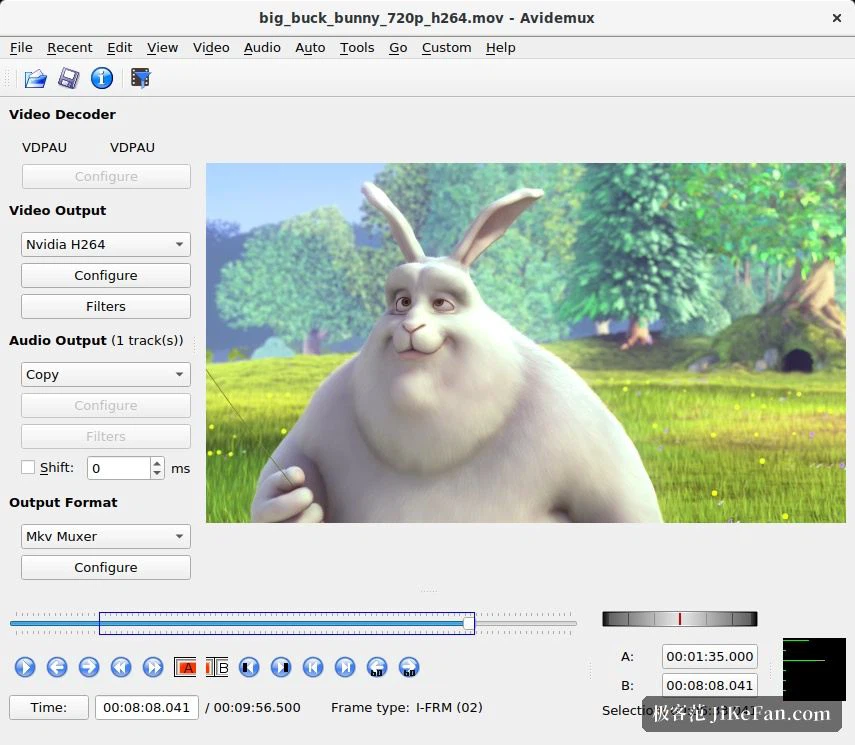
The most valuable thing it does is the lossless cut in Copy mode. Set both the video and the audio output to Copy, and everything between the A and B markers is kept exactly as it was, never decoded and encoded again: a trim of several minutes finishes in seconds and the picture is untouched. The price is that a cut has to fall on a key frame, and a marker placed anywhere else brings a warning; when accuracy to the frame matters, switch the video output to x264 or x265 and let it encode again. Taking an advertisement out follows the same path: mark the part you do not want, press delete, save. It will also repair footage whose sound has drifted, by moving the audio track a few hundred milliseconds forward or back in the audio panel, checking the preview and saving.
Filters and audio that go further than the size suggests
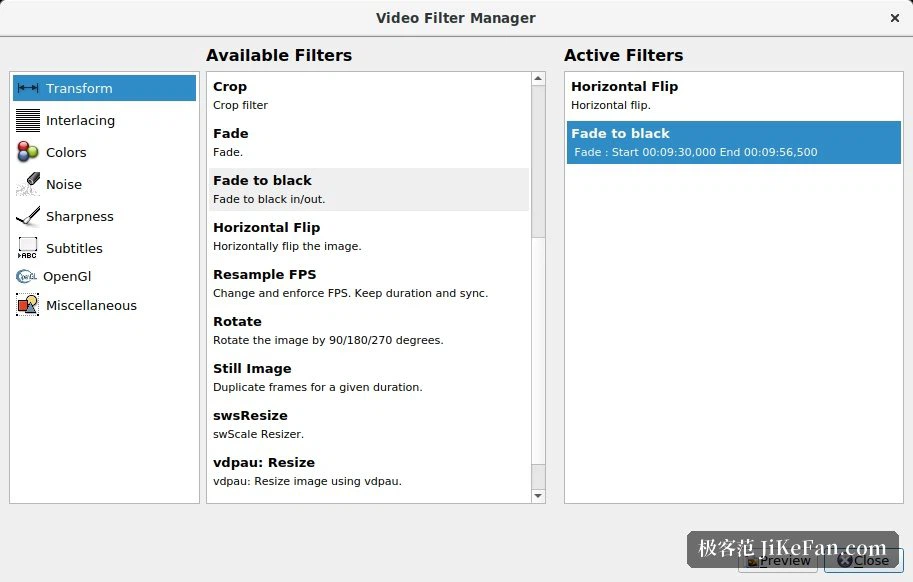
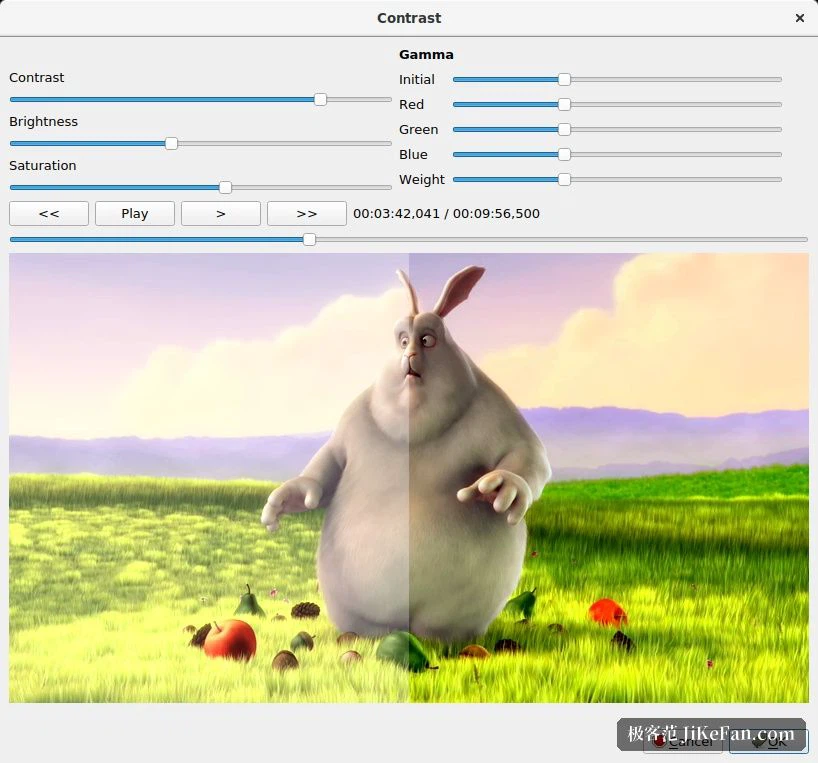
The filters cover what ordinary work asks for: cropping the black borders away, scaling for a particular device, deinterlacing the combing that a television capture leaves behind, turning vertical footage the right way up, burning subtitles into the picture for good, and colour work through a three dimensional lookup table. The audio side was strengthened considerably in the recent line: a three band equaliser, a compressor that can be configured, gain and delay for each channel, remapping of channels, a downmix for virtual surround on headphones, and room for up to 32 tracks, which means the fiddly jobs of matching lip movement and levelling volume have tools to do them with. For decoding it can lean on the hardware through the interfaces a platform provides, so a newer machine cuts high bitrate material without stalling.
From video tape to telephone footage
In practice the uses are many. Material captured from DV tape or from an old set top box arrives as MPEG, a television card writes a transport stream, and both open directly for trimming and remuxing. A video shot upright on a telephone is turned the right way with one filter. A course recording has its title and its closing credits cut away and is saved. Thanks to a decoder library built up over many years, some of the odd formats that mainstream players refuse to open can still be read and converted here, which makes it dependable in an emergency.
Old formats, and work that can be automated
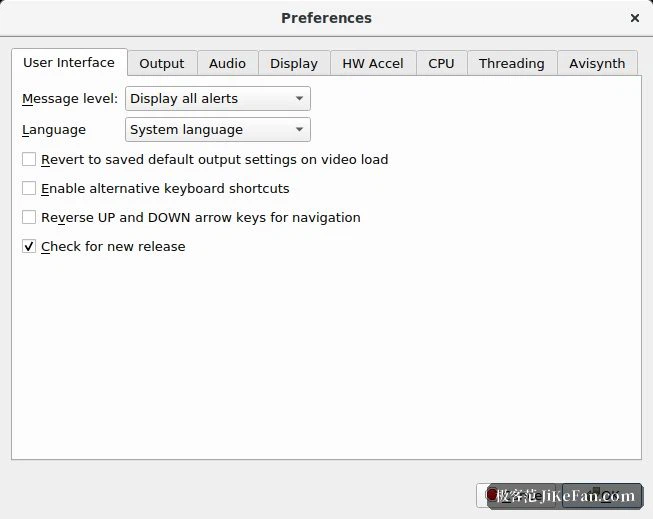
It is unusually friendly to old material: the AVI, MP4, MKV, MPEG, TS, VOB, MOV and FLV containers all open, along with the encodings usually found inside them, and the output can be MP4, MKV, WebM or AVI. The built-in x264 and x265 encoders make sure the result plays anywhere. Work that repeats can be written as a script or put into a job queue and run in a batch, and with a project file a whole set of recordings can be converted the same way, set up once and used again. The interface in the recent line gained button sets made for high density screens and a light and a dark theme, and the step of the wheel can be set anywhere from 1 to 60 seconds. For anyone who deals with video now and then, a tool of a few tens of megabytes is much lighter on its feet than a suite of several gigabytes.