
The release that put X11 away: Fedora Linux 43 with GNOME 49
Summary
A major release every six months, and always the one to try things first. This time GNOME 49 arrives on the desktop, the workstation edition drops the X11 session altogether and runs Wayland alone, and triple buffering makes the animation smoother. The toolchain was renewed in one sweep, with the package manager, the compilers and the language runtimes all moving forward together. Anyone who wants a read only system with isolated applications still has the atomic desktops.
- Name
- Fedora Linux
- Version
- 43
- Pricing
- Free
- Open source
- Open source
- Operating system
- Linux
- Website
- https://fedoraproject.org
- Updated
- 2026-10-06 15:04
Where the new things are tried first
Fedora is a free open source system pushed along by a worldwide community together with a commercial sponsor, and it has a reputation for taking new technology early. Several mechanisms that later changed the whole of Linux were polished here first, then went into the distributions that businesses run. A major release comes every six months, and the current one is Fedora Linux 43: GNOME 49 on the desktop, the workstation edition moved over to Wayland entirely, and a toolchain that was renewed in one large sweep.
What changed in the forty third release
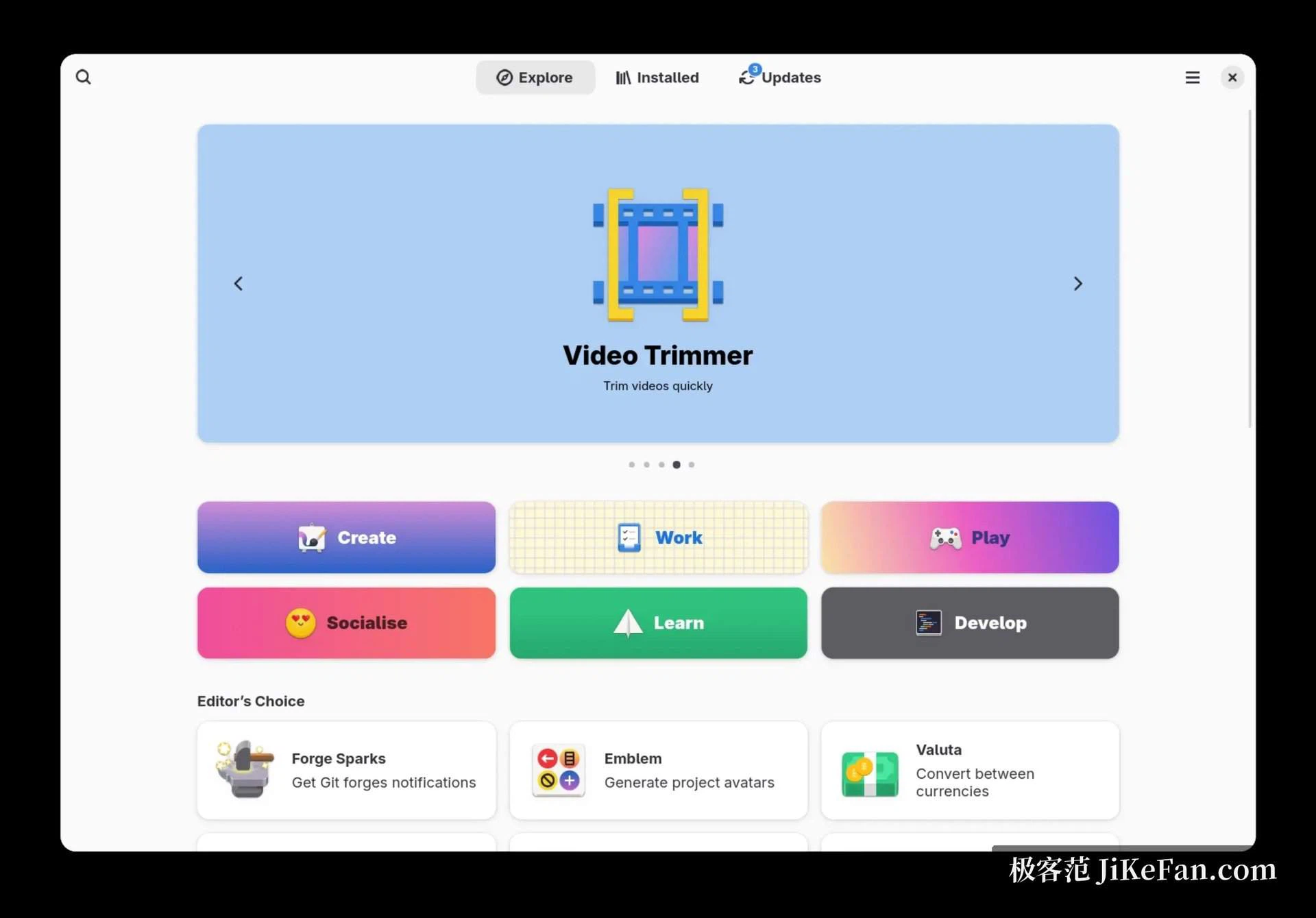
On the desktop, GNOME 49 brings a smoother experience with more than one screen, a new mode for concentrating on one thing, and a simpler way of taking screenshots and recording the screen; throttling in the background leaves a notebook cooler and running longer on a charge. The default video player has been replaced by a newcomer built on GTK 4, and colour emoji moved to a vector format, so they no longer go soft on a high density screen. The decision that matters most is the removal of the X11 session altogether, which makes this a desktop of Wayland alone; triple buffering gives smoother animation, and machines that mix an integrated graphics chip with a separate card gain from it as well.
A comfortable place for developers
The toolchain is where Fedora is strongest. This release brings GCC 15.2, LLVM 21 and glibc 2.42, Python moves to 3.14, Go to 1.25 and Java to 25, the long term support line. The package manager has entered its sixth generation and understands keys for post quantum cryptography, and the newer resolver is now what the installer uses by default. The database and server pieces moved with it, with PostgreSQL 18 and MySQL 8.4 both in the repositories. The ground is also being prepared for containers and for systems that do not change: the cloud edition is now built through a container image pipeline, and the atomic desktops continue to offer a choice to anyone who wants a read only system with applications kept apart from it.
What it is like to use, and how well it speaks other languages
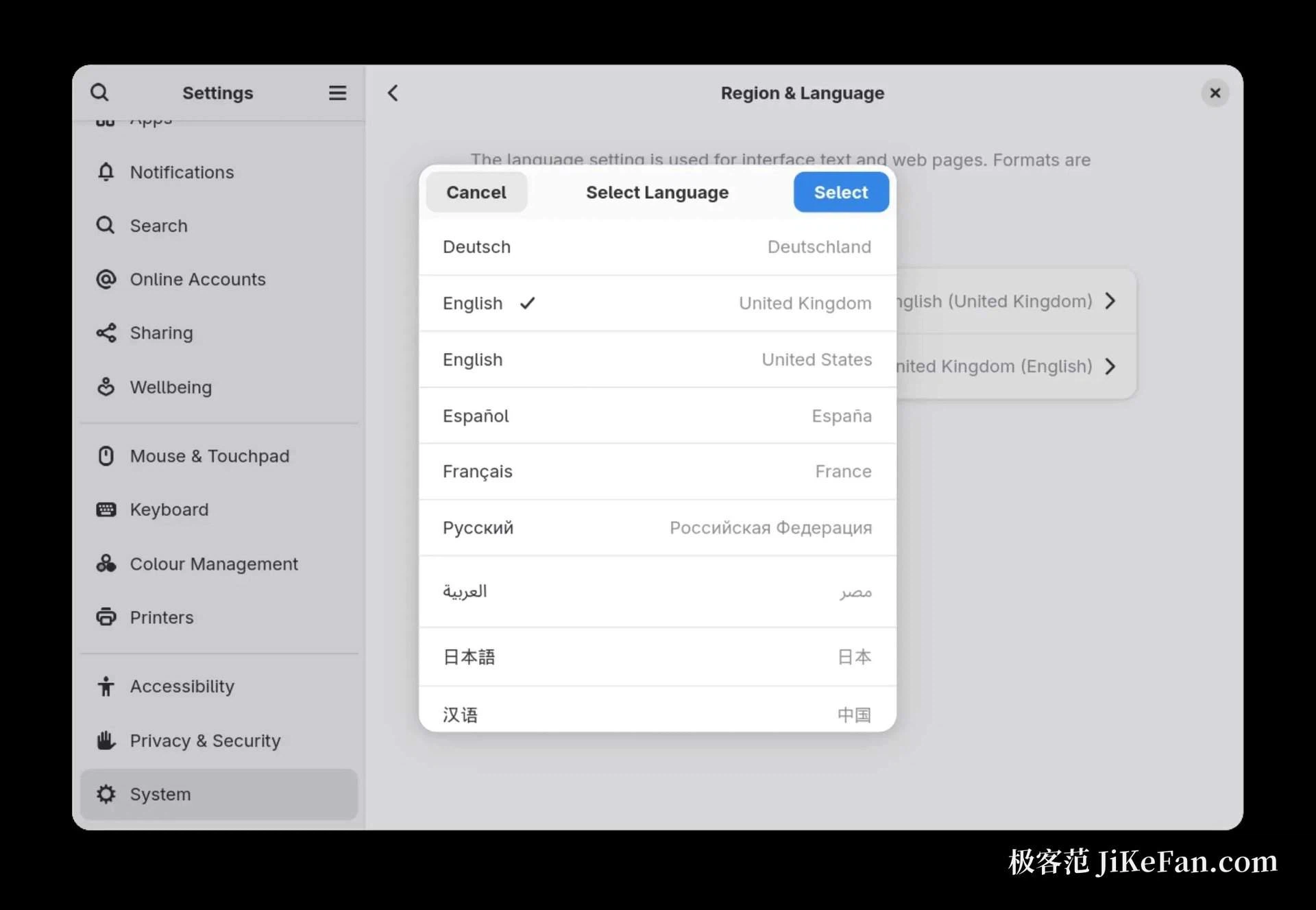
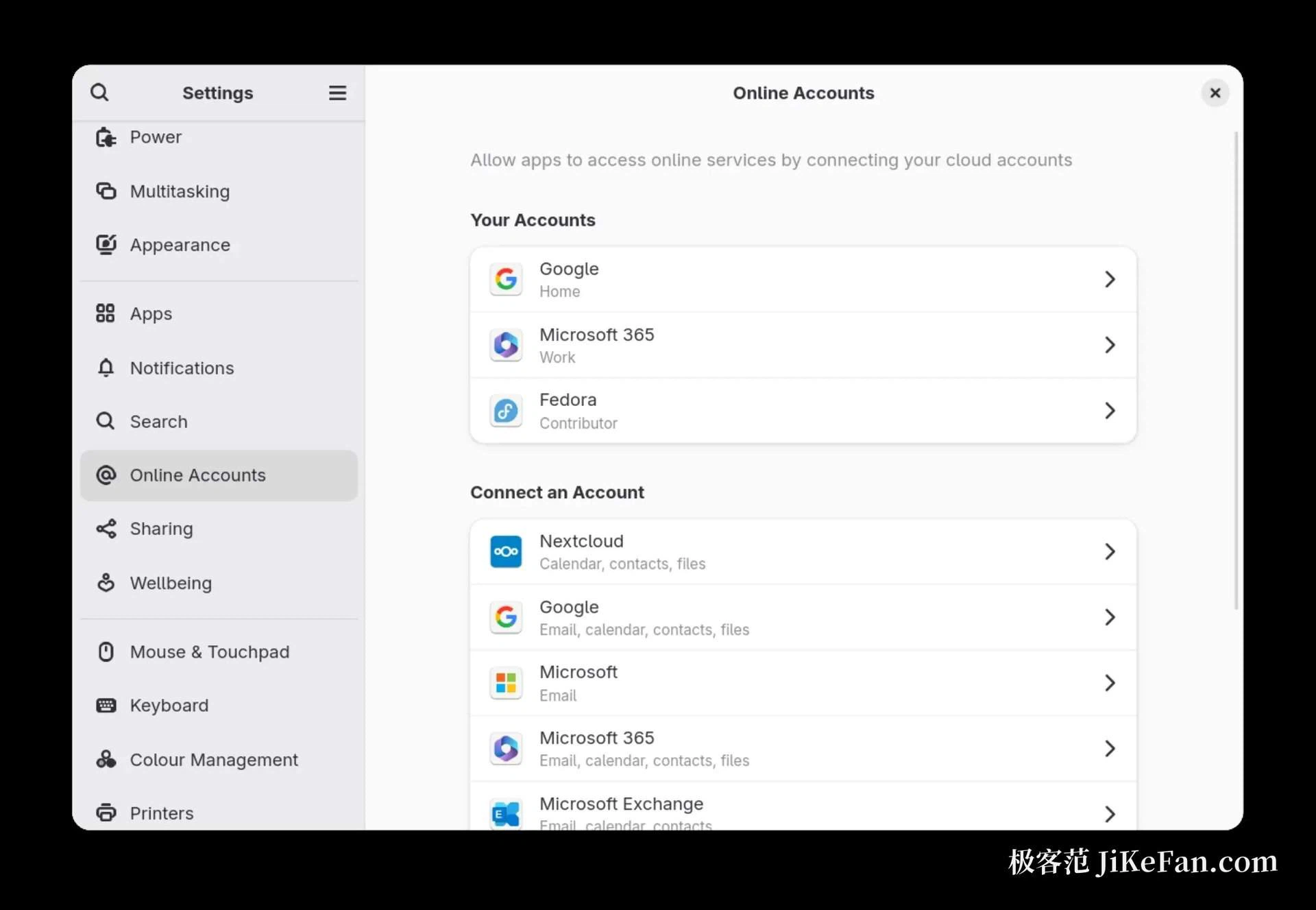
Being complete out of the box is the other thing this desktop is known for: files, screenshots, screen recording and the splitting of windows into tiles are all native parts, and third party applications arrive through the software centre as sandboxed Flatpak packages, which is both safer and cleaner. Support for Chinese input methods and for the rendering of typefaces has improved year after year, and the documentation and forum threads the community maintains are enough for a beginner to get out of trouble. On the hardware side, drivers for new graphics chips and wireless cards follow quickly, and notebooks with both an integrated and a separate graphics chip behave noticeably better than they did a release ago. On privacy, nothing is sent anywhere by default, and the statistics offered during installation are a choice, not a condition.
The family of editions, and who each is for
Beyond the default workstation there is an edition for servers, one for the internet of things, the cloud edition, and a set of spins that put KDE, Xfce or Cinnamon on top instead. Images are downloaded free of charge and written to a memory stick, which then boots into the installer; the installer itself now has a web style interface, and the boot partition starts at two gigabytes by default, which makes upgrades less of a worry. For developers, for students, and for anyone who wants to meet new open source work on the day it lands, this is the safe place to try things first. The cautious can wait a couple of point releases before moving.