
RoboForm: a password manager that has been at it since 1999, with no limit on passwords in the free tier
Summary
A manager that began in 1999 as a form filler, and still treats forms as its real trade: registration pages, checkouts and multi step logins are completed in one go from an identity set up beforehand. AES-256 encryption, a master password stretched through millions of rounds, and a zero knowledge design in which the server never sees the key. The free tier puts no ceiling on the number of passwords on a single device.
Recommend- Name
- RoboForm
- Version
- 9.9
- Pricing
- Free
- Open source
- Proprietary
- Operating system
- WindowsmacOSLinuxAndroidiOS
- Website
- https://www.roboform.com
- Updated
- 2026-10-05 01:27
A program from 1999, older than the name of its own category
Passwords multiply, every site invents its own rules about what one may contain, and the combination of memory and whatever the browser offers to save has been failing for years. RoboForm has been in this work since 1999, and it began on the other side of the problem: filling in web forms, which is why it is older than the name of the category it now sits in. The current line is version 9.9, it runs on Windows, macOS, Linux, Android and iOS, extensions exist for the engines that browsers are built on, and the interface has been translated into many languages.
Filling the form is the speciality
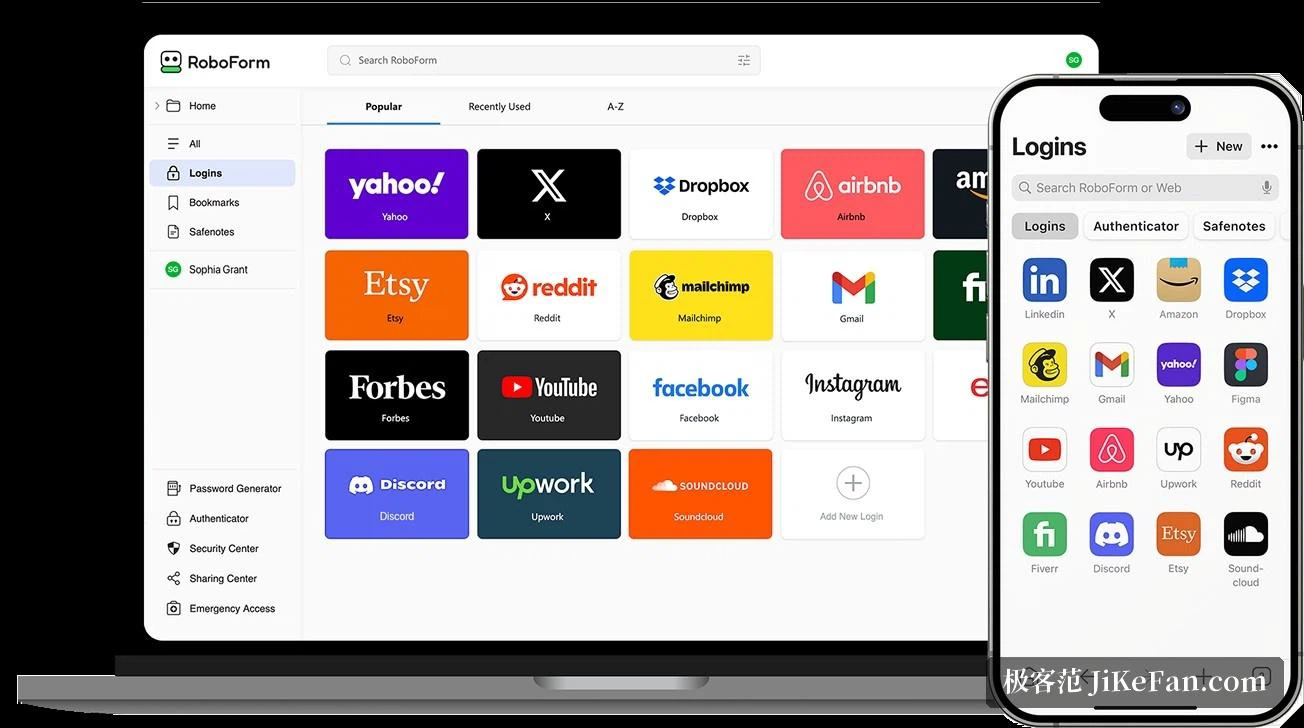
Most managers treat automatic filling as an extra. This one is the other way round: it was built for forms, and everything else grew around that. A registration page, a checkout, a login that takes three screens, the strange fields that government sites invent, all of them can be completed in one go from an identity set up beforehand, and the accuracy of that filling is the thing it has long been known for. Logins, bookmarks, contacts and secure notes live in an encrypted database; the first time you sign in somewhere the credentials are captured and saved, and every time after that it is one click.
How the vault is protected, and what the new version added
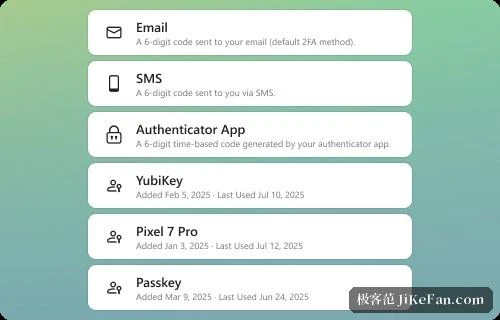
The data is encrypted with AES-256, and the master password is turned into a key by PBKDF2-SHA256 run through millions of rounds. The arrangement is one of zero knowledge: encryption and decryption happen on the machine in front of you, the server never receives the master password, and the company that makes the program cannot read a vault either. In 2023 and again in 2025 the program was put through independent audits by a security firm in Europe. The new version has also caught up with three modern habits: a built-in generator for time based one time codes, so a separate authenticator is no longer needed; unlocking the vault with a passkey, using a face, a fingerprint or the PIN of the device; and advanced two factor options that include hardware security keys and trusted devices.
What it is like on an ordinary day
The browser extension is where most of the work happens. Signing in anywhere brings up a prompt to save, and filling a form is either a click on the icon or an injection that happens on its own. The desktop client is for keeping the vault in order, with folders, search and favourites pinned where they can be reached. The password generator follows rules set by length and character type, so a site with an awkward restriction still gets something strong and legal. Moving in from another manager is a solved problem: the credentials held by the well known managers and the ones saved inside browsers can all be imported in a batch, so changing sides costs little. For sharing, a single password or a whole folder can be handed to family or colleagues with the level of permission chosen for each.
The free tier, and what the subscription buys
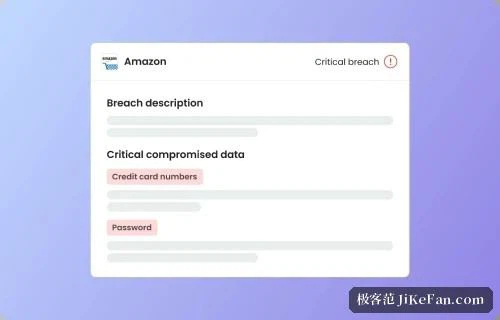
The free version is unusually usable for one person: on a single device the number of passwords has no ceiling, and automatic saving, automatic filling, the password audit, the one time code generator and the cloud backup are all included. The only restriction is that it does not synchronise across devices. The paid version, sold as a yearly subscription that works out at under a dollar a month, adds synchronisation everywhere, access from a web browser, shared folders and emergency access, at a price that sits at the low end of the category; a family plan bundles five premium accounts. Breach monitoring watches up to five email addresses and raises a warning when a password turns up in a leak. For anyone who wants to spend very little and still work across machines, it is a sensible bargain.