
-
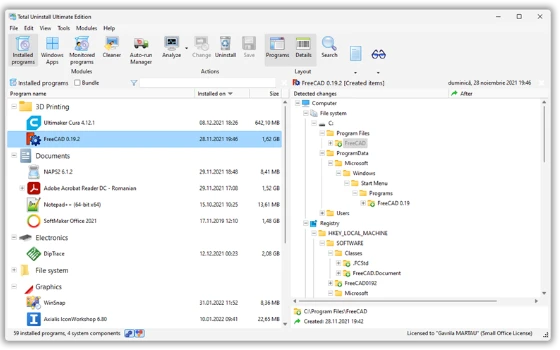
Total Uninstall 7.6.2: snapshot before installing, clear the diff list on removal
Total Uninstall 7.6.2 takes a system snapshot before an install and another after it, so the difference between the two becomes the list of things to remove. Forced removal is there for stubborn entries, and the Professional licence runs about 50 euros for one machine.
-
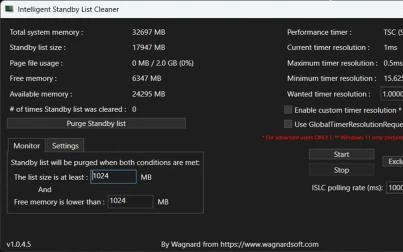
ISLC 1.0.4.8: clearing the Windows standby memory list on a threshold
A free utility that manages the Windows standby memory list by a threshold you set, watching in the background and clearing when the list grows past it. The aim is fewer stutters and a quicker response. Current version 1.0.4.8.
-
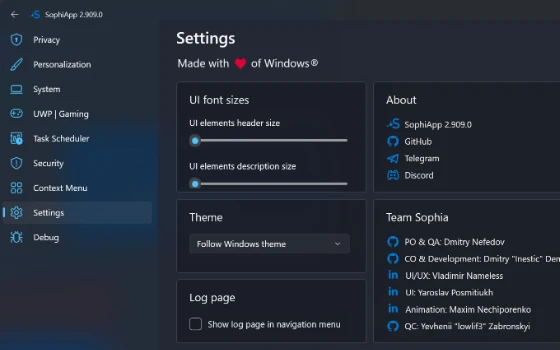
Sophia Script for Windows writes scattered settings into one script
An open PowerShell module for Windows that carries out system tuning through individual functions you can call one at a time, updated to 8.0.0 in October 2026 with support for Windows 11 25H2 and released under the MIT licence.
-
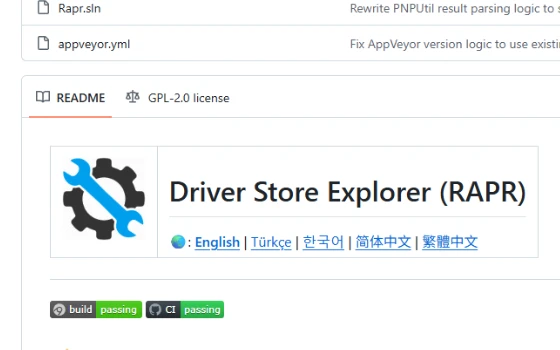
DriverStore Explorer: an open source tool for cleaning old Windows driver packages
A driver store manager for Windows that lists the third party driver packages kept on the system in a sortable table, shows size and date, deletes old versions in batches, exports a backup and can select unused drivers automatically. The code is published under GPL.
-
NTLite: a Windows image customisation tool, 26H2 preview support in 2026.09
A customisation tool for Windows installations and maintenance: remove components and bundled apps, fold drivers and updates into the image, and run an unattended installation from a preset. The free edition is for personal use.
-
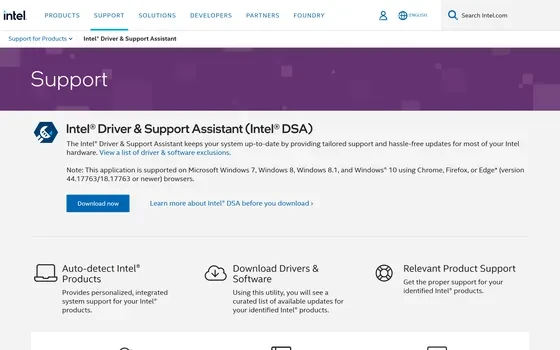
Intel DSA: The Official Assistant That Identifies Your Hardware First
Intel Driver & Support Assistant is Intel's own hardware detection and driver update tool: it reads which Intel products a machine carries, then offers the matching drivers and software, with an installer served from Intel's own domain.
-
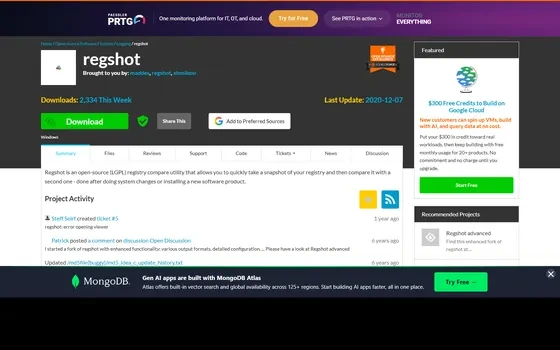
RegShot: An Open Source Tool That Diffs Two Registry Snapshots
RegShot is an open source registry comparison tool under LGPLv2: take a snapshot before a change and another after, then compare the two to list added, removed and modified keys. It is widely used to audit what an installer touched.
-
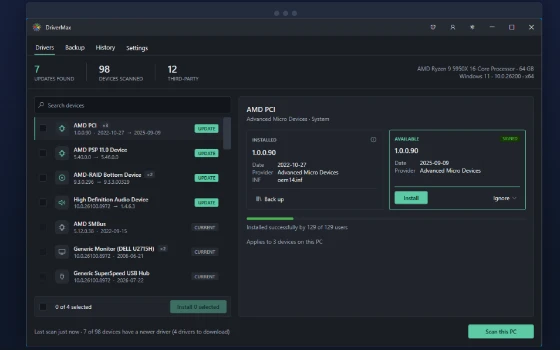
DriverMax shows what a driver did on other machines before you install it
A driver update and backup tool for Windows whose distinguishing feature is showing how each driver package turned out on other people's machines, so the decision rests on evidence, with unlimited scanning and backup even in the free edition.
-
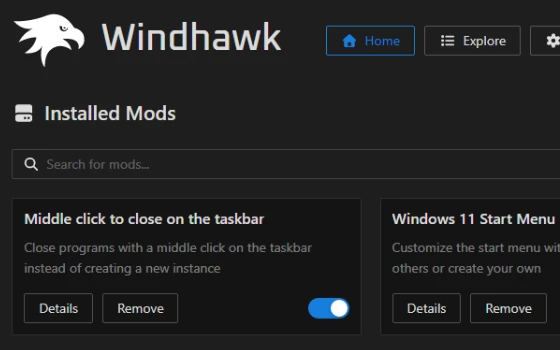
Windhawk review: system tweaks that install like apps and uninstall cleanly
Hundreds of community modifications, each installed with one click, each removable without a trace: the old craft of bending Windows turned into something a cautious person can try.
-
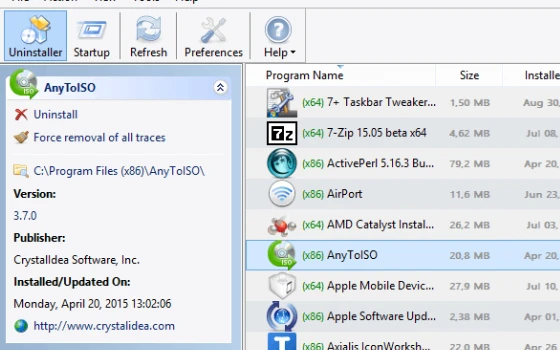
Uninstall Tool review: removing programs properly, leftovers included
The system uninstaller is slow, blunt and leaves a trail. This one lists everything in a second, records what an installer writes so removal can follow the same map, and stays small enough for an old machine.
-
Iris review: colour temperature, dimming and breaks in one place
Most sunset filters only warm the screen. Iris also goes below the hardware brightness floor, removes flicker and schedules breaks, which is the part that actually helps after eight hours in front of a monitor.
-
Advanced SystemCare review: cleanup and tuning for a tired PC
A single dashboard that scans junk files, startup entries and privacy traces, shows what it found and waits for confirmation: a low-threshold maintenance routine for people who would rather not learn what a registry hive is.

-
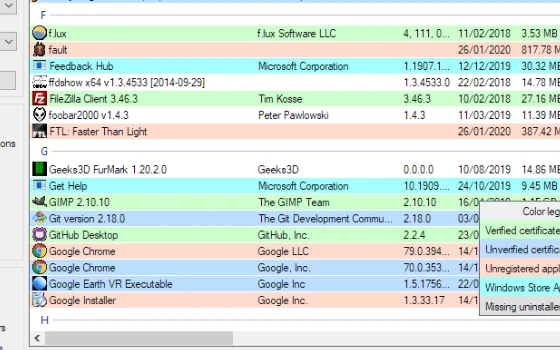
Bulk Crap Uninstaller Review: Emptying a Machine in Batches
Queue a hundred programs, press once, and walk away. BCUninstaller removes silently in batches, then scans the registry and disk for what the vendor installer left behind. Free and open source.
-
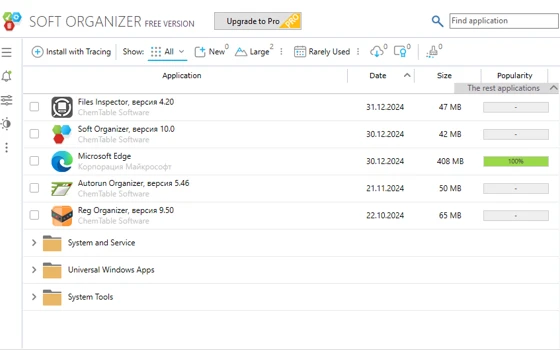
Soft Organizer Review: Uninstalling That Leaves Nothing Behind
Soft Organizer watches an installation from start to finish and writes down everything it touches, so removal can follow the same list back out. The difference shows up months later, when the disk is not filling with ghosts.
-
Easy Service Optimizer Review: Tame Windows Background Services
Easy Service Optimizer is a free portable utility from Sordum that turns Windows service tuning into a preset menu: pick a level, apply it in one click, and roll everything back if a feature misbehaves. No installer, no background agent.
-
第 1 / 5 页