
RegShot: An Open Source Tool That Diffs Two Registry Snapshots
Summary
RegShot is an open source registry comparison tool under LGPLv2: take a snapshot before a change and another after, then compare the two to list added, removed and modified keys. It is widely used to audit what an installer touched.
Recommend- Name
- RegShot
- Version
- 1.9.1-beta
- Pricing
- Free
- Open source
- Open source
- Operating system
- Windows
- Updated
- 2026-10-11 20:17
What a program actually changes on a system after it installs is something few people can explain, unless a baseline was taken first.
Leave a baseline, then act
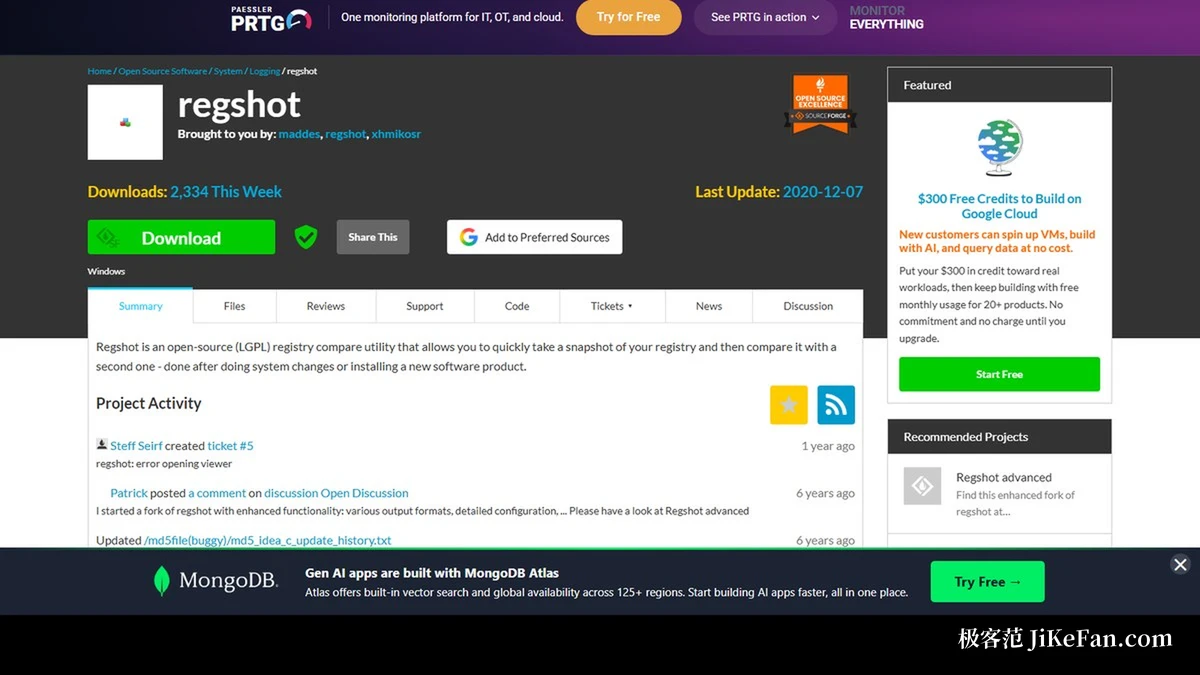
RegShot is an open source registry comparison tool released under the LGPLv2 licence. The official project page reduces its method to one sentence: capture a snapshot of the registry, then after the system changes or a new program is installed, capture a second one and compare the two. This before-and-after approach needs no resident monitoring process; it records state only at the two moments you choose, so the disturbance to the machine under test stays small.
Its range is wider than it first appears. Watching which keys a new installer writes, confirming the scope of a settings change, or tracing an unexplained configuration shift on a machine all follow the same routine: one snapshot before, one after, then read the two results side by side. The project page files the tool under logging, which fits, because at heart it is an instrument for keeping evidence.
The output is a readable list of differences
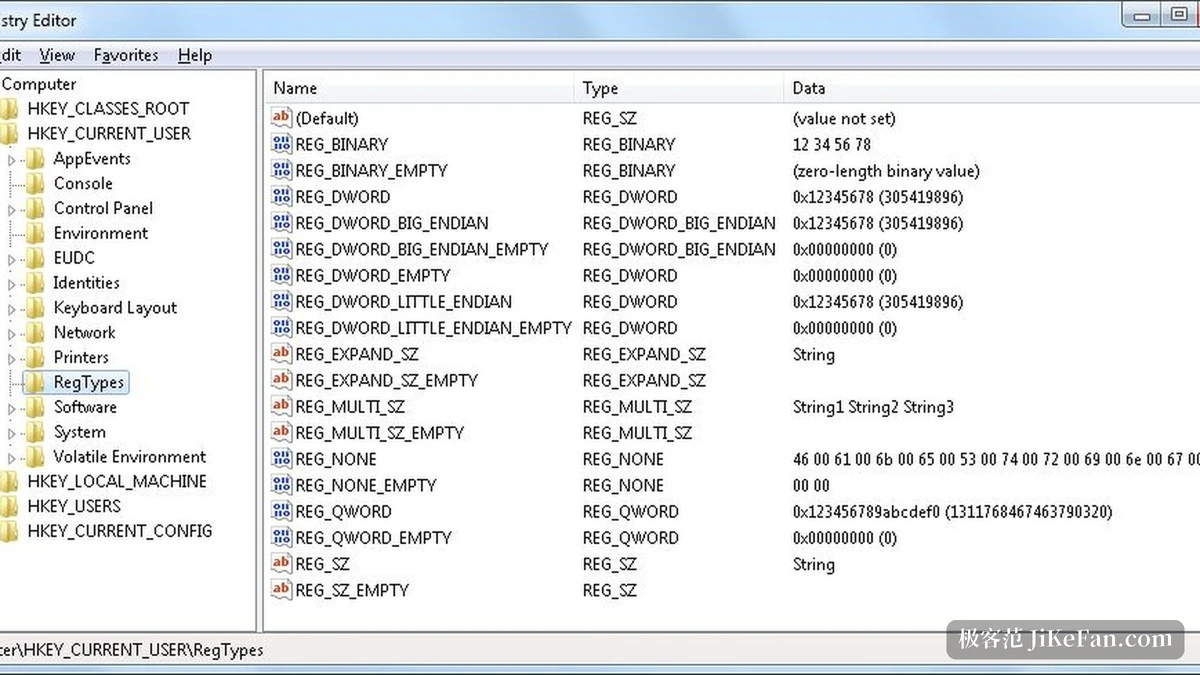
The comparison is assembled into a difference report that lists added, deleted and modified registry entries separately. The two output formats most often cited in third-party write-ups are plain text and HTML: the first is easy to feed into other tools, the second reads directly in a browser with the changed parts easier to spot.
The community fork Regshot-Advanced refines the output further. Its documentation lists text, HTML, a CMD script used only to undo changes, plus a UNL text format for machine parsing and a REG file that can undo or replay registry edits. The last two matter to anyone folding changes into an automated pipeline: what you take away is not just a description but a record you can roll back or reproduce.
Item | Official notes |
|---|---|
Tool type | Open source registry comparison tool, LGPLv2 |
Method | One snapshot before the change, one after, then compare |
Technical | Written in C, Windows, Win32 interface |
Official version | 1.9.1-beta; project page last updated 2020-12-07 |
Community fork | Regshot-Advanced, current version v3.0.0 |
The maintenance status deserves a clear sentence
The official project page marks 7 December 2020 as the last update, and the newest file in the regshot directory is 1.9.1-beta, followed by 1.9.0, 1.9.0-beta and the 1.8 line. The project was registered in January 2008, is written in C and uses a Win32 interface: a very small native program with few component dependencies, which is part of why it is still cited so often.
What keeps growing is the fork. Regshot-Advanced documents that it records file system and registry changes together, with the main purpose of finding out what an installer did to a system; its README notes that it branches from RegShot, whose original project lives on SourceForge, and that the current version is v3.0.0. So when you need finer output formats and file system coverage, that branch is the one to use; for a plain before-and-after registry diff, the original still does the job.
Turning what changed into a list you can hold up and check is the first step in any diagnosis.
Practical notes. Close other programs that touch the system before you start, or the report will fill up with unrelated entries. Export the comparison and keep it, so a similar problem later has something to compare against. And on a production machine, take the snapshots before the change, not after; a baseline captured afterwards is worth nothing.