
-
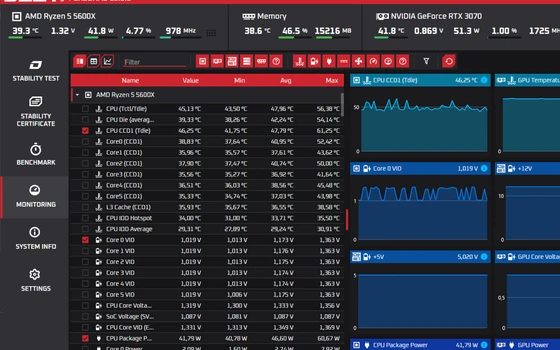
OCCT 17.1.9 splits the memory test into 16 modules and stays free for one machine
OCCT 17.1.9 rewrote its memory test as 16 blocks that can be combined at will, next to a power supply stress test and live temperature and voltage curves. The personal edition is free, on both Windows and Linux.
-
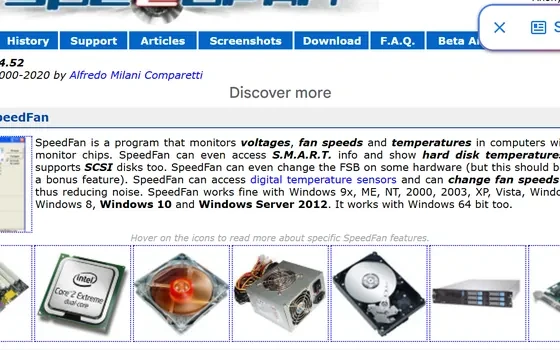
SpeedFan 4.52: free monitoring for hardware temperatures and fan speeds
A hardware monitoring tool for Windows that reads voltages, temperatures and fan speeds, shows S.M.A.R.T. data and drive temperature, and adjusts fan speeds along custom curves to cut noise. The current version is 4.52.
-
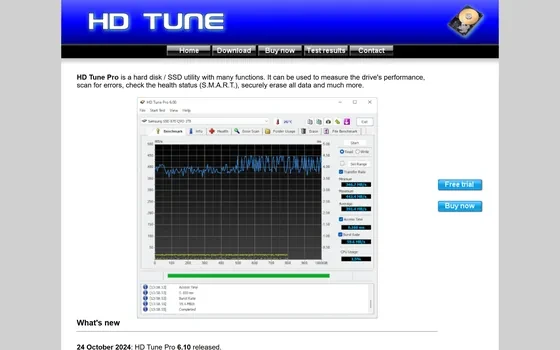
HD Tune Pro 6.10: a checkup kit for hard drives and solid state drives
A long running toolbox for hard drives and solid state drives: read and write benchmarks, health readings taken from the drive own counters, a surface error scan and a secure erase, with a free edition for personal use and a Pro edition at 6.10 licensed per user for 29.95 dollars after a 14 day trial.
-
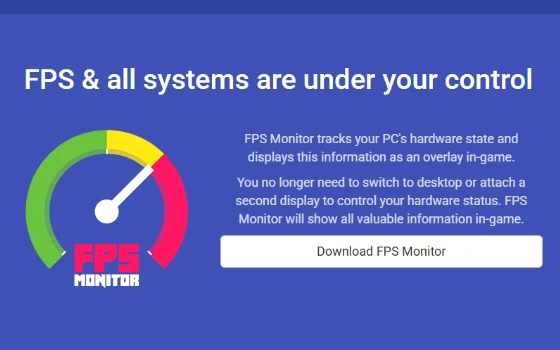
FPS Monitor lays hardware readings over the game itself
A hardware status overlay for Windows that lays processor, graphics card, memory and disk load, together with temperature and voltage sensor values, over the game picture, and can log that load for a set stretch of time so the numbers can be studied afterwards.
-
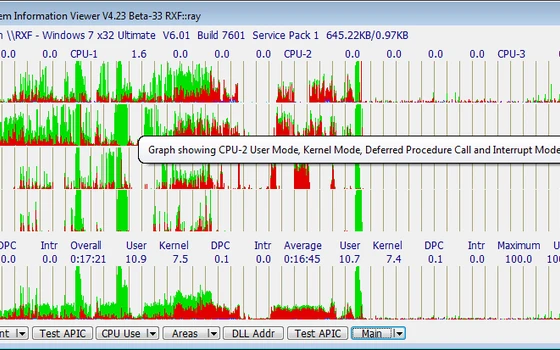
SIV reads out the hardware and sensors inside a Windows machine for free
A hardware and system information viewer for Windows that lays processor, buses and sensor readings on one screen, free for home use, running from the early NT days to the newest Windows on a steady release rhythm.
-
Intel Extreme Tuning Utility review: the vendor's own overclocking console
Multipliers, voltage offsets and power limits exposed as sliders, applied live with the graphs beside them, and a benchmark to check the result before the machine tells you the hard way.
-
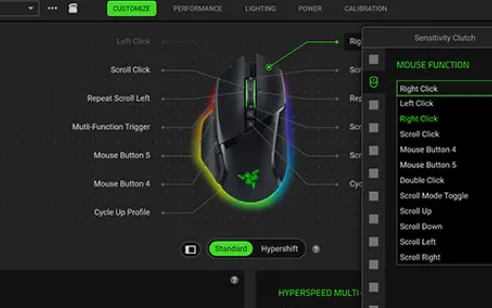
Razer Synapse 4 review: the layer that decides how your hardware feels
Buying the mouse is half the job. This is where sensitivity curves, per-key programming and lighting are set, and where a rebuild finally made the whole thing feel quick instead of merely capable.
-
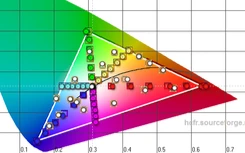
HCFR review: measuring your screen instead of guessing at it
A colorimeter plus free software: test patterns go up, the meter reads what the panel actually shows, and greyscale tracking, primary accuracy and shadow detail become charts with a number on them.
-
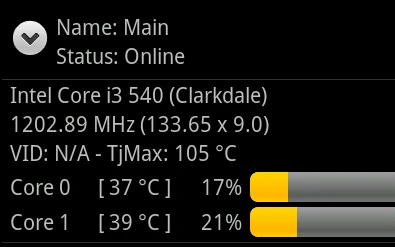
Core Temp review: a few hundred kilobytes that watch every degree
The lightest way to answer the question of why the fan is loud: per-core temperatures read straight from the processor, a tray readout, configurable alerts and logging, in an installer smaller than most icons.
-
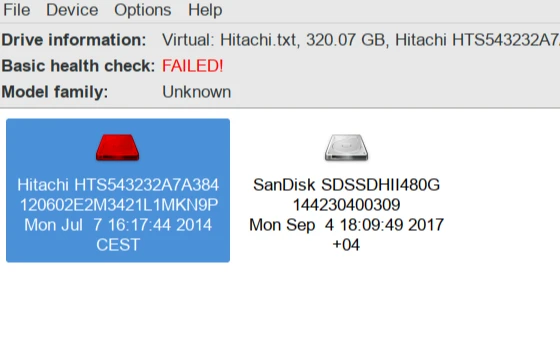
GSmartControl Review: Reading a Disk's Own Health Report
Every disk carries its own health report and hides it in raw numbers. GSmartControl lists the attributes in plain language, highlights the dangerous ones, runs short and long self tests, and keeps the reports for comparison.
-
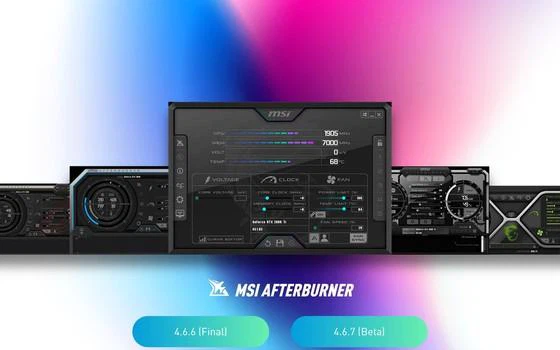
MSI Afterburner Review: A Dashboard for Any Graphics Card
Clock, voltage, power limit and fan curve in one panel, plus an in game overlay that shows frame rate and temperature without leaving the game. It works on any brand, and it is free.
-
AMI AFUWIN Review: Flashing Firmware With the Vendor Tool
AFUWIN is the firmware flashing utility from AMI, the company whose code sits inside most motherboards. It runs from inside the operating system, flashes a full image or a chosen region, and verifies the result afterwards.

-
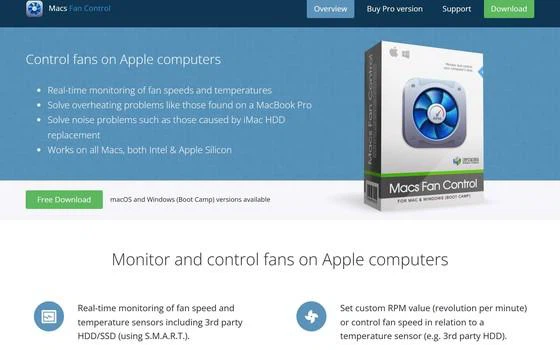
Macs Fan Control: take the fan curve back from the system
Idle machine, humming fan, warm palm rest after twenty minutes of editing: the built-in settings panel offers nothing to intervene with. Macs Fan Control shows every sensor reading in one window and lets you hold a speed or write a temperature rule.
-
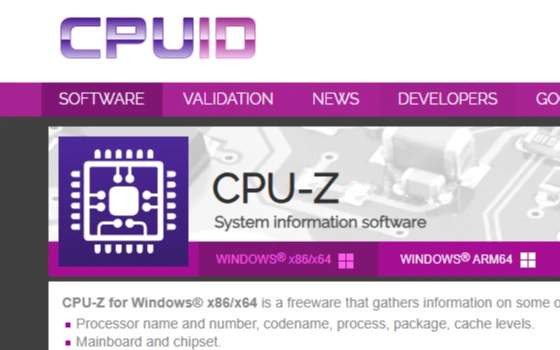
CPU-Z Review: Reading the Specs Out of the Hardware Itself
Before a benchmark, before an opinion, there is the question of what is actually inside the machine. CPU-Z reads the processor architecture and live clock, the board model and firmware, and the timings of every memory stick, straight from the hardware rather than from what the system claims.
-
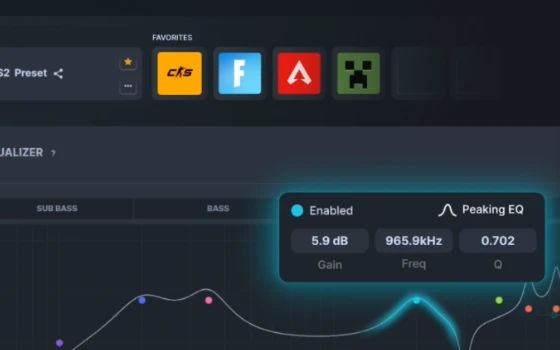
SteelSeries GG Review: The Vendor Suite That Does Not Lock You In
SteelSeries GG folds the old Engine configurator into a modern suite: keyboards, mice and headsets managed in one place, macros and lighting synced, profiles switching per game. The Sonar audio module adds spatial presets, a ten band equalizer and microphone cleanup, and it works with headsets from any brand.
-
第 1 / 5 页