
Intel DSA: The Official Assistant That Identifies Your Hardware First
Summary
Intel Driver & Support Assistant is Intel's own hardware detection and driver update tool: it reads which Intel products a machine carries, then offers the matching drivers and software, with an installer served from Intel's own domain.
Recommend- Name
- Intel DSA
- Version
- 26.2.0.7
- Pricing
- Free
- Open source
- Proprietary
- Operating system
- Windows
- Updated
- 2026-10-11 20:26
The awkward part about drivers is that you usually remember them only when some feature suddenly stops working, and by then they are two years old.
It starts with identifying the hardware
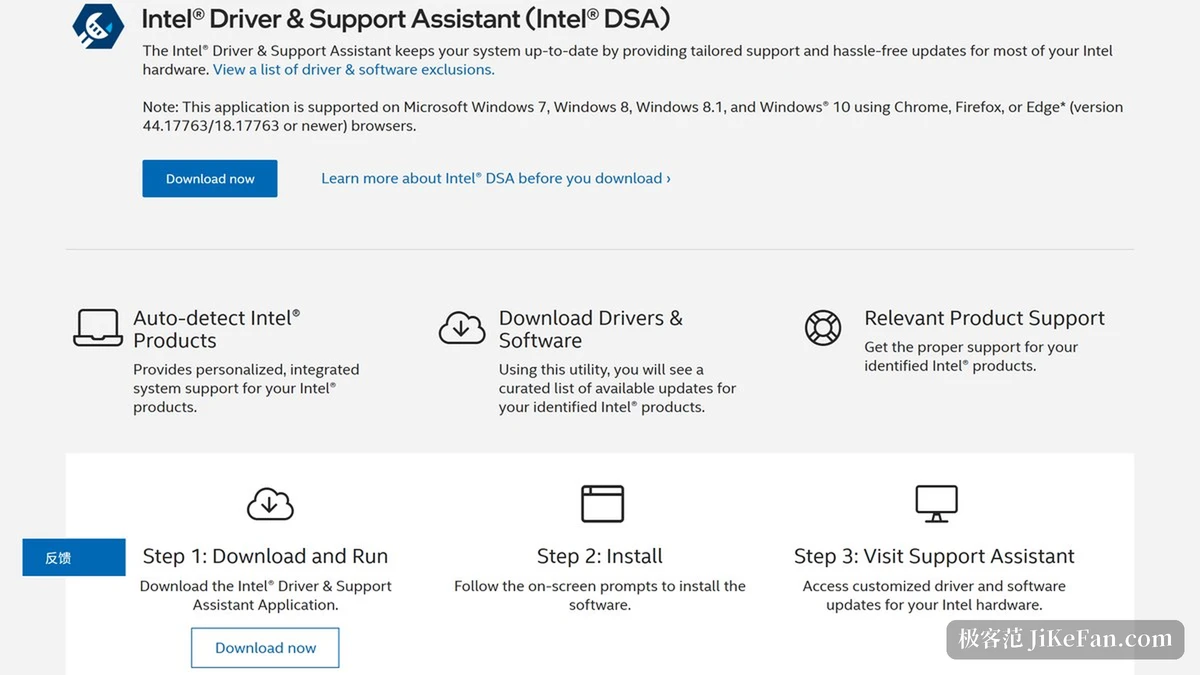
Intel Driver & Support Assistant comes from Intel itself. The official support page states its job in one main clause: identify the products you use and get driver and software updates for most Intel hardware. The order of that sentence is worth noticing, identify first and update second. Once installed, a scan reads which Intel products the machine carries and offers the available updates on that basis.
The qualifier in the same sentence is most rather than all, and the paragraph ends with a link to view the exclusion list. That is a fairly honest arrangement: the boundary of coverage is written out item by item, so you can check the list first and decide whether the tool is useful for you, instead of installing it and discovering the device is not on it.
Where it comes from, and how big it is
Obtaining it is simple. The official page offers only a download, with no purchase or subscription step anywhere on it, because Intel provides the tool free of charge. The installer is fetched from Intel's own domain, the downloaded file carries the official full product name, and the publisher field in the file's version resource reads Intel. For software that needs a high level of trust, such as drivers, those two points are worth confirming before the feature list.
On size, the installer is around 8.3 MB, under 10 MB. The current installer version is 26.2.0.7, a number taken from the installer's own version resource and consistent with the official page. The tool targets Windows, and Intel offers no build for other systems.
Item | Official notes |
|---|---|
Provider | Intel |
Main job | Identify Intel hardware, then deliver driver and software updates |
Coverage | Most Intel hardware, with an exclusion list to check |
Distribution | Installer served from Intel's own domain |
Platform and version | Windows; current installer 26.2.0.7 |
How to use it, and what to watch
The workflow is scan, list, install: first the hardware on the machine is detected, then the updatable drivers and software are laid out as a table, and the user decides what to install. It suits a machine with many Intel components where you would rather not chase download pages one by one. If you only need to update a single network card or graphics chip now and then, searching the support page for that model may not be slower at all.
One point is worth settling first: the generic driver a chip vendor publishes and the driver an OEM customises are not always the same file. OEMs tend to adjust drivers for their own models, and the official page says as much. So after a scan returns available updates, confirm whether the machine comes from a brand vendor, then decide between the generic build and the vendor's own support page; that saves some detours.
A tool that puts what I installed next to what the vendor thinks should be updated already removes most of the diagnosis work.
Practical notes. After the first scan, write the hardware list down for reference; it makes comparison easy when the machine changes. Create a restore point before updating, because rolling a driver back is far less painful that way. And if a device simply is not detected, check whether it appears on the official exclusion list before looking for drivers through another channel.