
Sophia Script for Windows writes scattered settings into one script
Summary
An open PowerShell module for Windows that carries out system tuning through individual functions you can call one at a time, updated to 8.0.0 in October 2026 with support for Windows 11 25H2 and released under the MIT licence.
Recommend- Name
- Sophia Script for Windows
- Version
- 8
- Pricing
- Free
- Open source
- Open source
- Operating system
- Windows
- Updated
- 2026-10-13 11:45
Windows keeps its settings in three places at once, and one walk through all of them is enough to tire anyone out.
Why one change means three places
System settings are spread across roughly three locations. The settings app holds the graphical options, where a change takes effect at once. The policy editor holds entries meant for managed environments. And a further batch of switches exists only deep inside the registry. The same change sometimes has to be confirmed in two of them: turning off some piece of online behaviour may mean both a toggle in the settings app and a policy entry.
Following a guide click by click is not hard once or twice. The trouble starts with many machines, or with repetition: reinstall a system every so often, or keep several computers for different purposes, and the same few dozen steps have to be walked again, with no guarantee that every pass ends up identical. A missed item or two often surfaces only much later.
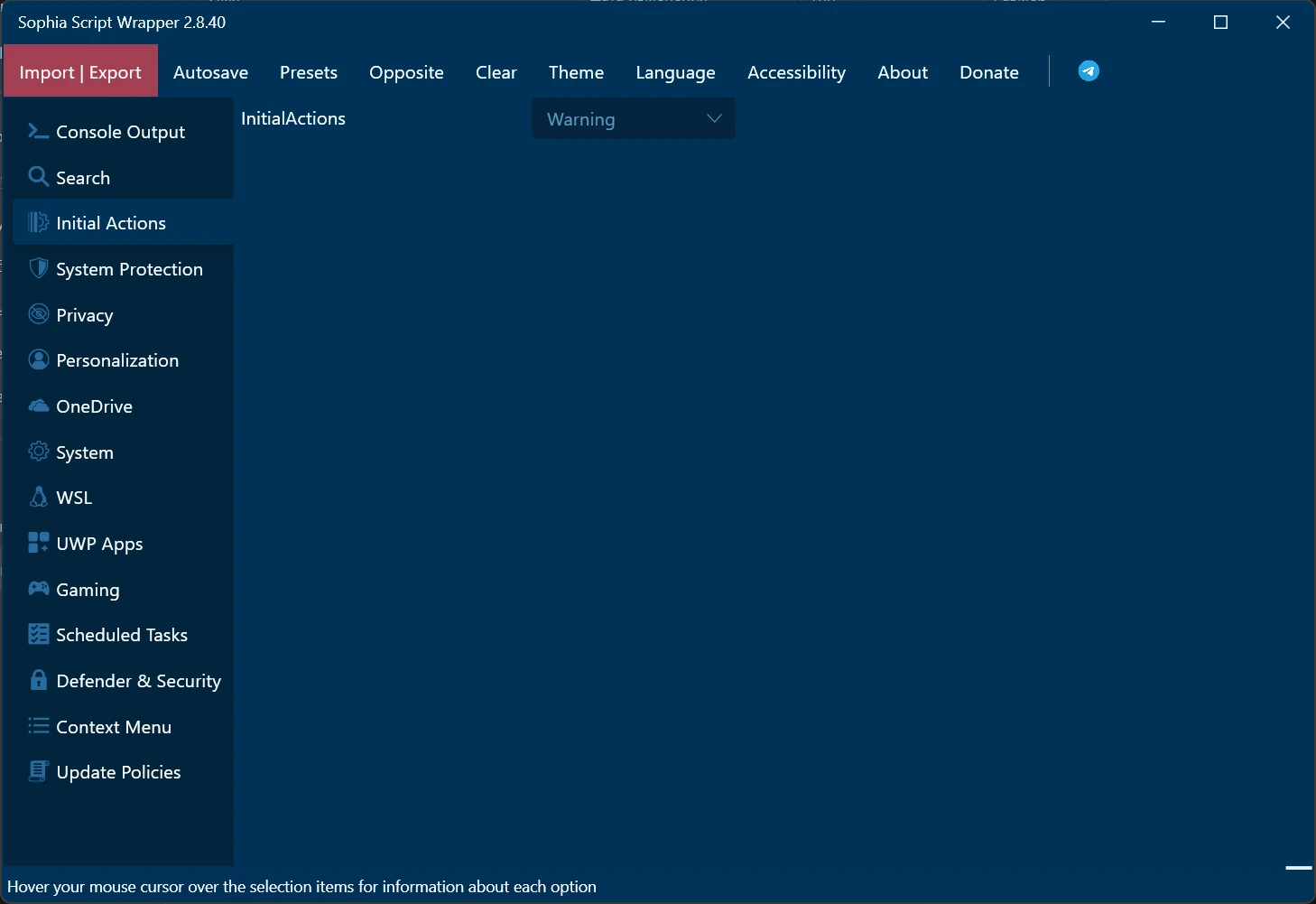
Sophia Script for Windows takes the road of writing the operations as a script. The official description calls it a PowerShell module offering a large set of configuration functions; in form it is not a graphical program but a batch of prepared operations, run in the order you call them. Version 8.0.0 was published in October 2026 and supports up to Windows 11 25H2.
What separate functions mean in practice
One point the official repository stresses is that every function is an independent script that can run on its own, rather than a whole that must be executed end to end. That split decides the way it gets used: call only the one item you want to change, with no need to walk the entire flow. For someone who wants a handful of settings handled, keeping the scope small costs far less.
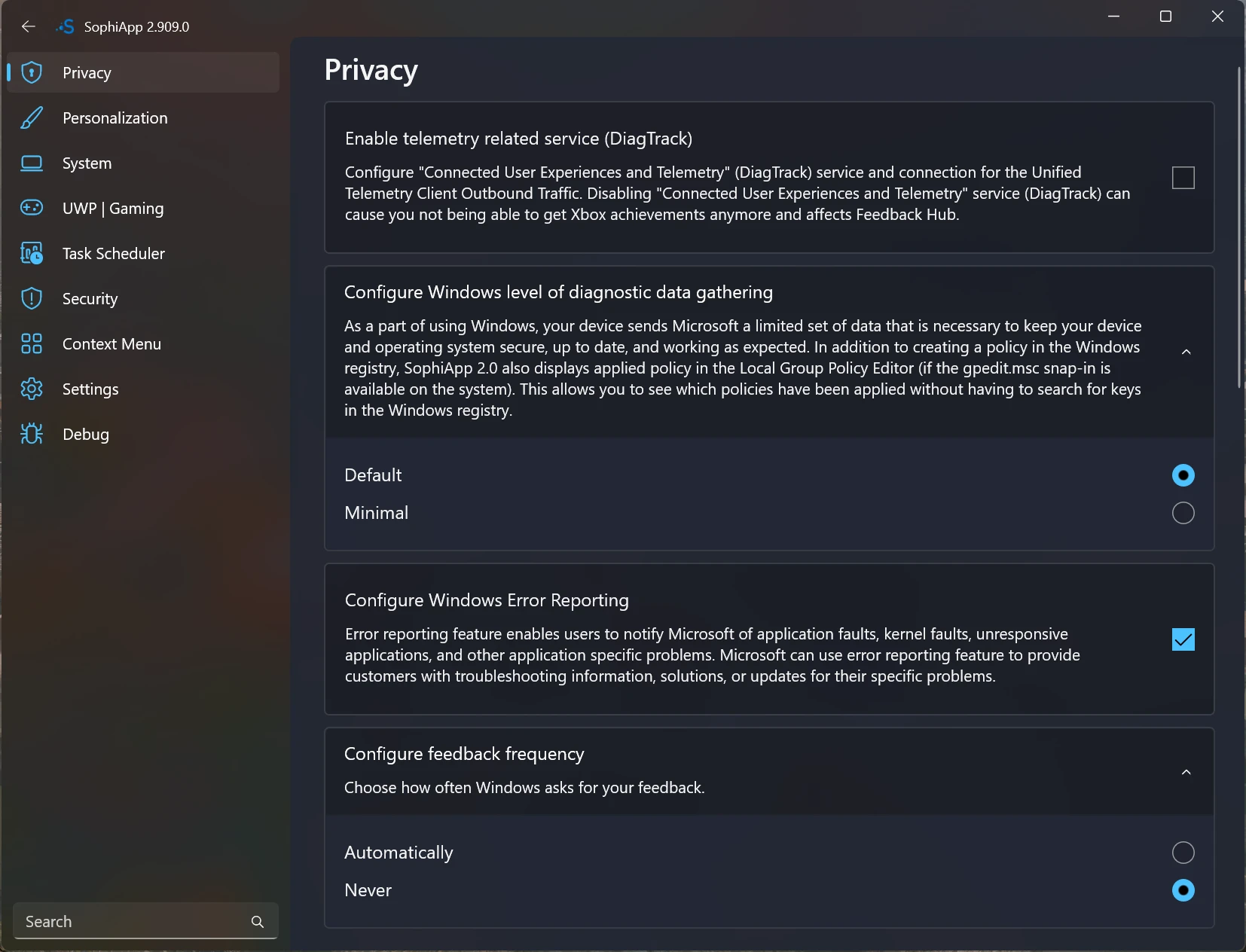
Judging by the topics listed in the repository, the functions cover scheduled tasks, system restore points, app package management and personalisation. Scheduled tasks are rarely touched by hand, yet when something goes wrong they hide deep in the task scheduler; restore points decide whether there is a way back after trouble; app packages match a sizeable pile of preinstalled items that take a long time to clear one by one from the start menu. Gathering these into functions brings the corners people seldom open into one organised sweep.
On implementation, the official note says settings are applied the way the vendor's documentation describes, through supported interfaces rather than writing straight to the registry. The difference between those two roads shows up after a system upgrade: the part that goes through interfaces is less likely to break when internals shift. For anyone planning to keep using it, that matters more than the one-off result.
Version, licence and preparing to run
Module projects rarely announce themselves, so checking the release page for the version number is the only way to know whether the copy in hand has followed a new system build. The release page lists versions in reverse order and reaches back to the early days, at a fairly steady interval, which says the maintenance rhythm has held.
The licence is MIT. A permissive licence means the script can be read, modified and folded into your own workflow, and modified versions can be passed on. For anyone who needs to reorganise it internally, that leaves room. Documentation ships with the project, so what each function does and which parameters it takes can be looked up, and keeping it beside the code means the notes change along with the version.
Item | Official note |
|---|---|
Current version | 8.0.0, October 2026 |
Form | PowerShell script module, functions runnable on their own |
Supported systems | Windows 11 25H2 and earlier Windows 10 and 11 builds |
Coverage | scheduled tasks, restore points, app packages, personalisation |
Licence | MIT |
Writing settings scattered over three places into a script trades repeated labour for consistency.
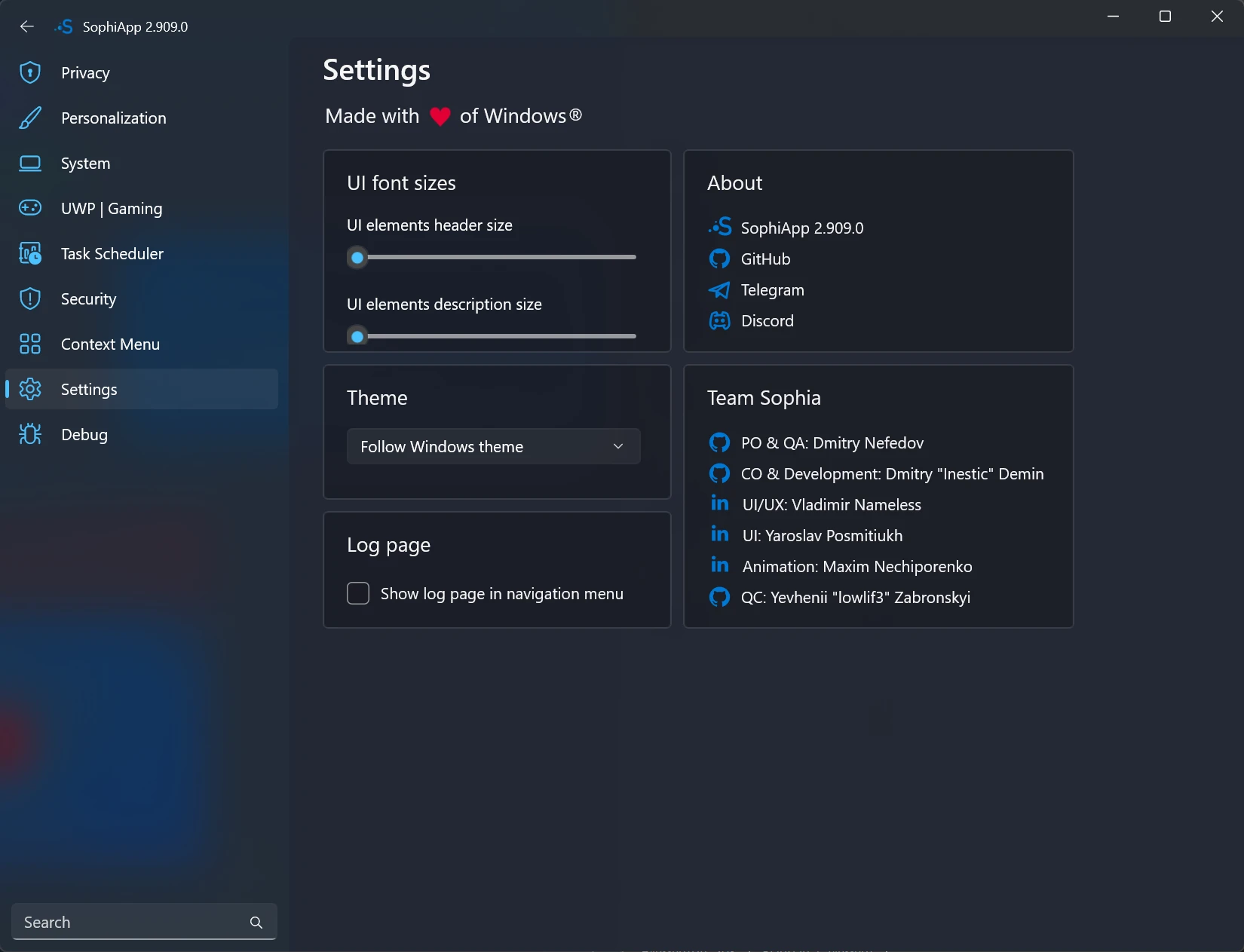
A practical note: confirm the system build is inside the supported list before running, and prepare the execution environment the way the official documentation describes; on a first attempt, do not run the whole set, but pick one or two functions you understand and try them, widening the scope once the result matches expectation; and create a restore point before changing system settings, so a way back exists.