
-
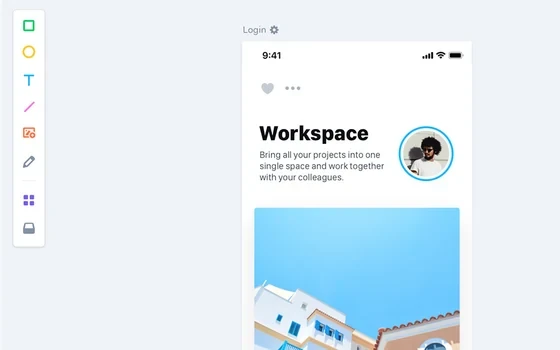
Marvel: free prototyping and team collaboration inside the browser
Marvel is an online design and prototyping platform that runs in a browser, keeping wireframes, clickable prototypes, user testing and developer handoff in one place, with team collaboration alongside. The free plan has no time limit, and paid tiers differ by project count and parallel testing slots.
-
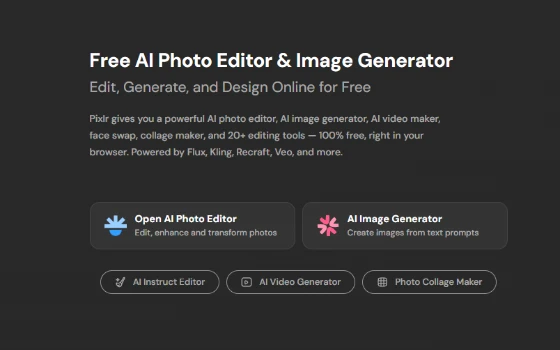
Pixlr: photo editing in a browser tab plus a suite of AI tools
An editing and design workspace that opens in a tab, split into an Editor line and an Express line, with background removal, generative fill and a deep stack of filters and templates. The free tier asks for no account at all.
-
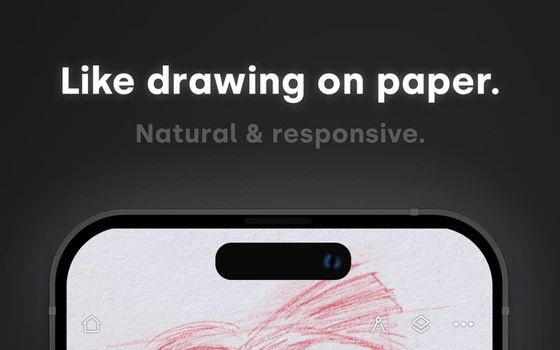
Infinite Painter: over a hundred brush settings and thirty layer blend modes
Infinite Painter is a painting app for tablets and phones with hundreds of brushes and more than a hundred adjustable brush settings, full pressure and tilt support, thirty blend modes across layers, and export to layered PSD files.
-
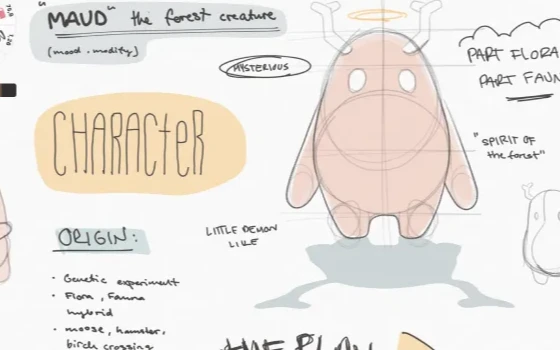
Concepts Review: An Infinite Canvas Where Every Stroke Stays Editable
Concepts treats each line as a separate object, so a stroke can be re-weighted or recoloured long after it was drawn. Perspective grids, object libraries and a canvas with no edges make it a serious ideation tool.
-
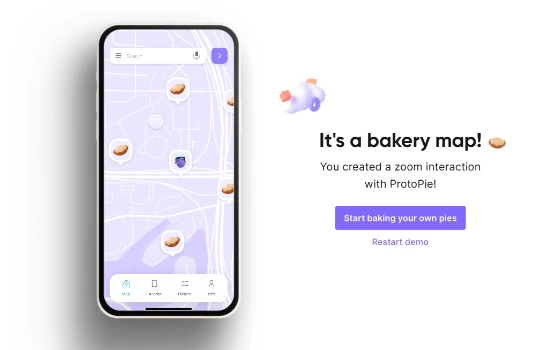
ProtoPie makes a prototype feel like the product
A wireframe rarely persuades anyone. Something you can tap, swipe and feel does. ProtoPie sits between a static mockup and a line of code: triggers and responses build the logic, variables and conditions handle the branches, and gyroscope, microphone or fingerprint can be simulated so the prototype feels close to the finished thing.
-
Boardmix review: a whiteboard built for teams inside China
Boardmix puts AI generation inside the canvas: one sentence becomes a mind map, a flow chart or a SWOT grid, then the team edits on an infinite board with live cursors, voting and a template library.

-
MediBang Paint: a free studio for drawing comics on any device
MediBang Paint is a free drawing program built for comics, with 180 brushes, 1000 screen tones and panel tools, plus cloud sync across desktop and mobile.

-
ColorHexa: a free encyclopedia of colour, where one value answers every conversion and palette question
Type any colour value and get the whole file on it: equivalents in every colour space, tints and shades, harmonies, and a simulation of how it looks with colour vision deficiency.
-
Sketchbook: an interface that hides itself and leaves the canvas to you
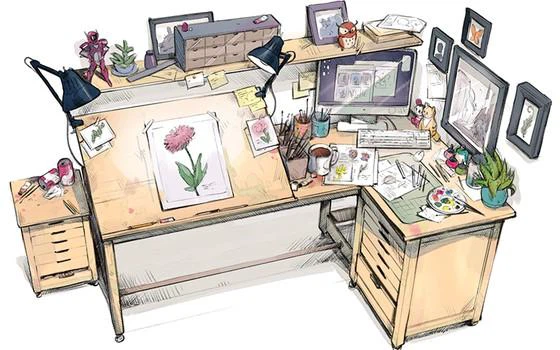
A professional drawing tool that began inside a larger software house and went independent in 2021: the interface keeps out of the way and gives the screen to the canvas, over a hundred adjustable brushes respond to pressure and tilt, layer blending, symmetry, flipbook animation and time-lapse capture are all built in, and the desktop edition is a one-time purchase.
-
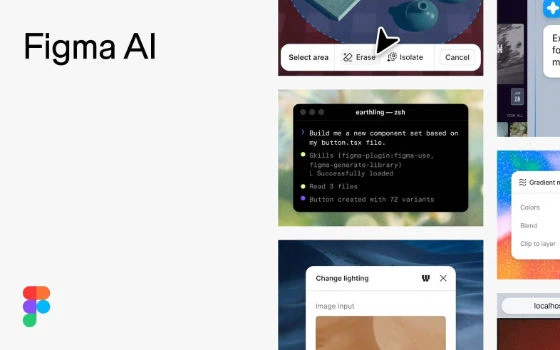
Figma puts design, code and AI agents on one canvas, free to start
One file holds the mockup, the prototype and the code that ships it, and agents work in the same space as the team. The free tier carries a daily allowance of 150 AI credits, capped at 500 a month.
-
Canva turns a sentence into a layout, with twenty-five image styles built in
Generation is not a tool standing beside the editor but a step inside it: a sentence produces an image, twenty-five styles apply in one action, and the result lands on the same canvas as templates and licensed material.

-
第 1 / 1 页