
Zed: an editor written from scratch, with speed, AI and collaboration built in
Summary
A code editor written from the ground up in Rust, rendering through the GPU, with an inline assistant, input prediction, an agent panel that edits files and runs commands, version control as a first-class feature and shared sessions. Free for individuals, open source.
Recommend- Name
- Zed
- Version
- 1.21
- Open source
- Open source
- Operating system
- macOSLinuxWindows
- Website
- https://zed.dev
- Updated
- 2026-10-05 21:12
Anyone who writes code for a living knows the feeling of an editor that hesitates. Opening a large project takes a wait. Switching files flashes white first. And using an AI completion means installing another extension, configuring another account, and hoping the two do not interfere. Each addition is reasonable on its own; together they make the tool heavier than the work it is meant to support.
Zed was started by people who had built one of the early web-technology editors and decided to begin again. The decision that defines it is to write the editor from nothing in Rust, and to treat speed and AI as properties of the program rather than as features stacked on top of it.
Speed as a foundation, not a claim
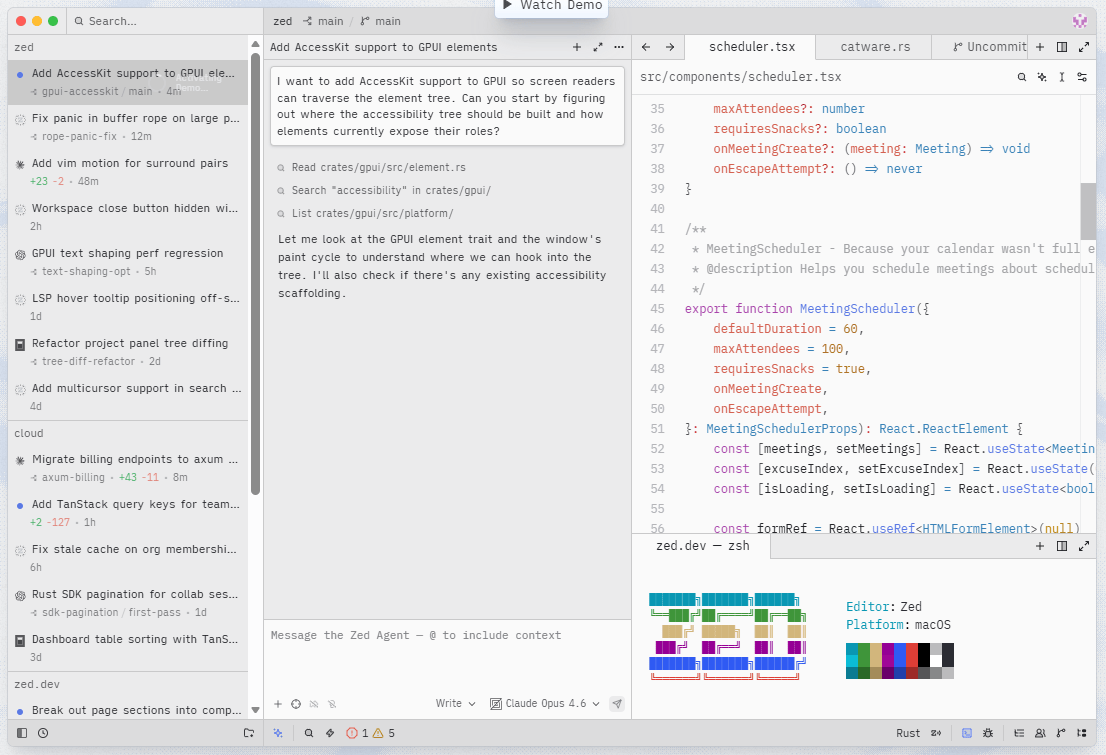
The interface layer is the project's own, drawing directly through the processor's multiple cores and the graphics card. Typing, scrolling and switching tabs are designed around the absence of delay, and the frame rate the project quotes is a hundred and twenty. Because there is no thick web runtime wrapped around the whole thing, startup and interaction carry far less weight, and large codebases stay responsive in a way that is immediately comparable if you spend the day inside an editor.
AI inside the editor rather than bolted onto it
An inline assistant works on a selection: describe the change in words and the model rewrites in place, keeping the diff visible. While typing, a prediction of the next edit is offered and accepted with a single key. The model behind that prediction by default is open source and openly trained, and both the editor and these AI features are open source themselves.
Bringing your own key is supported, so the work can be routed to one of the major commercial providers or to a model running locally. That last option matters more than it used to: for code that cannot leave a network, a local model is the only arrangement that satisfies anyone.
Inviting an agent into the editor
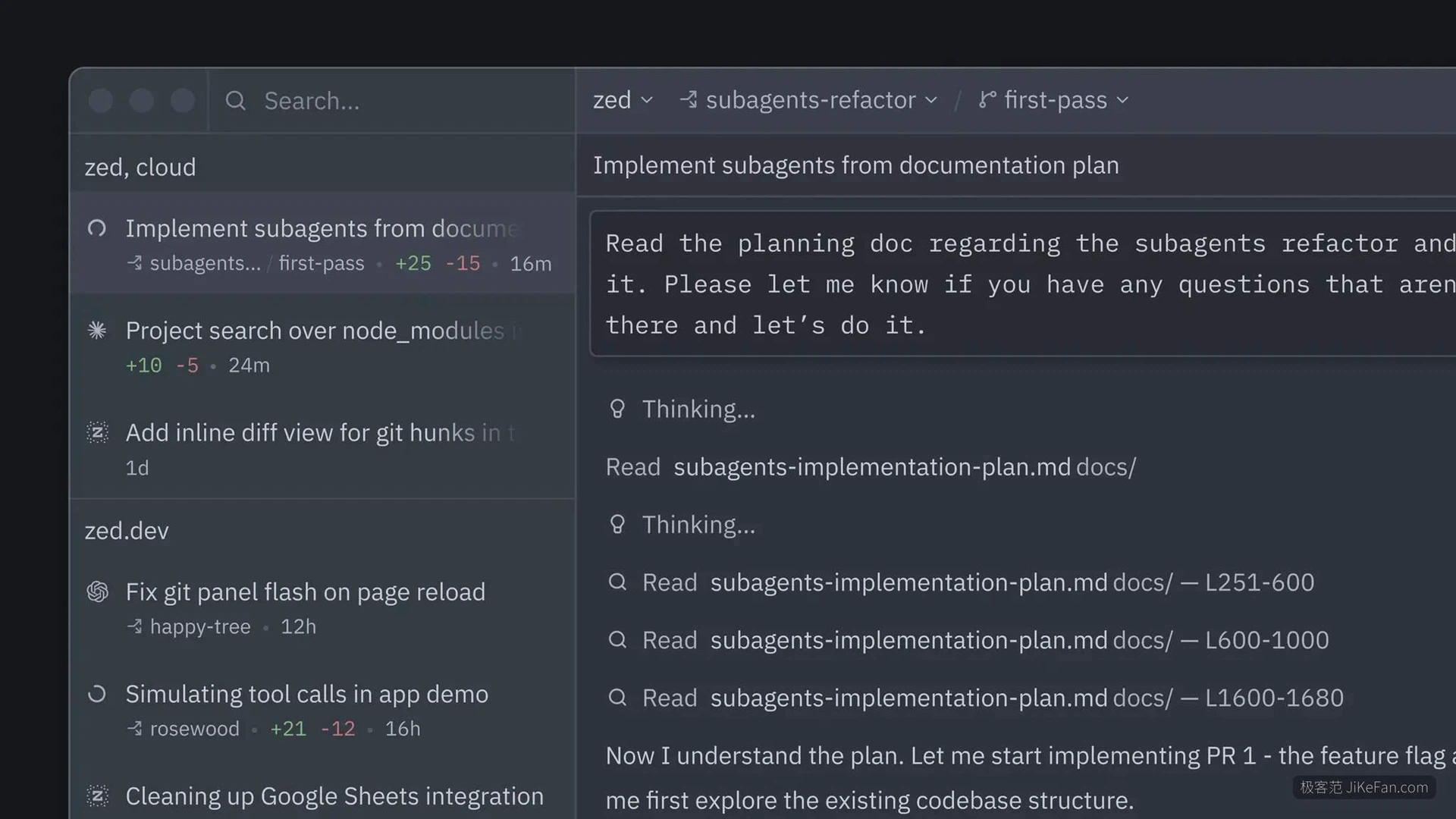
The most aggressive step is delegation. A task can be handed to an agent in a panel, and the agent reads files, changes code and runs terminal commands while you watch the progress and review each change afterwards. This is a different relationship from autocomplete: the human moves from typing to reviewing, which is a skill in itself.
Through an open agent protocol the panel is not tied to one model. Command line agents from several projects can run inside it, and external tool servers can be attached to extend what the agent is able to reach.
Version control and collaboration as first-class features
Staging, committing, pulling, pushing and viewing differences are ordinary parts of the editor rather than something to leave for a terminal or a separate client. Collaboration is equally native: share a project with a teammate, share notes, share a screen, and watch their cursor move in real time. The same layer that carries two humans also carries a human and an agent, which is a neat piece of design economy.
Details kept for the experienced
Modal editing is available from the first launch, with text objects and marks, for people who have spent years in that style and will not give it up. Multiple buffers collect fragments from scattered parts of a project onto one editable surface. Remote development keeps only the interface on the local machine while the code actually runs on a server. A built-in debugger speaks the standard debugging protocol for breakpoints across languages, and the extension ecosystem already numbers in the thousands.
Who it suits
Individual use is free and the editor itself is open source, with paid arrangements aimed at teams and organisations. It is worth a real project rather than a five-minute look, because most of what it does differently is only noticeable once the novelty has worn off and the editing has become ordinary again.