
CodeBuddy puts design handover and deployment in the same window as your code
Summary
One assistant in three shapes - plugin, IDE and command line - with a path from a designer's file to working code and a deploy step in the same place, free tier included.
Recommend- Name
- CodeBuddy
- Version
- 2
- Open source
- Proprietary
- Operating system
- WindowsmacOSWeb
- Website
- https://www.codebuddy.ai
- Updated
- 2026-10-29 22:00
Ask a product manager, a designer and a developer what shipping a feature means and you get three different answers. CodeBuddy's bet is that all three should happen in one window: the requirement arrives as text, the designer drops in a design file, the assistant writes the front end and the back end, and the finished build goes live from the place you were already typing in.
The category has been narrow so far. Most assistants treat writing code as the entire job, while a real product passes through requirement shaping, layout, two layers of implementation and a deployment check before anyone can click it. CodeBuddy, built by Tencent Cloud, tries to cover that chain in three shapes at once: a plugin that sits inside an editor you already use, a standalone environment built around conversation, and a command line tool for people who live in a terminal.
Ecosystem work is where it separates itself from a generic chat assistant. Backend services such as CloudBase and Supabase are wired in, so database tables and user authentication can be provisioned without hand-written configuration. Component presets cover TDesign, MUI and Shadcn. On the model side you can move between Hunyuan, DeepSeek and others instead of being locked to one vendor. Tencent says more than 50% of its own engineering teams use it internally, and that it reaches 200+ languages and frameworks.
Choosing an entry point comes down to your role. The plugin is for people who write code every day and refuse to give up their editor: it works inside VS Code, the JetBrains family, Visual Studio and the WeChat developer tools, and it has the shallowest learning curve of the three. The full environment is the centre of this release, with requirements, design, code and deployment in a single workbench, sold on the idea that talking to the tool is the programming. The command line version is aimed at DevOps engineers and senior developers who want an assistant that can see a whole repository, at the scale of a million lines, and act on it.
Design handover is the part people complain about most, so Figma2Code attacks it directly. Inside the Craft agent panel you press the Figma button, authorize access, pick a component and add it to the conversation. The assistant then produces the matching front end and back end code, and a preview panel sits beside it so you can judge fidelity side by side instead of arguing about it in a review. The same route accepts a pasted screenshot, a hand-drawn sketch turned into a high fidelity layout, or a plain description of what you want - and in that last case it writes a structured requirements document first, then starts on the code.
Day to day you move between three interaction modes. Ask answers questions and leaves the code alone. Craft is the agent mode: it generates and edits inside the context you are working in. Plan is the most autonomous, drafting a task list, waiting for your confirmation, then working across files and checking the environment as it goes. In practice the multi-file generation in Craft is what saves the most time: describe the interaction on a page and the fields it needs, and you get a whole set of page files with the skeleton already standing.
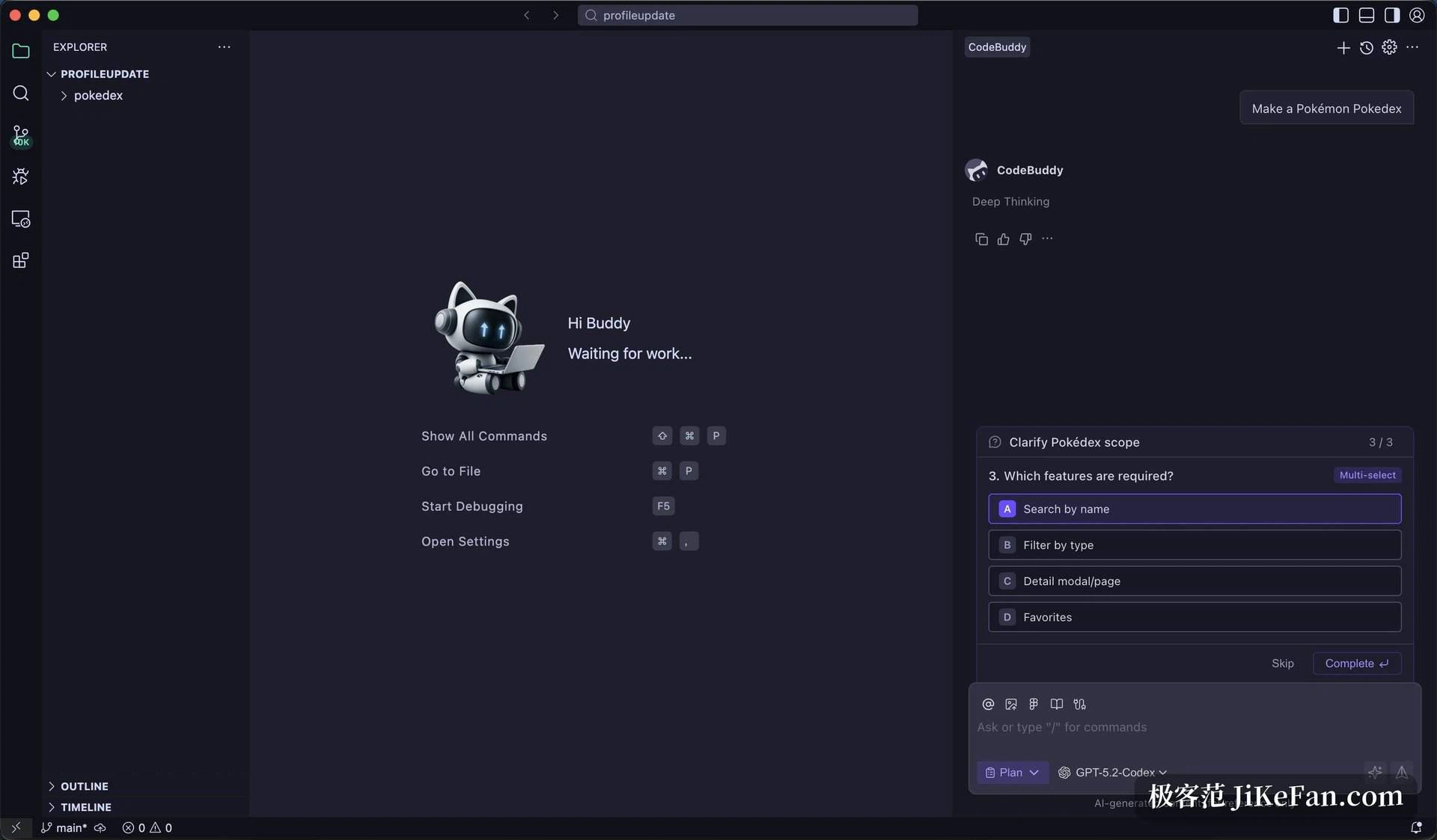
Completion got a similar rethink. NES, short for Next Edit Suggestions, does not just finish the line under the cursor; it guesses where your change is heading and proposes edits in the follow-on blocks as well. Inline completion between lines does not consume credits, so there is no reason to switch it off.
Two habits are worth keeping. Generated code should not go straight to production, because data binding and business logic still deserve a human pass. And for small tasks the plain conversational mode is cheaper than the agent, since producing several files at once burns through credits much faster.
Writing the code is only half the route. A sandbox deployment hands back a shareable link, which is enough to put an early version in front of the team. For something more permanent the build goes to CloudBase static hosting or EdgeOne Pages, with the database and authentication configured by the same backend services that were already set up. You can travel from a sentence of intent to a clickable live page without opening another tool.
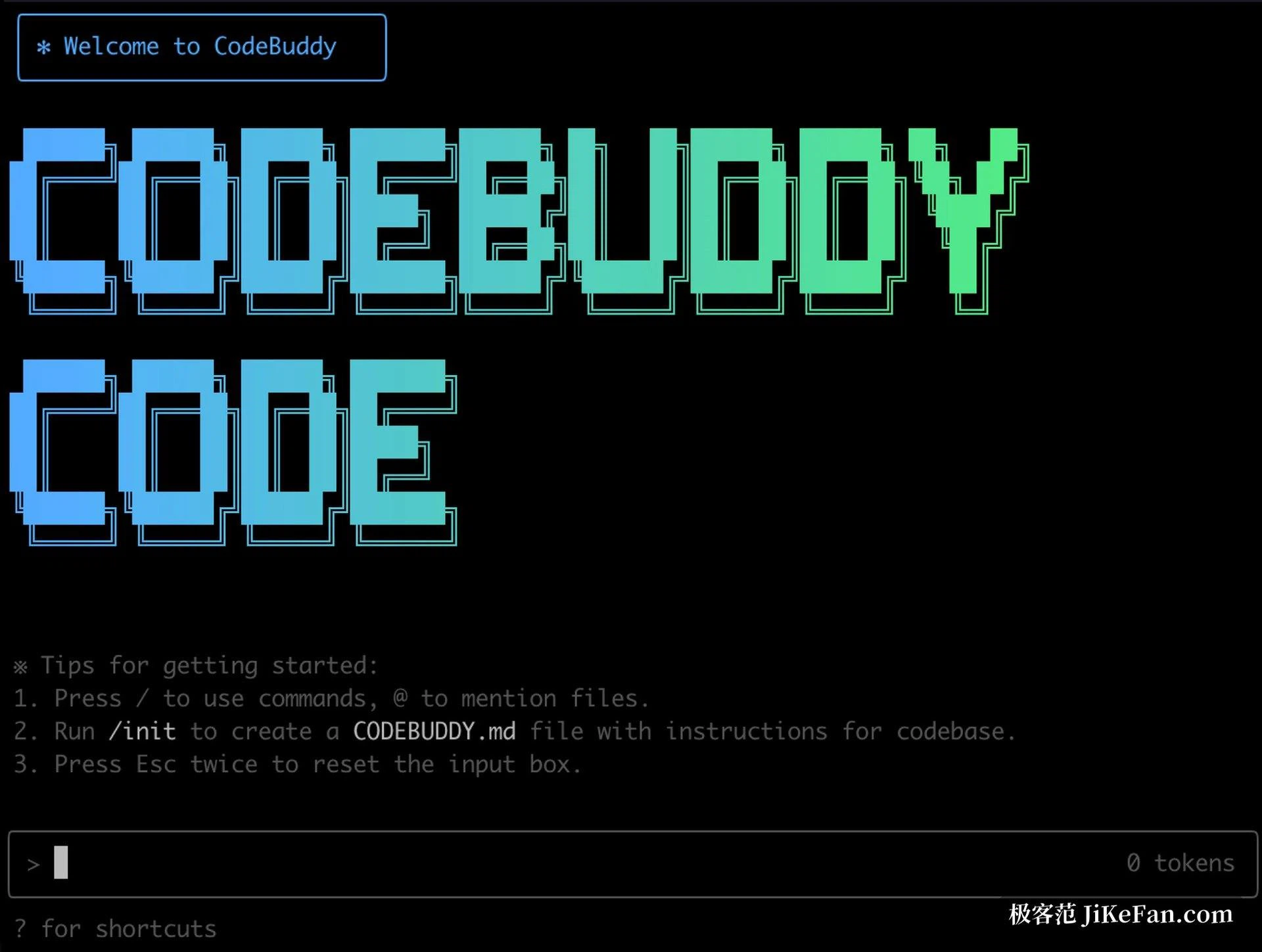
Terminal users get CodeBuddy Code, a command line client that can touch the shell, the file system and the network, and drives the whole development and operations loop from natural language. Projects are configured through CodeBuddy.md, an open plain markdown convention that keeps coding standards, test flow and deployment notes in a single place instead of scattering them across per-tool instruction files.
Pricing is plain. Free costs nothing and gives 100 credits a month, 5000 completions and 3 automated tasks. Pro is 10 dollars a month for 2000 credits - 1000 included plus 1000 as a bonus - unlimited completions, 15 automated tasks and every model available. Team is 40 dollars per seat, and each seat contributes 1000 credits a month to a shared pool, with an admin console on top. New accounts open with 250 welcome credits, Pro includes a 7 day trial carrying 500 base credits, and paying yearly works out to 8 dollars a month. The running promotion is generous: completions are unlimited on the free tier, automated tasks rise to 99, and all models unlock - but promotional terms move, so treat the official page as the source of truth.
What CodeBuddy is really selling is not a smarter autocomplete, it is the decision to put product thinking, design, implementation and deployment in one place: drop in a design link, get code, press once to see it running. The plugin shape matters because you can start without abandoning the editor you already like, and the free credits carry a small project from the first file to a live link.