
Kiro writes the specification before it writes the code
Summary
One sentence becomes three documents you sign off on, requirement conflicts get checked by automated reasoning, and property tests cover the edge cases unit tests miss.
Recommend- Name
- Kiro
- Version
- 1.0.437
- Open source
- Proprietary
- Operating system
- WindowsmacOSLinuxWeb
- Website
- https://kiro.dev
- Updated
- 2026-10-29 22:00
Have the AI spell out what is wanted before it starts writing, and specification turns guesswork into implementation.
Writing code with a model runs into one unavoidable problem: the vaguer you are, the wilder the guesses get. Ask for a comment system on a blog and you may receive three implementations in three completely different styles, and by the time you have revised your way through them nobody remembers what was originally wanted. Kiro reverses the order, writing the requirement down as a specification you can review, and only then letting the agent build against it.
Kiro is built and operated by AWS, launched in July 2025 and since made generally available. It summarises the whole thing in one phrase: moving from AI coding toward agentic engineering. It is not a chat-style completion tool but a workflow that strings requirements, design, tasks and implementation together.
Spec-driven: one sentence becomes three documents
The core is spec-driven development. You supply a single natural language description and it produces three documents in order. The requirements file breaks the need into user stories with acceptance criteria. The design file sets out architecture, technology choices and system design. The tasks file is an ordered checklist, sorted by dependency. By default these live in a specs directory inside the project, and the official advice is to commit them to the repository alongside the code.
The way requirements are written deserves a mention. Acceptance criteria are phrased in EARS syntax, an approach whose shape is roughly when a given condition holds, the system shall do such and such. The notation comes from aviation safety systems, and its value is that it forces a fuzzy description into verifiable assertions, so edge cases are harder to lose.
Each of the three documents pauses for your approval. You can rewrite a requirement, reject a technical approach, reorder the tasks, and only then have the agent execute them one by one. Everything is presented as a diff, acceptable in one batch or one line at a time.
Before writing code, check the requirements for contradictions
One move here is unusual: before any code is written it uses automated reasoning to look for conflicts and gaps inside your requirements. The official reasoning is direct. All tests passing does not mean the code matches your intent, so verify the intent itself first.
After implementation comes another layer of verification, using property-based tests, a cousin of fuzz testing. Ordinary unit tests check a handful of concrete cases; property tests assert rules that must hold for every input, which makes them better at catching the edge case that passes unit tests and breaks in production.
Steering and hooks: pinning down the project's rules
Repeating we use strict typing and tests live beside the source in every new conversation burns patience. Steering files exist for that: Markdown documents kept in a steering directory, carrying long-lived knowledge such as architecture decisions, coding standards and naming conventions, which Kiro consults automatically when generating code or reviewing changes. They load in three ways, always on, matched by file condition, or referenced by hand, and common conventions such as AGENTS.md are honoured too.
Agent hooks turn habits you should build into something automatic. Define an event such as a file being saved, created or deleted, and have the agent run a preset task when it fires: add the test file whenever a component is saved, refresh the documentation whenever an API endpoint changes, scan for leaked credentials before a commit. The official comparison is a local continuous integration setup, with the difference that the logic is written in natural language rather than a configuration dialect.
Four shapes, one set of settings
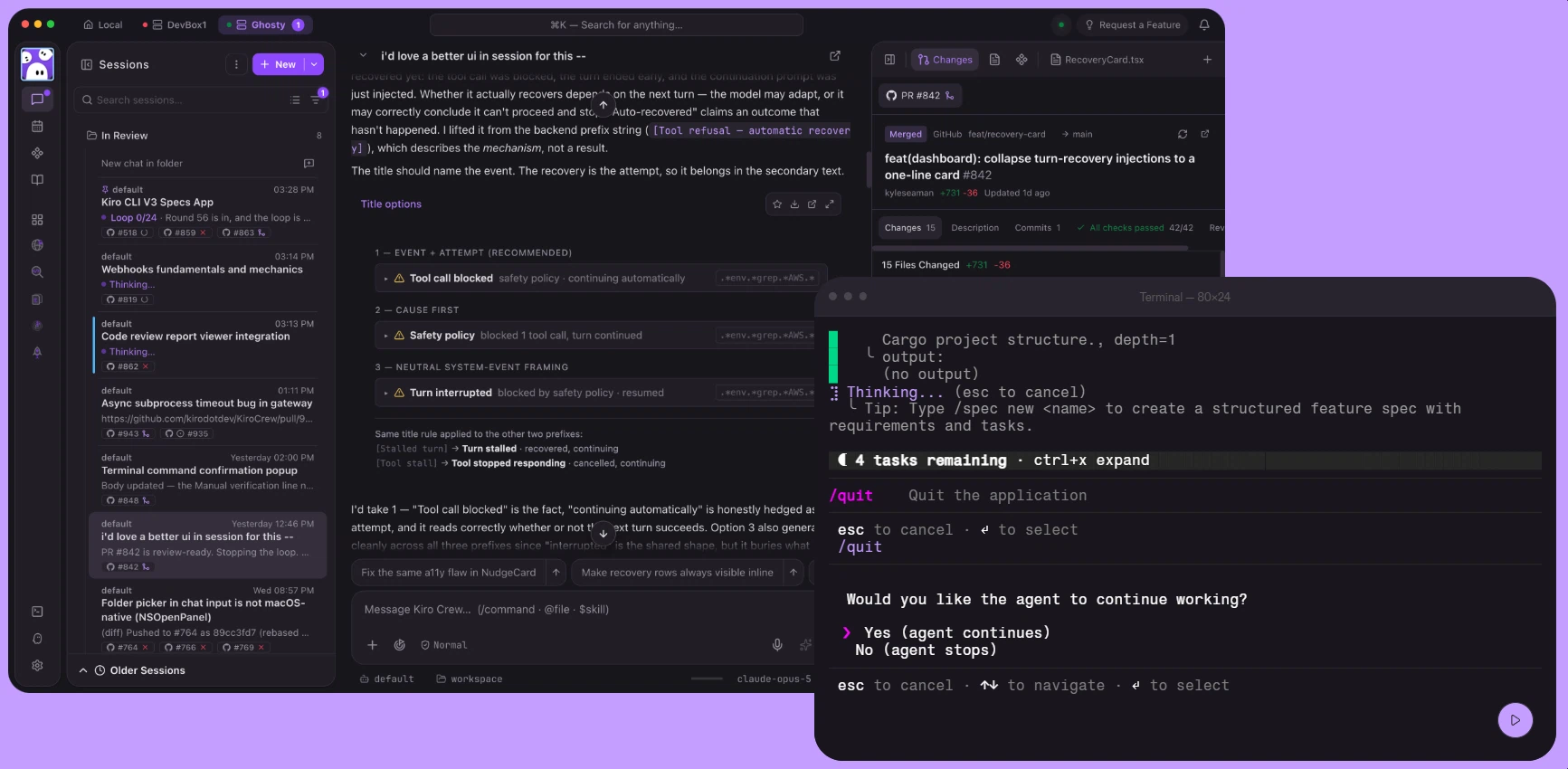
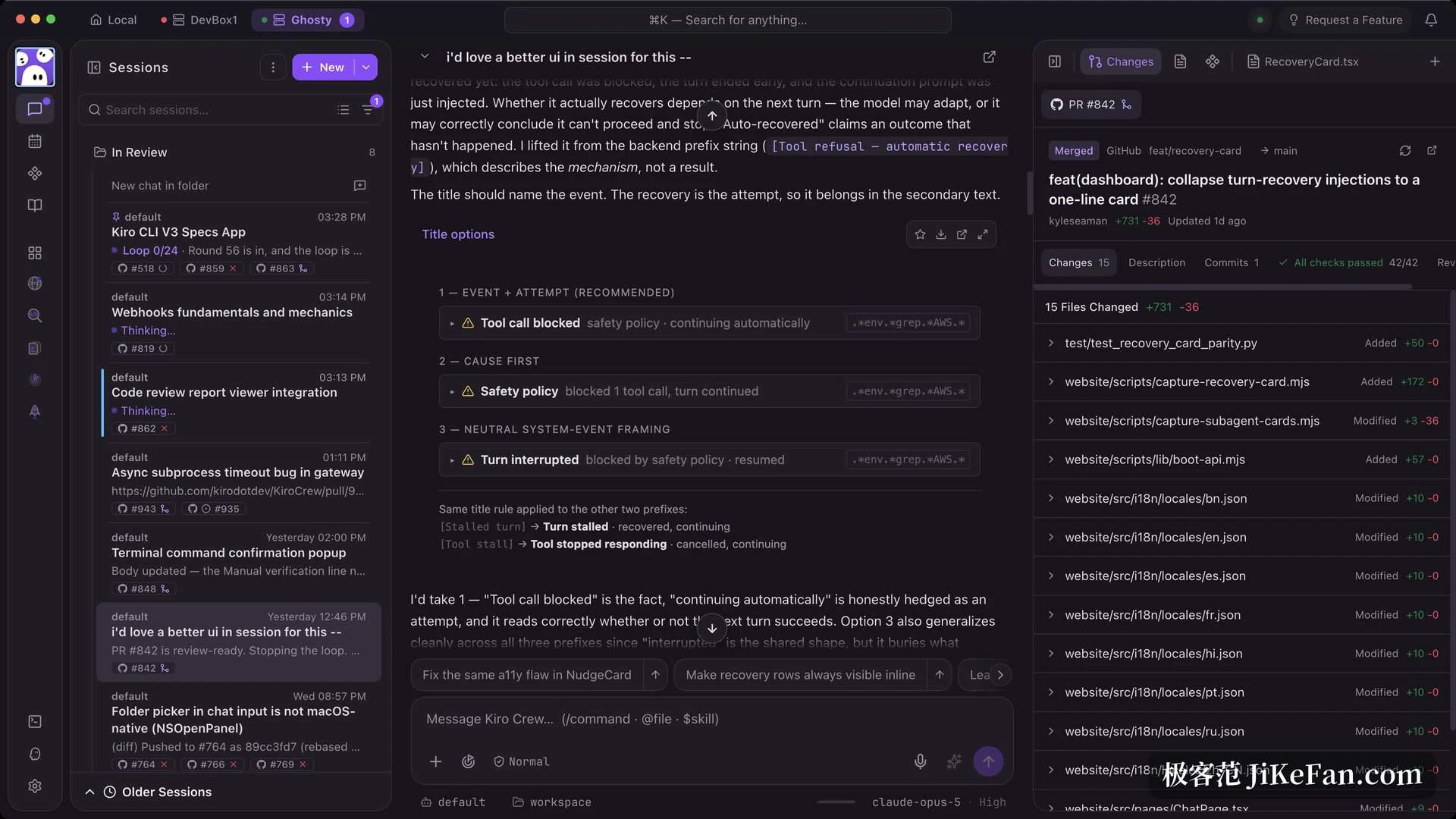
Kiro ships as an IDE, a command line tool, a web version, a mobile app, and a persistent workspace called Kiro Crew. The IDE is built on an open source editor base and can import your existing editor settings, themes and extensions, so migration is not painful. The command line supports bash, zsh and fish plus more than five hundred common CLI tools, and can run headless inside a pipeline to review pull requests or fix bugs.
Web sessions run inside an isolated cloud sandbox, keep going after the laptop closes, and can coordinate changes across repositories. Kiro Crew is an open source project under the Apache licence that runs on your own machine, holds context across sessions, and leans toward being a long-term development workspace.
You do not pick the model
The default Auto setting routes by task complexity, weighing model quality, latency and cost. You can also name a model explicitly, including the Claude Sonnet line, or use open-weight models available on the free tier such as Qwen3 Coder Next. Paid tiers unlock more advanced models.
The unit of billing is the credit, consumed per prompt and tracked to two decimal places, so a simple request may not even use a whole one. The IDE shows what each prompt cost in real time, which keeps the bill from surprising anyone.
Price and getting started
The free tier is permanent, comes with fifty credits a month, requires no card, and still gives access to the main models, which is enough to walk the spec workflow once and see how it feels. Paid tiers run at twenty dollars a month for a thousand credits, forty for two thousand, one hundred for five thousand and two hundred for ten thousand. Extra credits can be bought at four cents each. Team and enterprise plans add consolidated billing, single sign-on, usage dashboards and permission governance.
Sign-in accepts GitHub, Google, AWS Builder ID or AWS IAM Identity Center, and an AWS account is not required, a point that is often misunderstood. The desktop build covers Windows, macOS and Linux.
Kiro is not trying to make AI write code faster, it is trying to make sure the code written is the code you asked for. Fix the requirement first as a reviewable specification that lives in version control, then let the agent implement it, and the rounds of rework and argument drop noticeably. For a project that has to be maintained for years, that discipline is worth paying for.