
ZBrush Review: Digital Sculpting With Clay Under the Cursor
Summary
ZBrush treats the screen as a lump of clay and the pen as a carving tool: brush strokes push and pull millions of polygons without stutter, which is why game characters and film creatures usually start here.
Recommend- Name
- ZBrush
- Version
- 20260923
- Pricing
- Paid
- Open source
- Proprietary
- Operating system
- WindowsmacOSiPad
- Website
- https://www.maxon.net/en/zbrush
- Updated
- 2026-10-07 21:18
A carving bench instead of a modelling grid
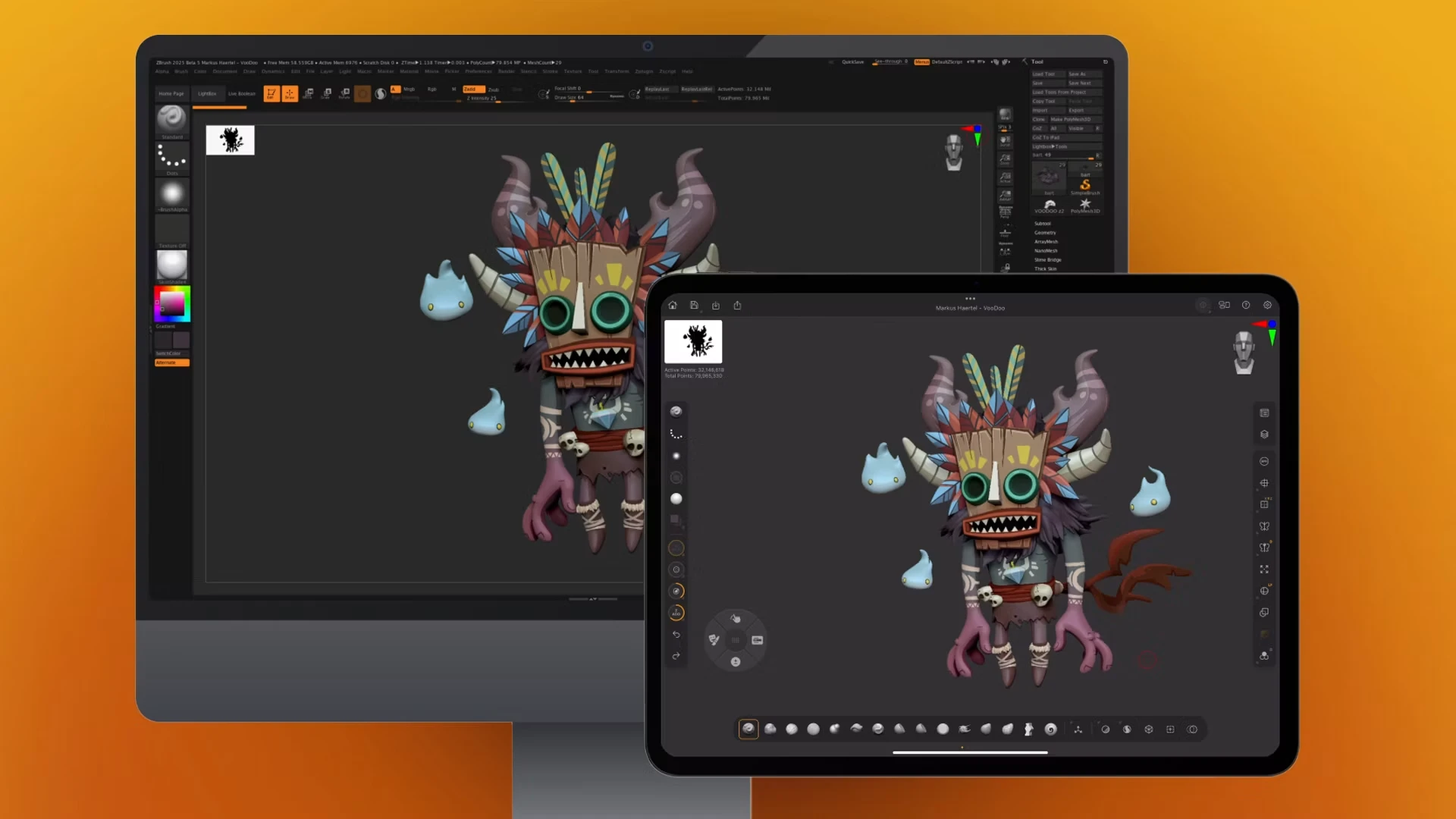
Traditional three dimensional work behaves like building with blocks: place a vertex, draw an edge, fill a face, then adjust. That approach is precise and it is also slow at the beginning, because the first hour goes into structure rather than into shape. ZBrush replaces the workflow with something closer to clay. The screen is the lump, the pressure sensitive pen is the tool, and a stroke pushes, pulls, carves or smooths the surface directly. Muscle bellies, skin creases and the layout of scales grow under the tip instead of being plotted. The technical achievement behind that feeling is the number of polygons the engine can carry: figures in the millions stay workable, so detail can go down to the level of pores without the machine refusing to respond.
From the bench into a production line
The reason the program became a standard rather than a curiosity is what happens after the sculpt. Game characters and film creatures are largely blocked out here, then the mesh is rebuilt with a cleaner topology automatically, and a bridge step sends the result onward for texture painting. Sculpting, painting and rendering hand off to one another without the file being rebuilt from scratch, and translation protocols shared with the mainstream three dimensional suites let the asset slot into any existing pipeline.
Recent versions also carried the bench onto tablets and additional system architectures, which changes when the work can happen. Ideas that arrive on a train no longer have to wait for a desk, and a rough pass made on a couch can be refined later on the main machine. Licensing is subscription based, monthly or yearly, which suits studios that scale a team up for a project and down again afterwards, though individuals should weigh how many months of the year they actually sculpt.
One habit separates people who enjoy the tool from people who fight it. Work from the large forms to the small ones in a fixed order, and save a version at each stage, because sculpting invites endless revision and an early stage that has been overwritten cannot be recovered. The other is to keep a plain mesh copy before any destructive operation, since smoothing and remeshing both consume detail in ways that are hard to undo. Neither habit is glamorous, and both keep a promising figure from becoming a cautionary tale.
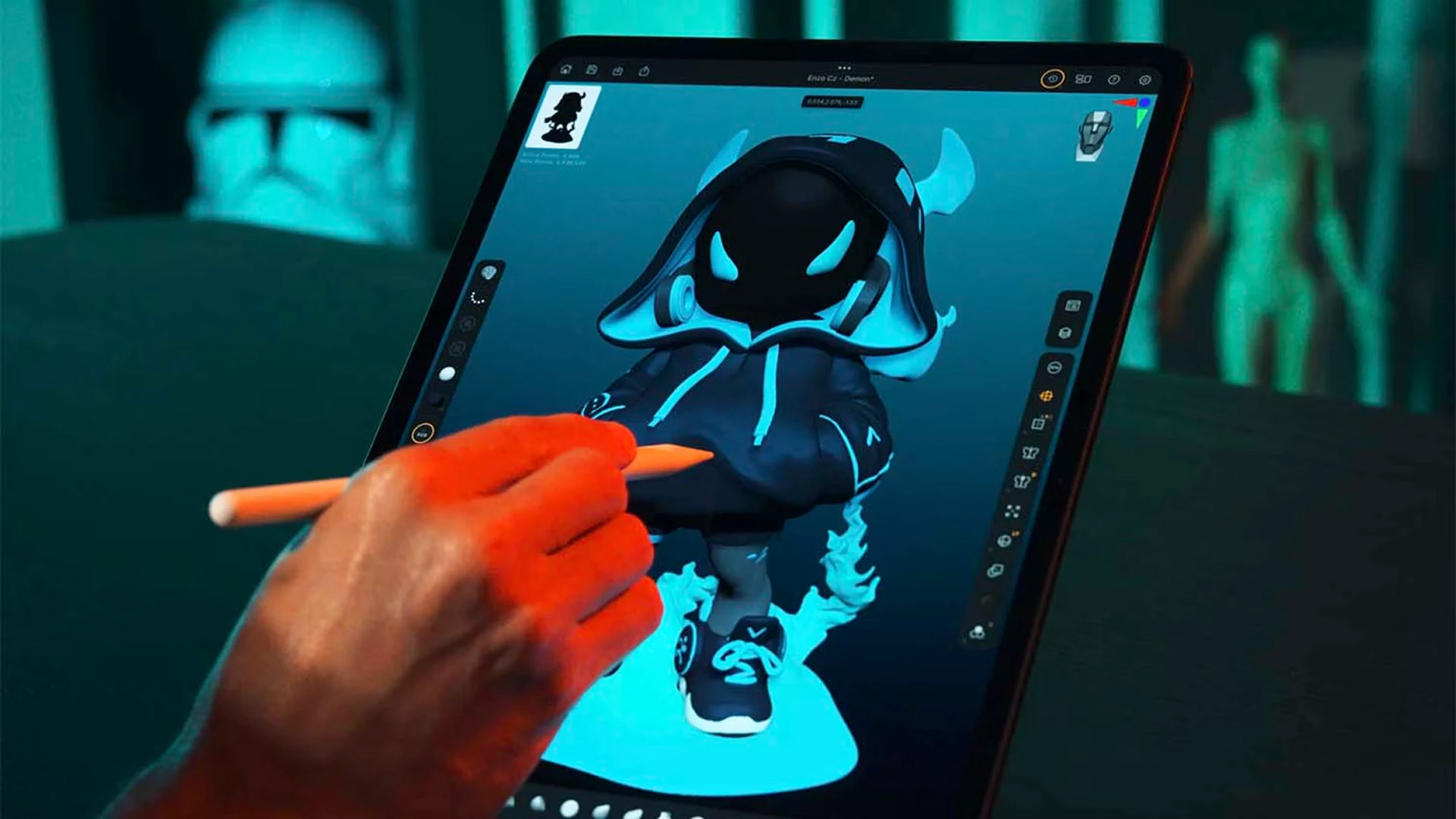
The moat around ZBrush is that it put feel into a digital tool: the figure under the cursor seems to breathe because the tool stopped standing between the hand and the form. Creation begins at the moment the software disappears.
What the first months look like
The usual mistake is chasing detail too early. A head that has not been blocked in with large planes will not be rescued by pores, and the brush library is deep enough to tempt anyone into skipping the basics. Spend the early sessions on silhouette and proportion with two or three brushes, and only then graduate to surface work. Retopology and UV concepts need to be learned alongside, because a beautiful sculpt that cannot leave the sculpting application is a portfolio piece and not an asset.
The interface has its own reputation, and it is earned: the toolset grew over two decades and the controls do not resemble those of a general purpose editor. The compensation is that almost every operation has a documented path and the community has produced years of instruction, so the confusion is temporary rather than structural. A trial period is the sensible way to judge whether the feel suits your hand before committing to a subscription, since this is a production tool and its value has to be measured in finished work rather than in features listed on a page.