
Blender: a free 3D suite that covers the whole production pipeline
Summary
A foundation-run 3D package that is free and open source, with modelling, sculpting, rigging, animation, two renderers, node based procedural tools, cloth and hair simulation, 2D drawing in three dimensional space, and a release supported for two years.
Recommend- Name
- Blender
- Version
- 5.2
- Pricing
- Free
- Open source
- Open source
- Operating system
- WindowsmacOSLinux
- Website
- https://www.blender.org
- Updated
- 2026-10-06 21:56
Twenty years ago, the answer to whether making 3D work required buying a commercial licence was simply yes. Today it is not. Blender has spent more than two decades showing that free tools can reach a standard audiences accept in cinemas, and the current long-term support release is a statement of intent: this is not a toy to try, it is a version the project promises to keep stable and patched for two years, which is what a studio needs before it puts a tool in the middle of a production.
A foundation, not a company's free tier
The distinction matters. Blender is run by a foundation, licensed under the GPL and funded by more than seven thousand individual donors plus several dozen hardware and software companies. There is no paid edition with the useful features held back, no licence server, no subscription that expires halfway through a project. The software a student installs is the same software a large studio runs, which is a rare thing to be able to say.
One package, the whole pipeline
The unusual part is coverage. Modelling, sculpting, rigging, animation, materials, rendering, compositing, video editing and 2D animation all live in the same application, and they share a single scene. Nothing has to be exported to a second program and reimported when the task changes, no intermediate file goes stale, and there is no separate licence for each stage of the work. For a small team the practical effect is fewer places for something to go wrong.
Two renderers with two different jobs
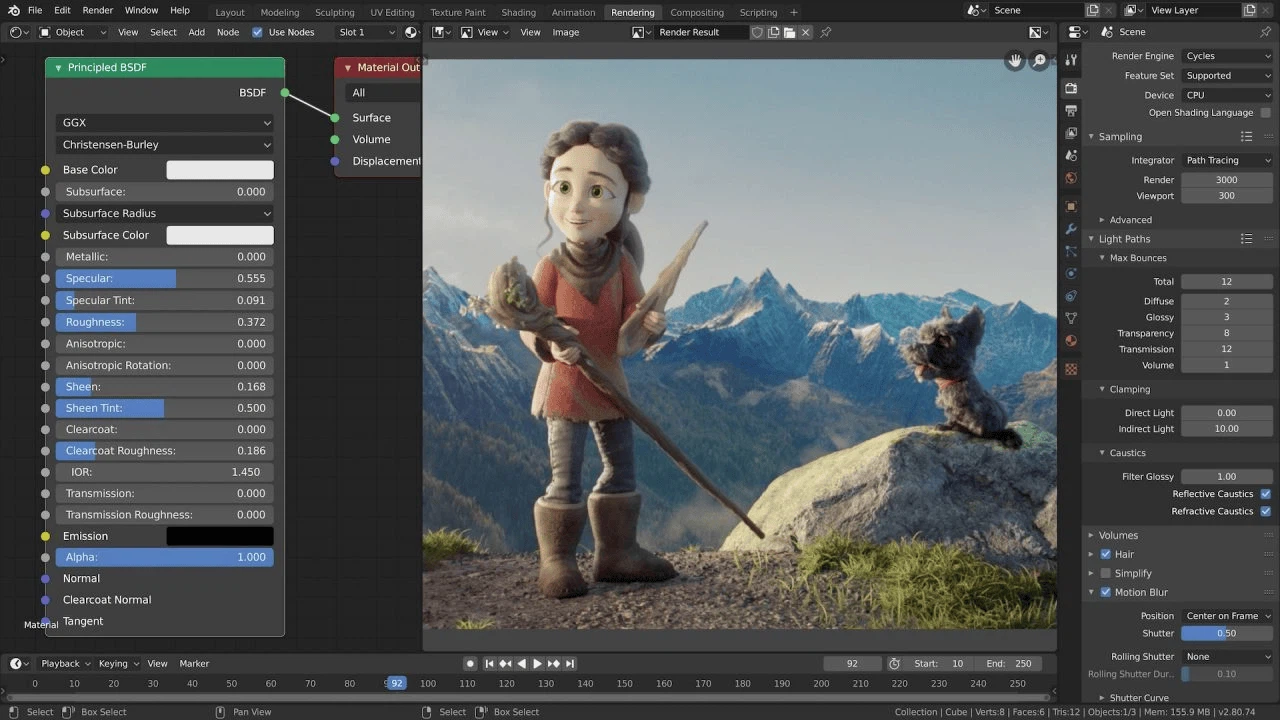
Cycles is the physically based path tracer: unbiased, mixing processor and graphics card work, with a viewport that previews the result live, physically based shading and high dynamic range lighting. The current release added a texture caching system that can cut rendering memory use by as much as eighty percent, which is the difference between a large scene rendering and a large scene failing with an out-of-memory error.
EEVEE is the real-time counterpart, rasterising rather than tracing, and it exists for the work that does not need the last percent of physical accuracy: previewing a shot, iterating on a look, or producing stylised non-photorealistic results where the renderer's own character is part of the design. Most projects use both, at different moments.
Procedural modelling through nodes
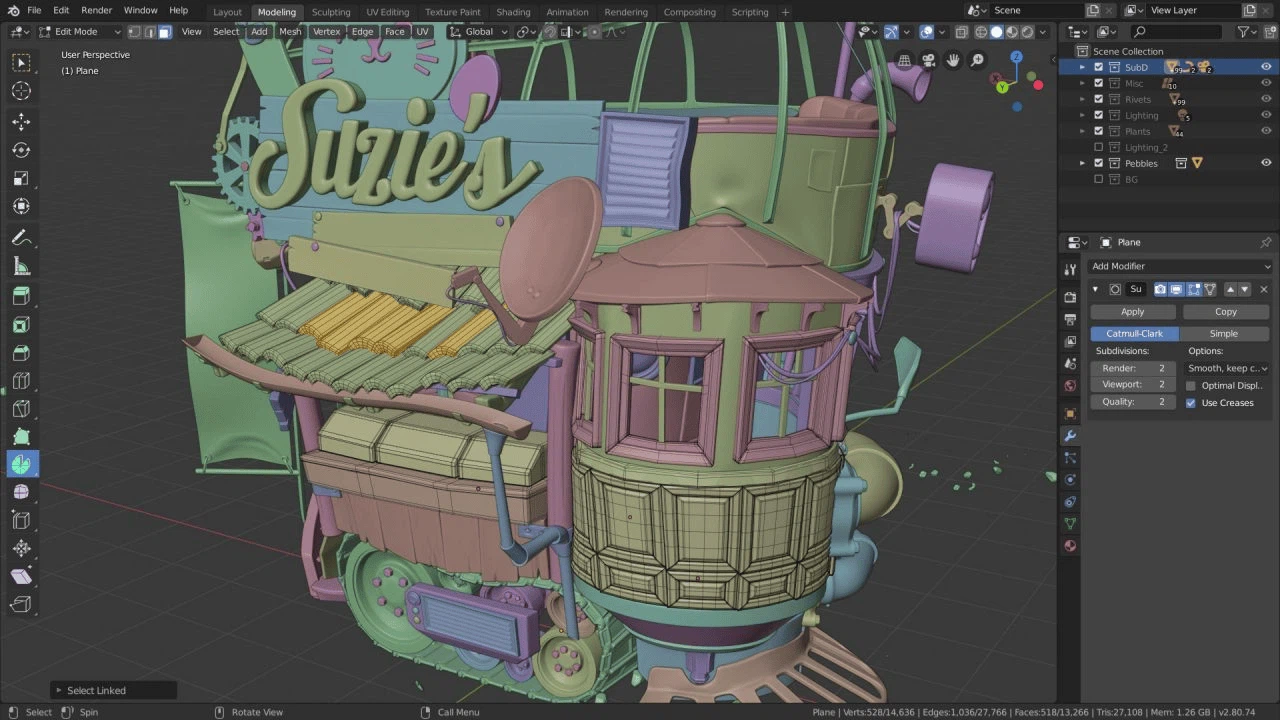
Geometry Nodes has been the most consequential addition of recent years. Instead of placing every object by hand, a scene is described as a graph: nodes generate, transform and combine geometry, so a set of parameters produces a thousand variations, and changing one number rebuilds all of them. The result is reusable, animatable and inspectable, which is why it has replaced a great deal of manual work in environment building.
This release extends the system in several directions. A bevel node gives more control over edge treatment than the old boolean modifier offered. A node reads the frequency content of a sound file, so audio amplitude can drive motion directly. Node bundles and list support make large graphs readable instead of a wall of crossing links.
Cloth and hair in the same node system
The headline addition is simulation built on a multi-physics solver: cloth and hair that can be driven by the node graph, with force fields, collisions and constraints all authored as nodes rather than as a fixed set of sliders. The significance is that the same procedural logic already used to build geometry now also shapes how it moves, so a parametric asset and its behaviour stay in one place.
Drawing in two dimensions inside a three dimensional scene
Grease Pencil remains without a real equivalent elsewhere: it draws flat strokes that exist in space, so a 2D animation can be placed in a 3D set, lit like an object and moved with a camera. The current version brings a new fill algorithm, line material settings and an online library of brush assets. Paired with the non-photorealistic line rendering, it covers the half-flat style that sits between illustration and film.
Sculpting and the headset
The sculpting toolset gains a projection brush that stamps detail from a reference onto a surface, and an operator for inserting primitive shapes mid-sculpt. Voxel remeshing now preserves attributes such as vertex colours instead of discarding them, which removes a step that used to be done by hand after every remesh.
There is also a positioning mode for virtual reality: put on a headset and walk around the scene at real scale to judge proportion. It sounds like a novelty until a room turns out to be twice the size it looked on a monitor.
Why supported versions matter
Creative tools are usually learned once and then depended on for years, and an unsupported version is a liability: a driver update, an operating system change or a small bug can end a project halfway. A release with two years of maintenance behind it is the version to learn on and the version to build on, and it is the reason the free option is now a serious answer rather than a compromise.