
WezTerm Review: A GPU Terminal With Multiplexing Built In
Summary
WezTerm folds a terminal and a session multiplexer into one program: remote sessions survive a dropped connection, panes and tabs mix local with remote, and the configuration reloads while the window stays open.
Recommend- Name
- WezTerm
- Version
- 20260923
- Pricing
- Free
- Open source
- Open source
- Operating system
- WindowsmacOSLinux
- Website
- https://wezfurlong.org/wezterm/
- Updated
- 2026-10-07 21:15
Two tools merged into one window
Anyone who lives in a command line eventually ends up with a pair: a terminal for the window and a session multiplexer for the processes. The terminal draws text, the multiplexer keeps shells alive when the connection drops and lets one screen hold several shells at once. WezTerm collapses that pair into one program. Multiplexing is native, so a session started over SSH belongs to the terminal itself and can be reattached from elsewhere, with the panes and the running processes exactly as they were left. Split views and tabs are part of the same model, and local panes sit next to remote ones in the same window, which removes the usual alt-tab shuffle between a local shell and a remote one.
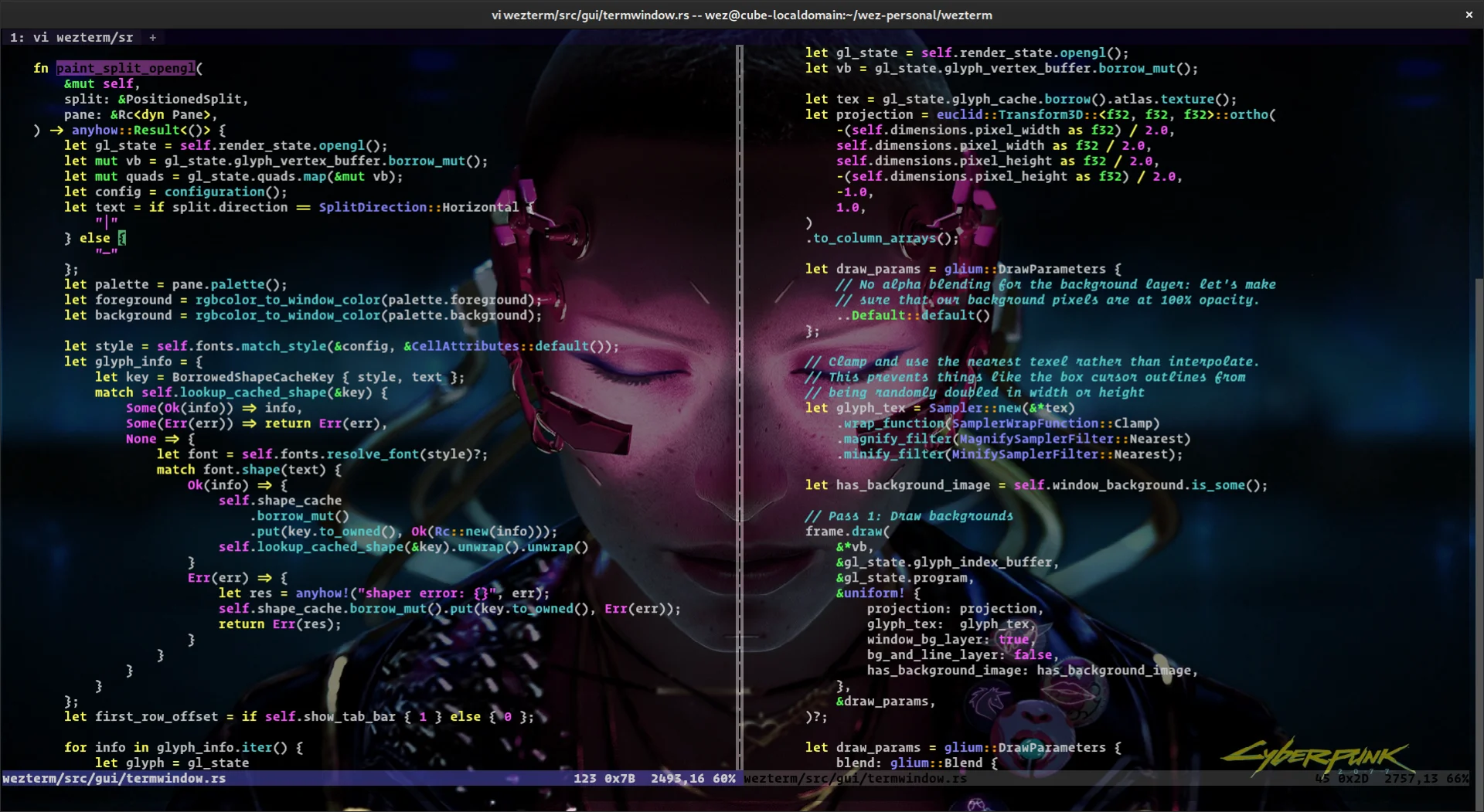
Fast, and fast in a way you can configure
The performance story is about where the work happens. The program is written in Rust and renders through the graphics card, so true colour and ligatures are available without tinkering, long scrolling output stays smooth, and the whole thing feels lighter than terminals built on a browser engine. The details that matter in daily use are present too: text reflow when the window is resized, hyperlink detection, and a scrollback that survives a busy build log.
Configuration is a script rather than a settings dialog, and it reloads on save. Change a font size or a key binding, and the window redraws with the new value while the session keeps running, which turns tuning into a tight loop instead of a restart ritual. Because the configuration is a text file, it can live in version control and move between machines, and the behaviour of the three desktop platforms converges closely enough that a setup written on one is recognisable on another.
Two smaller decisions shape the daily feel. Font fallback matters more than it sounds: a window that shows Chinese, Japanese and symbol glyphs without empty boxes saves constant context switching, and the renderer handles mixed scripts well by default. Search over the scrollback is the other, since finding the one error line in a thousand line build log by eye wastes a morning. Both are configured once and then forgotten.
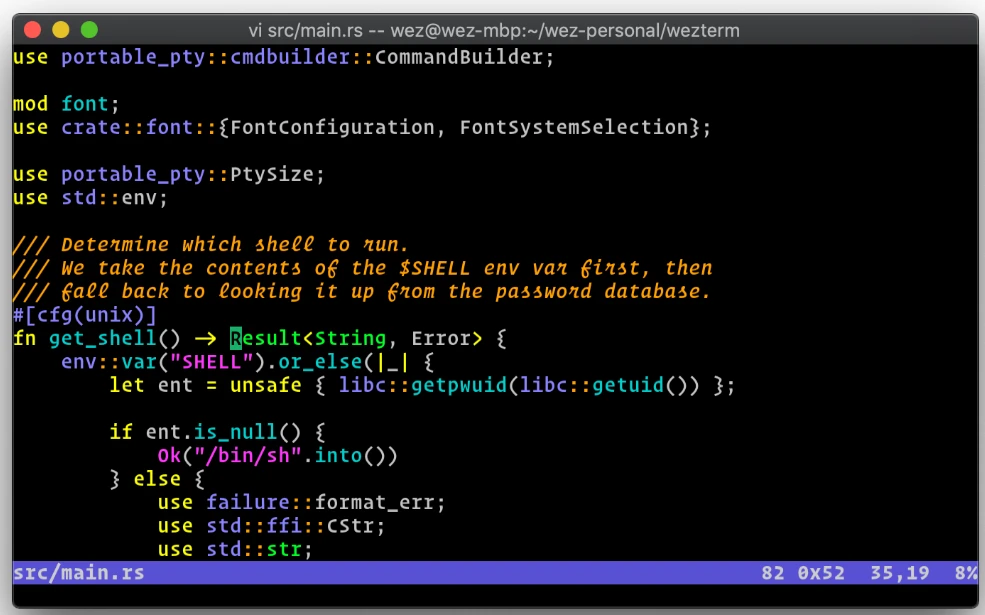
WezTerm argues for owning one fewer piece of software: the terminal absorbed the job of the multiplexer, so the tool chain is one link shorter and the mental load is one item lighter. The end point of integration is a quieter day.
What to expect when you switch
The first hour is mostly copying from the documented examples: pick a font, decide on a few key bindings, and leave the rest at defaults. The feature worth testing early is the remote domain, because a session that reconnects to its previous state changes how you work over an unreliable link. Anyone who administers servers from a laptop on hotel wireless will notice the difference the first time the connection dies mid-task and nothing is lost.
Old habits need a little adjustment. The multiplexer commands are not the ones from the tool you used before, so a printed cheat sheet on the desk for the first week pays for itself. People who only ever open one shell and close it again may find the program heavier than necessary and can run it as a plain terminal, with multiplexing left switched off until it is wanted. Free software, an active release rhythm and a stable build alongside a nightly one mean the project can be adopted without betting on a vendor staying interested.
A reasonable path: install it as a second terminal rather than replacing the familiar one on day one, migrate the font and colour scheme first, and only then move the remote workflow across. Once the reconnect habit takes hold, going back feels like giving up a seat belt.