
Daz Studio: a realistic character without learning to model
Summary
A free tool for building and rendering three-dimensional characters. A pre-rigged base figure takes slider adjustments to face, build and age, clothing and hair fit themselves, cloth and hair move under physical simulation, and rendering is ray traced; the result can be handed to other 3D software for further work.
Recommend- Name
- Daz Studio
- Version
- 4.24.0.4
- Pricing
- Free
- Open source
- Proprietary
- Operating system
- WindowsmacOS
- Website
- https://www.daz3d.com
- Updated
- 2026-10-06 16:23
A professional-looking character without learning to model
In the traditional three-dimensional workflow a convincing human being takes three large stages: modelling, sculpting, and rigging a skeleton. Most beginners give up before the first of them is finished. Daz Studio takes another route. It ships with a base figure whose skeleton is already bound, so the work becomes a matter of dragging parameter sliders to change the shape of a face, the proportions of a body, the apparent age, and then dressing the result in clothing and hair that fit themselves. A few minutes of that produces a finished character that can go straight to rendering. The software is offered free by the company behind it, and runs on both Windows and macOS.

The Genesis system, and why compatibility is the whole point
One generation of the base mesh behaves like a standard socket. Clothing, hair, poses, all of it plugs in and fits itself to a character of any build, which removes the slow business of adjusting each piece by hand. Several shapes can be blended into one, so the range runs from a realistic person to a fantasy creature built out of parts, and the facial rig is fine enough to survive a close-up of an expression rather than falling apart at the first raised eyebrow. An asset panel sorts the library by scene and puts the plausible options within a click of the current character, which matters once a collection has grown past the point where anyone can remember what is in it. As of September 2026 the software is still being updated, and the recent releases brought a redesigned scene builder, keyboard and mouse navigation of the scene, and interactive progressive rendering.

Cloth and hair that move, and a renderer built on physics
The physical simulation engine included with it is what makes cloth and hair come alive: a hem swings with the movement, long hair reacts to a wind field, and the collisions are worked out by calculation rather than by adjusting frame after frame by hand. Rendering is handled by a ray tracing renderer integrated into the application, with graphics card acceleration and progressive output, so skin and material respond to light in a way that reads as photographic. Anyone without a suitable graphics card is not shut out either; a second renderer that asks much less of the hardware can be selected instead.
Posing, animating, and a tool chain that holds together
Static posing has several routes. A parameter dial sets bone angles precisely, a direct drag mode lets the figure be pulled about the way one moves an action figure, and a dedicated panel controls the overall balance of the pose in one place. For animation there is a keyframe timeline alongside a library of preset motions, which makes simple camera moves and character action approachable, and with depth of field and framing adjustments the result is enough for a short clip or a storyboard rehearsal. On the way in and out, the common general-purpose model formats can be read and written, so collaboration with an outside three-dimensional program does not stall at the format.
Light and material, following the laws of physics

Lighting is built on a physically based approach and material editing works by connecting nodes, with parameters that correspond to real behaviour: the reflection of metal, the way light scatters just under the surface of skin. Details such as a caustics sampler let awkward materials, glass and water among them, render to something believable rather than merely bright. For anyone who does not know the physical quantities yet, ready-made lighting presets give a decent starting result, and the numbers can be adjusted afterwards as understanding grows.
The software is free; the ecosystem is a marketplace
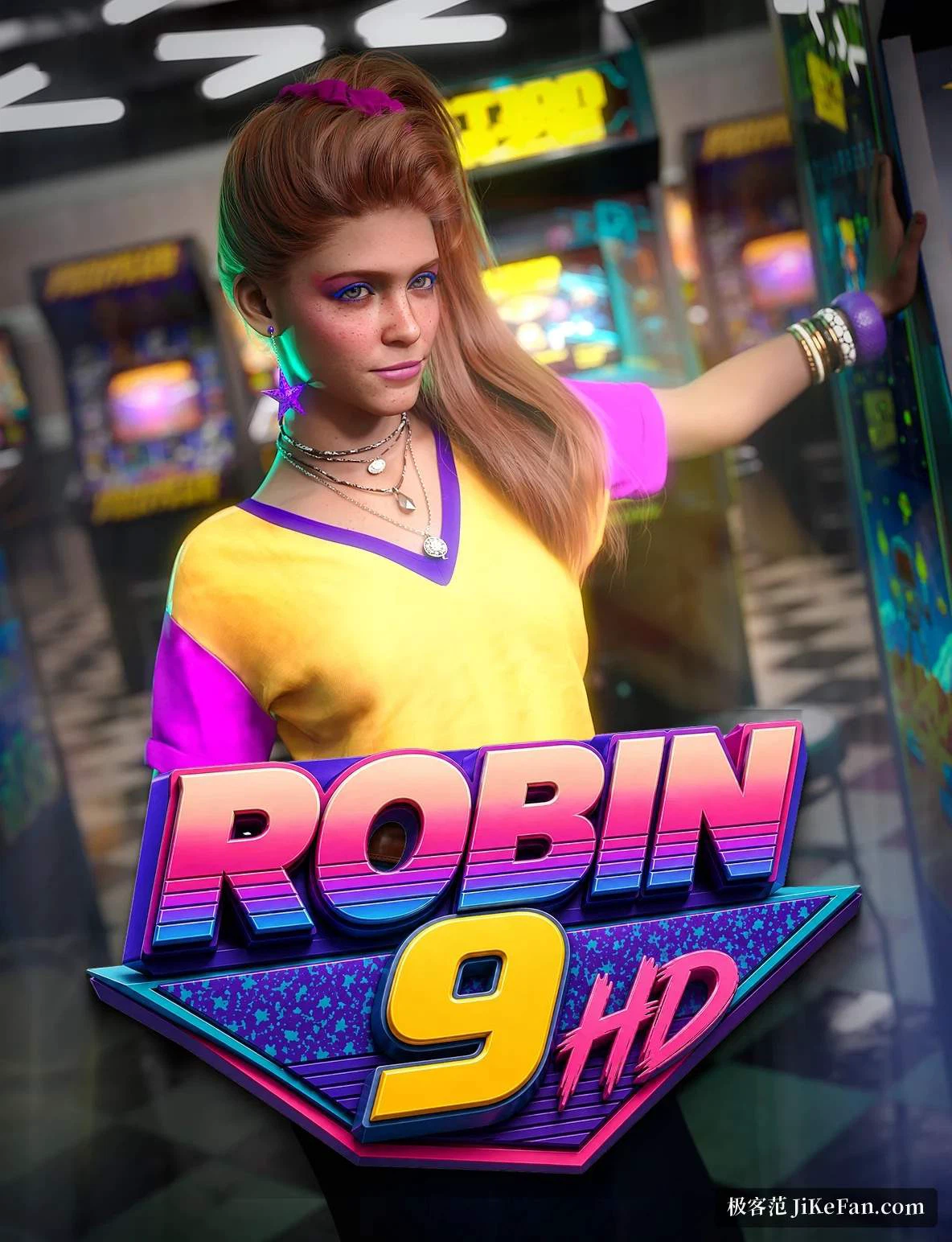
The commercial shape is simple: the application costs nothing and the content is where money changes hands. The official store holds tens of thousands of finished figures, clothing sets, scenes and animations, and there are enough free starter packs that a beginner can run the whole pipeline end to end before spending anything. A large body of tutorials has settled in the community as well, at every level from first steps to advanced material work. A bridge export sends a finished scene into the mainstream three-dimensional programs for further work, and game developers can write out general formats that an engine will accept. For rapid character art, a book cover illustration or a piece of concept design, it presses the time cost of producing a character remarkably low.