
XMedia Recode 3.6.4: a free transcoder that uses the graphics card and knows your devices
Summary
XMedia Recode converts between containers and codecs, ships presets for phones and players, and can hand encoding to the graphics card when one is available.
Recommend- Name
- XMedia Recode
- Version
- 3.6.4
- Pricing
- Free
- Open source
- Proprietary
- Operating system
- Windows
- Website
- https://www.xmedia-recode.de/
- Updated
- 2026-10-06 22:36
What a transcoder is supposed to look like
XMedia Recode is an all-purpose audio and video transcoder for Windows, maintained by a developer in Germany. The positioning is exactly what the name suggests: take whatever format arrives and turn it into another one. On the input side it reads the common containers and codecs, on the output side it covers a long list of them, and it ships with presets aimed at phones, tablets, playback devices and the main publishing platforms. Pick the target device, and the resolution, bitrate and codec come with it instead of having to be assembled by hand from an empty dialogue.
That last detail is what separates a tool people keep from one they install once. Anyone who has spent an evening guessing at bitrates for a phone that turned out to want something else knows the value of a preset that was set by somebody else and then left alone.
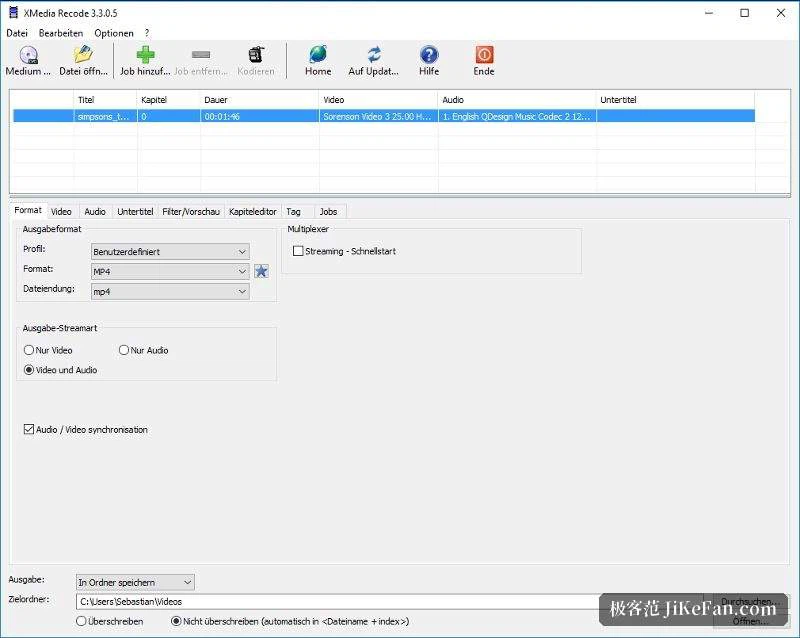
Codecs, and the graphics card
On encoding it keeps up rather well. H.264, H.265, VP9 and AV1 are all supported on the video side, and AAC, Opus and FLAC on the audio side, which is the range that matters if the material has to be both archived and played. For speed it hooks into the hardware encoding interfaces offered by the three large graphics chip makers, so where a matching card is present the encoding work moves to a dedicated unit and processor load drops noticeably.
A sensible habit comes with that: for a batch of the same material, encode one preview with the hardware path first, check that the parameters are what was intended, and only then run the whole set at high quality. Previewing with the fast path and finishing with the careful one gets the best of both, and it costs a few minutes rather than an afternoon.
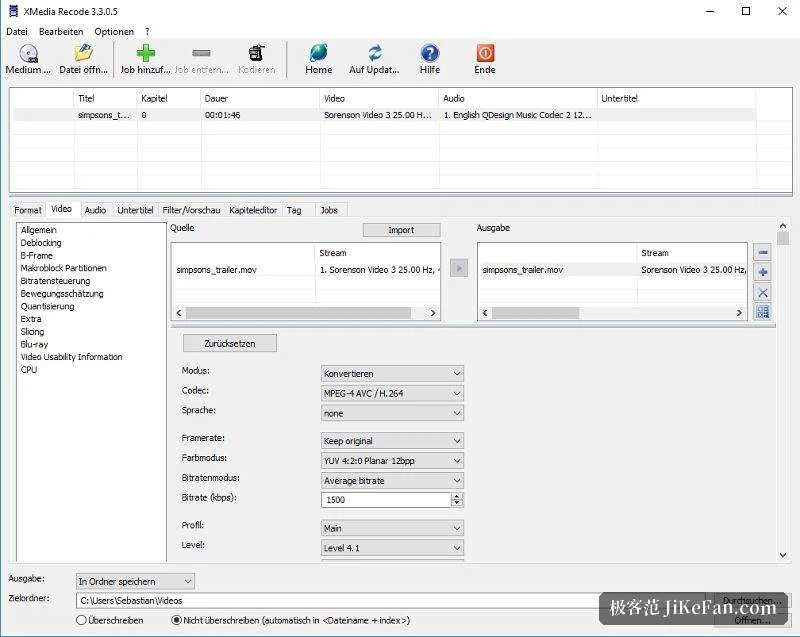
More than a format change
A number of everyday operations live in the same interface rather than in a separate editor. Video can be cropped and merged, audio tracks extracted or replaced, volume and gain adjusted, filters and deinterlacing applied, and subtitles muxed into the container. Disc directories, including the high-capacity optical kind, can be read as input and turned straight into ordinary video files, which saves a step that otherwise needs another program in the middle.
The task list queues jobs in parallel, and during encoding the progress and the estimated time remaining are visible as they move. For one file that is a nicety; for twenty files it is the difference between leaving the machine alone and checking on it every few minutes.
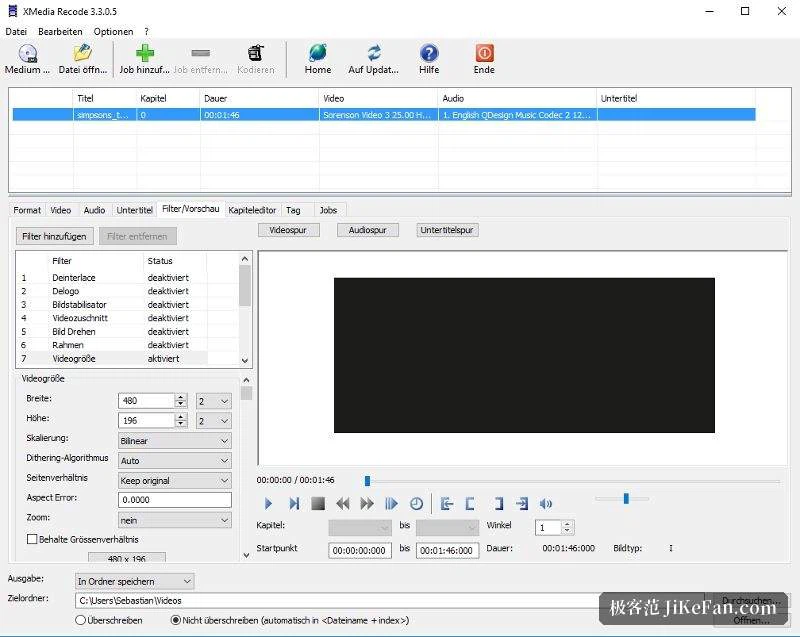
Version, and two things to know
The interface is available in several languages, Simplified Chinese among them. As of August 2026 the version stands at 3.6.4. Two caveats deserve a mention before the first job: it is a Windows-only tool, and hardware encoding, fast as it is, usually gives slightly worse quality at the same bitrate than software encoding does. Where the balance between file size and picture matters, encode a short sample both ways and compare before committing a whole library.
For a pile of videos in mismatched formats, and no wish to install a full editing suite just to convert them, XMedia Recode is the practical choice: presets are complete, the codec list is current, and the graphics card can carry the work. The price is Windows only, and for anything where quality is the point, compare the hardware and software results once.