
Unigine Heaven: an old load test that parks a graphics card at full tilt
Summary
An old stress test and benchmark that holds a graphics card near full load inside a steampunk archipelago, with tessellation and real time global illumination built in. Scoring, looped soaking and free roaming modes, with a basic edition free for personal use.
Recommend- Name
- Unigine Heaven
- Version
- 4
- Open source
- Proprietary
- Operating system
- WindowsmacOSLinux
- Updated
- 2026-10-05 08:34
One run of this airship voyage tells you whether a card holds up
After a machine is put together, after a card is overclocked, or after a second hand card arrives in the post, the same question comes round: will it survive hours of heavy load. Unigine Heaven is one of the older tools built for exactly that question. It turns a steampunk world of floating islands into a loopable test scene and keeps the graphics card close to full load until something gives way, whether that is corrupted pixels, a falling clock, or a driver reset. The download is still on offer as of September 2026, and the release stands at generation 4.
The picture is the load
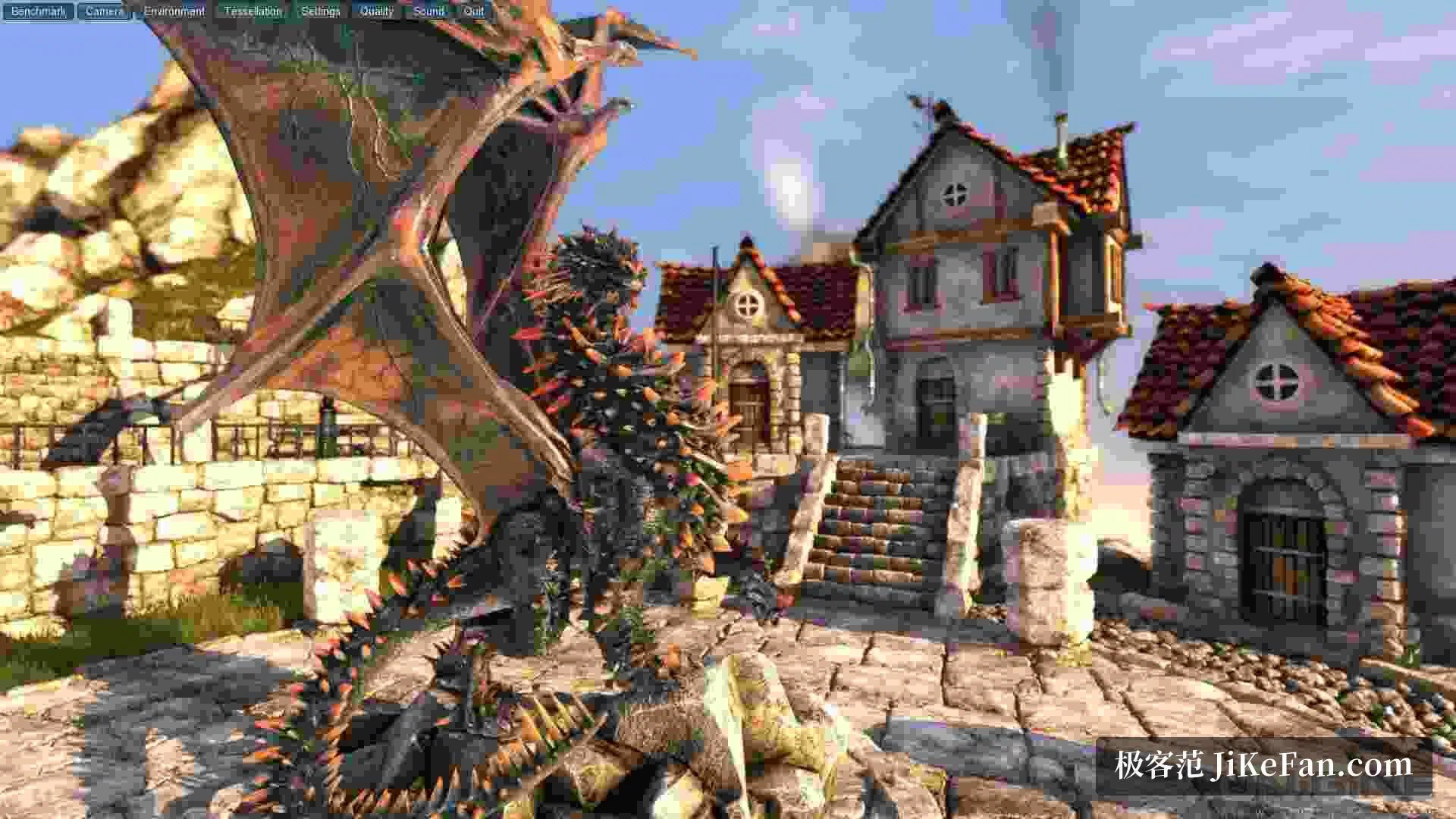
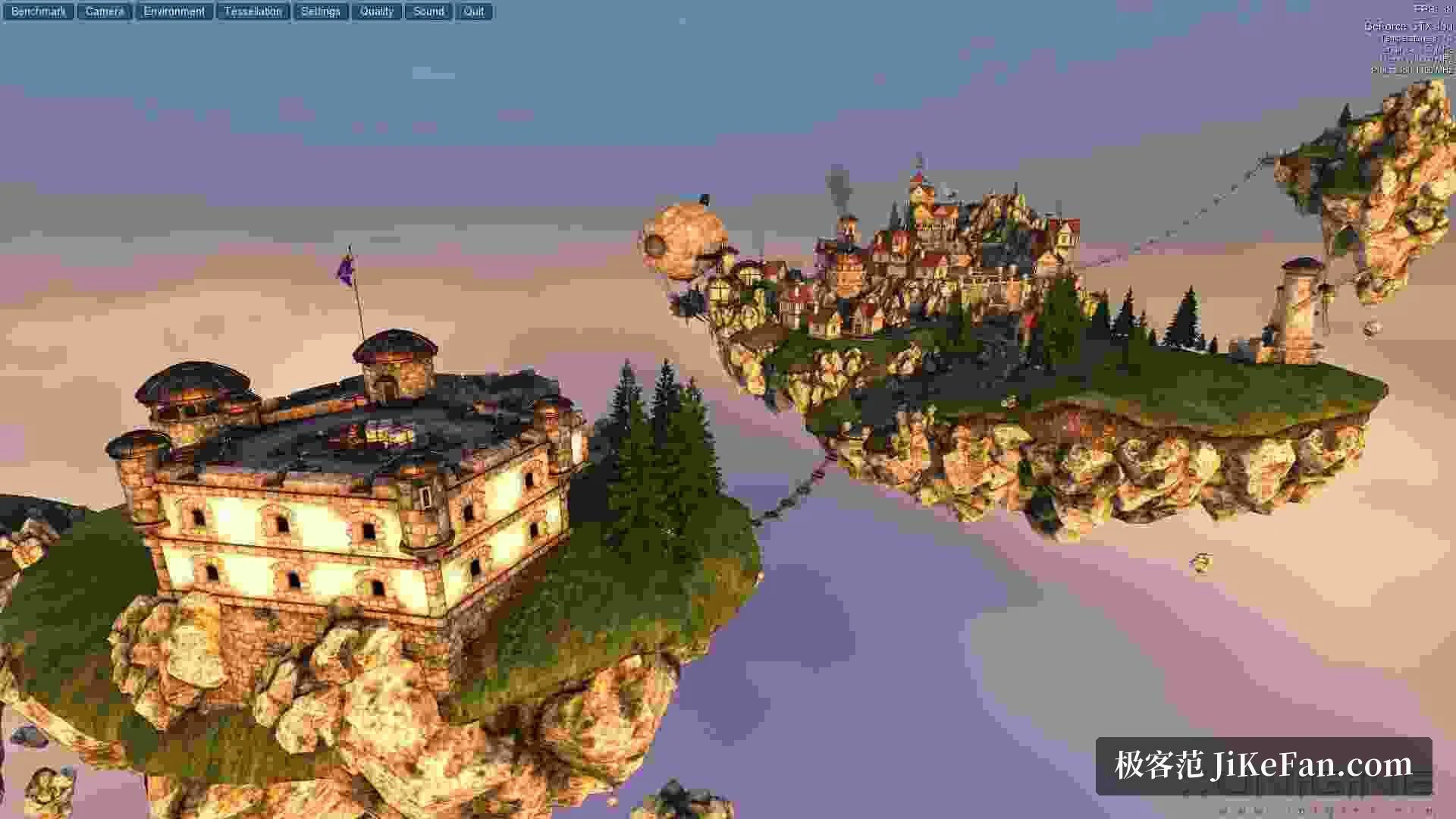
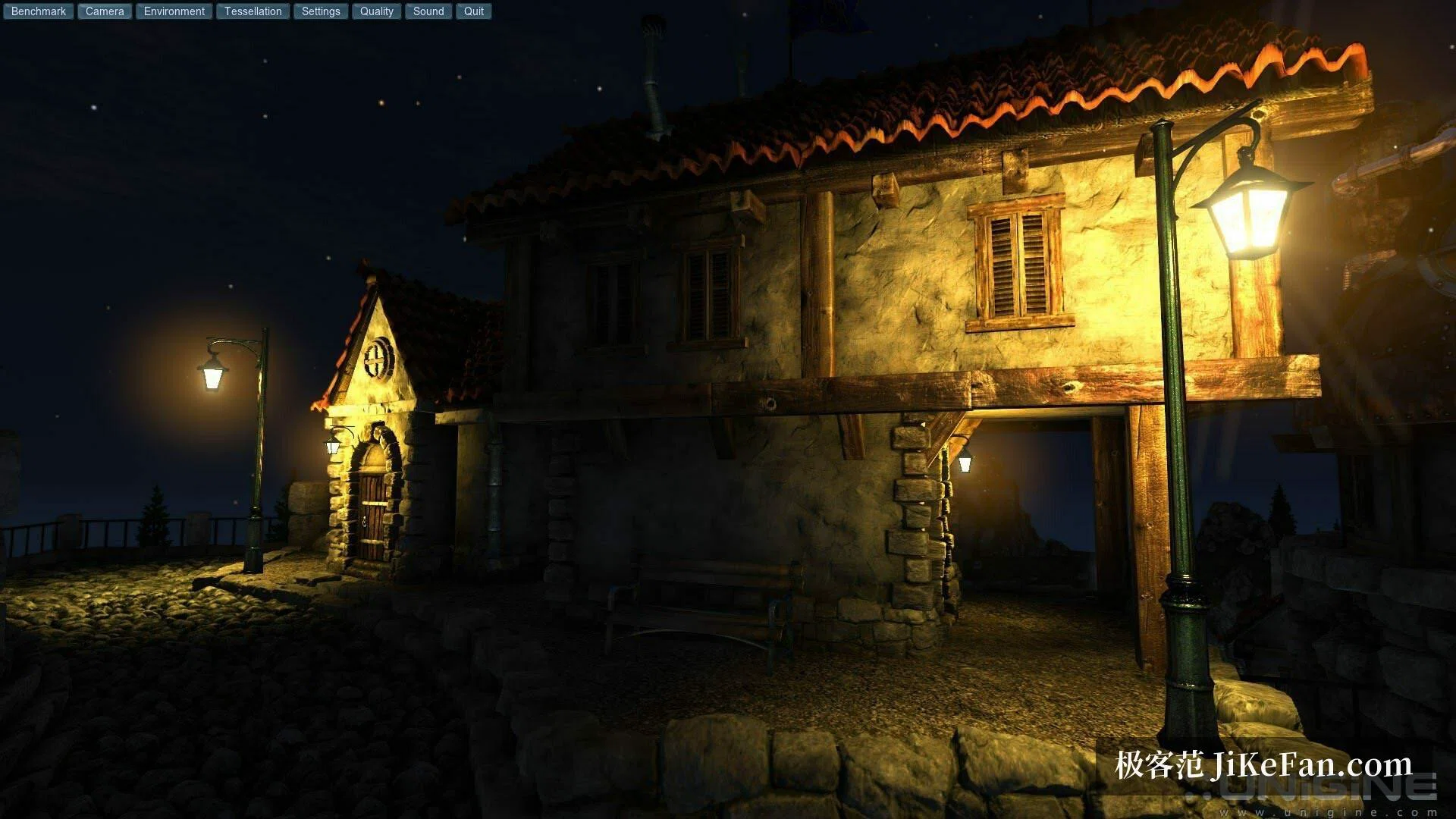
Heaven draws its scene with the first version of the studio's own engine: an island village floating above a sea of clouds, a dragon coiled in the central square, airships crossing the sky. Almost every surface carries adaptive hardware tessellation, so the detail on stones, roof tiles and dragon scales rises and falls with the viewing distance. The sky is a dynamic system with volumetric cloud and a day and night cycle, and real time global illumination and screen space ambient occlusion take part in the image as well. Stacked on top of one another, those features work several stages of the rendering pipeline at once rather than testing memory bandwidth alone.
The rendering back end can be set to DirectX 9, DirectX 11 or OpenGL, and both resolution and quality can be adjusted by hand. When the resolution is pushed past what the card can carry, the frame rate falls first, which is far easier to watch than a straight crash to the desktop.

Three ways to use it: score, soak, wander
Benchmark is the standard use: pick one of the three presets or fill in the parameters yourself, let the camera fly a fixed route through the scene, and read the frame rate, the score and the lowest frame at the end. The heaviest preset presses noticeably harder, which suits the moment just after an overclock, when the only question is whether the new setting survives. Interactive mode releases the camera instead: one path follows the original flight, another allows walking at will, close enough to study the buildings and the machinery from the inside.
What the numbers are good for
The first use is verifying an overclock. Raise the core clock one step, run the scene, and if it passes, raise it again; when something goes wrong, step back to the last stable value. The second use is a check on cooling and power delivery. Heaven keeps the card in a high power state for a long stretch, so a machine with a choked air path or a dusty cooler usually begins to throttle within a quarter of an hour. Once a build is finished it is a common first run, a way to catch an early fault before the case disappears under the desk. The tool is also wrapped into a Linux test framework that is widely used for automated measurement, so it slots into a scripted pipeline without much work.
Versions and licensing
Heaven 4 arrived in February 2013 and has been offered as the stable release ever since. The package carries builds for Windows, macOS and Linux at once and weighs about 246 MB. Licensing comes in four tiers. The Basic edition is free for personal use and includes the presets and the interactive mode. The Advanced edition targets individual overclockers and hardware reviewers, adding command line automation, looped stress runs and reports written out as CSV, at 14.95 US dollars. The Professional edition targets card makers and commercial test labs, and adds a commercial licence, frame specific rendering and technical support, at 495 US dollars. The Enterprise edition serves organisations that deploy across many seats, at 7500 US dollars.
On requirements, the starting point is a card of the 4000 generation, or integrated graphics of the 3000 generation, with 512 MB of video memory and 1 GB of disk space. Windows releases right up to Windows 11 stay supported; Linux expects the proprietary driver from the card maker, and macOS asks for 10.8 or newer.
Is it still worth installing
The engine dates from an earlier period, so a high end card released in the last few years carries this load lightly, and the render paths used for real time ray tracing are not covered at all. Heaven is therefore a check on stability and cooling rather than a yardstick for what a modern card can reach. Its strength lies in comparability: same scene, same preset, and the scores from different machines sit inside one coordinate system.
If what sits on the desk is a freshly assembled machine, a card whose cooler has been changed, or simply a configuration whose ability to survive a long full load is still unknown, Heaven remains a very low threshold choice.
Unigine Heaven parks a graphics card at sustained full load inside a steampunk archipelago: tessellation, volumetric cloud and real time global illumination take turns, and the scoring, soaking and wandering modes each serve a purpose. It cannot measure the ceiling of a current card, but it is still a convenient way to tell whether an overclock and a cooler are holding.