
Tabby puts SSH, serial consoles and the local shell in one window
Version 1.0.235
Summary
An MIT licensed cross platform terminal that keeps SSH, Telnet, serial consoles and the local shell in one window, with jump hosts, Zmodem file transfer and an encrypted container for connection credentials.
Recommend- Name
- Tabby
- Version
- 1.0.235
- Pricing
- Free
- Open source
- Open source
- Operating system
- WindowsmacOSLinux
- Website
- https://tabby.sh
- Updated
- 2026-10-06 20:12
A remote session should not need three separate programs
Anyone who spends a working day near servers knows the pattern. One window holds a session to a machine in a data centre, a second runs log commands on the local computer, and a third is opened because a small development board needs a serial port. The terminal that ships with the operating system usually does exactly one of those jobs well, so the rest arrive as separate programs, each with its own settings, its own colour scheme and its own habits. Tabby starts from the opposite assumption: the remote shell, the serial console and the local command line belong in the same window, and the keyboard should behave the same way on every desktop platform. The code is public under the MIT licence, releases keep arriving, and the current stable version is 1.0.235, in place since September 2026.
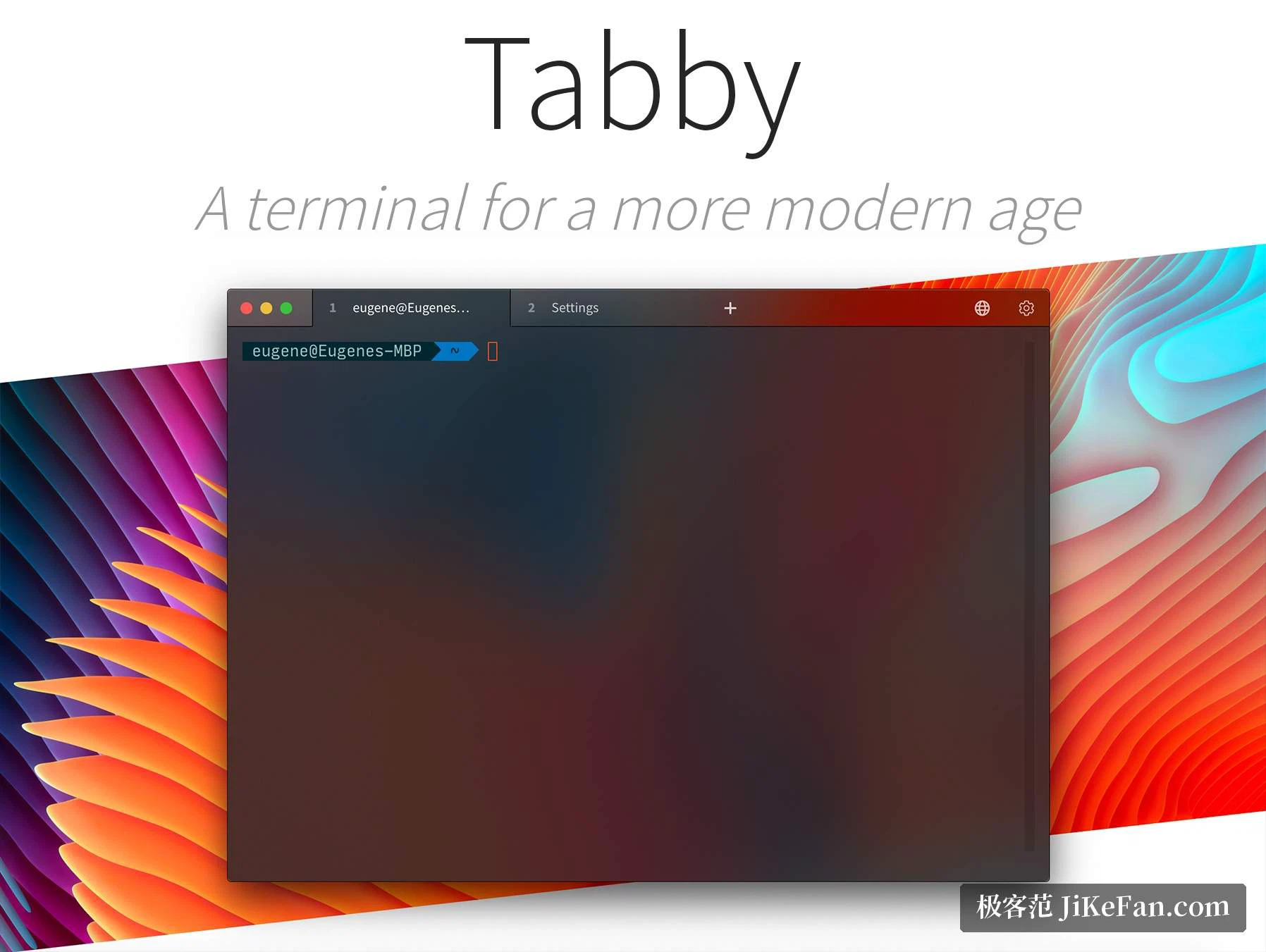
Three kinds of connection, one window
The program carries its own SSH and Telnet clients together with a connection manager, and adds a serial terminal for hardware work. Creating a session is not limited to those protocols either: the command environments already present on the machine can be picked straight from a list, so the classic shell of the system, the newer cross platform shell, the Linux subsystem that ships with it and the several Unix like toolchains developers install on a Windows machine all start without a hand written path. Connection profiles understand jump hosts, which means a machine reachable only through a bastion is described once and reused afterwards. The common key types used by OpenSSH are accepted, including the modern elliptic curve ones, and the private key format of an older popular client can be read as well. Sending a file does not require a second program: a session can pass files back and forth over the Zmodem protocol on the spot. Unicode support is complete, double width characters included, so Chinese labels and table borders stay in their columns, and a flood of output does not leave the display stuttering.
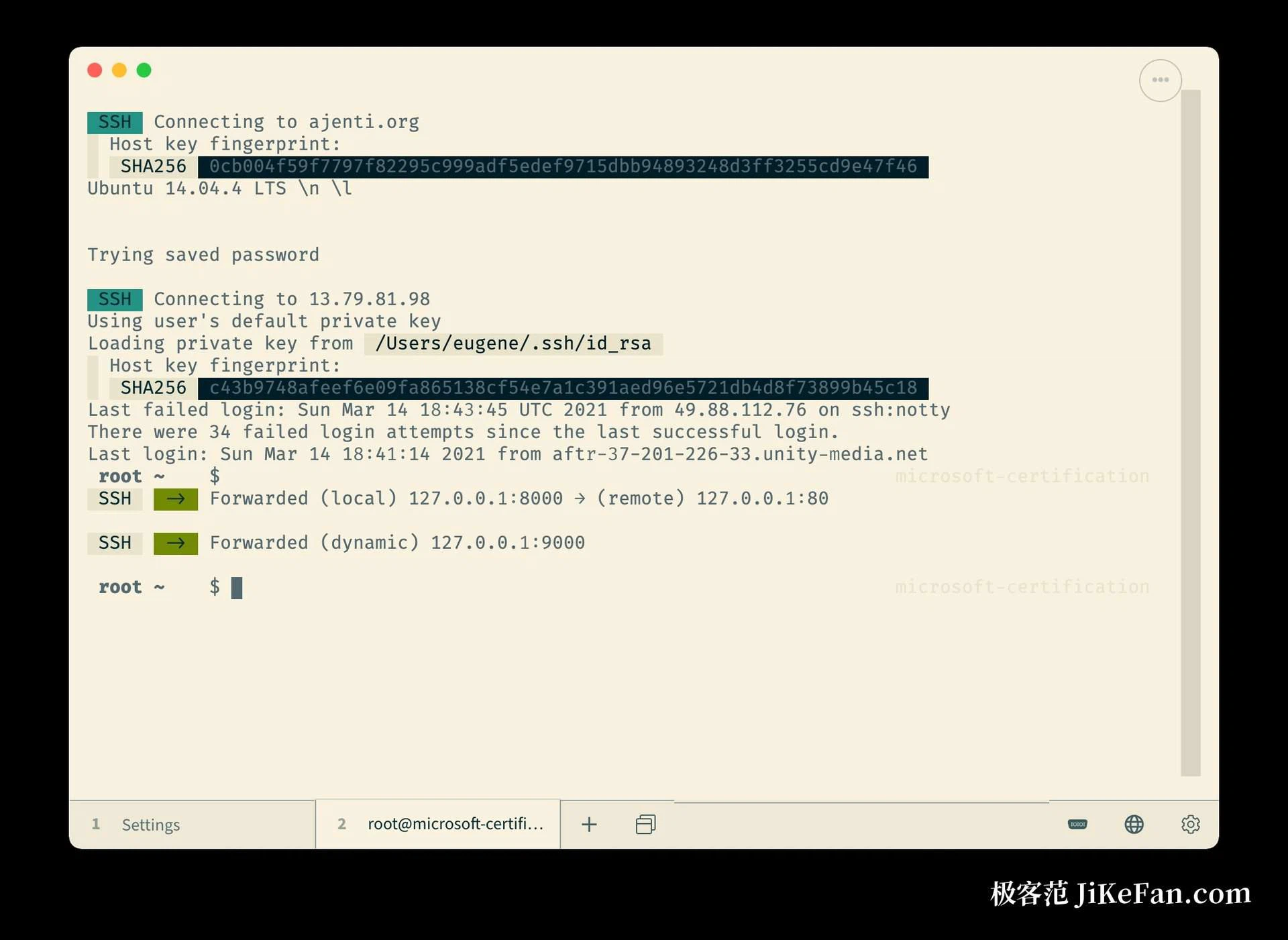
Credentials belong in an encrypted container
Fifty machines mean fifty addresses, fifty ports and fifty user names. Kept in a plain text configuration, that list becomes hard to maintain and uncomfortable to leave lying on a disk. Tabby therefore offers a built in encrypted container for keys and settings, so the credentials do not sit on the drive in readable form. The terminal also accepts hidden input, which keeps a sensitive value off the screen while it is typed. The configuration itself can be exported and imported, so copying a whole connection list onto a second computer is a short task rather than an afternoon. Split panes, tabs and dockable windows take over on the days when several sessions have to be watched at the same time without losing track of which one is answering.
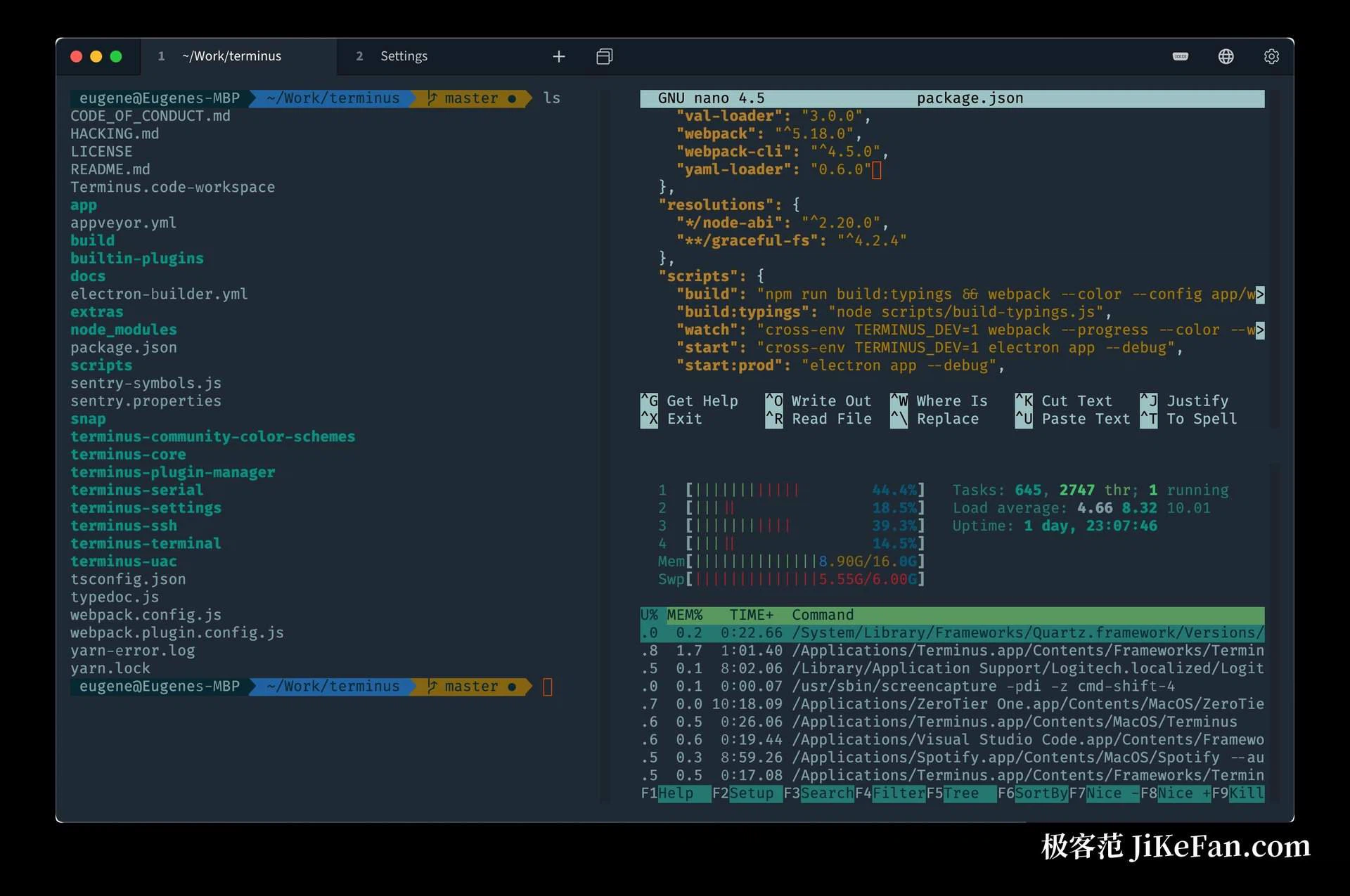
Adjustable down to the details, extensible through plugins
Almost every visual decision is exposed in the settings panel: typeface, colour scheme, background, cursor shape and blink rate, and which side of the window carries the tab bar. Shortcuts accept multi chord sequences, and a global hotkey can pull the window down from the top of the screen as a drop down console. A plugin system covers the rest, with community extensions that export session logs, synchronise configuration between computers or hook up an outside tool. Split panes nest several levels deep, and a notification can be raised when a long running process finally finishes.
Who it suits
Operations staff who move between machines all day, developers who keep four terminal windows open out of habit, and anyone who wants the same terminal behaviour on Windows, macOS and Linux will feel at home within an hour. The interface carries partial Chinese localisation, so the first few days are less of a puzzle than they might be. Every feature is free for personal use, the source code and the release history are public in the project repository, and builds are published for the three desktop platforms.
Tabby puts the remote shell, the serial console and the local command line inside one deeply configurable window, and keeps the credentials that open those connections in an encrypted container. For anyone who hops between machines every day, it earns a permanent place in the dock.