
UEFITool: an open firmware analyser that takes a BIOS image apart
Summary
UEFITool opens a firmware image layer by layer into volumes, modules and drivers, can extract or replace a module, and runs on all three desktop systems.
Recommend- Name
- UEFITool
- Version
- 0.28
- Pricing
- Free
- Open source
- Open source
- Operating system
- WindowsmacOSLinux
- Updated
- 2026-10-06 23:05
Firmware seen as a file system
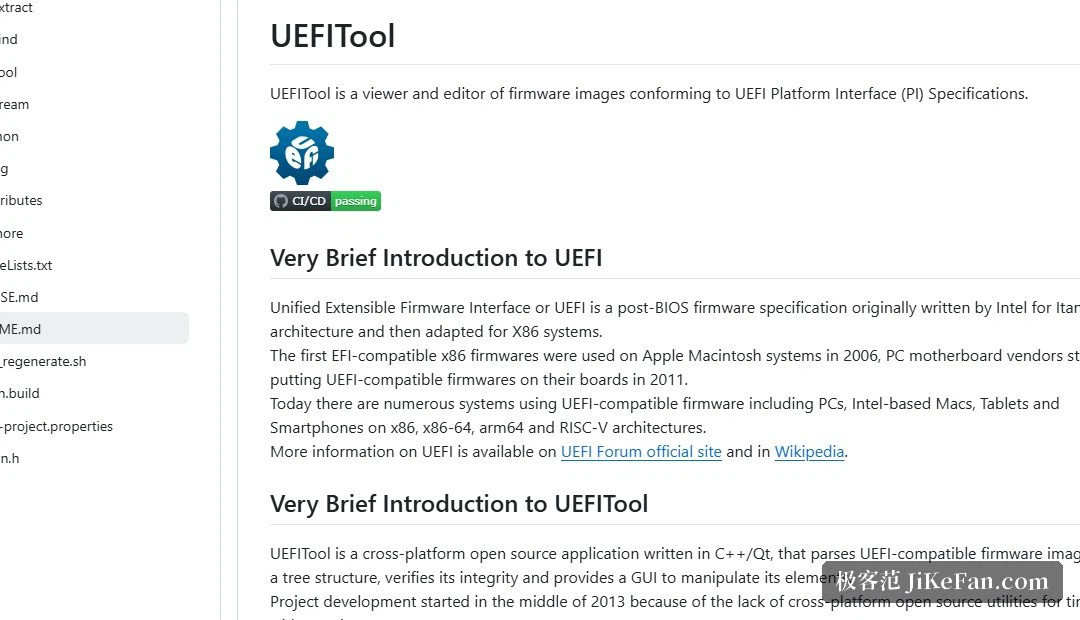
UEFITool is an open-source analyser for UEFI firmware, made for working with firmware images. It expands an image according to its internal structure, layer by layer: first the sections and volumes, then the modules, drivers and data files inside them. For anyone who wants to know what a firmware actually contains, and which module is responsible for a given behaviour, this is the most direct way to look.
The framing is the useful part: an image that arrives as one opaque file becomes a tree you can navigate. That changes the question from "what is in there" to "where exactly is it", which is the question that can be answered.
It reads, and it also writes
Beyond browsing, a single module can be extracted and kept aside for study, and a module can be replaced and the image reassembled afterwards. The common uses follow from that: updating processor microcode, adjusting settings that live in the firmware, or swapping a module for a customised build. The tool supports the usual firmware layouts and compression formats, and its compatibility with the structures used by mainstream vendors is good.
Being able to reassemble is also what makes the tool dangerous in the wrong hands. Extraction is a read; replacement is a write, and the two deserve to be treated as different activities even though they sit in the same window.
Cross-platform, and the version line
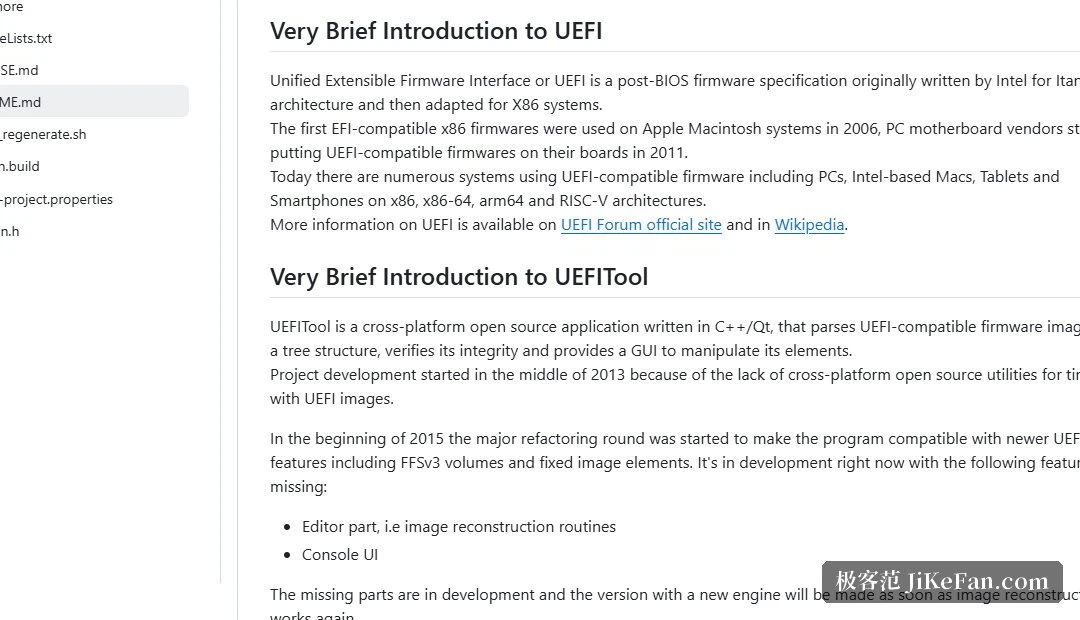
It provides a graphical interface and runs on Windows, macOS and Linux, with a command-line version alongside for scripted work. The project is maintained continuously: both the 0.28 line and the newer branch saw releases in 2026. Compared with vendor-specific modding utilities, it leans towards analysis and general editing rather than being tied to one brand's conventions.
That neutrality is worth pointing out, because it explains the audience: people who need to look at images from several machines, or who want to compare two versions of the same firmware, rather than people following a recipe for one model.
The risk, which is not small
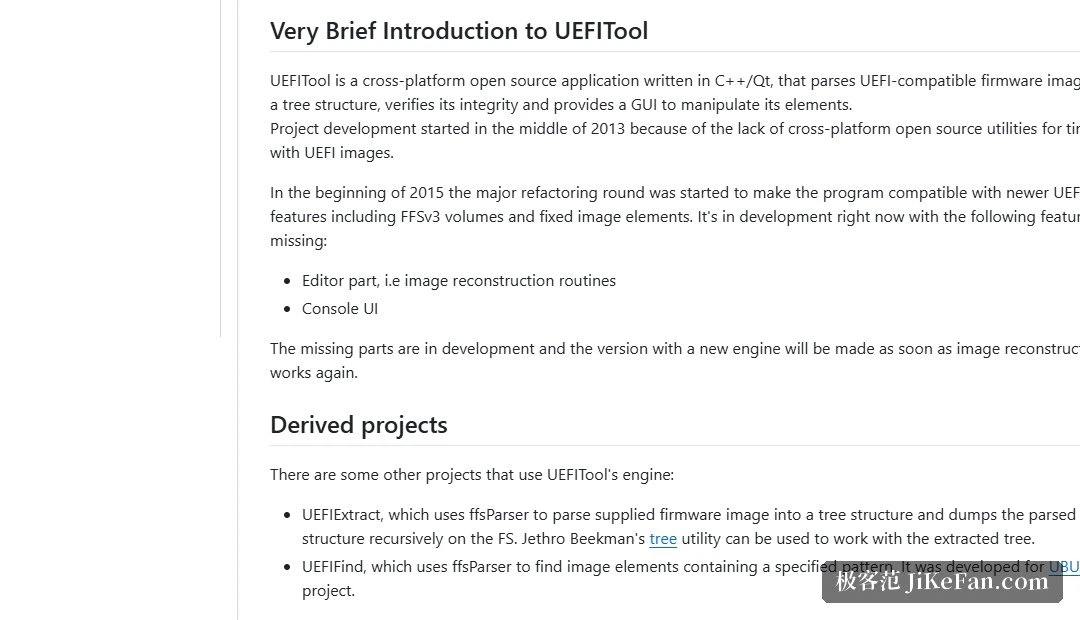
Firmware is the lowest layer of what makes a device start, so any modification can leave the machine unable to boot, and the ways back are limited. It belongs in the hands of someone who understands the consequences and can write the chip again, for example with a programmer, and who keeps the original image as a way out.
The asymmetry is the thing to hold on to: reading costs nothing and can be undone by closing the window; writing can cost the machine. That is why the sensible division of labour is to use the tool for inspection and for making backups, and to treat modification as a separate decision with its own preparation.
What most people should do with it
Most users do not need to rewrite firmware at all. Opening an image, mapping its structure, extracting a module to see what it is, and keeping an untouched copy of the original are all read-only operations, and they cover the reasons people usually have for being curious in the first place.
Where modification is genuinely needed, the order is fixed: copy first, change second, and know before starting how the chip would be written back if the result does not boot. A tool that shows you the structure clearly is not a licence to change it — reading it well and deciding to write are two separate judgements.
UEFITool turns firmware from a black box into something you can walk through layer by layer. It suits research and backup work; rewriting belongs to high-risk territory. Seeing clearly is not the same as being entitled to write, and the gap between the two is where machines get lost.