
Deja Dup: graphical backups on the GNOME desktop, with encryption and incremental copies
Summary
Deja Dup turns backup into a few choices on the desktop: what to save, where to put it, and how often, with encryption and incremental copies underneath.
Recommend- Name
- Deja Dup
- Version
- 50.2
- Pricing
- Free
- Open source
- Open source
- Operating system
- Linux
- Website
- https://apps.gnome.org/DejaDup/
- Updated
- 2026-10-06 02:38
A backup entry point made for desktop users
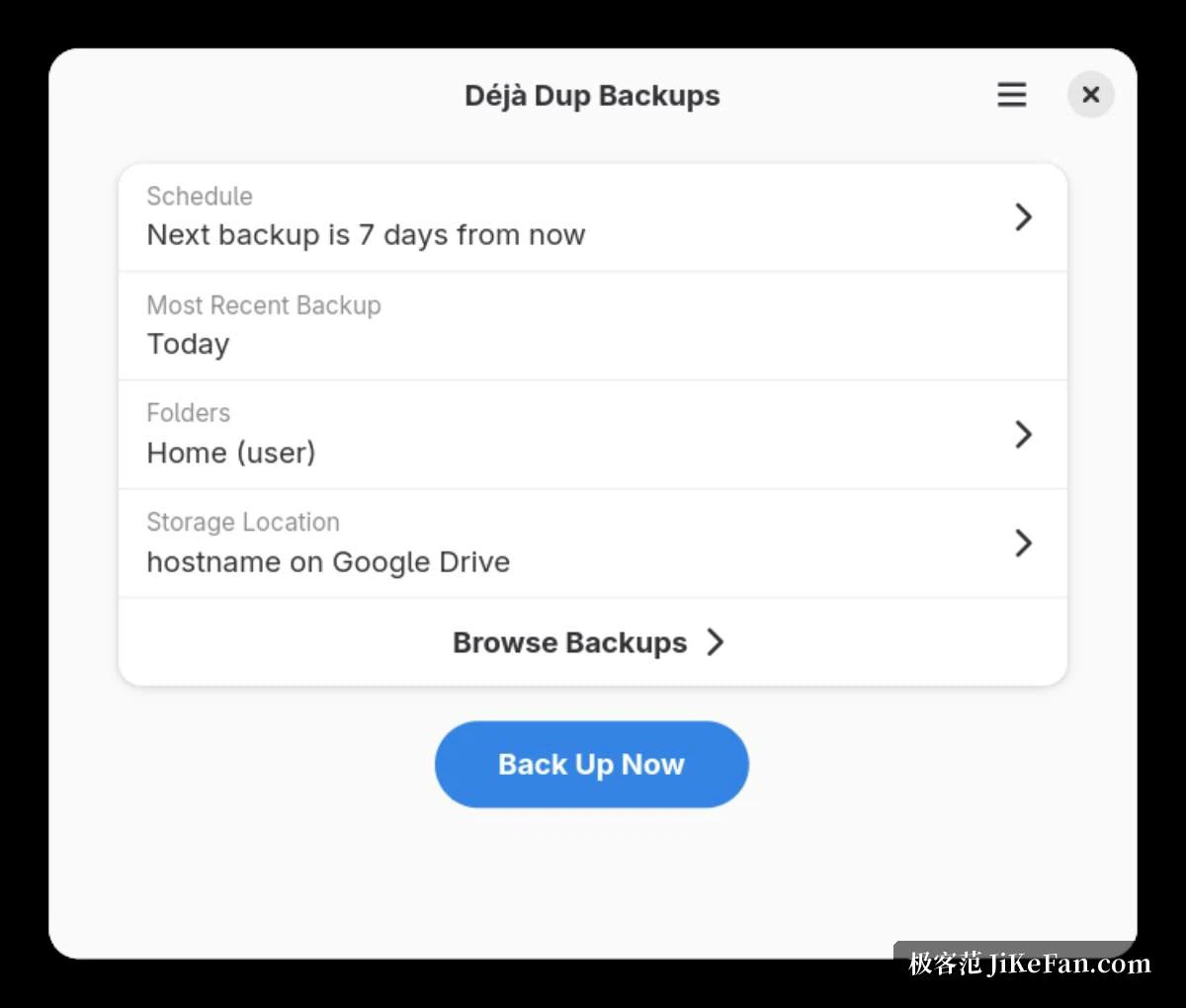
Deja Dup is the graphical backup tool of the GNOME desktop, and its aim is narrow: make backup something you can finish in a few clicks inside the desktop environment, without memorising a string of command-line parameters. Choosing what to save, choosing where it goes and choosing how often are folded into one quiet interface, so the learning cost of using it is close to nothing.
That sounds unambitious and is the opposite. Backup tools are not abandoned because they lack features; they are abandoned because the first run demands decisions the user cannot yet make and syntax they do not want to learn. A tool that asks three questions and then gets out of the way is doing the part that actually determines whether a backup exists when it is needed.
Local, remote and cloud targets
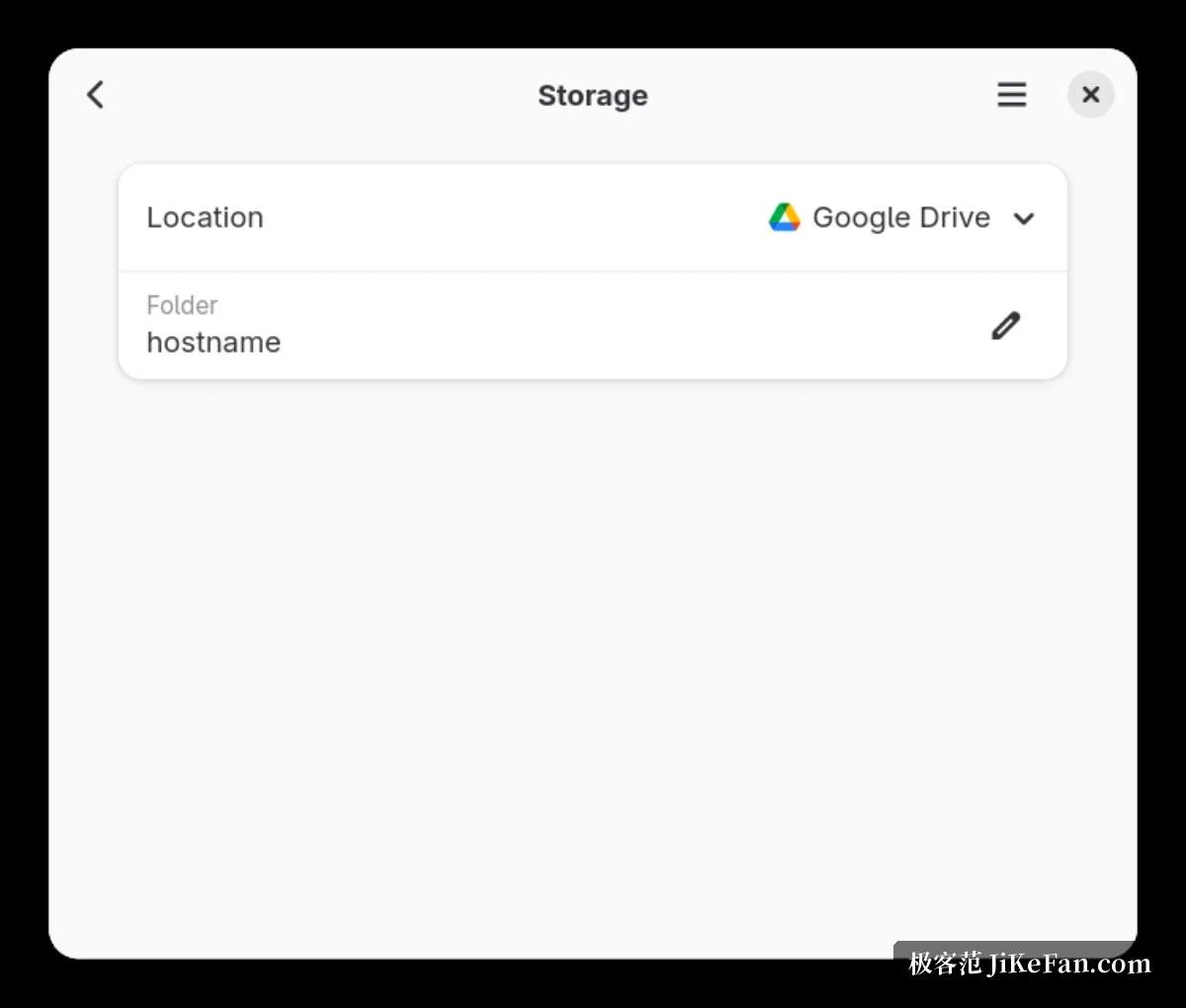
Where the copy goes is more flexible than in most desktop utilities. Besides the machine itself or an attached disk, the destination can be a remote server or cloud storage, which puts the copy on a different device entirely. That matters for the goal people actually have, which is not "a backup" but "surviving a dead disk": a backup sitting on the same disk dies with it, and in the worst case the failure takes both at once.
Writing the copy somewhere else on a regular basis is what turns it into a second copy rather than a duplicate. The distinction is easy to state and easy to postpone, which is why a tool that makes the off-device destination a dropdown entry, rather than a paragraph of documentation, is doing useful work.
Encryption and incremental copies
Underneath, duplicity does the actual work, which is why the tool inherits encryption, compression and incremental backups. The first run takes a full copy; later runs store only what changed, which saves both space and time on a schedule that repeats. Everything is encrypted before it is written to the destination, so a backup disk that falls into someone else's hands is not a readable copy of your files.
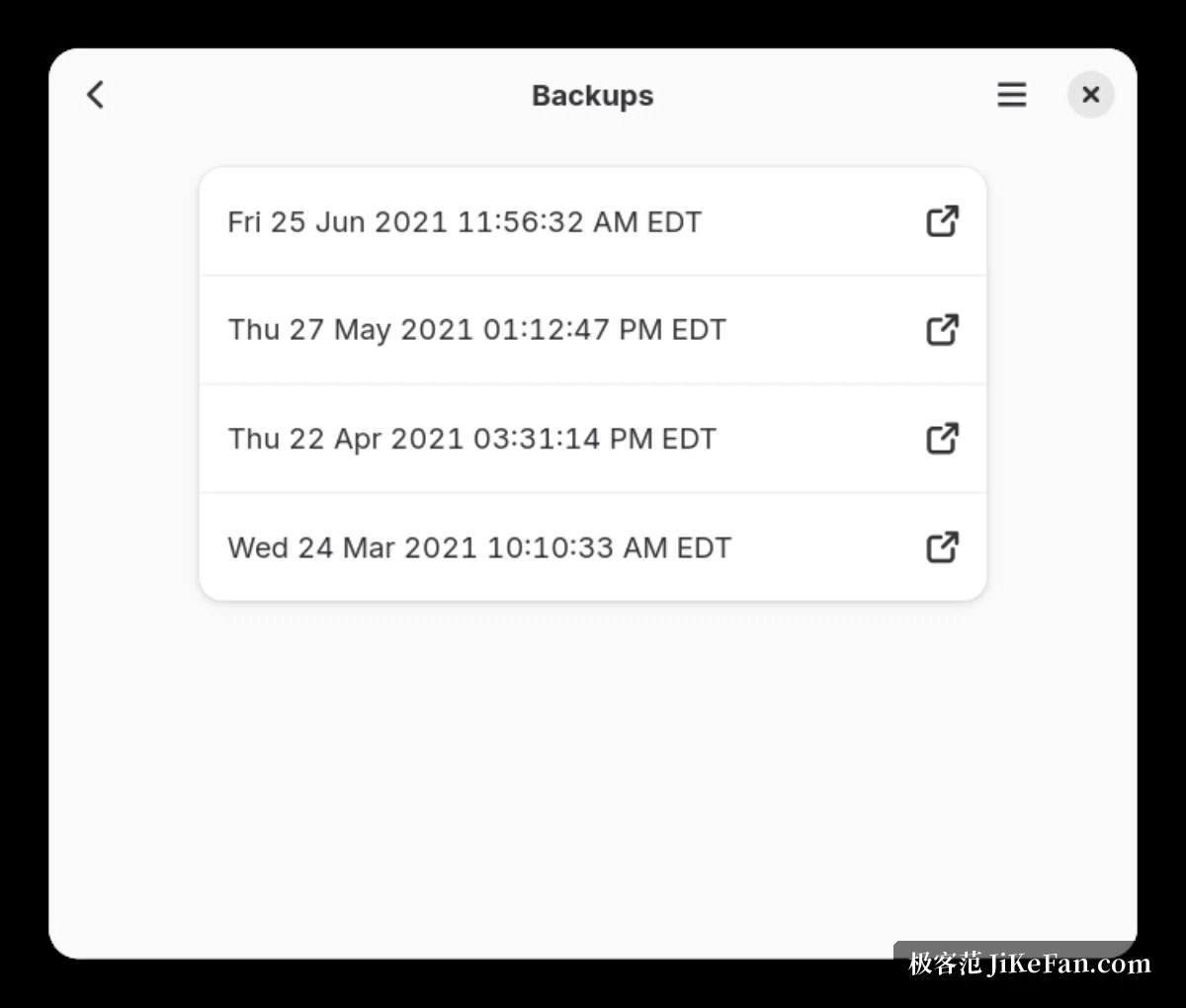
Restoring is the other half and gets less attention than it deserves. A whole snapshot can be brought back, or a single file recovered as it stood at a particular moment, which is the case that matters when something was deleted or overwritten weeks ago and nobody noticed until now.
What to watch in daily use
It runs on a schedule by default, and once configured there is little to do. The one thing worth knowing is that a scheduled backup depends on the device being awake: a laptop that spends long stretches suspended will miss its slot, and the gap is invisible until a restore is attempted. Adjusting the cadence in the settings to something the machine can actually keep is the fix.
Version 50.2 arrived in September 2026. It is tightly integrated with the GNOME desktop, and it can be installed and used on other desktops as well, which matters for anyone who moved away from that environment but still wants the same tool.
The encryption option is not free: it makes the copy unreadable in someone else's hands, and it also turns that copy into a string of undecipherable bytes the day the password is forgotten. Treating that as part of keeping a backup, rather than as a switch to set and forget, is the honest reading.
The schedule deserves to be matched to the machine as well. A desktop that stays on all day can take a daily run without anyone noticing; a laptop that gets closed and carried should run at an hour when it is reliably awake, or weekly with enough time to finish, which beats a timetable that is always missed.
What makes a backup tool valuable is not the length of its feature list but whether you actually use it. Deja Dup turns encryption, incremental copies and an off-device destination into a few options, which suits desktop users who want to configure it once and let it run.