
TestUFO Review: Testing a Monitor With Your Eyes Instead of a Spec Sheet
Summary
A white shape crossing a black screen tells you more about a panel than any spec sheet: blur, overshoot, ghosting, and whether the refresh rate the vendor printed is the one you are actually getting.
Recommend- Name
- TestUFO
- Version
- 20260923
- Pricing
- Free
- Open source
- Proprietary
- Operating system
- Web
- Website
- https://www.testufo.com/
- Updated
- 2026-10-08 11:56
A spec sheet cannot show you motion
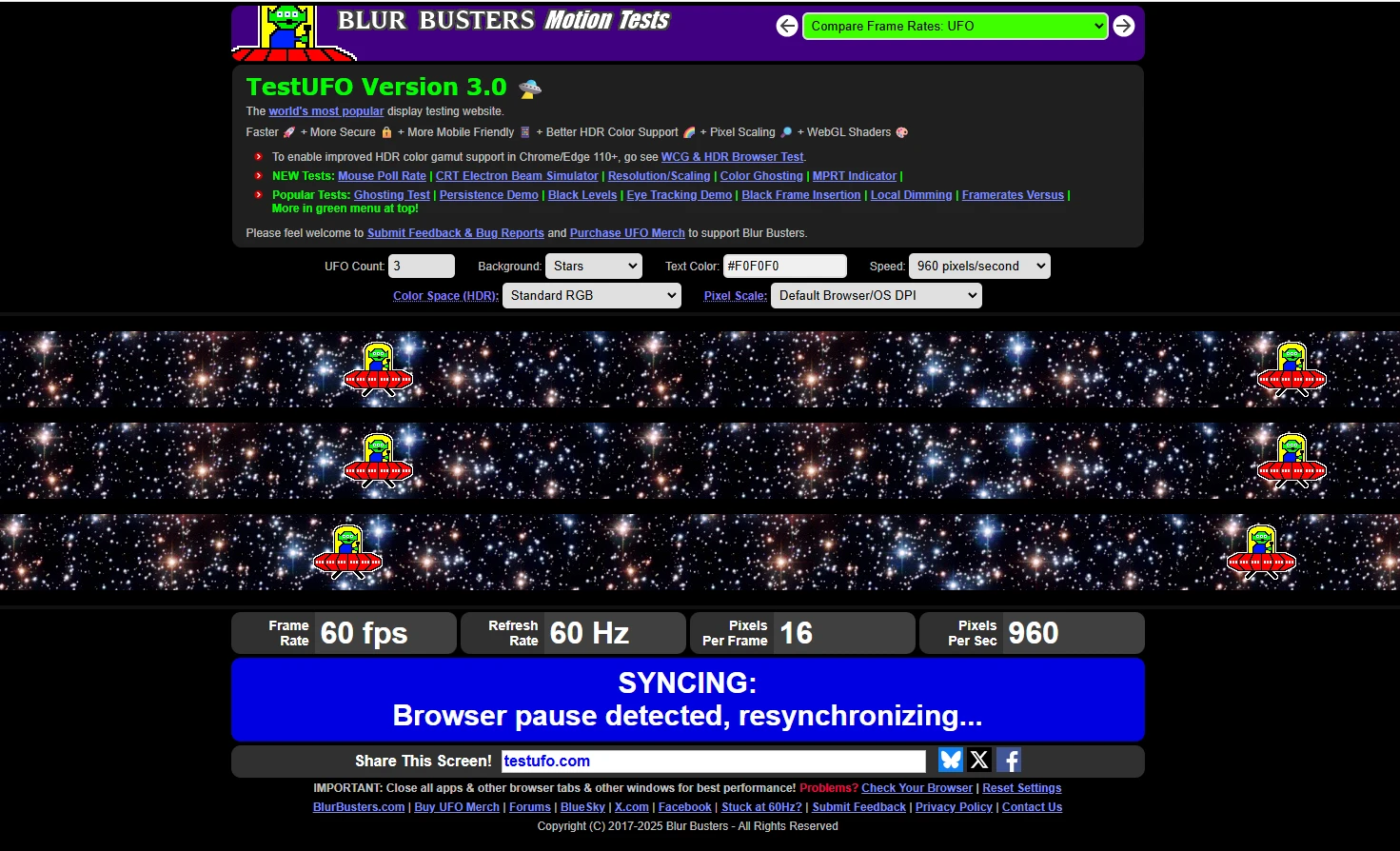
The refresh rate on the box is the vendor's claim, arrived at under conditions the vendor chose. What your eyes receive depends on the panel, the overdrive tuning, the cable, the graphics driver and the frame pacing of whatever you are running. A white shape crossing a black background isolates motion, which is exactly where the gap between claim and reality shows up. A slow panel drags a long ghost behind the shape. A badly tuned one shows a bright halo in front of it, the signature of overdrive pushed too far. A good one leaves a clean edge.
Static images cannot reveal any of this. A photograph of a desktop tells you about colour and sharpness and nothing about how the panel behaves when something moves, which is most of what a screen does in use. That is the whole argument for a moving test: it puts the panel in the condition that actually matters.
Verifying the number you paid for
A second page displays a frame counter beside the rate your device reports, and the two should advance together. If they do not, the system is not delivering what it advertises: a browser throttling to sixty, a cable that cannot carry the bandwidth, a setting left at default, or a panel that interpolates. Frame skipping tests go further and show whether every frame is being displayed or some are being dropped, which is the difference between a smooth image and one that feels wrong without an obvious cause.
Variable refresh testing closes the loop. With synchronisation on, the tearing and the stutter should reduce visibly; if nothing changes, the feature is enabled in the driver but not active in the session. None of these tests needs software installed, which makes it the first stop when a new screen arrives and the last word when an argument about a cable breaks out.
The cleverness is turning folklore into something visible. Every selling point of a display has to pass in front of a moving image before it can be believed.
How to test without fooling yourself
Close overlapping windows and turn off battery saver, because both change how the compositor behaves and quietly cap the frame rate. Use the same browser you actually work in. Take a photograph in a tracking mode if the camera offers one, since a still frame of a moving object is often the clearest evidence and it survives the return window. Photograph the screen and the comparison side by side if you are deciding between two panels.
Test at the resolution and refresh rate you intend to use, not at the maximum the panel supports, because a monitor that behaves at one hundred and forty four hertz and misbehaves at sixty is a monitor you will be unhappy with daily. And do this on the day the screen arrives, while returning it is still a simple errand.
What it cannot tell you
It cannot measure brightness uniformity, colour accuracy, viewing angles or whether the stand wobbles. Those need instruments or at least a dark room and patience. What it does measure it measures well, and the honesty of a free page that loads in a second is worth a great deal against a marketing department's chart. Use it as the first filter, then read a proper review for everything else.
One more habit worth keeping: run the same test on a screen you already trust, so you have a reference for what good looks like. Judgement improves enormously when it has something to compare against, and the difference between two panels becomes obvious in a way that words cannot convey.