
Code::Blocks 25.03 adds four compilers and a sharper debugger
Summary
Code::Blocks is a free open source IDE for C, C++ and Fortran built around a plugin framework of its own, with a self made build system and GDB debugging inside. Release 25.03 tightens high DPI handling and adds C++23 and C++26.
Recommend- Name
- Code::Blocks
- Version
- 25.03
- Pricing
- Free
- Open source
- Open source
- Operating system
- WindowsLinuxmacOS
- Website
- https://www.codeblocks.org/
- Updated
- 2026-10-17 16:07
Code::Blocks writes extensibility into the architecture itself. The core stays small, compiling and debugging arrive as plugins, and a self made build system takes the waiting out of a rebuild. Release 25.03 adds high DPI handling plus C++23 and C++26 support, which makes it a solid round of updates for a long standing open source environment.
An environment held up by a plugin framework
The official description is plain. Code::Blocks is a free open source cross platform IDE, currently aimed at C, C++ and Fortran. What sets it apart is the architecture: the whole environment is built around a plugin framework, interface features and functional behaviour are defined by the plugins that come with it, and build events and debugging arrive as plugins themselves. The reasoning given is that any kind of feature can be added by installing or writing a plugin, so the core has stayed trimmable for years. For anyone who wants the same working habits on a different machine, that consistency of operation usually matters more than the length of a feature list.
On licensing, the site states that the core ships under the GNU General Public License version 3, so anyone may use it freely. There is one exception: the software development kit part uses the GNU Lesser General Public License version 3, which lets a plugin released under another licence link against that kit.
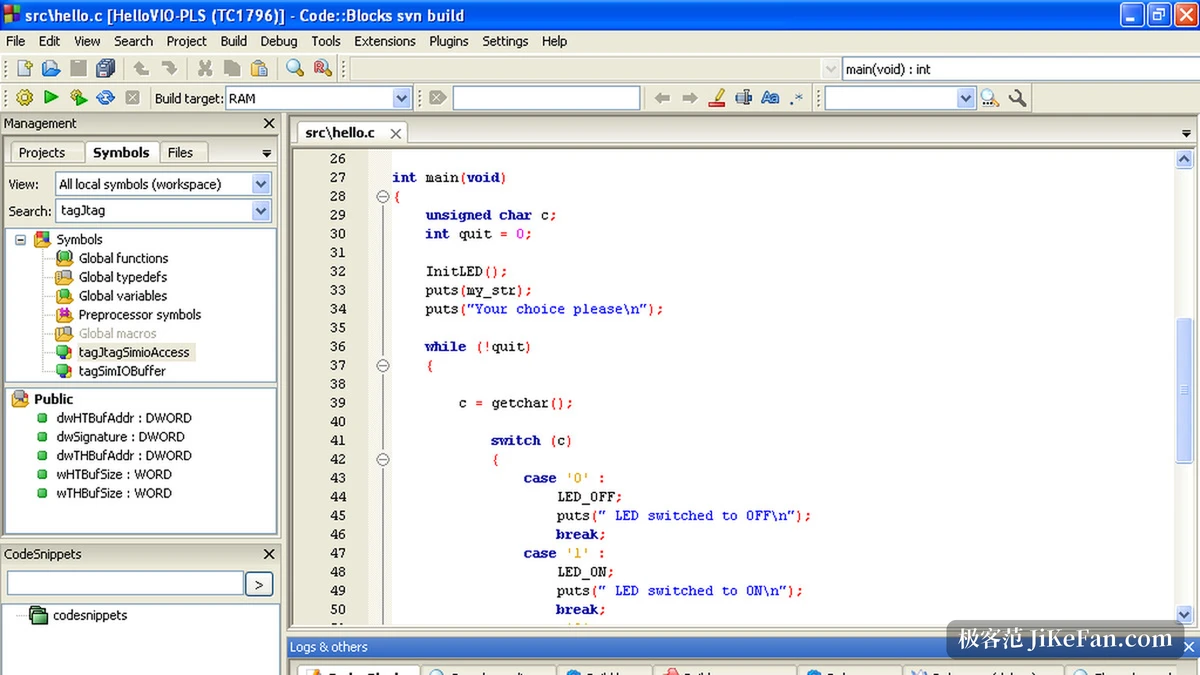
Building and debugging are the two foundations
The build system is implemented in house, and the official page names three points: very fast dependency generation, a build queue, and parallel builds. Dependency generation decides how many files have to be recompiled after one edit, parallel builds decide whether the cores of the machine get used, and both land directly on how long a working day spends waiting.
The debugging subsystem is listed just as carefully: automatic and manual watches, code breakpoints and data breakpoints, the call stack, a disassembly listing and memory dumps. Data breakpoints can be set to trigger on read, on write, or on both, and the read write kind is how you find the step at which a variable was overwritten. All of this sits in one window, so nothing has to be opened on the side to look at it.
For project organisation it handles multiple targets and workspaces at once. A workspace can hold several projects, projects can declare dependencies between each other, and a build proceeds in the order those dependencies set. Existing projects and workspaces can be imported directly, which brings an established code structure across instead of rebuilding it from scratch.
What changed in 25.03
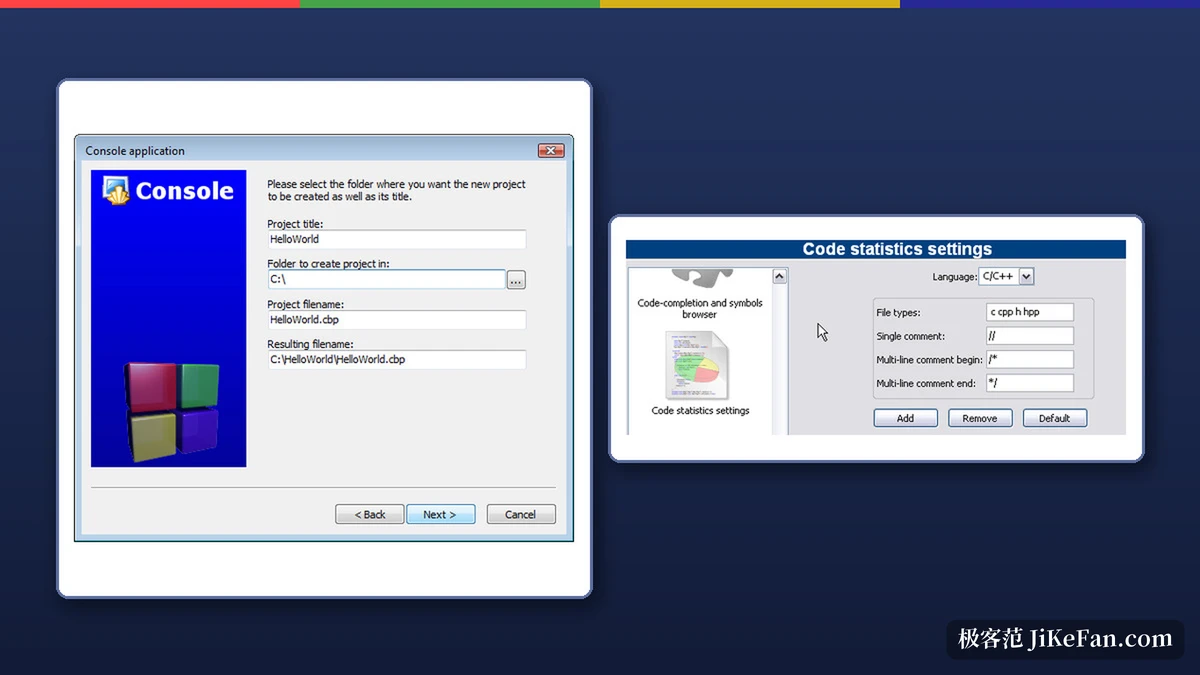
The official changelog shows that 25.03 accumulated a considerable number of changes since 20.03. High DPI handling was clearly strengthened, and the release note on the front page lists steadier behaviour and better support for high resolution screens among the highlights. On Windows the editor technology now defaults to DirectWrite, which changes how fonts look on such displays. In toolchains the compiler list gained MinGW64, MSYS2, MSVC17 and TDM, and the symbol browser came back into the interface after an absence.
On language standards, this release adds C++23 and C++26 support, while the problem of command lines that grow too long at compile and link time is handled by introducing response files. Interaction was reworked too: drag and drop between the project tree and the editor was rebuilt, and the project gained an automatic source folder interface that files a scattered set of sources into virtual directories by rule.
Debugging gained its own increments. The CDB debugger picked up a memory view dialogue plus displays for the thread list and local variables, and switching the view layout when debugging starts became optional. Builds for the riscv64 architecture on Linux are now supported, and global user variables were reworked with import and export added.
Platforms and how it ships
The supported platforms are listed as Windows XP through 10, 32 bit and 64 bit Linux, and Mac OS X. On Windows the default download is a 64 bit build, an orientation that has held since 20.03, with 32 bit builds kept as a convenience. It ships both as an installer and as a portable archive, the installer has a variant that needs no administrator rights, and one set of packages bundles the GNU compiler and GDB debugger from the WinLibs project so the toolchain arrives complete, which saves trouble for anyone new to C or C++ who has never set up a compiler.
The value of Code::Blocks is not the length of its feature list but the fact that extensibility is the default state. The core stays small, compiling and debugging hang off plugins, and the self made build system keeps the waiting down. Version 25.03 adds high DPI and C++23 with C++26, and the licence leaves room for a closed source plugin to link in. For developers who maintain C or C++ projects over years and want the toolchain to follow their own habits, this deserves a place on the shortlist.