
GitHub Desktop 3.6.7 opens several worktrees on one repository and hands conflicts to Copilot
Summary
GitHub Desktop 3.6.7 brings worktree support to the window, so one repository can check out several branches into separate folders with a shared object store, and merge conflicts can be handed to Copilot. Free and open source on Windows and macOS.
Recommend- Name
- GitHub Desktop
- Version
- 3.6.7
- Pricing
- Free
- Open source
- Open source
- Operating system
- WindowsmacOS
- Website
- https://desktop.github.com/
- Updated
- 2026-10-21 16:00
GitHub Desktop has always sold one thing: getting your changes submitted without learning every Git command first. The 3.6 line put two more things inside, letting one repository open several working folders at once and handing merge conflicts to Copilot.
The version sits at 3.6.7
The current stable release is 3.6.7, published on 14 October 2026. The 3.6 line opened on 24 June 2026, and eight point releases followed within four months, this one being the eighth. The pre-release line has already reached a third beta of the next patch.
The major number never moved, which says the feature work sat in the first release of the line and the seven that followed were mostly fixes. The project is open source under the MIT licence, written mainly in TypeScript, carries about twenty one thousand stars and ten thousand forks, and has been maintained since May 2016.
One repository, several working folders
The first new feature of that opening release was support for Git worktrees, used to manage several working folders of one repository. The ability has existed on the command line for a long time, but in graphical clients it stayed a blank.
What it means shows up in an ordinary situation: you are halfway through a feature and someone needs an urgent fix on the main branch. Without worktrees you either stash the changes, switch branches, fix, then switch back, which muddles the commit record, or clone the repository again, which doubles the object store and splits branch management in two. With worktrees the same repository checks out several branches into different folders at once, sharing one object store and never fighting over a branch, and both folders can stay open.
Turning that into a few clicks is what actually lowers the threshold. Before, the operation demanded understanding what a worktree is, how to supply a path and what to watch for when deleting one; now the window covers all of it.
Conflicts go to Copilot
The second feature is resolving merge conflicts with Copilot. The same release added a related ability: a request to generate a commit message can now be stopped midway, where before, once you pressed generate, you waited for it to finish.
Copilot is no newcomer on the desktop side, since automatic commit messages have been there a while. Pushing it into conflicts hands off the dullest part, reading two sets of conflict markers and deciding which side survives. Its position stays assistive: the conflict resolution window remains, and a person still confirms each spot rather than accepting everything at once.
One fix in the same release touches conflicts directly. When the conflict state goes stale, a dialogue that had frozen comes back to life without restarting the application. A fix like that never reaches a launch note, yet it is exactly what someone resolving conflicts needs, because a frozen dialogue tends to happen at the worst moment.
Hooks already ran; 3.6 fixed platform faults
One point needs clearing up. The claim going around that 3.6 added support for Git hooks is not accurate. Searching the release notes of the 3.6 line for hooks turns up two fixes only: one in an early patch that stopped a hook reading from standard input from failing on Windows, and one in another that stopped a hook calling git on macOS from failing because the execution path was wrong.
In other words, hooks already ran, and 3.6 made them stop failing on two platforms. The difference looks like detail but is two different situations for a team relying on pre-commit checks: whether it works at all, versus whether it works reliably.
The four things the site pushes
The homepage lists four selling points, and reading them through shows they all address one kind of friction. Review changes precisely, comparing versions and seeing every difference. Drag to cherry-pick, squash and reorder commits, moving commits between branches, merging several into one and changing the order of history. Stage changes without committing them. And amend a commit message, fold in new changes or roll back to an earlier state at any time.
The drag operations are where it stands apart. Reordering commits on the command line means opening an interactive rebase and handling conflicts when it goes wrong midway; dragging turns it into a visible rearrangement, at the cost of complex situations still heading back to the terminal.
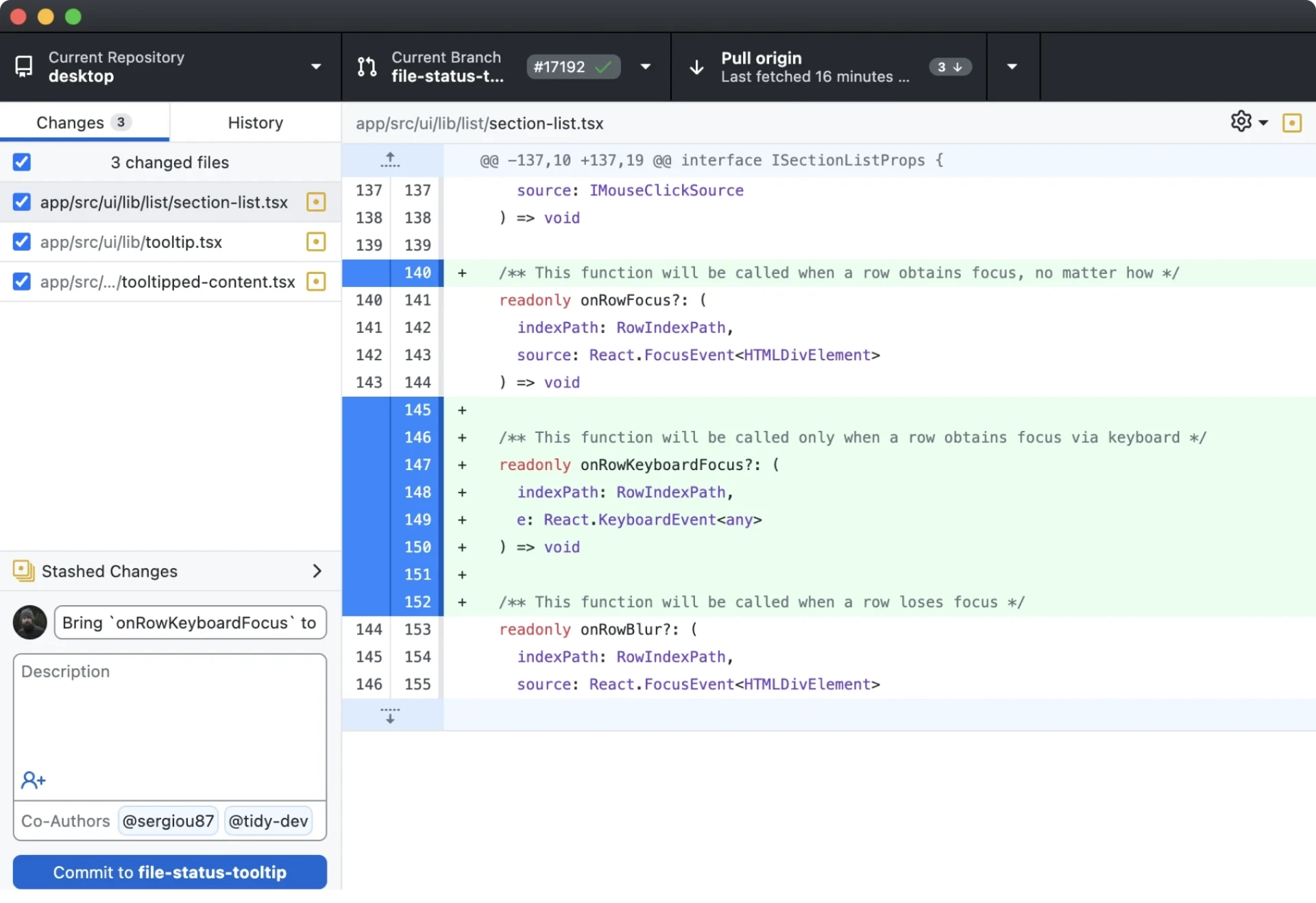
The slogan on the homepage is equally plain: use Git without fighting Git, with the product described as a graphical client that simplifies managing code locally. The footer offers release notes, a way to contribute and a beta to try, and states that it is community supported and built for collaboration.
Who it suits
People new to Git, and people who do not want the command line as a daily habit, are the direct audience: commit, push, pull and switch branches all in one window, with diffs far easier to read than terminal output.
The cost is that it never tries to cover all of Git. Complex rebases, rewriting history in bulk and fine grained reference work still belong in a terminal. Treating it as the entrance for daily work and leaving the command line for the few hard jobs is the more practical arrangement.
On platforms it covers Windows and macOS, free and open source, which is not common in this category, where most graphical clients either charge or open only part of their code.
The trade off in GitHub Desktop has always been clear: not to do all of Git, but to pave the road most often walked. Moving worktrees from the command line into the window and handing conflicts to Copilot are steps on that same line, less trouble to start and no need for a second terminal.