Via Browser keeps an Android phone's browser down to about 2.5 MB
Summary
A browser for Android that weighs around 2.5 MB, opens instantly, blocks ads, carries a private mode and one tap data clearing, runs user scripts and lets the home page be rebuilt from scratch. Version 7.3.3.
Recommend- Name
- Via Browser
- Version
- 7.3.3
- Pricing
- Free
- Open source
- Proprietary
- Website
- https://viayoo.com/zh-cn/
- Updated
- 2026-10-06 22:33
Small package, quick start
The brief here is subtraction. The official package measures about 2.5 MB, and once installed it does not push a news feed, weather cards and recommendation slots at the reader: what opens is the page that was asked for. Speed and efficiency head the feature list, with response time and a modest memory footprint called out, which is what makes the browser comfortable on an inexpensive Android handset. One dependency is worth knowing about: rendering is done by the WebView component that comes with the system, so browser behaviour follows that component's version rather than the browser's own, although the component itself can be updated separately. In the app store it sits at a rating of 4.3 and has passed 10 million downloads.
Blocking ads and controlling data
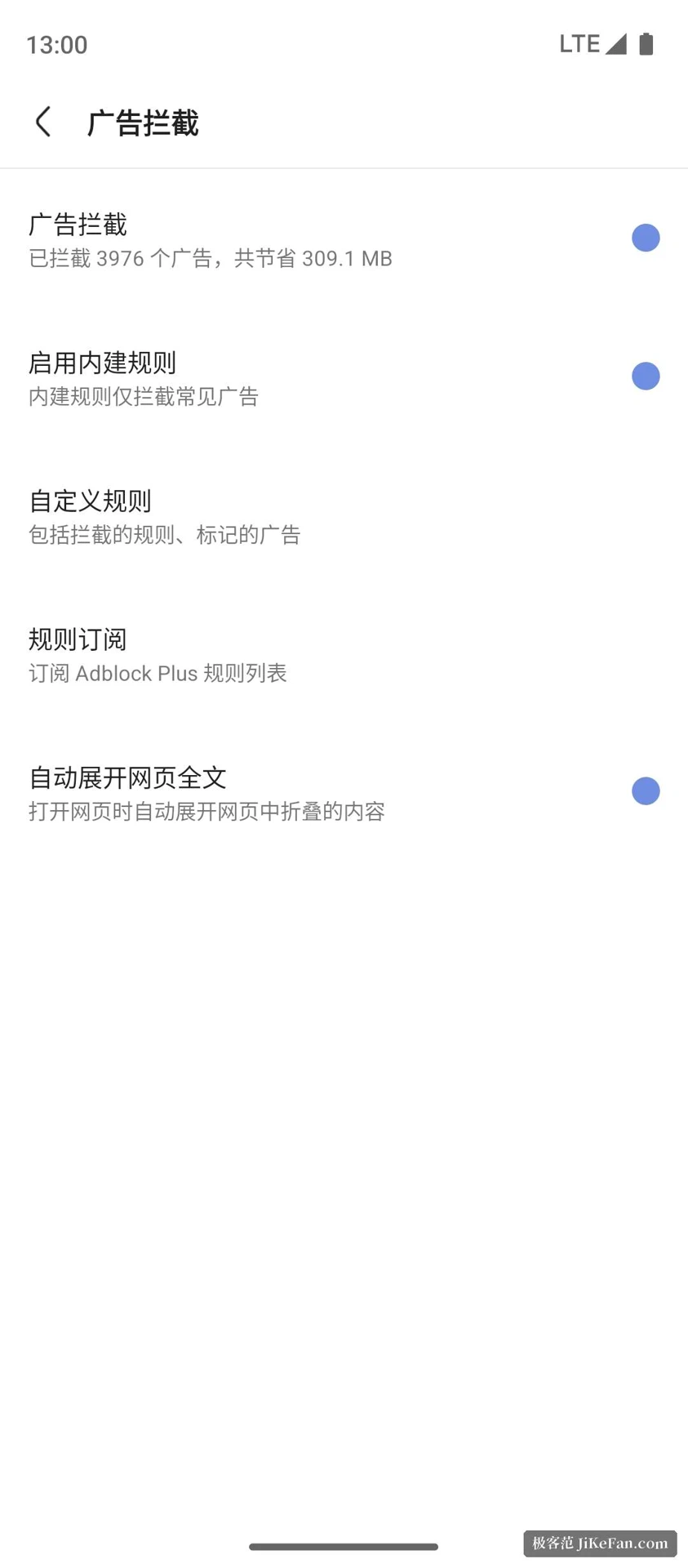
Blocking is one of the main selling points: several methods are offered, intrusive pop ups can be stopped, advertising elements on a page can be marked out, and the rule sets can be swapped. On the privacy side there are switches for refusing third party cookies, blocking trackers, a private mode, and clearing all browsing data in one action. The product notes group these under one heading and stress that the data stays under the user's control. For someone who reads news and long articles on a phone, these settings cut a good deal of clutter out of a page, and they save bandwidth along the way.
Scripts, customisation and small tools
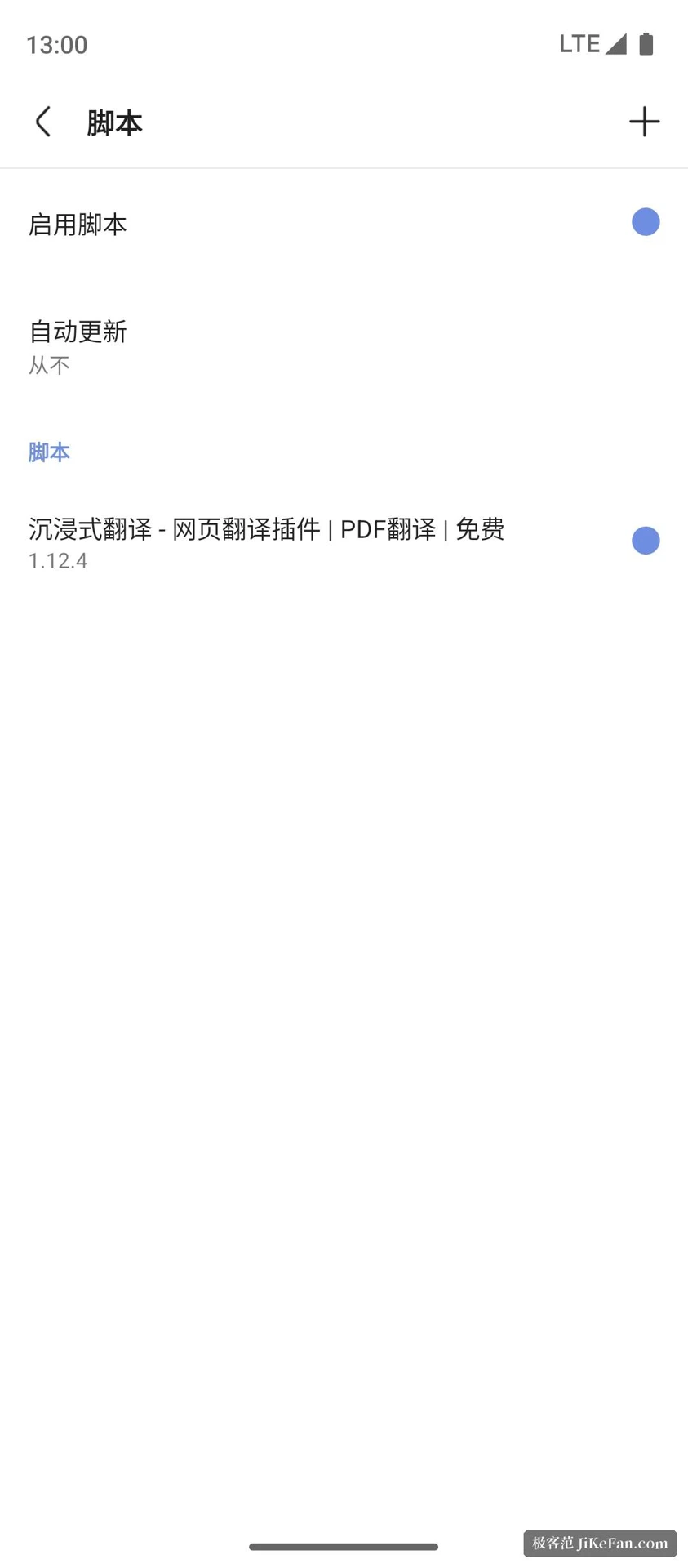
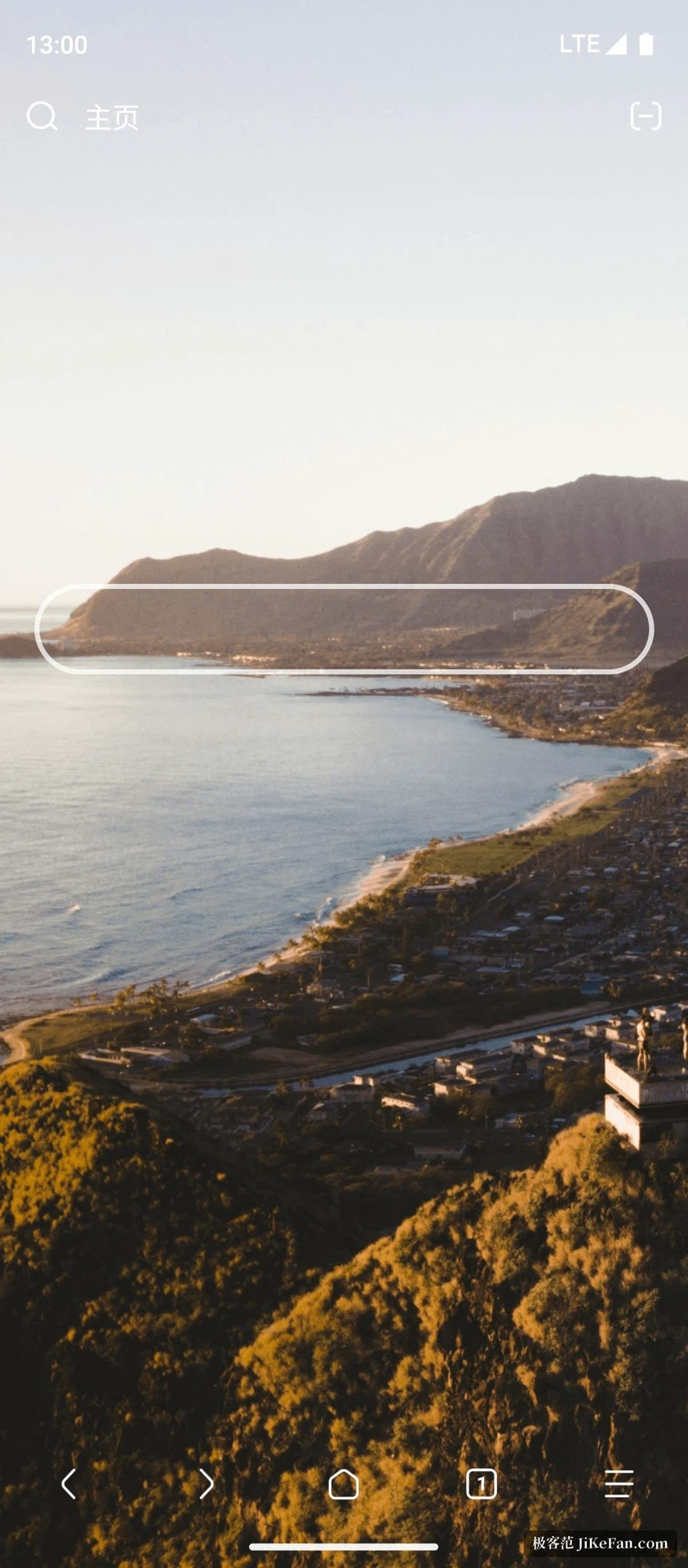
User scripts are supported, and with a script manager a page can be given behaviour it never had. The home page can be built from scratch, the layout and the gestures can be changed, and night mode and a desktop mode are simply switches. For getting things done there is a choice of search engines, page translation, find in page, saving a page for later or for offline reading, and a no images mode that saves data. Bookmarks sync through the cloud, and they import or export as an HTML file for backup. A download manager, a code scanner and online plugins round out the small utilities, and for deeper work the page source and the network log can be inspected.
Who it fits
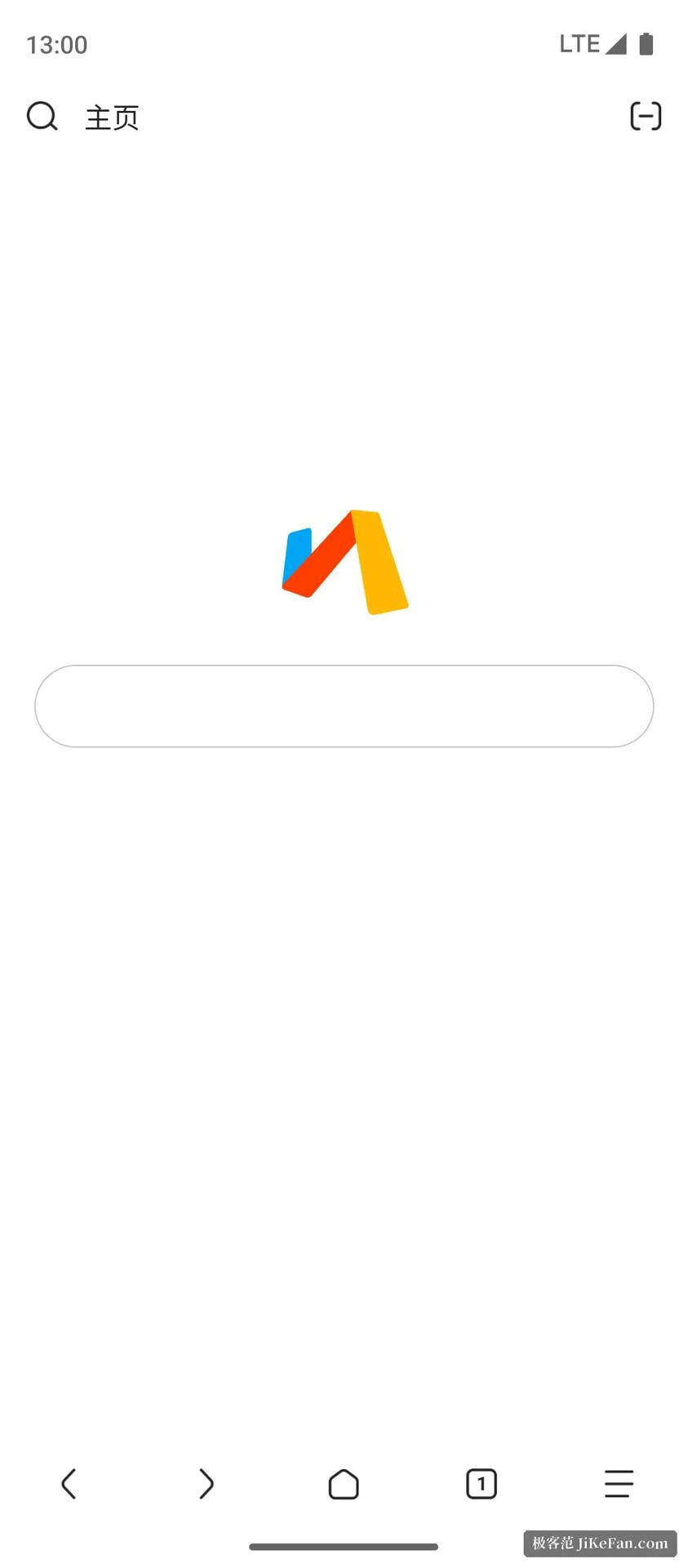
The user comments quoted on the official site keep returning to the same points: small, quick to open, a clean interface, and the freedom to switch search engines. From that position it suits three kinds of people. The first has an entry level Android phone that will not take one of the large browsers. The second wants a home page carrying nothing but a search box and a few bookmarks, with no feed in sight. The third is in the habit of bending pages to their will with scripts. Turn it around, and anyone who leans hard on account systems, cross device sync and a large extension ecosystem is still better served by the mobile build of a traditional desktop browser.
Data and permissions
The store listing states that the app collects device identifiers, app activity and performance information, that transfers are encrypted, and that a user may ask the developer to delete the data. Together with the built in private mode and the one tap clearing, everyday traces largely stay on the handset. The site keeps both a Simplified Chinese and an English version, with contact details and registration information in the footer, and each release is announced through the store's what's new entry, which is the first place to look when checking what changed.
Version and installation
The current build is 7.3.3, and the store page dates the most recent update to 2026-08-24. That release added search shortcuts, made video orientation follow the device, opened bookmarks in a pop up, preferred HTTPS where it is available, and adapted to Android 16. The package can be downloaded directly from the official site, or fetched from the Play Store or the App Store. It is developed by a Shanghai based company, free to download and use, with the source closed.