
Foxit PDF Reader 2026.2.1: a free reader that covers filling and signing
Summary
A free PDF reader for opening, annotating, filling in forms and signing documents, available on desktop, mobile and in a browser. Installation and start-up are quick and the interface stays out of the way. Current version 2026.2.1.
- Name
- Foxit PDF Reader
- Version
- 2026.2.1
- Pricing
- Free
- Open source
- Proprietary
- Operating system
- WindowsmacOS
- Updated
- 2026-10-15 21:56
Most PDF trouble comes from the file being a container: it holds a page, not a document you can edit.
A format built for fidelity, not for editing
A PDF records where every line, image and margin sits, which is why a file looks the same on a phone as on a workstation. That fidelity is the reason the format dominates contracts, invoices and manuals, and it is also why working with one feels awkward: the text is placed, not flowed, so simple edits are not simple at all.
Reading, though, is a solved problem, and a reader is judged on how little friction it adds. The official description of Foxit PDF Reader keeps the list short: open, annotate, fill in forms, sign. It is free, it runs on desktop and mobile and in a browser, and the selling points named are quick installation, quick start-up and an interface that stays out of the way.
That last point is more substantive than it sounds. A reader is opened dozens of times a day, usually for a minute at a time, and every panel competing for attention during that minute is a cost. Software of this kind earns its place by appearing instantly, showing the page, and letting the window close again.
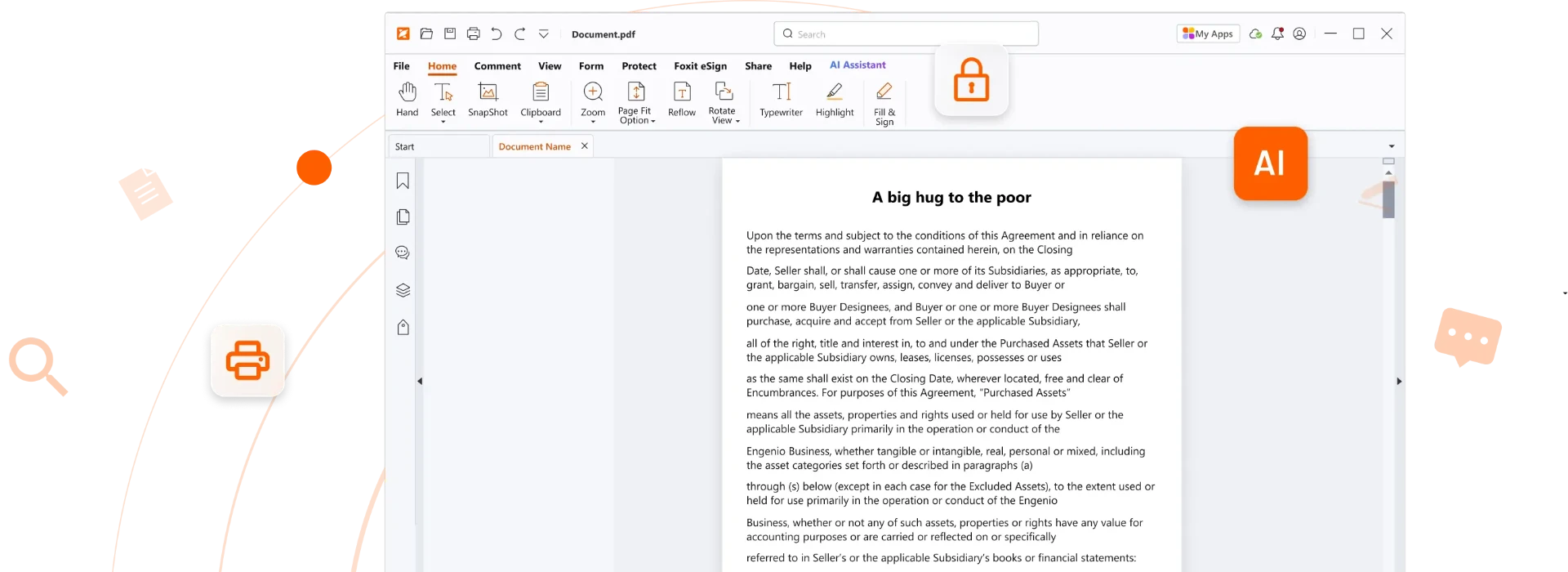
Annotation, forms and signing in the same window
Annotating covers the everyday work: highlighting a clause, drawing a box around a figure, pinning a comment to a paragraph, or striking through a sentence being negotiated. Doing it inside the reader means reviewers do not need a full editor, and the comments travel with the file rather than in a separate message.
Forms are the second practical need. Application forms, tax paperwork and internal approvals arrive as fillable PDFs, and typing into the fields beats printing, writing and scanning back. Some of those forms carry validation rules, and a reader that respects them saves a round trip when a required field is missed.
Signing closes the loop. Signatures here range from a drawn or typed mark to a stored digital certificate, and which one applies depends on what the receiving party accepts. For internal paperwork a drawn mark is usually enough; for anything with legal weight, a certificate is what makes tampering detectable, and the reader documents which is which.

Version, editions and what to watch
The current release is 2026.2.1. Free and paid editions exist under similar names, and the paid one carries editing and conversion features the free reader does not. Installing the reader when an editor was intended is a common source of confusion, so checking which edition a download link points at is worth the ten seconds.
Two practical notes. First, features can move between editions over time, so a function that was free two years ago may not be today; the comparison table on the official site is the reliable reference rather than any single review. Second, the reader offers optional components during installation, and declining the ones you do not need keeps the install as light as the description promises.
Item | Official information |
|---|---|
Current version | 2026.2.1 |
Cost | Free reader |
Platforms | Desktop, mobile, browser |
Main tasks | Open, annotate, fill forms, sign |
Notable traits | Quick installation and start-up, pared back interface |
Editions | Free reader alongside a paid edition with editing features |
For most people a PDF reader is used far more often than any editor, and deserves to be chosen on that basis.
Practical notes: keep the reader as the default handler for PDFs so a double click never opens a heavyweight application; sign with a certificate where the document carries legal weight and a drawn mark only where both sides accept it; and when a form refuses to submit, look for a hidden required field before assuming the file is broken.