
SoftMaker Office: an office suite that keeps the layout intact
Summary
Changing suites is never about features, it is about formatting: a carefully laid out document arrives with drifted fonts and shifted tables. SoftMaker Office reads those formats natively instead of converting them.
Recommend- Name
- SoftMaker Office
- Version
- 20260923
- Pricing
- Free
- Open source
- Proprietary
- Operating system
- WindowsmacOSLinux
- Updated
- 2026-10-07 20:16
Compatibility is the line between life and death
The worry when changing office software is never the feature list. It is the format. A document that took an afternoon to lay out is sent to a colleague, and it arrives with the heading in the wrong typeface, the table pushed onto the next page and the numbered list restarting at one. Nothing is broken in any way a support forum would accept as broken, and the professional impression is gone anyway.
SoftMaker Office puts its weight on that problem. The mainstream document formats are read and written natively rather than passed through an import filter, which is a different engineering decision with visible consequences: what arrives looks like what was sent, and what is saved does not quietly lose a formula, a chart or a section break. Complex layouts that came from another suite survive the round trip, which is the only test that matters and the one that produced the reputation this suite has carried for years in comparison reviews.
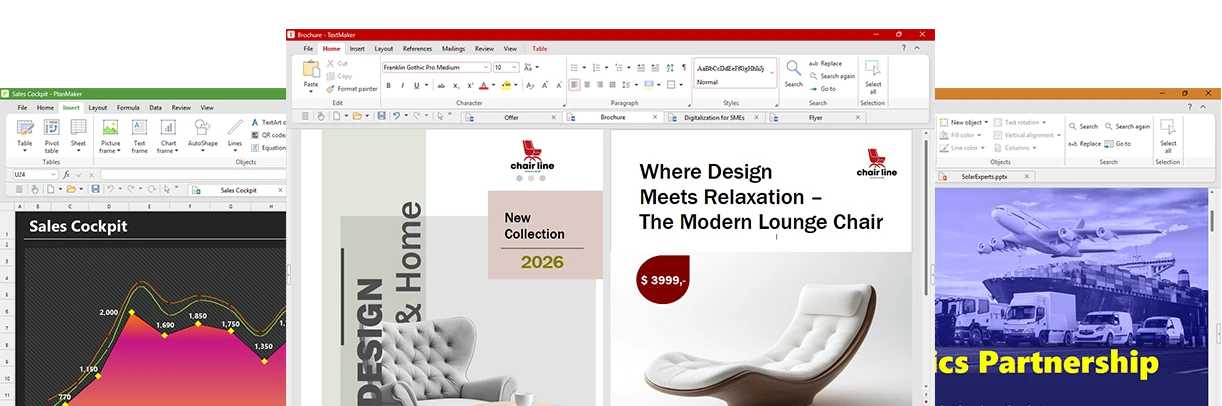
Light on its feet, usable for free
The second card is weight. The package is small, the launch is quick, and the program stays responsive on hardware that newer suites treat as a reason to upgrade. Long documents scroll without the pause that makes editing feel like waiting, and large sheets recalculate while the cursor is still moving. None of that is glamorous, but it is the difference between a tool that gets opened and one that gets avoided.
Three components cover the three daily jobs. The word processor handles comments, tracked changes and table of contents management, which is where a document moves from typing to editing. The spreadsheet has a function system that rewards someone who knows the older conventions rather than punishing them. The presentation component ships with tidy templates, so a deck does not begin from an empty rectangle.
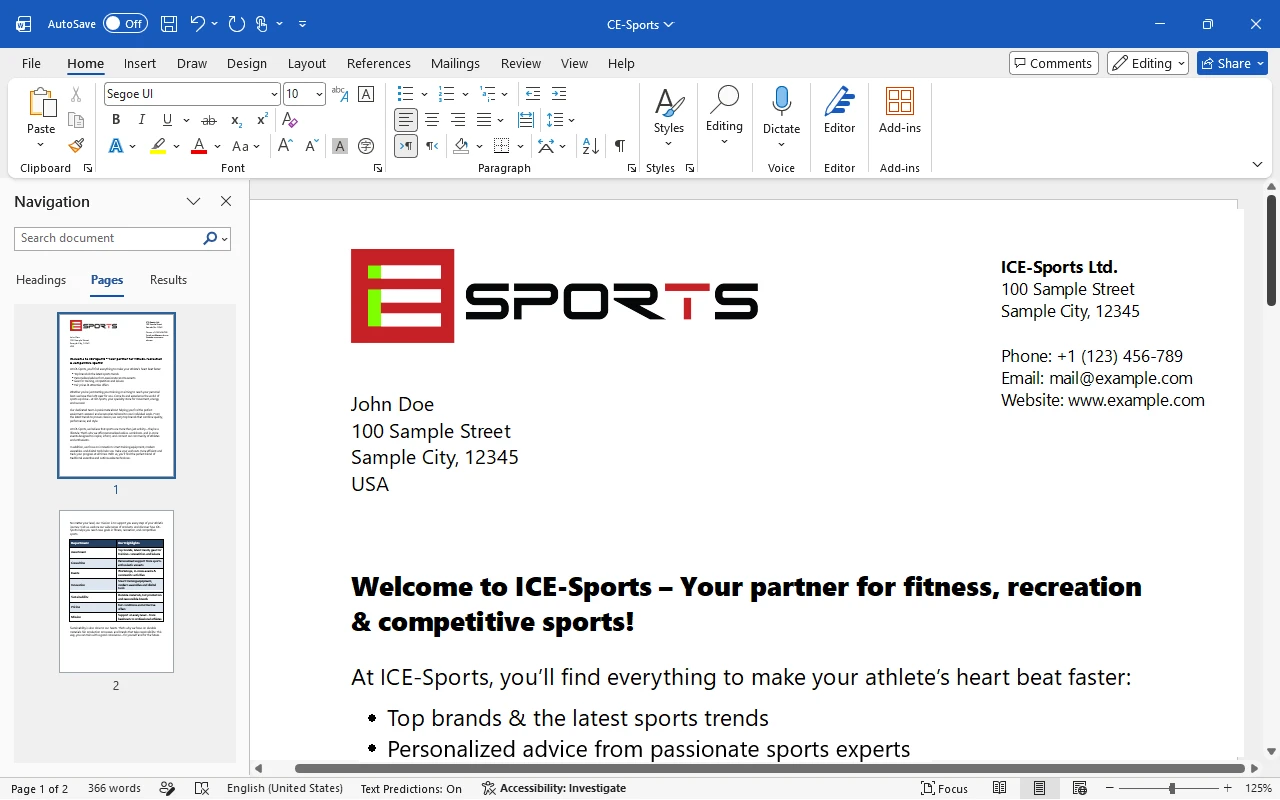
Two editions, one decision
The free edition is not a demonstration with the useful parts removed; it is enough for daily correspondence, reports, budgets and slides, and it costs nothing to find out whether the compatibility claim holds for the documents actually in use. The paid edition adds the capabilities that matter once the work becomes professional: macros, longer documents, more advanced layout and the support that a business needs when something goes wrong on a deadline.
Windows, macOS and Linux are all covered, which matters more than it sounds: a document that travels between a desktop and a laptop of different systems is exactly where layout tends to break, and this is the scenario the suite was built for.
The philosophy is plain and clever: the job of an office suite is to hand the document over exactly as it was made. Get compatibility right and everything else is a bonus.
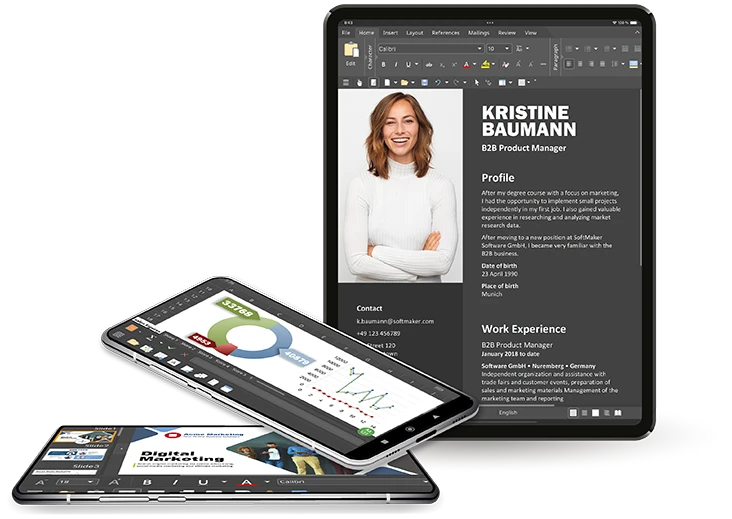
How to judge it in ten minutes
Take the most complicated document you own, the one with tracked changes, a couple of formulas, an embedded chart and a header that took three attempts. Open it, save it under a new name, and compare. That single test says more than a feature table, because it exercises the only thing that will annoy you later.
Then decide about editions honestly. A person who writes letters, keeps a household budget and prepares the occasional slide deck is served by the free one, and paying for capability that will never be opened is not caution, it is waste. Someone whose work involves macros, hundred page documents with cross references, or files that must survive a round trip through a corporate template needs the paid one, and will notice the difference on the first difficult file.