
Sketchbook: an interface that hides itself and leaves the canvas to you
Summary
A professional drawing tool that began inside a larger software house and went independent in 2021: the interface keeps out of the way and gives the screen to the canvas, over a hundred adjustable brushes respond to pressure and tilt, layer blending, symmetry, flipbook animation and time-lapse capture are all built in, and the desktop edition is a one-time purchase.
- Name
- Sketchbook
- Version
- 9.4.7
- Open source
- Proprietary
- Operating system
- WindowsmacOSAndroidiOS
- Website
- https://www.sketchbook.com
- Updated
- 2026-10-06 23:20
An interface built for sketching, and it hands the canvas back
A lot of drawing software fills itself up until the toolbar is worth more attention than the sheet, and the moment the hand starts moving the buttons get in the way. Sketchbook goes the other way. The tools sit at the edge of the screen and stay invisible until called for, and the great majority of the surface belongs to the canvas, so the first minutes with it feel closer to a sheet of paper than to a program. It began life inside a larger software house and became an independent company in 2021, and it has since become one of the tools illustrators, concept designers and people who simply draw for pleasure mention first when the question is what to draw on.
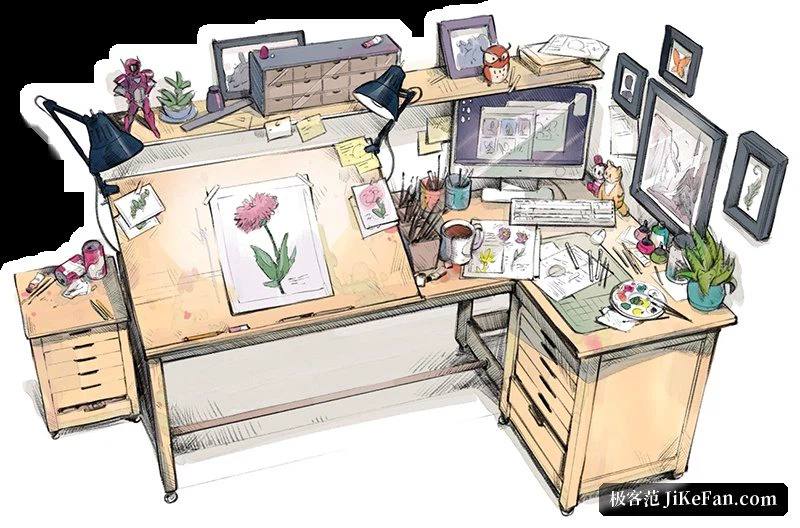
Over a hundred brushes, and the touch is close to the real thing
Pencils, markers, airbrushes and smudge tools each have their own character, and the mark changes with how hard the pen is pressed and how far it is tipped, so the line carries the weight of the hand. Every brush can be adjusted, brushes made by other artists can be brought in, and a personal set can be handed out. A prediction feature smooths a shaking line as it is drawn, which saves a great deal of time at the inking stage, and rulers, curves and perspective guides arrive when precision matters, which is where architectural views and industrial sketches live.
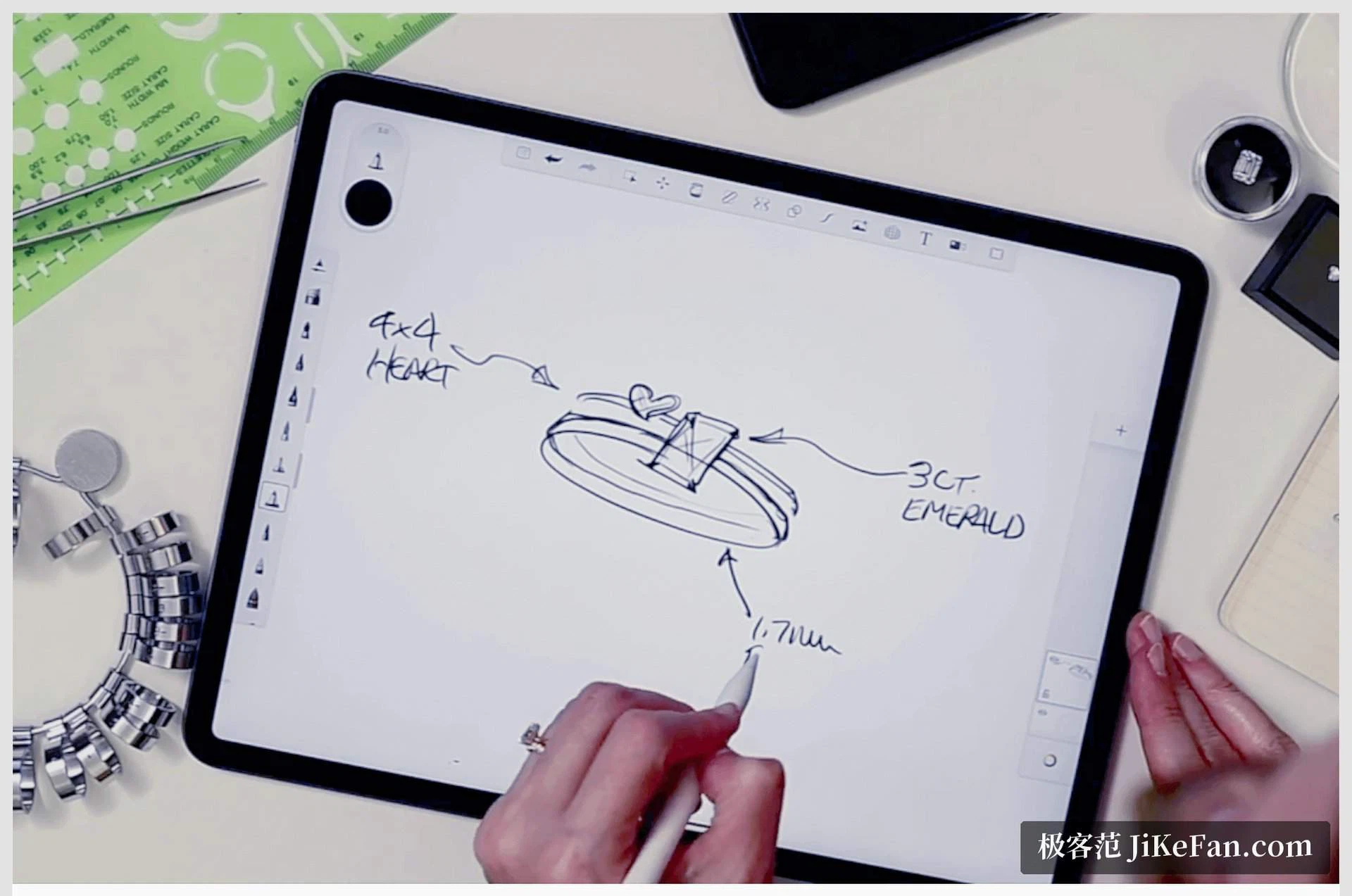
Layers that blend, and symmetry that doubles the work
The layer stack carries more than twenty blending modes, among them the familiar ones for stacking, multiplying and screening, so the flat colour, the light and shade and the detail can each take a layer and leave the others alone, and groups of layers survive a round trip through a PSD file. The symmetry tool works vertically, horizontally and radially, which is worth double the time on mandalas, patterns and character sheets. A built-in set of marker swatches gives commercial illustration a ready reference for colour, and a palette of one's own keeps the colours of a project in one place.
Flipbooks, and a recording of the work itself
The flipbook side of the program makes two dimensional animation in the traditional hand drawn manner, frame after frame, and exports straight to video or to an animated image, which suits storyboards and the rough drafts of a short film. A time-lapse mode records the whole making of a piece as a video, handy for handing in work and for posting it. Files are not a problem either: layered PSD and TIFF open and save, the ordinary image formats export, and a piece can be carried to another desktop program and worked on further.
Bought once on the desktop, free on the move
As of September 2026 the desktop edition has reached the 9.4.7 release, which brought a lasso fill and a stroke around a selection among other useful things, and the marking menu and the shortcuts can both be arranged to taste. The desktop side is a single payment, with no advertising and no subscription, while the version for tablets and phones is free to download with the advanced brushes unlocked by purchase. Support for drawing tablets and pressure pens is thorough, pressure and tilt are read accurately, and the Chinese interface is complete. Anyone looking for a tool that cares about drawing itself and nothing else owes it a try.
Why hiding the tools makes the drawing go faster
Putting the tools at the edge of the screen looks like a question of layout, but what it changes is the rhythm of the hand. On a single drawing the eye travels between canvas and menu far more often than anyone would guess, and a button that is always present has to be judged again every time the gaze passes over it, which adds up to fatigue. Call a tool only when it is wanted and the gaze has far fewer places to land. The same reasoning sits behind the marking menu and the shortcuts that can be rearranged: once they are learned, changing the brush, changing the layer or saving never leaves the middle of the canvas, the hand does not go searching, and the line is not broken.