
SIW puts the whole machine on a single page
Version 20260922
Summary
Asking what is actually inside a computer is curiosity at home and daily work in an IT department. SIW spreads hardware, software and network details across three sections, from chipset and memory timings to installed programs, licences, live processes and open ports, and it can export the whole inventory from the command line or run from a USB stick.
Recommend- Name
- SIW
- Version
- 20260922
- Pricing
- Paid
- Open source
- Proprietary
- Operating system
- Windows
- Website
- https://www.gtopala.com/
- Updated
- 2026-10-06 20:37
The whole machine on one page
What is actually inside this computer. At home the question is curiosity, usually asked the day a warranty expires or a game refuses to launch. In a company it is daily work. An IT support technician inherits a machine from a departing colleague and needs the hardware specification, the list of installed software, the licence status, the patch level and the network configuration before touching anything. Doing that with five separate utilities and a notebook is how an afternoon disappears. SIW, which stands for System Information for Windows, turns the routine into a single session.
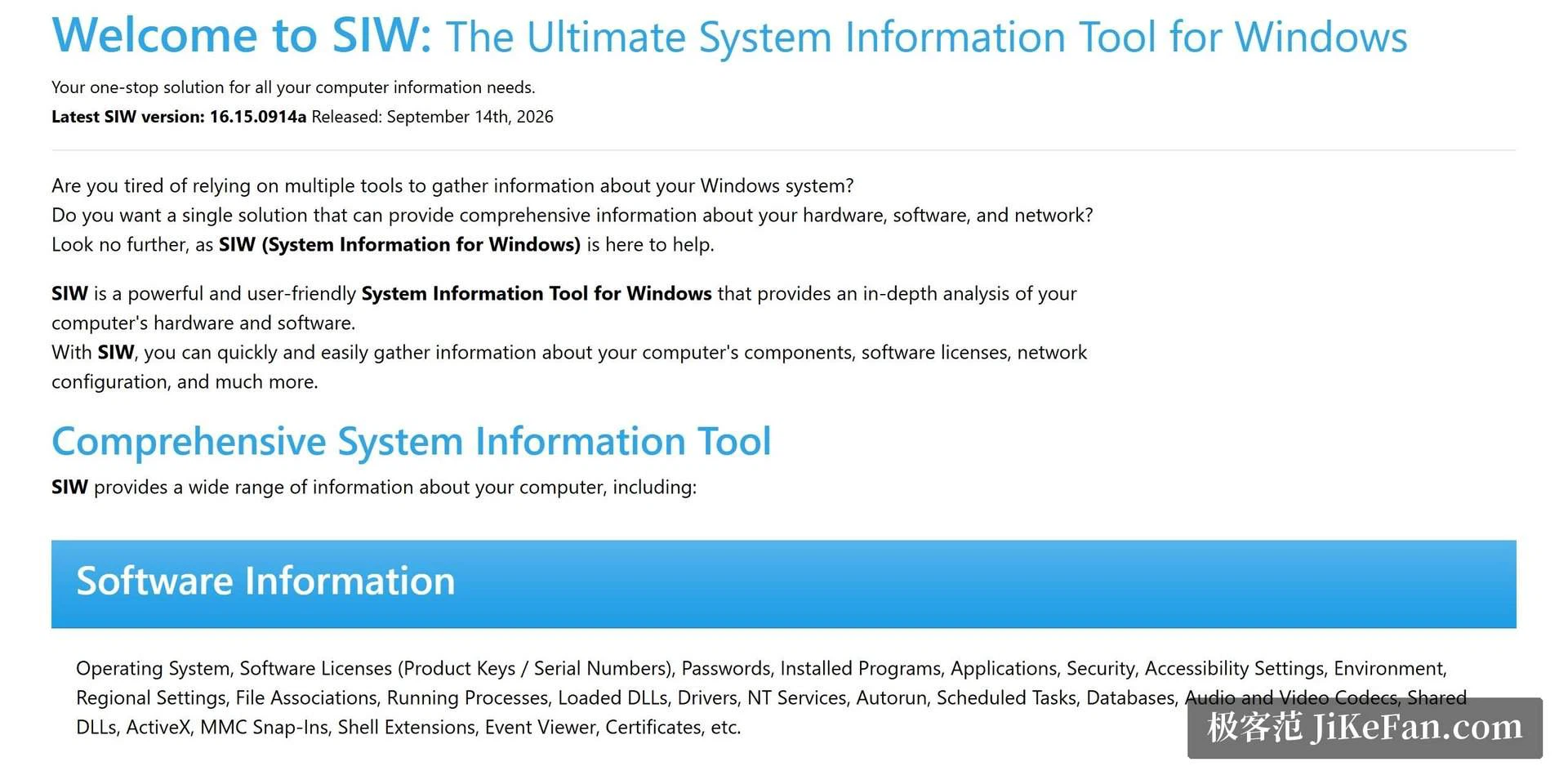
The structure is what makes it usable. Hardware, software and network sit as three broad sections, and each one opens into layers: the chipset, the timings of each memory stick, the firmware revision of every disk, the installed programs next to their serial licences, the live process list beside the ports currently open. Hundreds of items, organised rather than dumped. You open the tool and read, with no driver to install first and no reboot to schedule afterwards.
Built for professional routines
The difference from a consumer level checker is engineering, not decoration. Reports can be exported silently from the command line, so a batch of machines can be walked in one pass and the results dropped into a spreadsheet for comparison. That is the difference between checking one computer and managing forty. The portable design means it runs from a USB stick without an installation step, which matters on a machine you are not allowed to modify.
It also works inside a system recovery environment, which is the case that separates tools from toys. When Windows will not boot, the hardware questions do not go away; they become more urgent, because you need to know whether the disk, the memory or the motherboard is the reason. Being able to inspect the machine from outside its own operating system is exactly the capability that an on site technician ends up relying on.
Updates follow a steady rhythm, and new hardware and new Windows releases are tracked rather than left to drift. A tool built on a static snapshot of what hardware existed three years ago is worse than useless in an inventory role, because it reports absence where there is only ignorance. For a home user the annual subscription is modest, and the commercial edition is aimed at deployment across a fleet, with licensing chosen to match the size of the job.
A concrete case shows the shape of the work. A laptop arrives from a colleague who has left, and the questions arrive in a fixed order. Which processor, how much memory, are the slots full or is there room to add more. Which programs are installed, and which of them are licensed to this machine rather than to a person. Has the firmware been updated, is there a disk that reports a failing status, what is listening on the network. Answering all of that from one window, and then exporting it as a record attached to the ticket, is a different job from hunting through four control panels.
Two properties of the export matter more than the format. The columns stay stable between runs, so reports from different months can be compared without cleaning them first, and an inventory taken across forty machines lines up rather than needing to be read one at a time. The second property is that the export can be silent, which means it fits into a script or a scheduled task instead of requiring a person to sit in front of each screen.
The value is being complete without being chaotic: several hundred system details organised into a structure you can look things up in. Engineers save time with it, and ordinary users learn what their machine actually contains.
The positioning should be stated honestly. It leans professional. Someone who occasionally wants to know the model of their graphics card can get that from a free utility and lose nothing. But for operations staff, support desks and system builders who need scheduled asset inventories and status reports across a batch of machines, the export capability and the offline operation are an efficiency source with no real substitute.
The official site provides a trial version, which is the sensible way to settle the question: run it against one machine you already know well and see whether the report says anything you did not.