
Send Anywhere moves files across platforms with a six digit key or a link
Summary
A cross platform file transfer tool where the sender shows a one time six digit key and the receiver types it in, or a share link valid for forty eight hours carries the file to someone on an entirely different network.
Recommend- Name
- Send Anywhere
- Version
- 24.6.1
- Pricing
- Free
- Open source
- Proprietary
- Operating system
- WindowsmacOSLinuxAndroidiOSWeb
- Website
- https://send-anywhere.com/
- Updated
- 2026-10-11 10:39
Sending one file between two devices is rarely hard because of the transfer itself. The difficulty is working out how to get both onto the same network first, and taking that step away makes everything simple.
Six digits are the whole arrangement
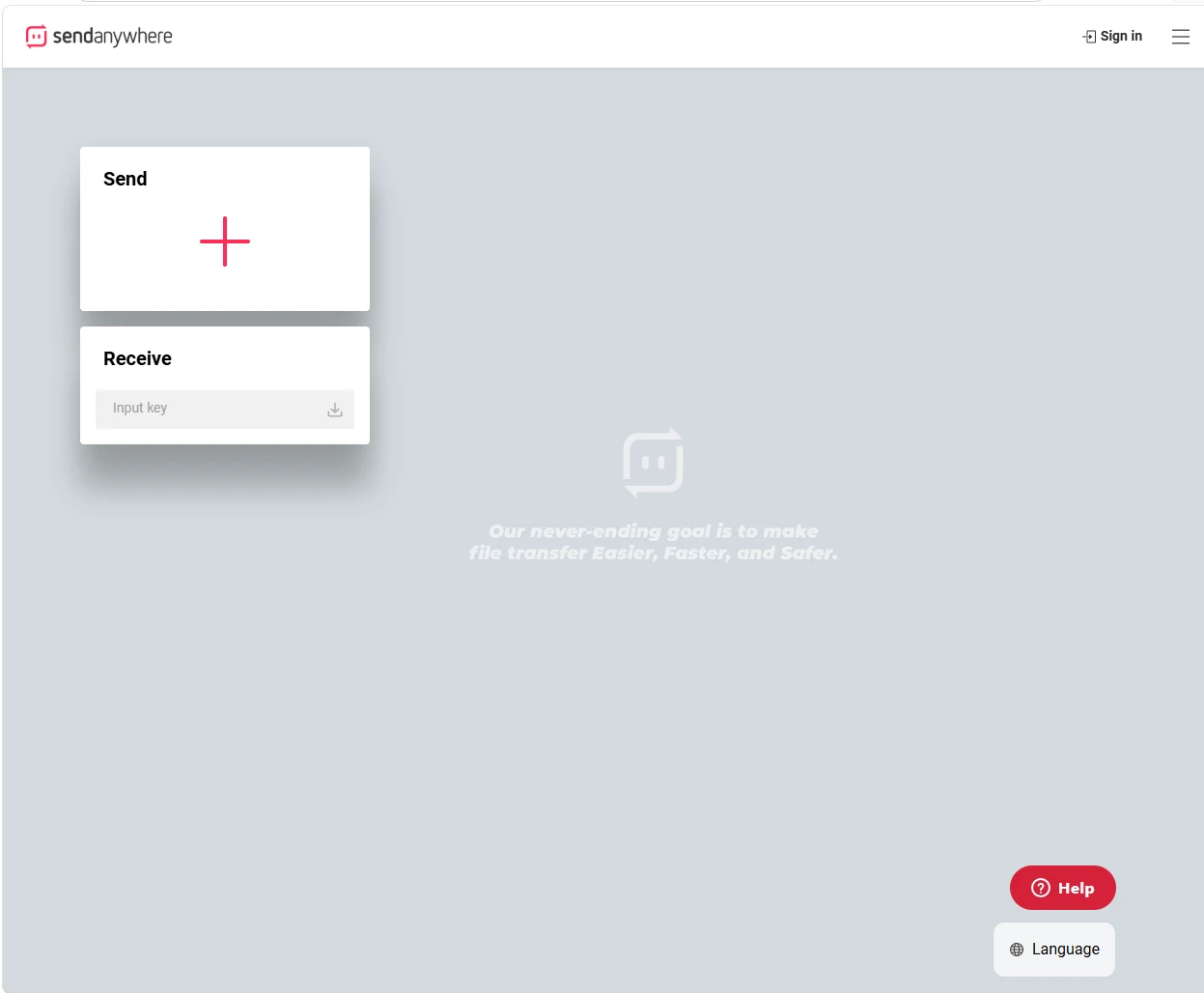
The usual method pulls both devices onto one network: scan, pair, confirm, with no step optional. Send Anywhere replaces that with an arrangement. The sender picks the files, the screen shows a six digit key, they read it out to the other side, it is typed into the receive box, and the files start moving. The number works once, stays valid for ten minutes and expires on its own. The transfer is relayed by the service, so the two ends never need to share a local network, and the other party can be waiting in another city on another connection.
Beyond the key there are easier routes. A share link suits the case where you send and forget: it lasts forty eight hours, during which the other side can open and download whenever they like, as many times as they like. If the receiver also has the app and is signed in, files can be pushed straight to a named device, with neither key nor link needed at the far end. The Android build adds a peer to peer channel that does not lean on the internet, so two devices close enough to each other can trade files when the network is poor.
Where the free tier stops
Free covers most everyday work: fifty gigabytes for a one to one live transfer, ten gigabytes for generating a share link, and ten gigabytes as the limit for a single transfer. The real difference sits in time and customisation. A free link always expires at forty eight hours, while download notices, a chosen expiry and the look of the download page are kept for the paid tiers.
Item | Free | Lite | Standard |
|---|---|---|---|
Transfer size limit | 10 GB | 20 GB | 30 GB |
Downloadable data | Base allowance | 200 GB | 500 GB |
Custom expiry | Fixed 48 hours | Any | Any |
Download page | Not supported | Partial | Full |
The data side can be tightened as well: transfers are encrypted, the receiver can be required to enter a passphrase before downloading, and both the number of downloads and the expiry can be set. The desktop build stands at 24.6.1, and the vendor carried out a system level upgrade in June 2026 that replaced the underlying infrastructure, so keeping the app current is the way to avoid a pickup failure caused by an old client.
Where it belongs
The real value shows up in the gaps between devices and between networks: handing a design file to a colleague whose network is not yours; moving footage shot on a phone onto a computer with no cable at hand; sending an installer to a client without asking them to sign up first. What these share is a receiver who is a stranger or a near stranger, where asking them to install, pair and scan is unrealistic, and a number that can be read aloud becomes the least trouble.
Its weak points are just as clear. Files pass through a relay, so speed is limited by how each end reaches the server, and the free allowance for large files has a firm ceiling, so tens of gigabytes of footage means looking at a subscription. Treating it as the default route between devices, and leaving bulk moves on a single local network to something else, is the natural division of labour. What decides the experience is the receiving end: as long as the other side can take six digits or click a link, the remaining steps have been squeezed to the minimum.
Whether a transfer tool feels good depends on how much work the receiving end asks for. When pickup shrinks to reading out a number or clicking a link, sending between devices finally becomes something you can do without thinking.
A practical note: when giving out a key, mention the ten minute window at the same time so the other side does not let it lapse; use a share link when the file needs to stay available for a while; and when both ends are signed in, push to the device directly and save one round of typing.