
reaConverter: Five Hundred Formats Is a Claim About Interoperability
Summary
reaConverter is a commercial image converter and editor: several hundred formats in and out, batch jobs driven by saved presets, editing and watermarks, and a command line for the repetitive work.
Recommend- Name
- reaConverter
- Version
- 8.0.248
- Pricing
- Paid
- Open source
- Proprietary
- Website
- https://www.reaconverter.com/
- Updated
- 2026-10-06 22:53
Five hundred formats is not a number, it is a position
reaConverter is a commercial image converter and editor, and its headline claim — support for several hundred formats in both directions — is worth reading as a statement about interoperability rather than as a count. Most people need four formats. The reason a professional tool carries hundreds is that a working folder is rarely the work of one program: a supplier sends a scan, a client sends a file exported from a design tool, a camera produces a raw file, an archive arrives as a document, a drawing arrives from an engineering department. Each of those is a different container with a different idea of what colour is and how much of it to keep, and the tool either opens them or the person in the middle spends an afternoon finding something that does.
The distinction that matters under the count is raster against vector, and lossless against lossy. A photograph and a drawing are not the same kind of object, and converting between them is a one-way trip: a raster image can only become a vector by being traced, which is an approximation, and a vector can become a raster by being rendered, which throws away the structure that made it useful. A converter that handles both does not pretend otherwise, and knowing which direction is destructive is more valuable than knowing how many formats appear in the list.
Presets are the real feature, and batch processing is the reason
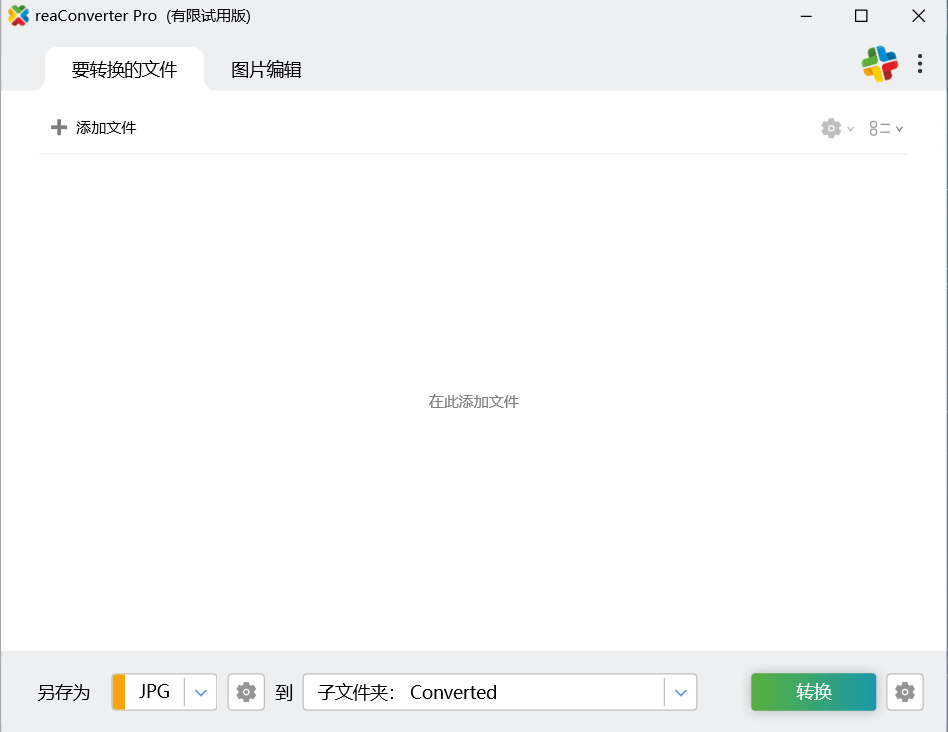
Batch conversion is the part of the tool that earns its place, and the part that makes it worth learning rather than merely using. One conversion saves nothing; the second one begins the saving, and the tenth is where the difference between a good preset and a bad one starts costing real time. The program's mechanism for this is a saved preset: a named bundle of output settings that can be applied to whatever arrives next, so that the work of deciding resolution, colour treatment and naming convention is done once and then reused.
A preset is also the point at which a tool stops being a program and becomes a policy. Once a folder's worth of images is treated the same way every time, the output is consistent, and consistency is usually what a professional folder is being judged on — not on whether any single image is optimal, but on whether twenty of them look like they came from the same place. This is a small idea with a large consequence, and it is the reason batch conversion is worth paying for when a free tool can convert one file at a time.
A command line turns repetition into something you can schedule
The tool can be driven from the command line or from a script, which is the difference between an operation a person performs and an operation that happens. Anything that recurs — a nightly conversion of whatever landed in a folder, a re-export after a design is revised, a step in a publishing pipeline — belongs in a script rather than in someone's memory, because the person will be on holiday and the script will not. This is the feature that is most often ignored when a tool is evaluated by looking at its window, and it is usually the one that decides whether the tool survives in a professional environment.
Editing sits next to conversion for a reason
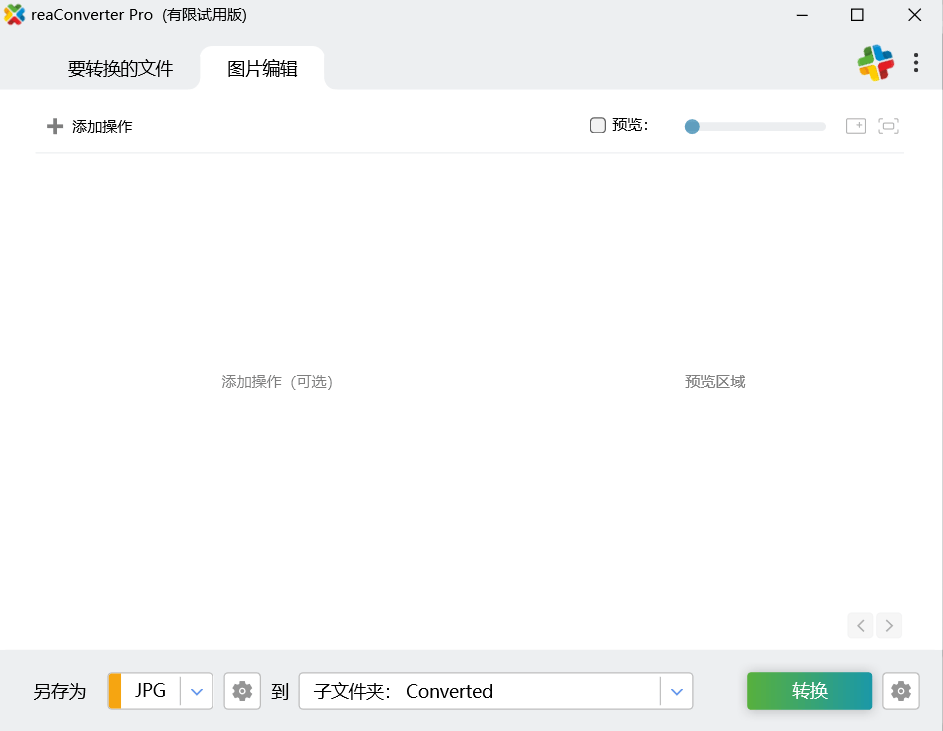
Resizing, rotating, cropping, colour adjustment, filters, a text or image watermark, batch renaming: none of these are a substitute for a proper editor, and their presence is not an attempt to be one. The argument for having them here is about the shape of the work. A file that has to be converted and also cropped and also marked does not want two applications and a round trip through a lossy format in between; it wants the three operations to happen in one pass, before the final compression. A converter with editing attached is the correct architecture for that job, and the watermark in particular belongs there, since it is the last thing applied and the first thing that suffers if the image is saved twice.
Raw files and engineering drawings are the hard half of the claim
Support for raw camera files and for CAD drawings is what separates a converter that handles photographs from one that handles a working folder. Raw is not a format but a family of formats, each with its own structure, and reading one requires either vendor support or a reverse-engineered library; a converter that opens them is doing more work than the extension list suggests. Drawings are a different problem again, because a CAD file is not an image until something decides how to render it — the line weights, the layers, the view — and a conversion is only as good as those decisions.
Both of these are also the places where a conversion is most likely to be silently wrong. A raw file converted by something that does not understand its colour profile comes out slightly wrong in a way that is hard to notice and impossible to fix later; a drawing rendered without attention to layers loses the structure the recipient needed. The lesson is not that the tool is unreliable but that these conversions deserve an inspection, and that inspecting the first file of a batch is cheap insurance.
Interface languages, and the price of a commercial tool
The interface is available in several languages, which matters more for a utility than it sounds: a dialog about colour depth is difficult enough in one's own language, and choosing the wrong option because a term was translated loosely produces a file that has to be converted again. It is also worth being plain about the model, since this is not a free program: it is commercial software with a trial period, and the honest calculation is whether the batch and automation features save more time than the licence costs. For someone converting a handful of images a year, they do not; for a studio or a department where the same operation runs weekly, they usually do.
Who it is for, and what to check first
For a photographer who has to deliver files in whatever the client's system expects, for a designer receiving vectors from one place and needing raster output for another, for an office that receives images from a dozen sources and needs them in one convention, and for a team whose version adds shared settings and central management. What to check before committing: whether the specific formats in your own working folder convert without an intermediate step, since the count matters less than the intersection with your files; whether the preset you need can be expressed at all; and whether the command line exposes the same options as the window, because a pipeline built on a feature the script cannot reach is a pipeline that will break.