
Process Lasso 18.3.0.34: rules that survive a restart
Version 18.3.0.34
Summary
Process Lasso 18.3.0.34 turns how a process runs into a lasting rule, setting affinity, priority, efficiency mode and instance caps per program, with a dynamic priority balancer as a safety net.
Recommend- Name
- Process Lasso
- Version
- 18.3.0.34
- Pricing
- Free
- Open source
- Proprietary
- Operating system
- Windows
- Website
- https://bitsum.com/
- Updated
- 2026-10-06 03:37
Process Lasso is a Windows tool for tuning and automating the way processes run, and the developer offers a fairly blunt comparison for it: think of an automated task manager. The free edition can be used for as long as you like, with some advanced features on a trial basis, while the paid edition sells a lifetime licence with an upgrade price of 24.95 dollars. The current stable build is 18.3.0.34, published on 2 September 2026, and it covers Windows 7 through 11 as well as server releases from 2012 to 2025.
The headline capability
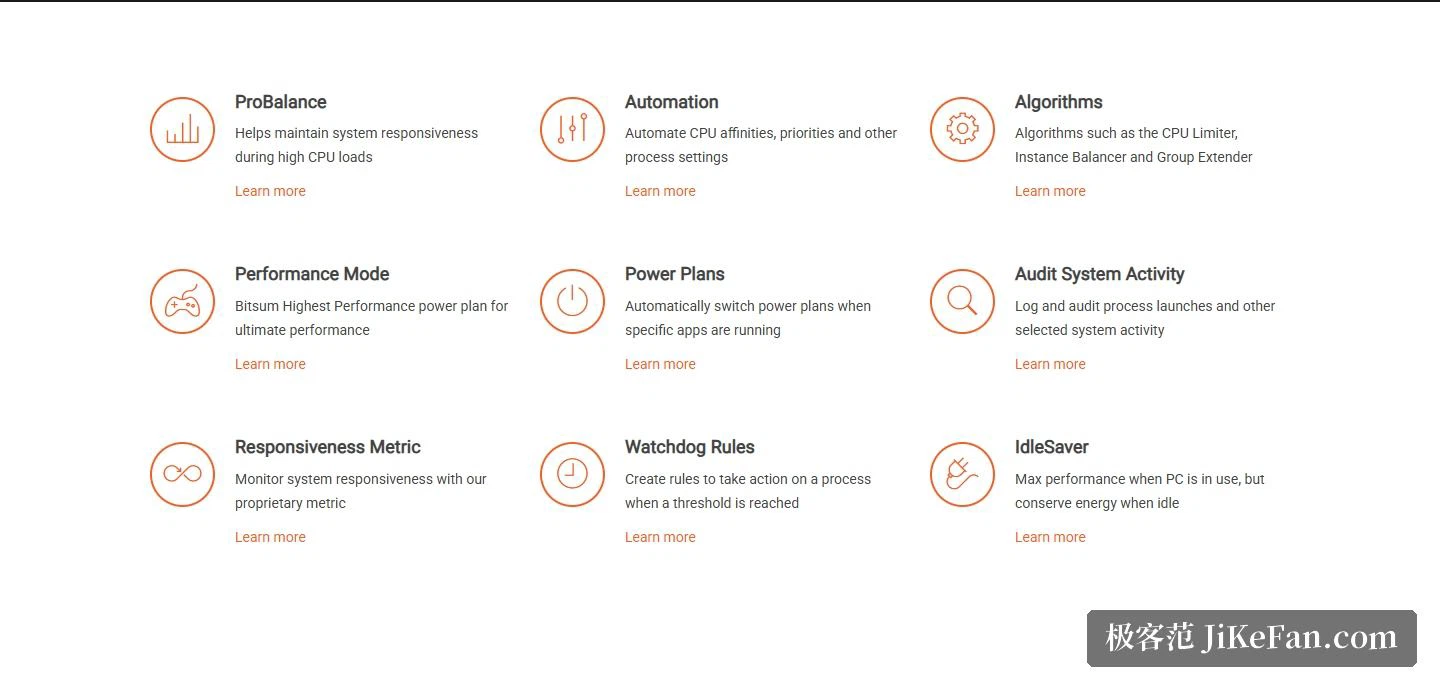
The name that travels furthest is the balancing algorithm at the centre of the product. Under a heavy processor load it adjusts process priorities on the fly, holding down the background process that has got out of hand so the machine stays responsive to whatever the person in front of it is actually doing. The developer also offers a demonstration program that deliberately eats processor time, so the difference between a loaded machine with and without the tool can be felt rather than taken on trust.
Around that sit a row of automation abilities. A performance mode makes the tool apply its own maximum performance power plan. A power plan can also be switched automatically whenever a particular application starts running. Matching processes can be terminated outright on conditions the user defines, and the number of instances of a program can be capped.
How fine grained the rules get
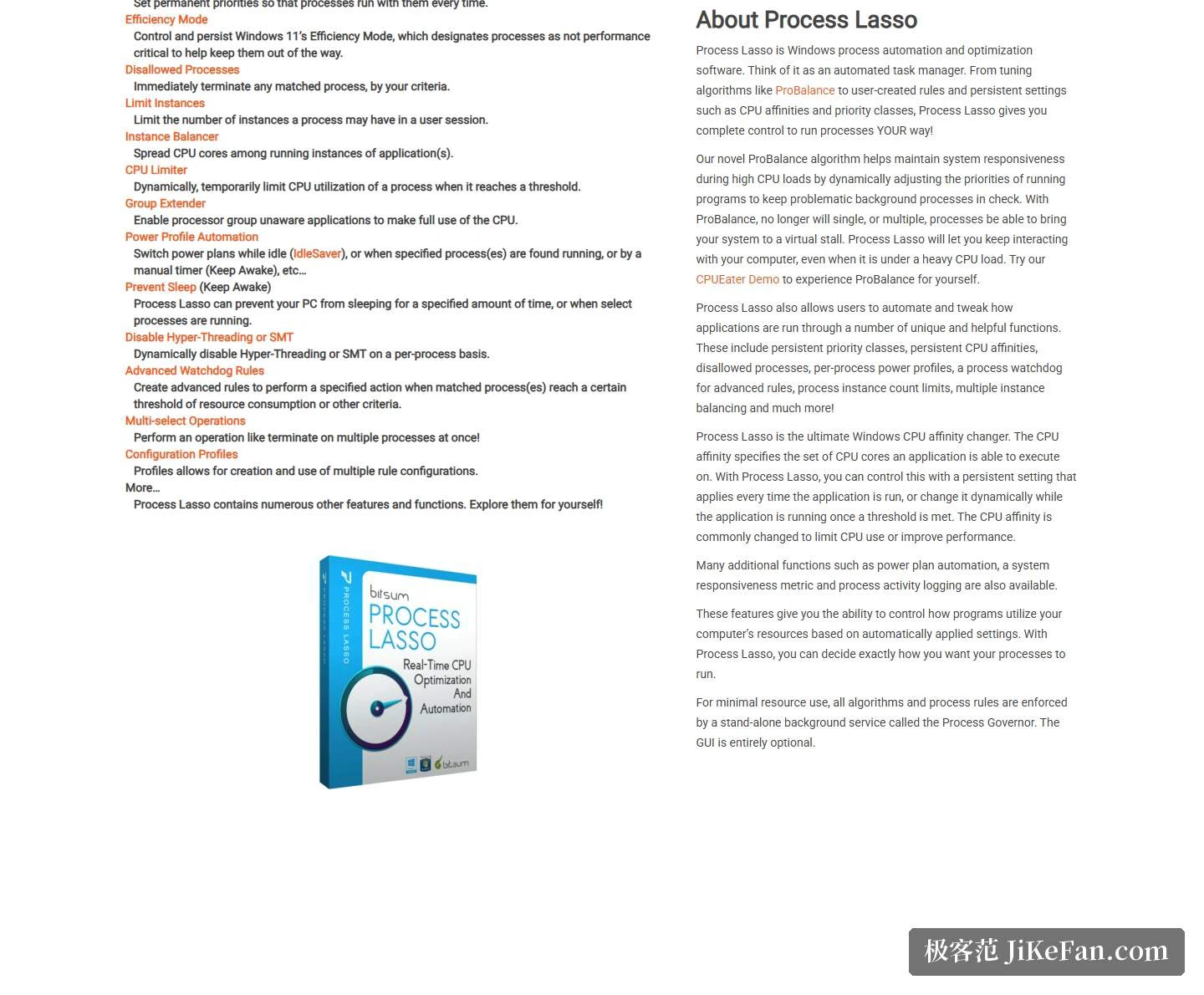
The persistent settings available at rule level go a long way. Processor affinity means a process lands on a chosen group of cores every time it starts, and priority works the same way. The efficiency mode introduced in the current Windows release can be controlled and made persistent too, so a process can be parked in the category suited to background scheduling; an extension mechanism lets older applications that lack support for processor groups spread across the whole processor. A limiter dynamically and temporarily throttles a process once its usage crosses a threshold, and beyond that there are watchdog rules that fire an action when a threshold is reached, plus a prevention mode that keeps the machine awake during defined hours or while particular processes run.
There is one architectural detail that is easy to overlook. Every algorithm and every process rule is executed by a separate background service rather than by the window you look at, which makes the graphical interface entirely optional and allows the resource footprint to be squeezed very low.
Builds and licensing
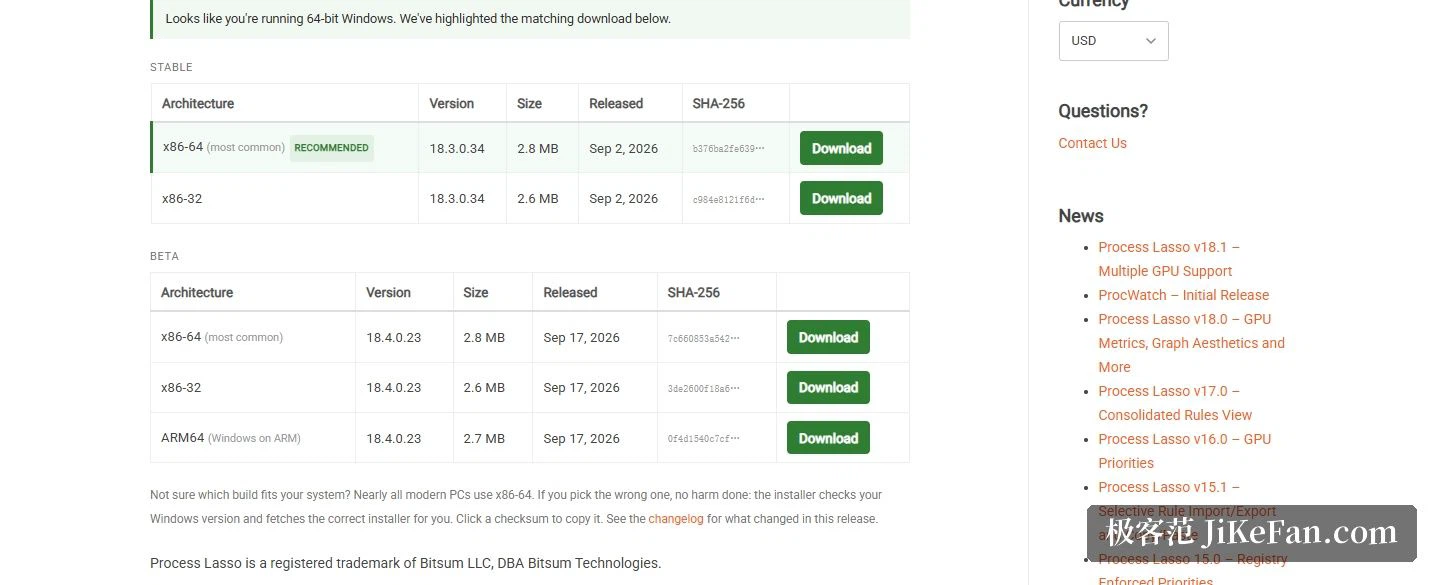
The download area is unusually forthcoming. The stable line offers an x86-64 build numbered 18.3.0.34, sized at 2.8 MB and dated 2 September 2026, plus an x86-32 build. The beta line at 18.4.0.23 goes further and adds a third target, Arm64, for Windows on Arm machines. Every download carries a SHA-256 checksum, and the developer states that all of them are signed. Choosing the wrong architecture is not a disaster, since the installer inspects the Windows version and picks the correct package by itself. On the interface side, the developer lists more than a dozen languages, simplified Chinese among them.
The case for installing it is straightforward. It turns the question of how a process runs into a rule that persists, since affinity, priority, efficiency mode, instance caps and power behaviour can all be fixed per program, with the balancing algorithm as a safety net when load spikes. The free edition is enough for most people, and the lifetime licence is not expensive for anyone who lives in the process list.