
Process Monitor 4.11: making the invisible layer visible
Summary
Process Monitor 4.11 is a free advanced monitor that shows file system, registry and process activity live, filters without dropping data, captures a thread stack per operation and logs the boot phase.
Recommend- Name
- Process Monitor
- Version
- 4.11
- Pricing
- Free
- Open source
- Proprietary
- Operating system
- Windows
- Updated
- 2026-10-06 19:31
Process Monitor is a free and deliberately deep monitoring tool from the advanced utilities collection published by the platform vendor itself, with the current version 4.11 dated 10 September 2026. Its pedigree is easy to state: it merges the functions of two older tools, one that watched the file system and one that watched the registry, and then adds a long list of enhancements on top. The official description is not shy about the ambition, saying that its distinctive features will make it a core instrument in the toolbox used for system troubleshooting and for analysing malicious behaviour.
What it does is show file system, registry and process and thread activity on Windows as it happens, spreading out the low level actions that are normally invisible and letting you watch them go past.
How long the capability list is
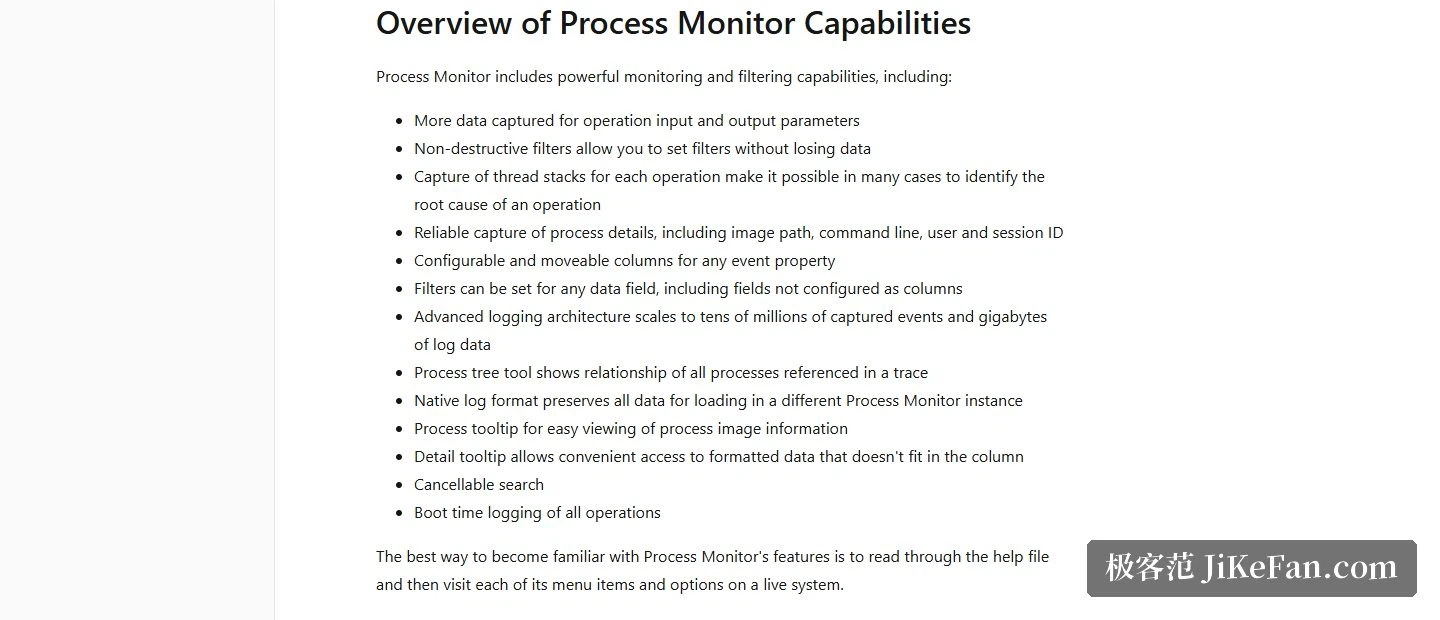
The official list covers every detail a serious diagnostic tool ought to have. Filtering is lossless, so narrowing the view never throws data away. A thread stack is captured for every operation, which in many cases points straight at the root cause. Process details, meaning the image path, the command line, the user and the session identifier, are captured completely and reliably. Any event property can be configured as a column, and a filter can be placed on any data field at all, including fields that were never configured as columns.
The scale is not modest either. The logging architecture stretches to tens of millions of events and billions of bytes of log data. A process tree tool shows the relationships among every process in a single trace. The native log format keeps all of the data and can be reloaded into another instance of the program. A search can be cancelled at any moment, and full logging of operations during the boot phase is supported as well. Tooltips come in two layers: a process tooltip for image information and a detail tooltip for the formatted data that will not fit in a column.
What the interface actually looks like
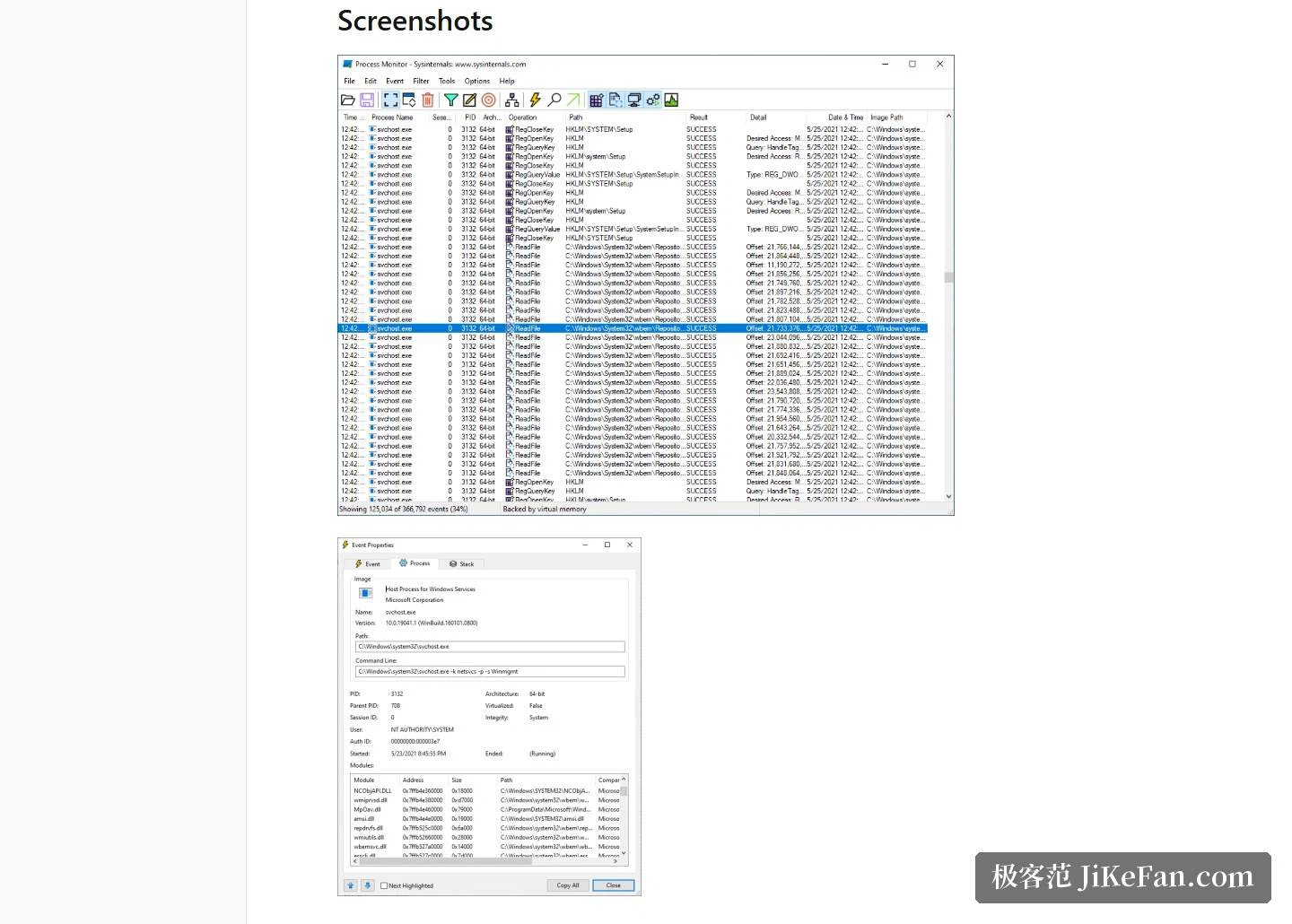
The official page carries two screenshots. The main window is the classic event stream, one row per file or registry operation, carrying a timestamp, the process, the operation and the result. The event properties window goes deeper and shows the image, the command line and the modules that were loaded. The advice offered before starting is refreshingly plain: read the help file first, then walk through every menu item once on a real system.
Download and requirements
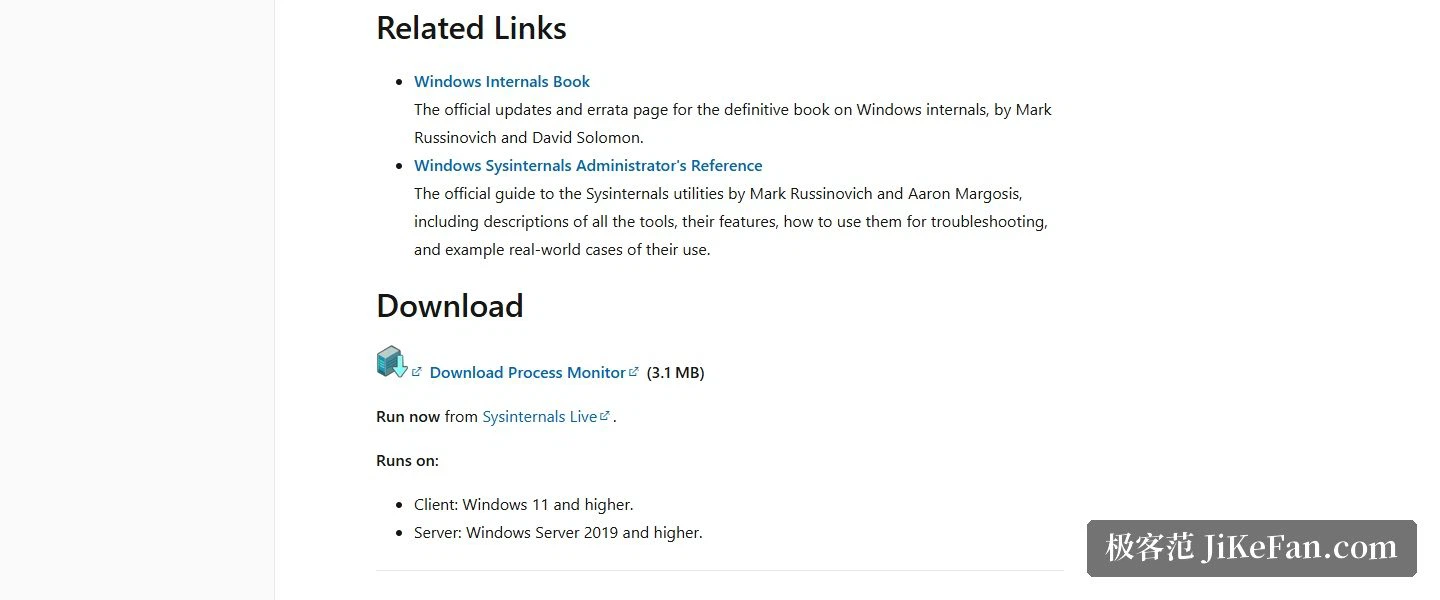
The package is about 3.1 MB. It can be downloaded directly, or run without installation through the vendor online channel for these utilities. The system requirements are stated plainly: the client side needs Windows 11 or newer, the server side needs Windows Server 2019 or newer. A Linux build is offered separately and hosted on a code hosting platform. Anyone who wants the whole set at once can take the collection bundled into a single download, and there are also an Arm64 build and an edition distributed through the system application store, which handles both installation and updates.
The value of a tool like this is that it makes things visible. Who changed that registry key, which process touched that file, what command line sits behind a running program, all of it spreads out in real time. Free, official and small, with filters and a process tree attached, it has few substitutes when an awkward fault or a suspicious process has to be run to ground.