
PotPlayer plays 4K on an old machine without any codec pack installed
Summary
A free Windows media player from Kakao in Korea with the decoder built in, so common formats play without a codec pack, plus DXVA, CUDA and QuickSync hardware acceleration and SRT and ASS subtitle styling. Stable version 1.7.23121 is the first with a native ARM64 build.
Recommend- Name
- PotPlayer
- Version
- 1.7.23121
- Pricing
- Free
- Open source
- Proprietary
- Operating system
- Windows
- Website
- https://potplayer.tv/
- Updated
- 2026-10-10 17:58
PotPlayer is a free Windows media player from Kakao in Korea, with the decoder built in, so it plays almost any audio or video file once installed.
The trouble with local playback usually arrives the moment a file is opened: a downloaded video will not play on a double click, the system says a decoder is missing, so a codec pack has to be installed, and afterwards there is the worry that it has rearranged the decoding chain across the system. PotPlayer deals with that early, because the common formats play out of the box.
It is developed by the Korean company Kakao, first released under the name Daum Live, and updated continuously since 2006. The author had built a Windows player before, and PotPlayer amounts to a second pass over the same thinking: the decoder goes inside the player, and the whole playback pipeline is laid open for anyone who wants to tune it. That origin explains two of its traits, the very large number of settings and the decoding that has been polished over and over.
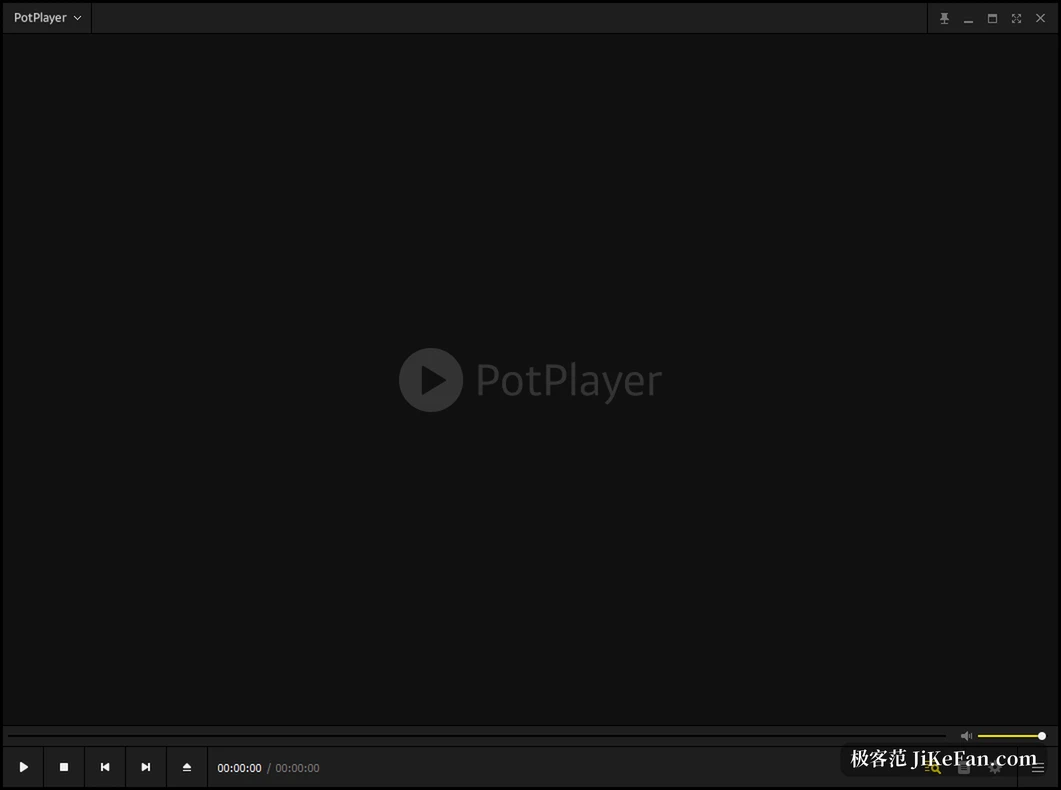
The decoder is inside, so no codec pack is needed
Decoding rests on FFmpeg. The common containers MKV, MP4, MOV, AVI, WMV and FLV, and the codec generations H.264, HEVC (H.265), VP9 and AV1 all fall inside the native range; on the audio side it covers MP3, AAC, FLAC, AC3, DTS and WAV. Blu ray disc directories, DVD discs and the more workmanlike TS and MXF files open directly as well. The vendor also offers an optional OpenCodec package for the rare or very old encoding, added when needed, so a whole set of decoders does not have to go into the system.
Hardware acceleration: handing decoding to the graphics card
High resolution video is where the CPU gives out. PotPlayer offers three hardware decoding paths, DXVA, NVIDIA CUDA and Intel QuickSync; pick one in the settings to match the card, and CPU load falls noticeably when playing 4K HEVC, which is a large part of why it gets recommended for old computers. One thing should be said: hardware decoding depends on what the card itself can do, and when the card or its driver cannot support it the player falls back to software decoding, at which point CPU load rises again.

Subtitles: formats, styling and sync
Subtitles are one of the long standing reasons this player gets recommended. Text subtitles cover SMI and SRT, DVD VobSub and the subtitle streams on Blu ray are on the supported list too, and the effect and animation tags of ASS and SSA and the Ruby annotations of SMI all render properly. Font, size, colour and position adjust item by item, and the timing can be synced by hand, so a subtitle running half a beat behind the picture does not send you back to edit the file. On multilingual releases the audio track switches along with it.
3D, 360 degrees and the details of playback
3D video supports side by side, top and bottom and page flip output for use with a 3DTV or glasses; 360 degree video lets the mouse drag the view around. In everyday use it also offers screenshots, bookmarks, chapter jumps, A to B looping and speed change. At the end of 2024 the vendor added something interesting, generating subtitles from the audio in real time with Whisper, and that engine has been updated since; 2026 brought libass subtitle output as well, and HLS and Dash playback handled by a built in module.
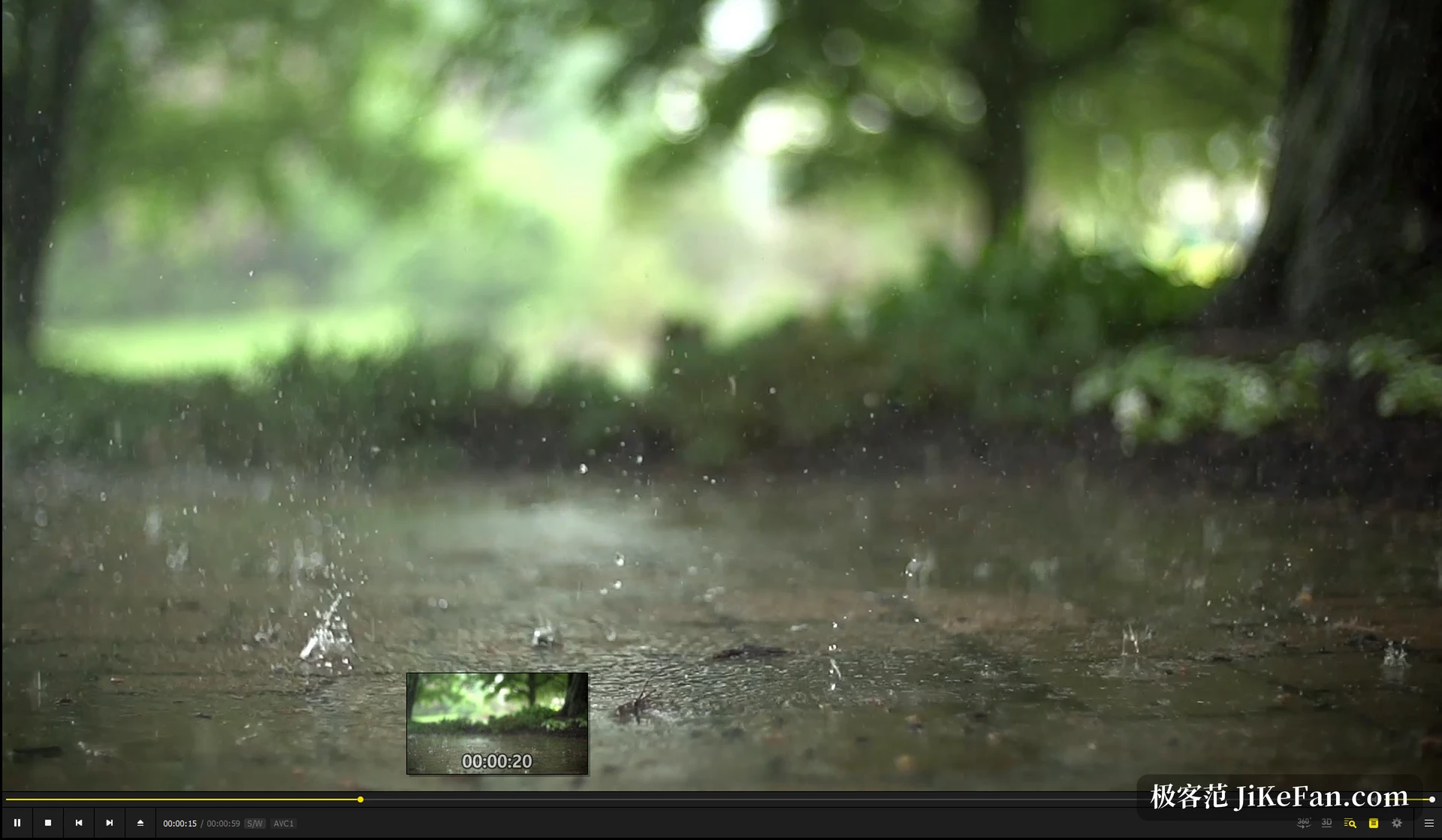
Interface and settings: a great deal to adjust
The interface takes skins and can go borderless so the picture fills the window, and nearly every action can have its shortcut rebound. Playlists, remembering the playback position and joining split video files automatically are all handled. It should be said in advance that a wealth of settings is both the strength and the barrier: a newcomer opening the settings panel for the first time can be put off by the sheer number of tabs. The good news is that it works fine by default, and can be tuned later as needed.
Versions and platforms
As of August 2026 the latest stable version is 1.7.23121. This release is the first with a native ARM64 build, so Snapdragon X series machines and devices like the Surface Pro no longer run through an emulation layer; the official download channel offers 32 bit, 64 bit and ARM64 installers at once, and modern machines should take 64 bit. System support reaches back to Windows 7, and the interface comes in more than thirty languages.
Item | Situation |
|---|---|
Developer | Kakao (formerly Daum) |
Current stable | 1.7.23121 (August 2026) |
Supported systems | Windows 7 / 8 / 8.1 / 10 / 11 |
Installer architecture | 32 bit, 64 bit, ARM64 |
Licence and source | Free to use, source not public |
Interface languages | More than thirty |
Free, with the source closed
PotPlayer is free to use and its source is not public, which is worth saying plainly: it is a different model from the open source players. Around 2019 its installer bundled third party software and advertisements appeared in a corner of the interface, and the community had a good deal to say about it; from 2021 the official installer no longer carries any of that. At install time it is still worth glancing at the extra options in the wizard and clearing whatever is not wanted.
For Windows users PotPlayer deals with a few very concrete things: a format that will not open, subtitles that do not line up, 4K that will not run. It gathers them into one free player with no codec pack needed, at the price of some time spent learning its dense settings.