
pear-rec: Screenshot, Screen Recording and GIF Editing in One Window
Summary
pear-rec is an open-source desktop tool that captures screenshots, records the screen with sound, generates animated GIFs and edits their frames, with a built-in viewer and a simple annotation board.
Recommend- Name
- pear-rec
- Version
- 20240407
- Pricing
- Free
- Open source
- Open source
- Updated
- 2026-10-06 13:19
Why capturing a screen used to need three programs
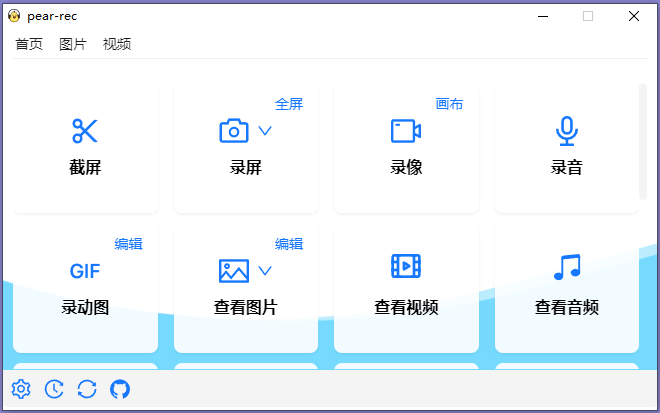
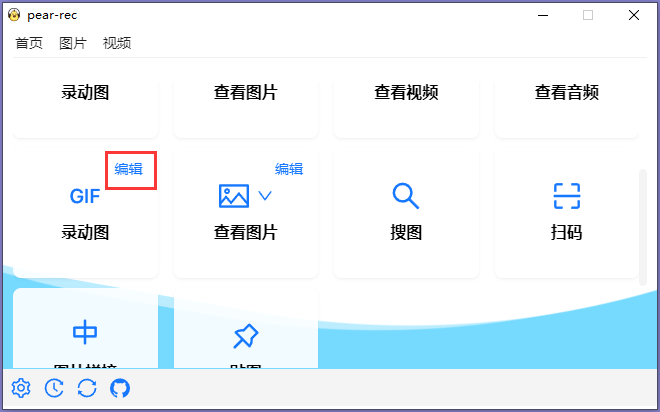
pear-rec is an open-source desktop application for capturing a screen and handling what comes out of it, built on the Electron framework with a React front end so that the same program runs on more than one system. Its scope is worth stating plainly, because it is unusually wide for a utility: still screenshots, live screen recording with synchronised sound, animated GIF generation, a viewer for images, video and audio, a simple image editor with a drawing board, and a GIF editor that works on individual frames.
That list reads like a bundle, and historically it was one: taking a picture of the screen, recording a stretch of it, and turning either into something a person can paste into a chat window were three different tools with three different ideas about where files should go. Bringing them into one window is not a feature so much as a removal of friction, and friction is exactly what decides whether a screenshot gets taken at all.
Capture is the easy half; annotation is the half that matters
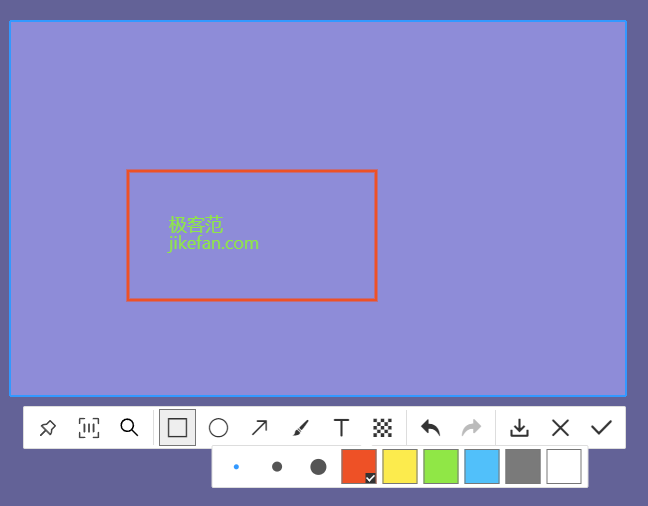
Grabbing the pixels is a solved problem. What makes a screenshot useful is what is drawn on top of it: a box around the part that matters, an arrow to the setting the reader needs to find, a blur over the part that should not be shared. A capture that cannot be marked up usually gets pasted somewhere else to be marked up, which is precisely the detour the drawing board exists to remove. Selecting a region before capturing, rather than cropping afterwards, belongs to the same idea: the decision about what the picture is about is best made while looking at the screen, not after.
Recording has more variables than it appears to
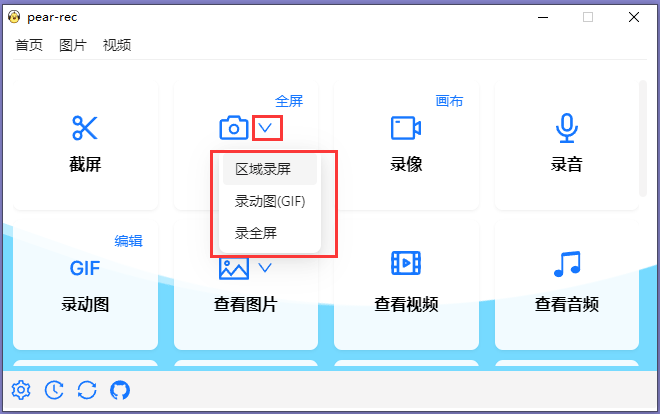
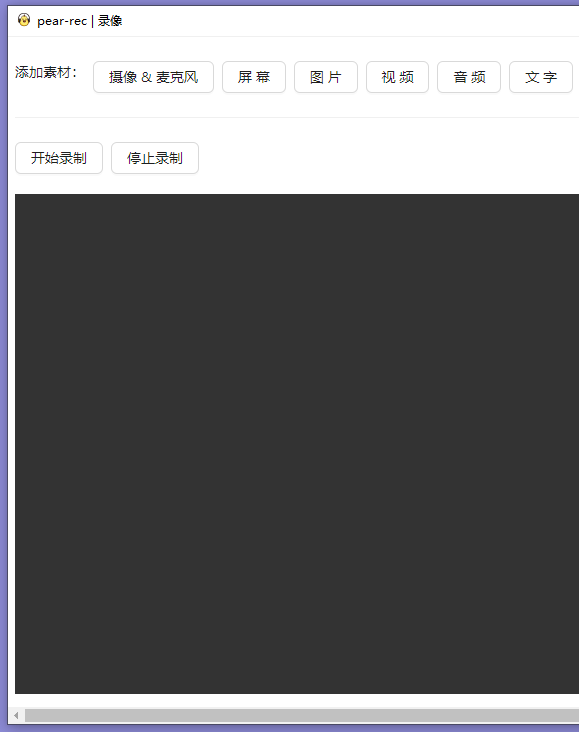
A screen recording is not one setting but five, and they interact. The region decides what is in the frame. The frame rate decides whether motion looks continuous or like a slideshow. The bitrate decides how much the encoder is allowed to spend per second, which matters enormously for the two hardest things to encode: fine text on a flat background, and smooth gradients. The audio source decides whether the recording carries the system sound, the microphone, or both. And the cursor is its own decision — invisible, highlighted, or left alone — which sounds cosmetic until a tutorial is watched by someone who cannot tell where the click happened.
The variable people underestimate is audio sync. Sound and picture arrive from different clocks, and any drift between them is cumulative: a few milliseconds at the start becomes a visible mismatch two minutes in. Capturing both streams together, instead of recording the screen and adding a voice track afterwards, is the difference between a recording that needs no repair and one that needs an editor.
The GIF is a bad format that won
Every technical objection to the animated GIF is correct. It is limited to a small palette, it carries no audio, and it is enormous compared with a modern video format holding the same motion. And yet it is still the format that plays by itself in a chat window, inside a document, on a page with no player installed, in an email client that would block a video attachment. A format that works everywhere with no cooperation from anyone beats a better format that needs a plugin.
That is why generating a GIF directly from a recording is more useful than it sounds. The alternative pipeline — record video, open an editor, export, convert, discover the result is forty megabytes, start again — is exactly the kind of detour that ends with nobody sharing anything. Capturing a short loop at the right size in the first place is the entire skill, and a tool that makes it a single pass earns its place.
Frames are the part of a GIF nobody edits, and should
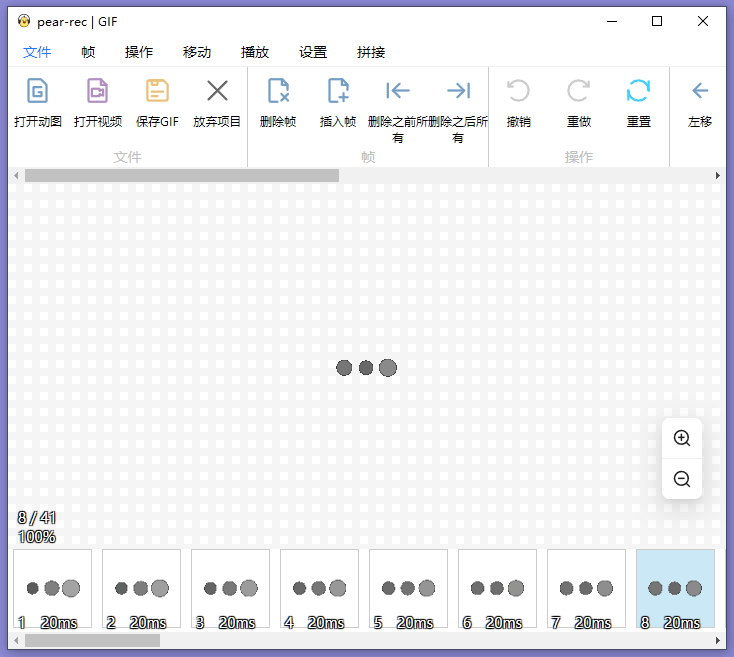
An animated GIF is a sequence of still frames with a delay attached to each one, and almost everything useful that can be done to it follows from that structure. Removing every other frame halves the file and often looks no worse. Slowing the delay on a single frame turns it into a pause that lets a viewer read the part that matters. Holding the last frame longer stops the loop from cutting off the result. Cropping applies to the whole sequence at once rather than to each frame by hand.
Being able to open a GIF, look at its frames, save it again and change the sequence is a capability that most viewers do not offer, because most viewers think of an animated GIF as a video. Treating it as what it actually is — a stack of images with a timing table — is what makes editing it possible at all.
A viewer is a workbench, not a viewer
Having image, video and audio playback inside the same program sounds like a small convenience and behaves like a workbench. The loop of capture, check, adjust, capture again is where the actual time goes, and every step that requires switching applications adds a context switch that is much more expensive than it looks. Seeing the result immediately, in the tool that produced it, is what turns a five-minute job into a five-minute job.
The honest cost of one codebase for every system
Building on a web-technology stack is what makes a single program run on several systems with the same interface, and it has a price that is worth naming. An application packaged this way is heavier than a native equivalent and uses more memory, because it brings a browser engine along. It may also feel slightly foreign in small ways: menus, file dialogs and keyboard shortcuts that almost match the platform rather than exactly matching it.
For a capture tool, that trade is often the right one, because consistency across machines is the point and the workload is not continuous. It is still a trade, and knowing it exists is better than being surprised by a download that is larger than expected.
Where it fits
The natural users are people who explain things: someone writing documentation that needs a marked-up screenshot every second paragraph, someone recording a short demonstration for a colleague, someone producing a looping GIF for a page that cannot host a video. For all of them the value is the same, and it is not any single feature: it is that capture, annotation, recording and conversion happen in one place, so the thing gets finished instead of abandoned halfway between two programs.