
DupeGuru: Finding Duplicate Files Is Arithmetic, Deleting Them Is Judgement
Summary
DupeGuru is a free duplicate-file finder for Windows, macOS and Linux: point it at a folder or a drive, compare by name, size and content, then decide yourself which copies go.
Recommend- Name
- DupeGuru
- Version
- 4.3.1
- Pricing
- Free
- Open source
- Open source
- Updated
- 2026-10-06 22:15
Nobody creates duplicates on purpose
DupeGuru is a free tool for finding duplicate files and clearing them out to reclaim disk space, and it runs on Windows, macOS and Linux. Before the program, though, comes the question of where the duplicates came from, because nobody makes them deliberately. They accumulate: a folder copied to a drive and then copied back, a download taken twice because the first one was forgotten, a photo library imported twice with different folder names, a project archived before and after a small edit. Each individual act was reasonable, and the sum is a disk where a fifth of the space is holding the same bytes twice.
What the tool does is arithmetic: point it at folders or a whole drive, let it compare, and it returns groups of files that are the same. What it cannot do is decide. That part stays with the person, and the quality of the outcome depends far more on that judgement than on the speed of the search.
Three ways to compare, in increasing order of truth
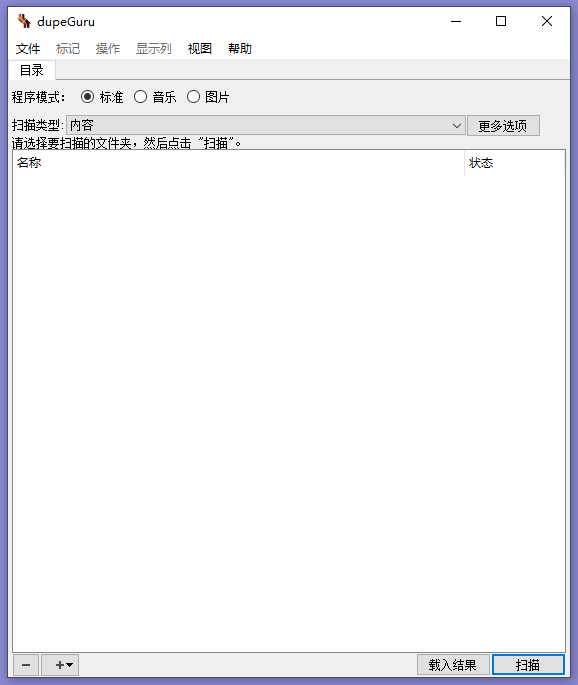
The comparison runs over names, sizes and contents, and it is worth understanding that these are not equally trustworthy. A name is the weakest evidence there is: the same file renamed twice looks like two files, and two entirely different files called the same thing look like duplicates. Size is much stronger, because two files of the same length are at least plausibly related, and it is also the cheapest thing to check, which is why every serious tool uses it as the first gate.
Content is the only real answer, and reading every byte of every file is far too slow. The standard solution is a hash: a fingerprint computed from the contents, short enough to compare and specific enough that two different files will not share one. Compute it only for files that already matched on size, and a search that would have taken hours becomes minutes.
The remaining subtlety is that contents can be the same while the files are not interchangeable. Two photographs that look identical differ in their metadata; two documents that read the same differ in their revision history. A content comparison is a statement about bytes, and the meaning of those bytes is a separate question that still has to be answered before anything is deleted.
Which copy to keep is a decision, not a computation
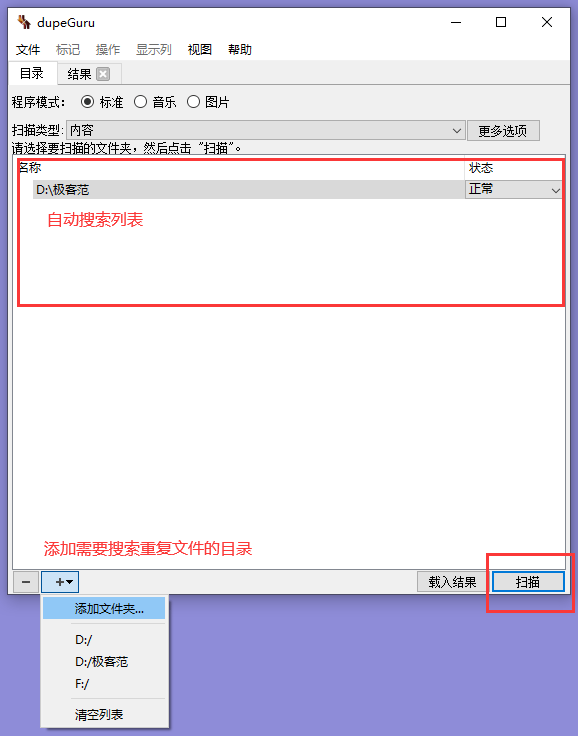
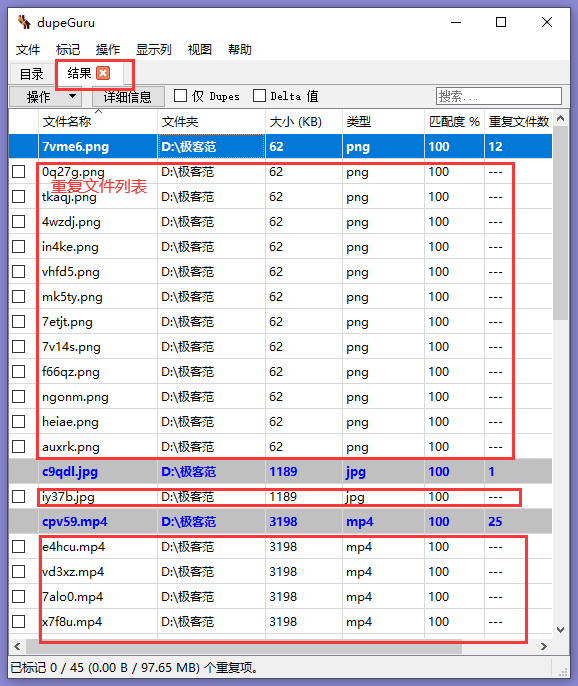
Every duplicate group raises the same question, and there is no universal answer. The copy in the folder that is actually backed up is worth more than the copy on the desktop. The copy with the original timestamp is worth more than the copy whose date was rewritten by a transfer. The copy that some other document links to is worth more than the one nothing points at. A tool can surface all of this — the path, the date, the size — but it cannot weigh it, because the weights live in the person's head.
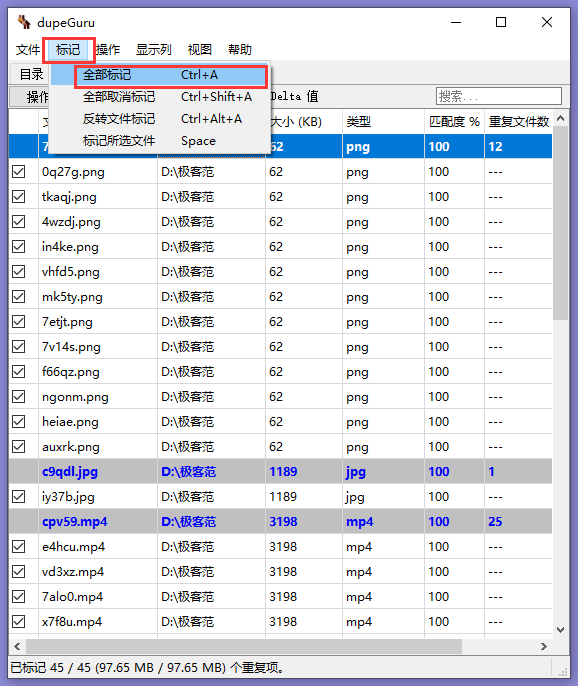
This is why the manual and automatic options should not be treated as equivalents. Automatic deletion is a real labour saver when the search was narrow and the rule is obvious; it is a disaster when a folder of near-identical exports gets flattened because the rule was generous. The pattern that survives contact with reality is to keep the first pass small and boring, look at the groups, and delete in a way that leaves a trace.
Sorting the results is part of the analysis
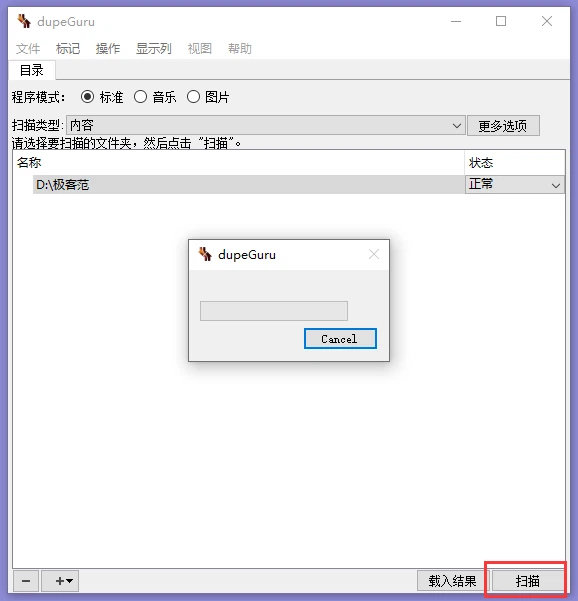
Being able to jump to the largest or the smallest files in the result list sounds like a convenience and is really a strategy. The largest duplicates are where the space is, so if the goal is capacity, that is where the work starts; the smallest ones are usually the leftovers of a hundred downloads, and clearing them is a matter of tidiness rather than need. Sorting by size turns a long undifferentiated list into a priority order, and priority is what makes a cleanup finishable.
Exclusion is what keeps a scan honest
Being able to ignore folders and files, and to exclude particular file types, is not a detail. Some directories must not be touched at all: system folders, virtual machine images, container storage, the internal structure of a photo library or a mail store where a deleted part means a broken application. Others contain files that look duplicated but are not: hard links, where a second name is simply another door to the same data, and where deleting one door saves nothing.
Excluding by type is the other useful half. Media files are worth scanning, because a duplicated video is genuinely wasted space; small configuration files and thumbnails are rarely worth the risk, because they are identical for good reasons and something may depend on each one existing.
What deletion actually does to a filesystem
It helps to know what is being saved. Removing a duplicate frees the space that file occupied, and nothing else; it does not make the remaining copy faster to read, and on a solid-state drive it does not even make the machine quicker, because the drive was never slowed by the extra copy in the first place. The gain is capacity and clarity of the folder structure, not performance, and expecting the wrong benefit is how people end up disappointed by a task that worked exactly as intended.
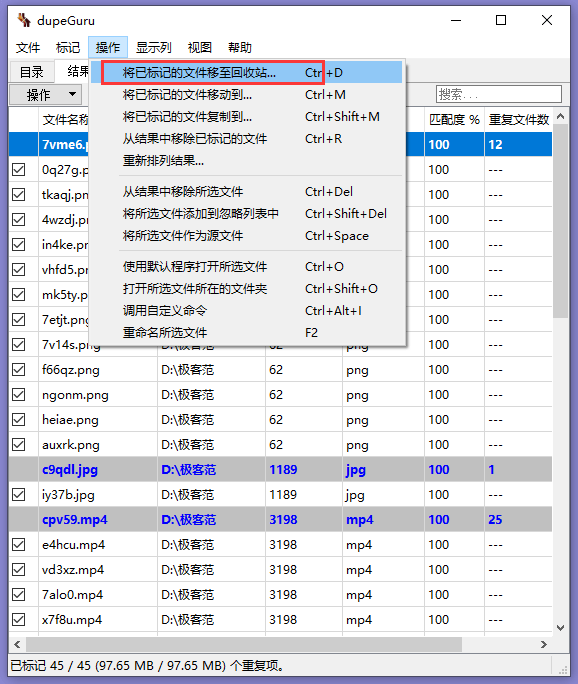
The other thing worth knowing is that deletion in this context is usually the ordinary kind, which means the files go somewhere recoverable rather than vanishing. That is a comfort, but it also means the space is not actually returned until the trash is emptied, which is the step that turns a tidy list into free gigabytes.
Where it fits
This is not a storage analyser and not a backup tool. It answers one question well: which of these files are the same file. For a photo collection that has been imported twice, a download folder that has become a landfill, or a drive that filled up without anything obviously new arriving, that single question is the one worth asking. Free, open source, and available on all three desktop systems, it is the sort of utility that sits unused for a year and then saves an afternoon.