
PDF-XChange Editor: about seventy per cent of it free, and quick with it
Summary
A long-standing reader and editor for PDF files that stays light on its feet. Around seventy per cent of the features are free for personal use, including annotation, highlighting, forms, text recognition, splitting and merging, and compression; the deeper editing tools work unregistered but save with a watermark, and the licence is a one-off purchase.
Recommend- Name
- PDF-XChange Editor
- Version
- 10.8.5.410
- Open source
- Proprietary
- Operating system
- Windows
- Website
- https://www.pdf-xchange.com
- Updated
- 2026-10-05 20:33
Reading a PDF, and not only reading it
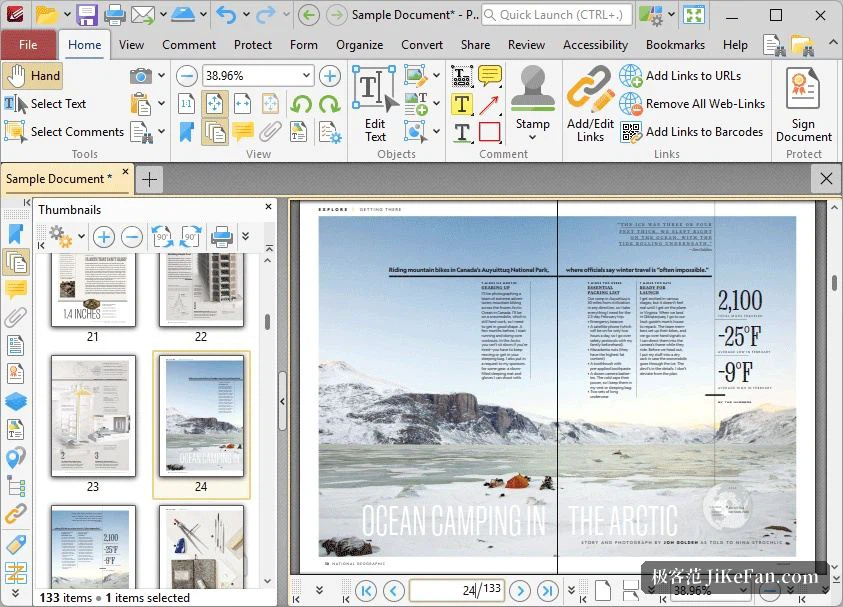
Open a few hundred pages of PDF in some readers and the spinning circle takes its time; PDF-XChange Editor has a good reputation among its peers for starting quickly and turning pages quickly, and searching inside a document is surprisingly fast as well. It comes from a house that has done nothing but PDF work for a long time, and the range runs from plain reading to editing at real depth. The layout is close enough to the mainstream readers that the usual shortcuts do not have to be learned again, which means the first session costs almost nothing in adjustment.
About seventy per cent of it is free
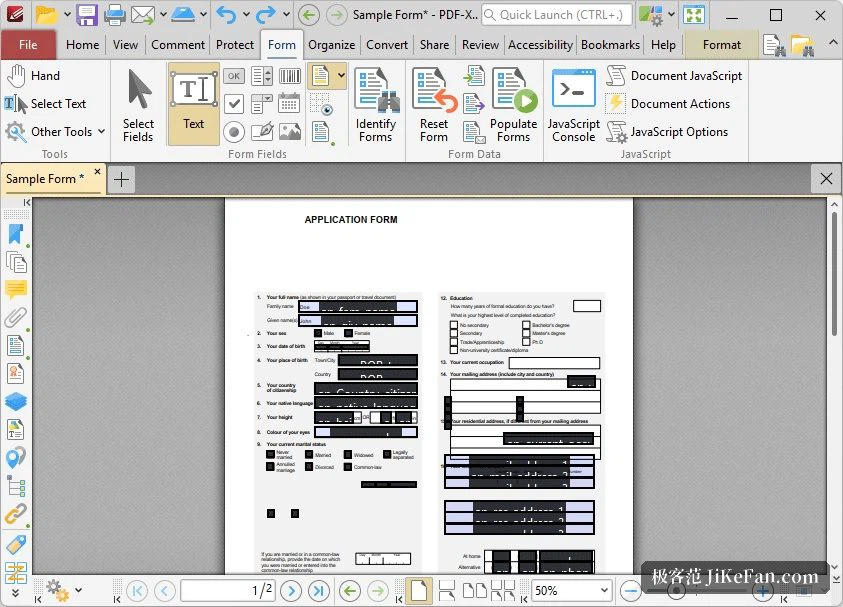
The licensing is unusual. Roughly seventy per cent of the features need no licence at all: reading, annotation, highlighting, filling in forms, text recognition, turning a page, splitting a document at its bookmark structure, and so on, all free for personal use. The remaining advanced features, which include adding and removing and rearranging pages, managing watermarks, editing content and digital signatures, can also be called upon without registering; what happens is that the saved document carries a watermark. Whether that matters is entirely a question of the situation. A Plus edition adds form design and editing on top, and the licence is bought once rather than rented, which is worth saying plainly in a category that has drifted towards subscriptions.
The marking-up tools are all there
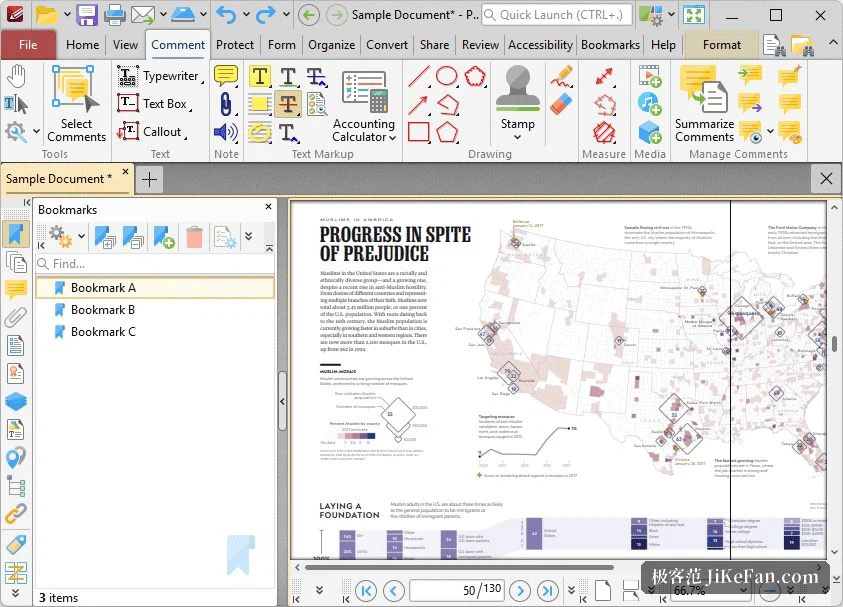
Everything a reviewer reaches for is present: sticky notes, highlight, underline, strikethrough, shapes drawn around a region, text boxes, and custom stamps, with recent versions able to build a stamp that reacts to being clicked without anyone writing a script. The measuring tools suit drawings and plans, since length, area and perimeter can be measured directly. A magnifier and a whole-page zoom are handy when a detail has to be checked, and the interface itself is highly customisable, with toolbars and shortcuts arranged to taste. Tabs and a memory for document sessions mean several files can be worked on at once without the usual scramble.
From a scanned sheet to an archival format
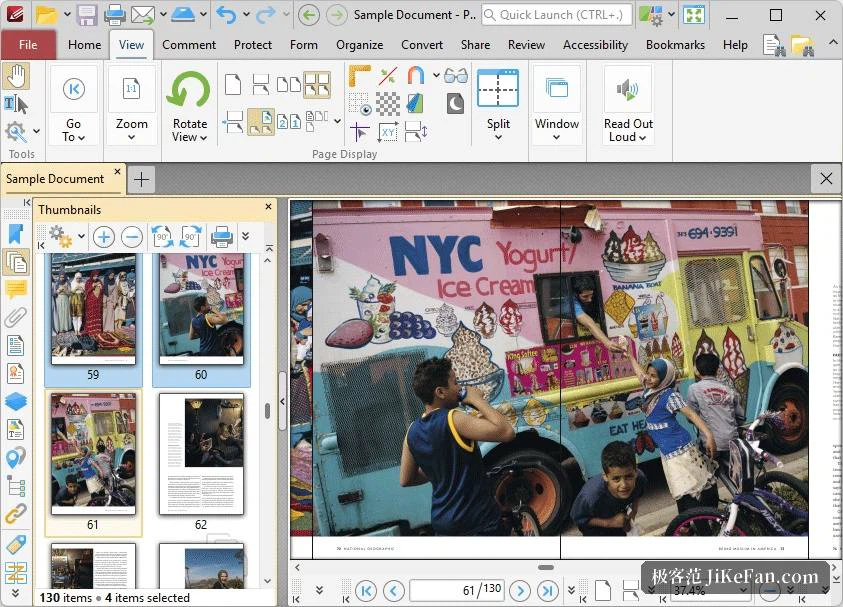
Text recognition turns a scanned sheet into something that can be searched, with the language chosen as needed. Anything the system can open and print can be sent through the virtual printer that comes with it and come out as a properly formed, searchable document. A size optimisation pass can squeeze a bloated file down to something much smaller, which is exactly what is wanted when a mail attachment hits a limit. Export covers the common image formats and office documents, and a file can be saved to the archival standard that suits long-term storage. Splitting, merging, extracting and replacing are drag-and-drop operations in the thumbnail panel, so tidying a long document no longer needs a second tool.
Security and collaboration, down to the details
Where sensitive material is involved it will encrypt a document and set permissions for opening and for editing, and the redaction function removes confidential information from the file properly rather than laying an opaque rectangle over it. Annotations can be gathered and exported, so a review can be handed back and forth without anything going missing. Search goes beyond the document in front of you: a whole folder on the disk can be scanned so that content is located across files.
A portable build, and compatibility
As of September 2026 the current stable release is 10.8.5.410, and both an installed build and a portable one that needs no installation are offered, the second able to live on a memory stick and be used wherever it is plugged in. Support runs from older systems up to the newest Windows, and the multilingual interface naturally includes Chinese. For an individual, the free portion already covers most of daily reading and marking up; when deeper editing is needed occasionally, the watermark is a reminder to weigh a purchase, and since the licence is bought once this try-before-buying shape is friendlier than most commercial software in the category.