
PDFgear edits, converts and OCRs PDFs for free across desktop and mobile
Summary
Read, edit, convert, merge and sign a PDF without registering: text and images edited as if it were any other office document, batch conversion that keeps the original formatting, and OCR across more than 30 languages, on Windows, macOS, iOS and Android.
Recommend- Name
- PDFgear
- Version
- 2.1.20
- Pricing
- Free
- Open source
- Proprietary
- Operating system
- WindowsmacOSiOSAndroid
- Website
- https://www.pdfgear.com/
- Updated
- 2026-10-06 19:11
PDF editing has long had its price floor set by a couple of subscription suites. PDFgear states its position without decoration: completely free PDF software, for reading, editing, converting, merging and signing across devices, and no account required. The page also carries a 4.9 rating badge from a review platform, with a row of tech media and community logos below it.
Four lines of work, all in the free tier
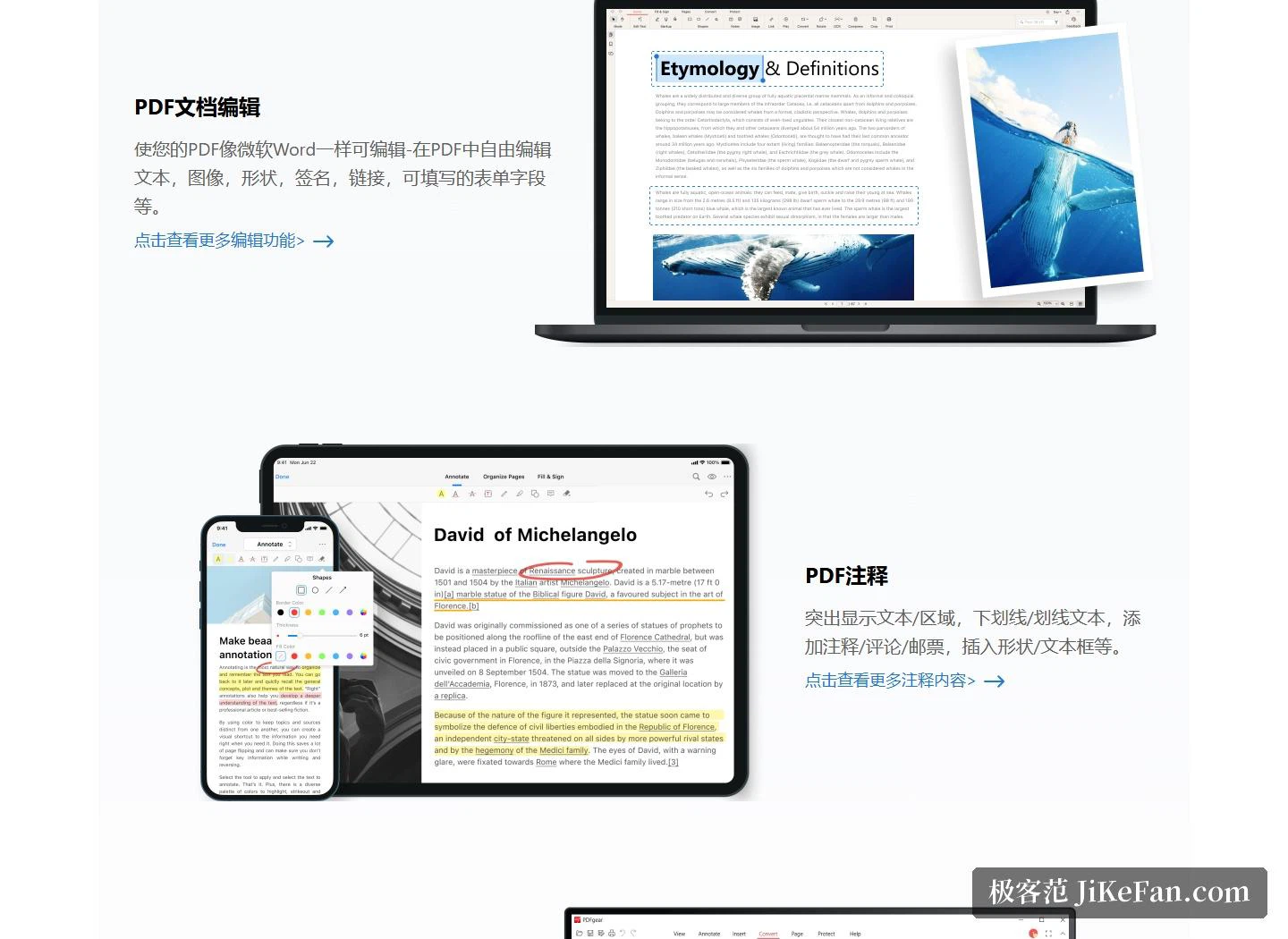
The editing claim is that a PDF becomes as editable as any other office document: text, images, shapes, signatures, links and fillable form fields, all handled in place. Annotation covers highlighting text and areas, underlining and striking through, adding notes, comments and stamps, and inserting shapes and text boxes.
Conversion runs in batches at speed while keeping the original formatting, moving between PDF and Word, TXT, JPG, Excel, PPT and the rest. OCR pulls text accurately out of image-based documents, or turns a scanned PDF into a fully editable Word or TXT file, and reads more than 30 languages.
The AI corner and the browser tools
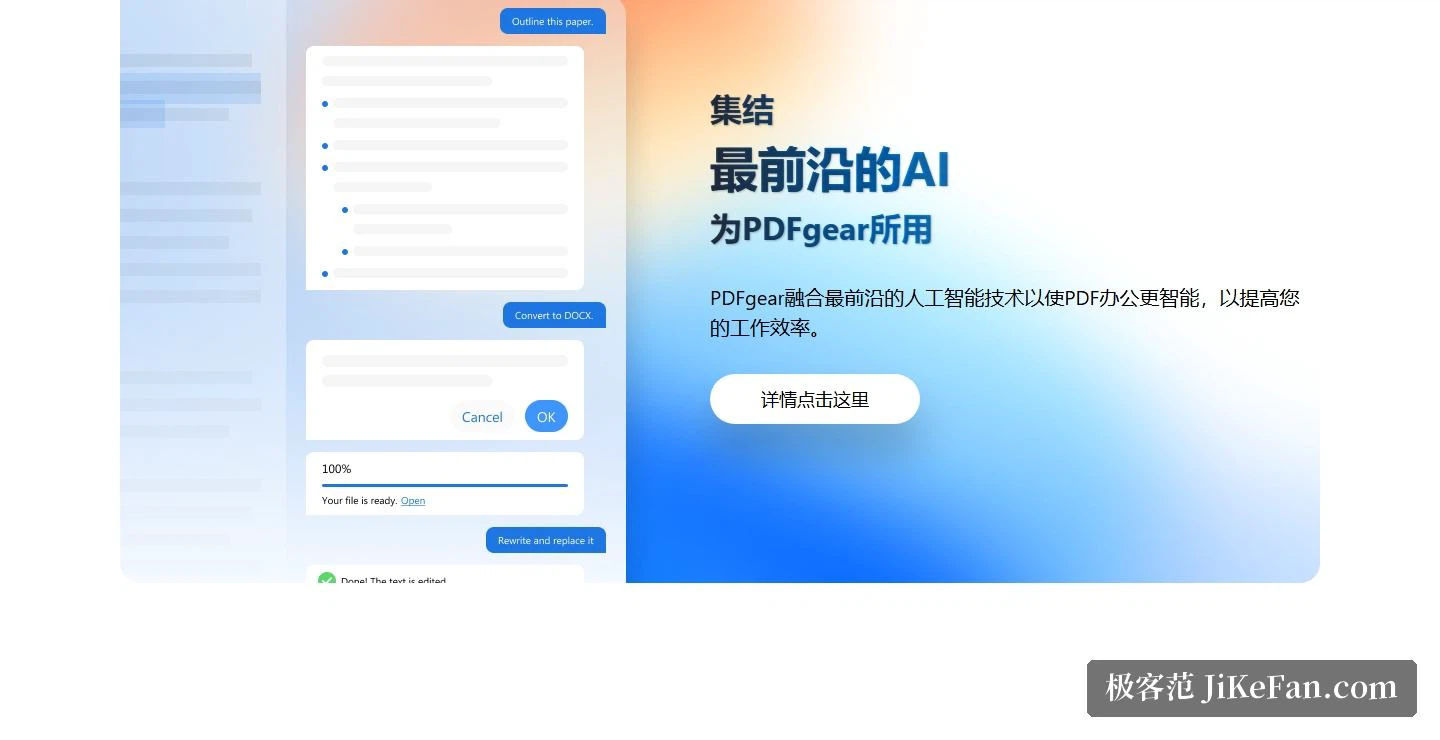
The homepage keeps a section for AI: the platform says it folds AI in to make PDF work smarter and faster, with entries for a smart PDF, a chat-with-your-PDF mode and a PDF assistant, and the about page lists the AI co-pilot among product milestones.
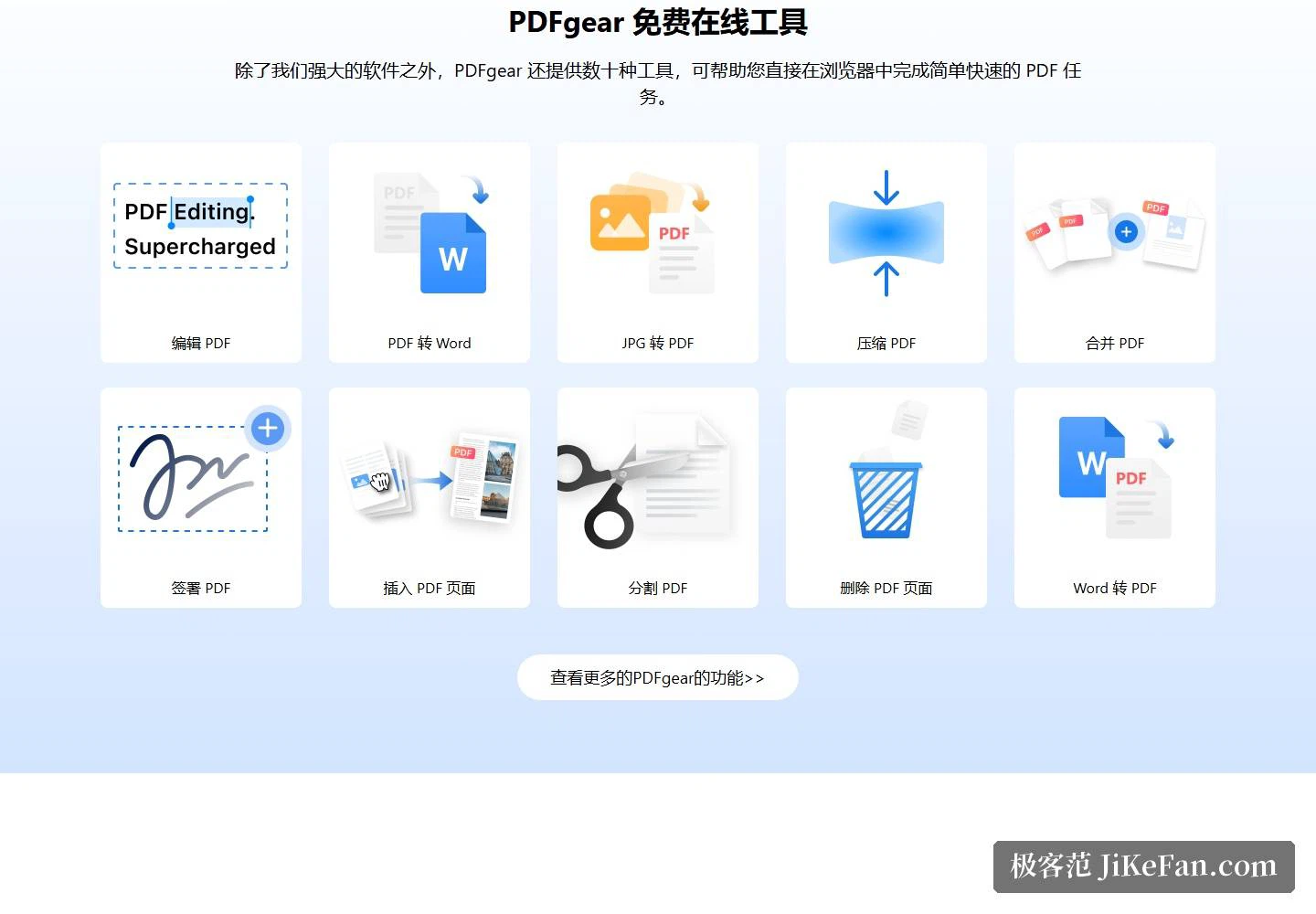
Nothing needs installing to get started either. Dozens of free tools run inside the browser — edit, convert to Word, JPG to PDF, compress, merge, sign, insert pages, split, delete pages, Word to PDF — and the tools page carries more: HEIC to PDF, rotation, form building.
Four platforms and a wider family
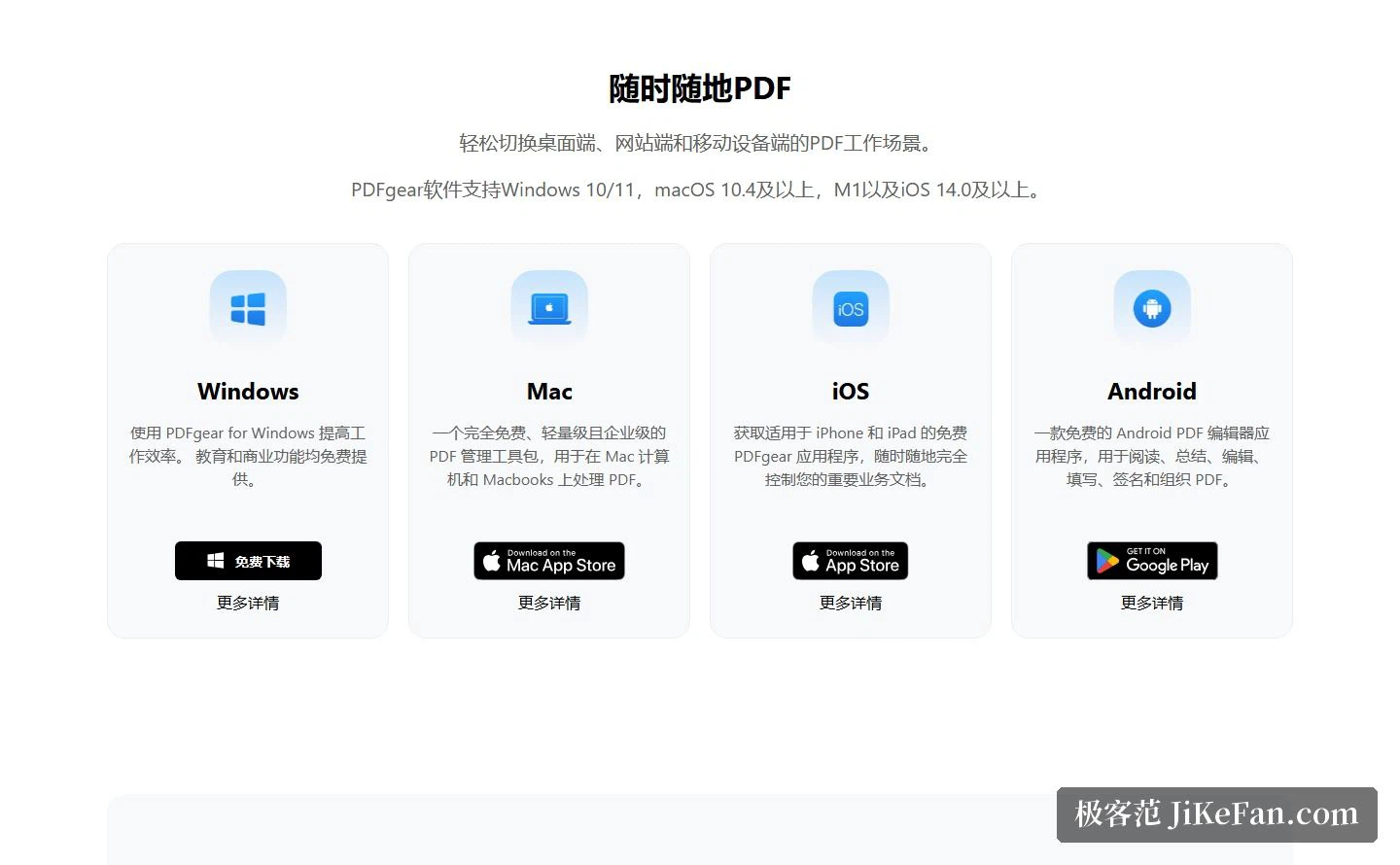
The system requirements are spelled out: Windows 10 and 11 for the desktop build, macOS 14 or newer with support for Apple silicon, iOS 14 and above, and an Android app that doubles as an OCR PDF editor and reader. Moving between desktop, web and phone is meant to be seamless.
The product family extends sideways. A scanning tool turns paper into PDF, Word or image files using OCR on a phone; a screen recorder for macOS captures at high frame rate; and e-signature is handled by a sister platform that sends documents out for signature, tracks progress and collects legally binding signatures.
How it stays free
This is the question the product attracts most, and there is a dedicated page answering it: a fully free strategy to grow the user base quickly and gather feedback; operating costs covered by investment, including the technical bill behind the AI features; a deliberately small team; and a brand grown organically through social channels and practical content.
Two security statements sit on the same page. The official pages carry no advertising; files sent through certain advanced conversion features travel over secure cloud servers and are deleted as soon as processing finishes; and the software follows a strict development process and is submitted for malware scanning with the reports published.
Who runs it, and the milestones
The about page names the company as a Singapore-registered entity with a vision of simple, affordable software for everyone, and values that put user experience, privacy and data security first. Four milestones are listed: the first release, the AI co-pilot, the Android launch that completed the platform map beyond Windows, Mac and iOS, and premium features now in planning. The mission is stated as comprehensive, easy and innovative PDF tools for users worldwide.
Who it suits
The reviews on the site sketch three recurring scenes: a security professional filling in a stack of insurance forms, a user who has been hunting for a free replacement and values offline use plus a hand-drawn signature, and a heavy reader who likes the text extraction tool — highlight anywhere on the page and the text lands in a box ready to copy.
Two honest notes. First, the official page mentions premium features in planning, so some deep capabilities that lean on cloud processing may change how they are offered later; if you depend on them, watch the official channels. Second, OCR accuracy on scans depends on the source quality, and skewed pages or heavy handwriting still deserve a human proofread.
Once editing, conversion and OCR — features that used to sit behind subscriptions — are open to everyone, the only criterion left for choosing a PDF tool is which one feels better in the hand.