
Nozbe sorts work into spaces, projects and tasks, and the free tier holds 3 people
Summary
A task and project manager built around the getting things done method, with three levels of structure, shared projects, reusable templates and time tracking. The free tier covers 3 people and 3 running projects, current build 2026.16.
Recommend- Name
- Nozbe
- Version
- 2026.16
- Open source
- Proprietary
- Operating system
- WindowsmacOSLinux
- Website
- https://nozbe.com/
- Updated
- 2026-10-06 07:08
Make a space first, then put projects inside it
Nozbe arranges everything on three levels: spaces, projects and tasks. A space separates one area of life from another, and the usual split is one space for work and one for private matters, though grouping by team, by client or by situation is equally allowed. Projects hang beneath a space, tasks hang beneath a project, and sections and tags add a second sorting layer on top. A task carries a due date, an estimate of the time it needs, a priority and a reminder; comments take formatting and attachments, and a finished task moves into history where it is still possible to see how it was handled at the time. For anyone in the habit of dropping every loose end into one inbox, the value of the hierarchy is that the context a piece of work belongs to is visible at a glance.
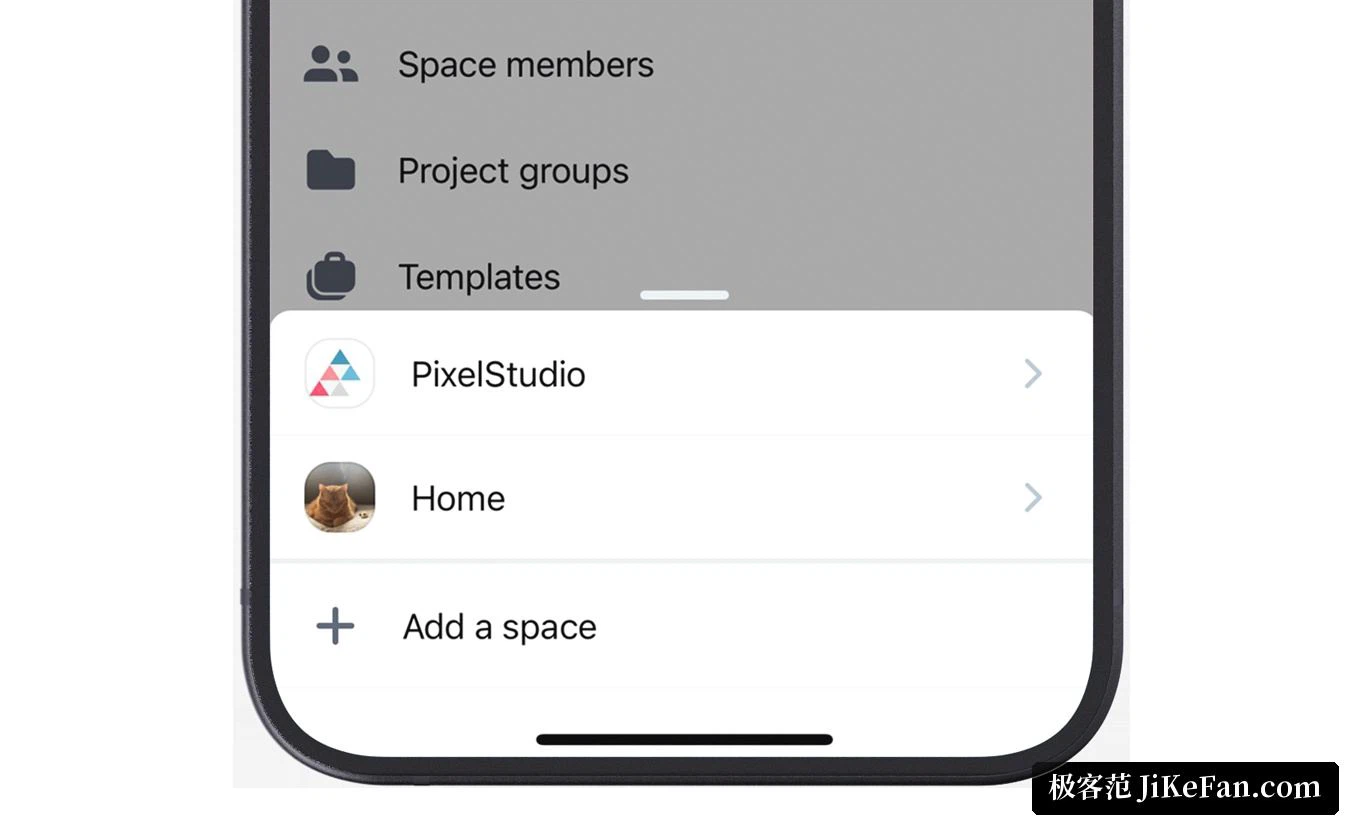
Shared projects and templates that get reused
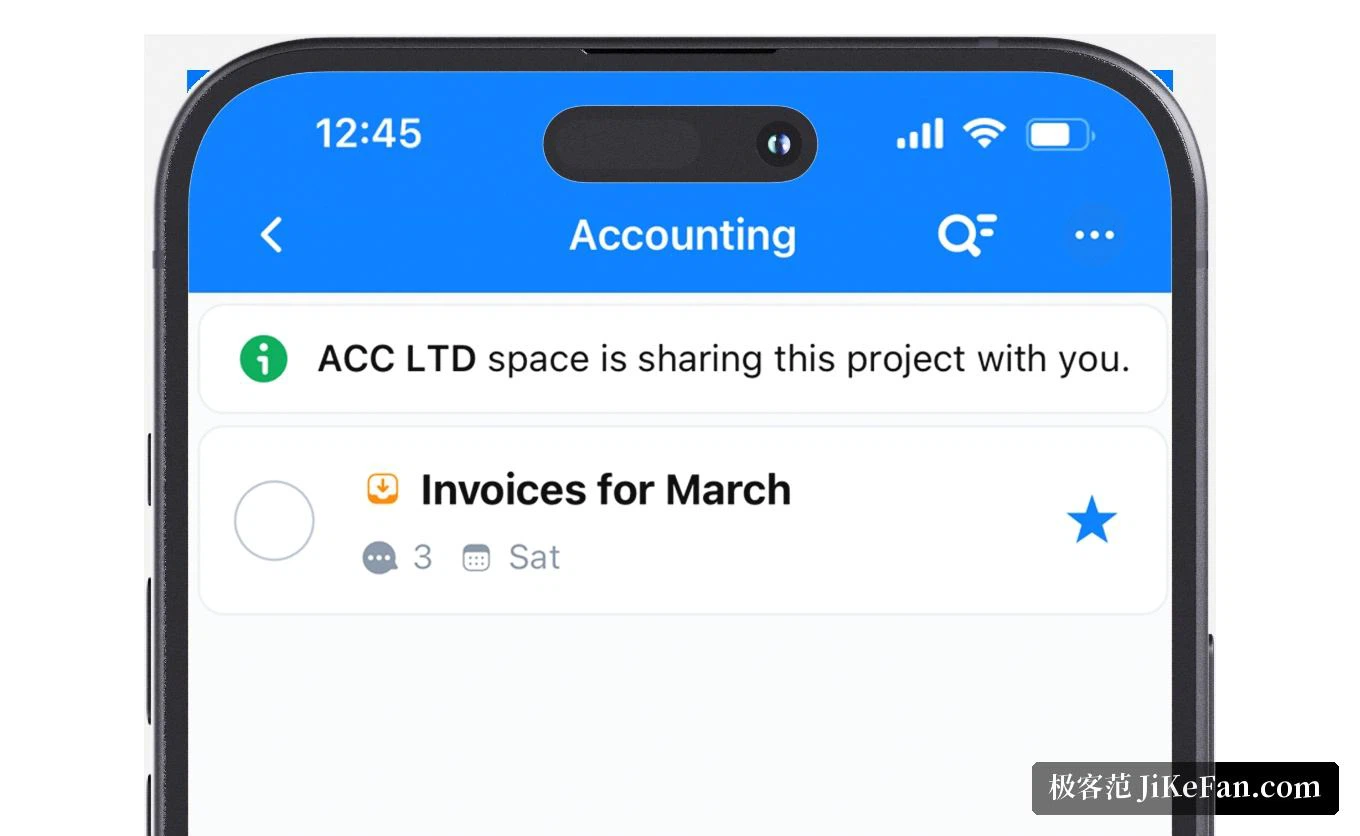
When several people work together, a project is shared straight to the other members of the same space, and comments and files stay underneath the task instead of drifting into a separate chat window. If a piece of work needs to be split, the related tasks go into one project and get assigned, and mentioning somebody in a comment notifies them. A routine can be stored as a template, so recurring jobs such as onboarding a client or closing a month start from a copy; a template carries a prepared list of tasks and sections, and only the dates and names need changing afterwards. The vendor runs its own development on the product and has written into company policy that routine matters are handled before Thursday and Friday is left for the weekly review and personal study.
Every platform, and notes taken offline
The clients cover the web, Windows, macOS and Linux, plus iOS and Android. The phone build offers quick capture, the desktop build offers keyboard shortcuts, and the calendar connects to an external calendar service. With no connection, items are recorded locally and synchronised once the link returns; signed into the same account, a task captured on the phone shows up on the other devices, so something noted on the move can be picked up at the desk without any manual shuttling. The interface is available in Simplified Chinese and the blog has published method articles for years, which between them covers the office, the home and the road for a team that works in more than one place.

An assistant, and a record of where the hours went
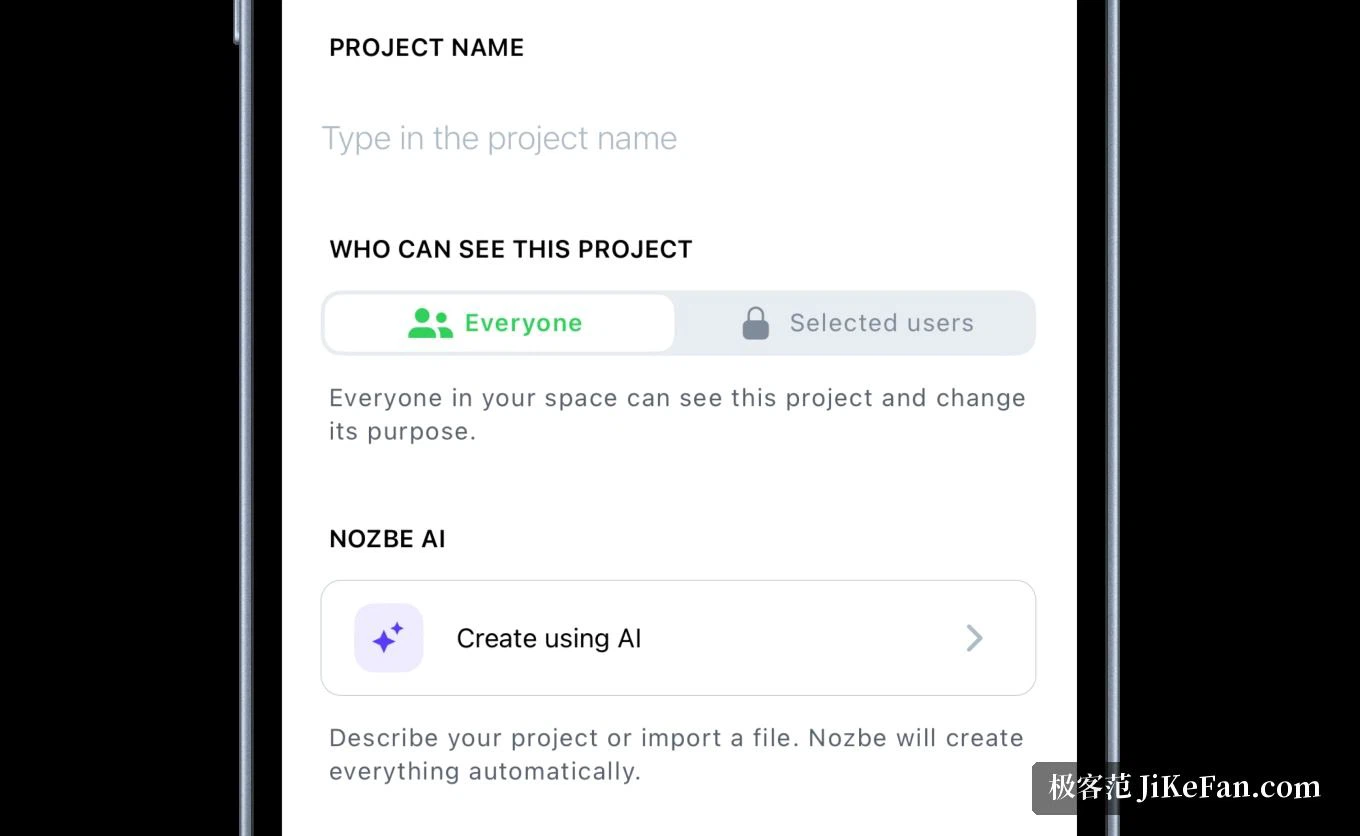
Recent versions added an assistant that helps tidy a task and break it down, for instance turning one vague sentence into a handful of actions that can actually be executed. Time tracking belongs to the paid tiers: each task records how long it really took, and comparing that against the estimate calibrates the next estimate. Tags and templates together let work be gathered by client or by department, and on the paid tiers projects, sections and tags stop having a ceiling while task history is no longer truncated, which makes the same tool usable for both a retrospective and a long term archive.
Versions and pricing
The mobile and desktop builds currently stand at 2026.16. The free tier is aimed at individuals and small teams of up to 3 people with no time limit, allowing at most 3 running projects, 1 space and 500 MB of storage, and sign-up asks for no card. The middle tier is billed per person, around 9 dollars a month for one, lifts the ceilings on projects, sections, tags and templates, gives each person 20 GB of storage and adds time tracking. The top tier lifts the limits on spaces and storage as well and includes dedicated support. Both paid plans discount for annual payment, a 30 day refund is offered, and the paid tiers come with a 30 day trial that needs no card. For nothing but one person's own to-do list the free project allowance lasts a while; past 3 people, or once the project count climbs, upgrading starts to make sense.