Driver Booster refills missing drivers in one click, and 14.0 also repairs broken game DLLs
Summary
A Windows driver manager that scans for outdated, missing or faulty drivers and replaces them, with a library said to hold over 23 million entries, a rollback path and a new repair for missing game DLLs in version 14.0.
Recommend- Name
- Driver Booster
- Version
- 14.0.0.444
- Open source
- Proprietary
- Operating system
- Windows
- Updated
- 2026-10-06 19:07
A library big enough, and a choice of two builds per device
What Driver Booster really sells is a catalogue. The published figure is over 23 million entries covering graphics cards, sound hardware, network adapters, printers and a long tail of unusual peripherals. When the scan runs it distinguishes two kinds of driver for each device: the newest one, which carries the freshest features, and the more stable one, which has been out longer and been tested harder. Either can be installed depending on what the machine is for. The sources are described as vendor channels and the certification route run by the platform maker, passing through the hardware quality lab programme, so the packages are not random repacks. The current build is 14.0.0.444, published on 2026-09-16, the installer is around 32.5 MB, and the supported range runs from Windows 7 through Windows 11. Beyond pressing scan by hand, checks can be scheduled, run at start-up, or deferred until the machine is idle so that downloads and installs finish without anyone watching; when several driver versions have to go in at once, a newer installer handles the queue.
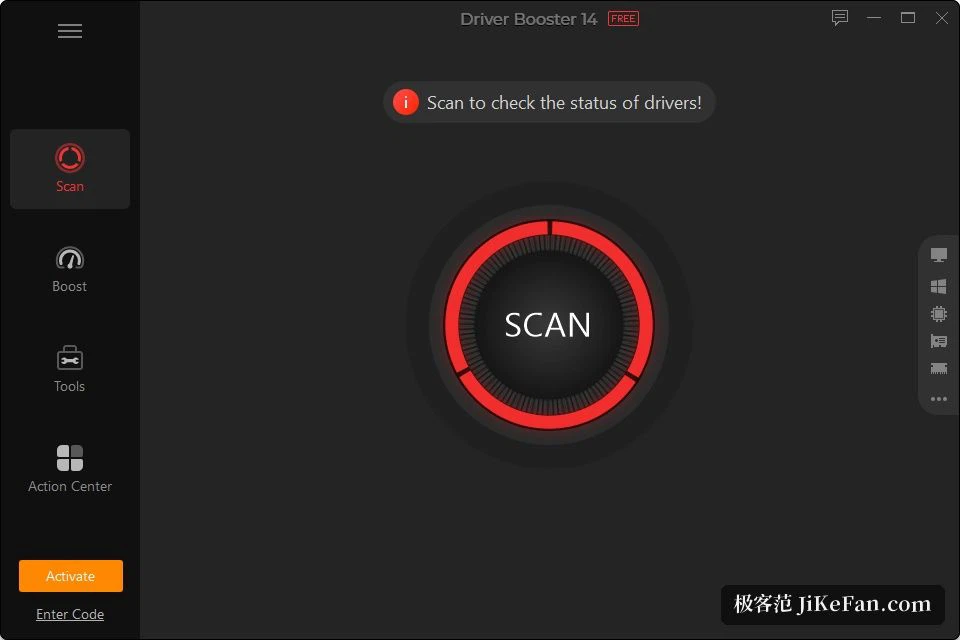
After the scan, work through it device by device
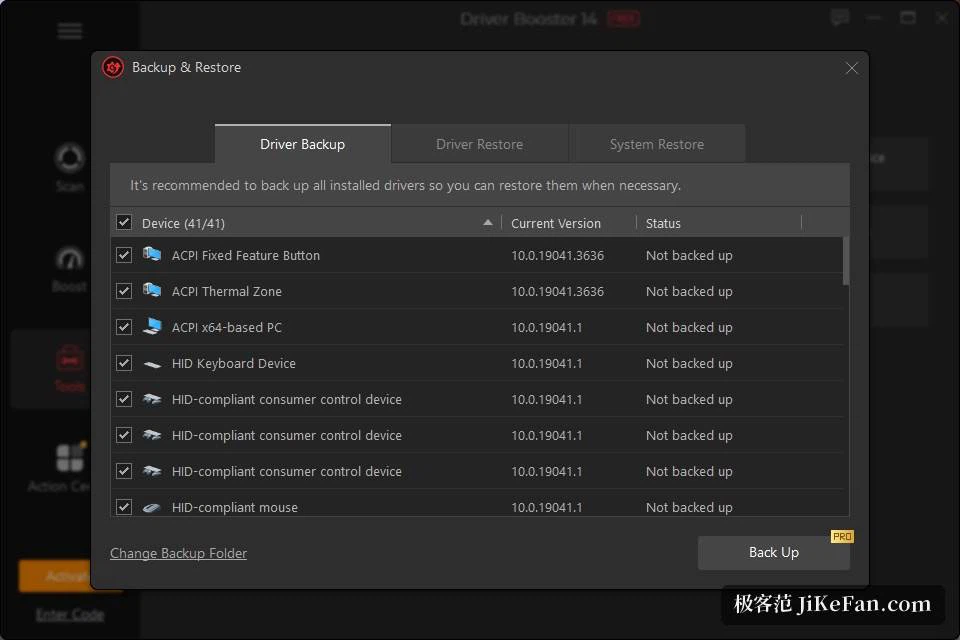
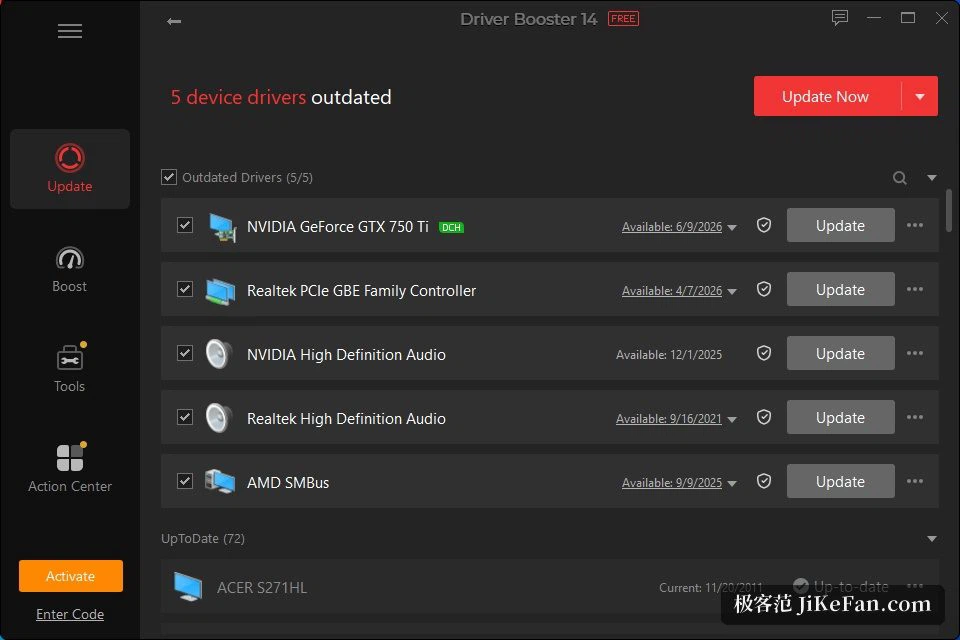
Results arrive sorted by device, split into outdated, missing and faulty, and the whole list can be updated in one pass or narrowed to a handful of ticked rows. Before anything changes, the software backs up the existing drivers and creates a system restore point, so a bad result can be undone with one click. For a freshly installed machine, or one that cannot reach the network yet, there is an offline package that downloads the drivers elsewhere and carries them over on a stick. Each row shows the device name and the driver version, which is what makes a judgement possible about which item is worth touching, and a single device can be moved from its current version to another one from the same family.
Common system faults get fixed along the way
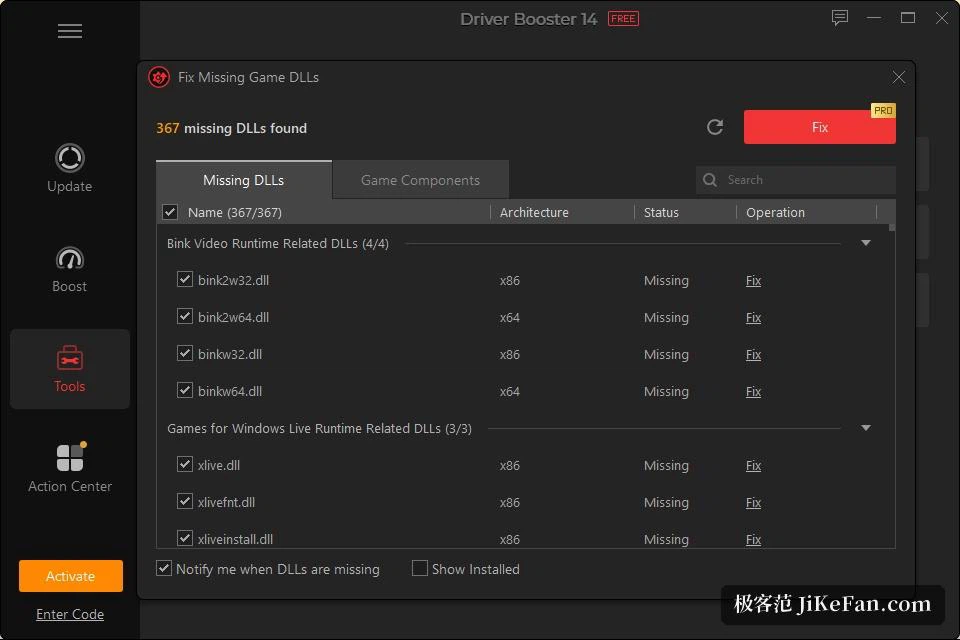
The built in repair tools aim at the failures that show up in ordinary use: no sound, a wrong resolution, a connection that keeps dropping, hardware that is not recognised. All of them are one click away. The repair added in 14.0 pushes the same idea into the runtime a game needs, scanning for and restoring more than 680 DLL files and over 60 game components, watching for missing pieces in real time and offering a single fix. The components covered include the DirectX layer, the Visual C++ runtimes, the audio libraries and the physics engine. The point is that the user does not have to work out which component went missing; the tool locates it.
Updates ordered around games
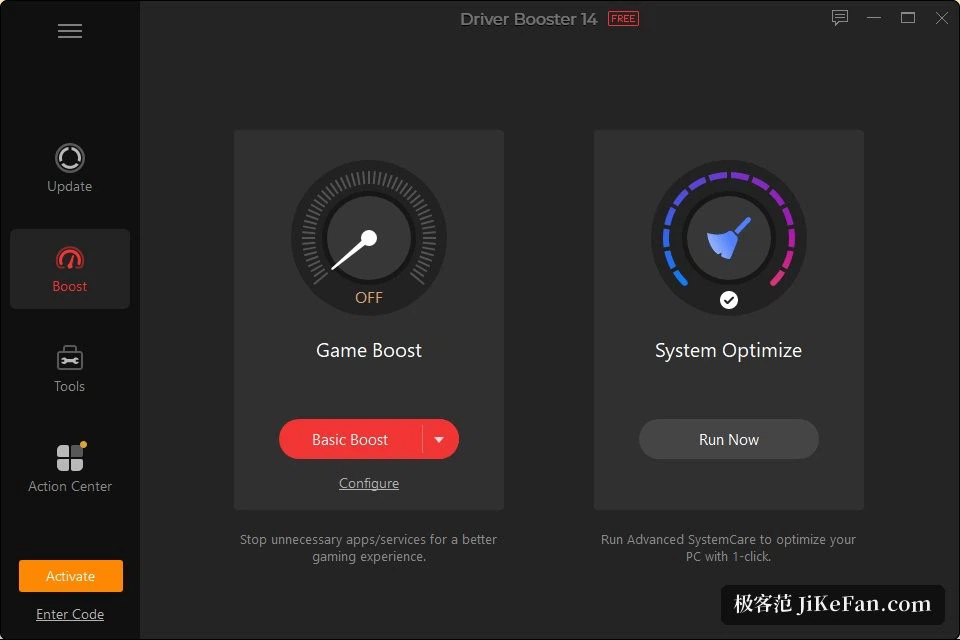
The gaming side holds two things: a boost that frees memory and pauses unnecessary background programs before a game starts, and priority updates for the graphics driver versions that game vendors recommend. Together with the DLL repair above, the target is the familiar pair of complaints, a game that refuses to start and a runtime component that has gone astray, which puts driver maintenance and game environment maintenance inside one tool.
Editions, price, and who it suits
The free edition covers the everyday actions of scanning and updating. The paid subscription opens up faster download speeds, the offline driver library and finer automatic update options on top. The interface was redesigned for 14.0, ships in 38 languages, and gained a proxy setting so that drivers can be fetched on networks that need one. The vendor has been building Windows utilities since 2004, and this line is its driver offering. It suits anyone who would rather not walk from one manufacturer site to the next, above all after a fresh install, a hardware swap or a system upgrade, when a whole set of drivers has to arrive at once. The gap between editions is mostly automation and speed, since scanning and installing, the two core actions, already work without paying.