
Notepads: a modern plain-text editor for Windows with tabs and Markdown
Summary
A minimal open-source text editor for Windows 10 and 11 with a Fluent Design interface, tabbed documents, live Markdown preview, a difference viewer and automatic session snapshots. MIT licence, no advertising, no tracking.
Recommend- Name
- Notepads
- Version
- 1.5.6
- Pricing
- Free
- Open source
- Open source
- Operating system
- Windows
- Website
- https://www.notepadsapp.com
- Updated
- 2026-10-26 22:00
Twenty years on, the built-in editor still has no tabs
The text editor that ships with Windows has been the same white sheet with black letters in a single window for more than two decades. It opens instantly and it never gets in the way, which is why nobody has replaced it, but it also has no way of holding two files open at once, no highlighting worth the name, and no preview of anything.
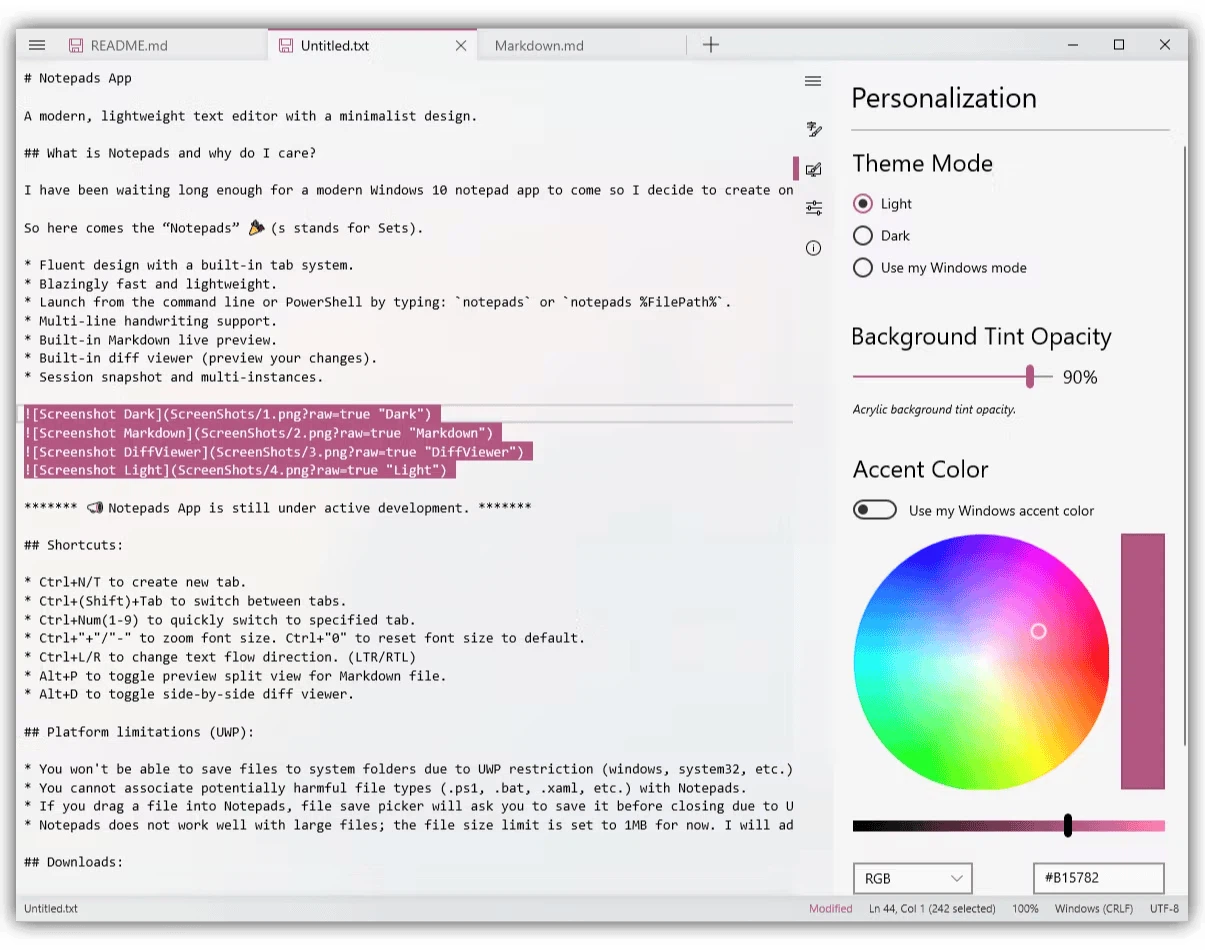
Notepads – with the s at the end – is a free modern replacement for exactly that program. The interface follows Fluent Design, documents live in tabs, Markdown renders as you type, and a difference viewer shows what changed between saves. What is more surprising than the feature list is how native it feels: it behaves like something that came with the system rather than something installed on top of it.
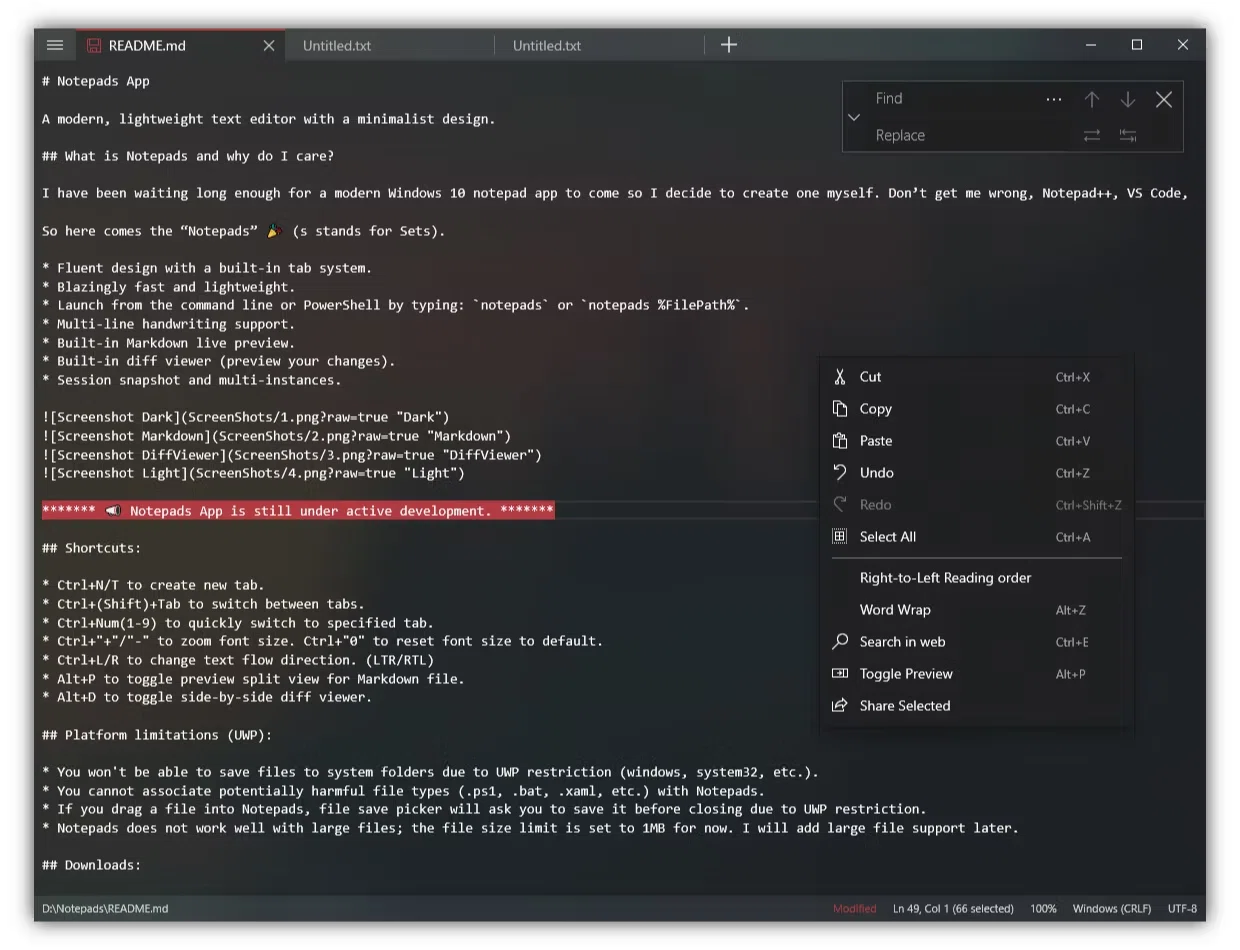
It is a UWP application written in spare time by an engineer who works at a large software company, released under the MIT licence as fully open source. It installs from an app store or through a command line package manager, is built for Windows 10 and 11, and follows the system dark mode without needing to be told.
Minimalist to the point of having no chrome at all
The interface takes minimalism literally. There is no toolbar, no menu bar and no status bar: open the program and you get a clean sheet. The tab strip hides at the top of the window, and the essential shortcuts are the ones your fingers already expect – one to open a new tab, another to cycle between tabs, and a third to jump directly to a numbered one. After a day of use the fact that this is a third-party program stops occurring to you.
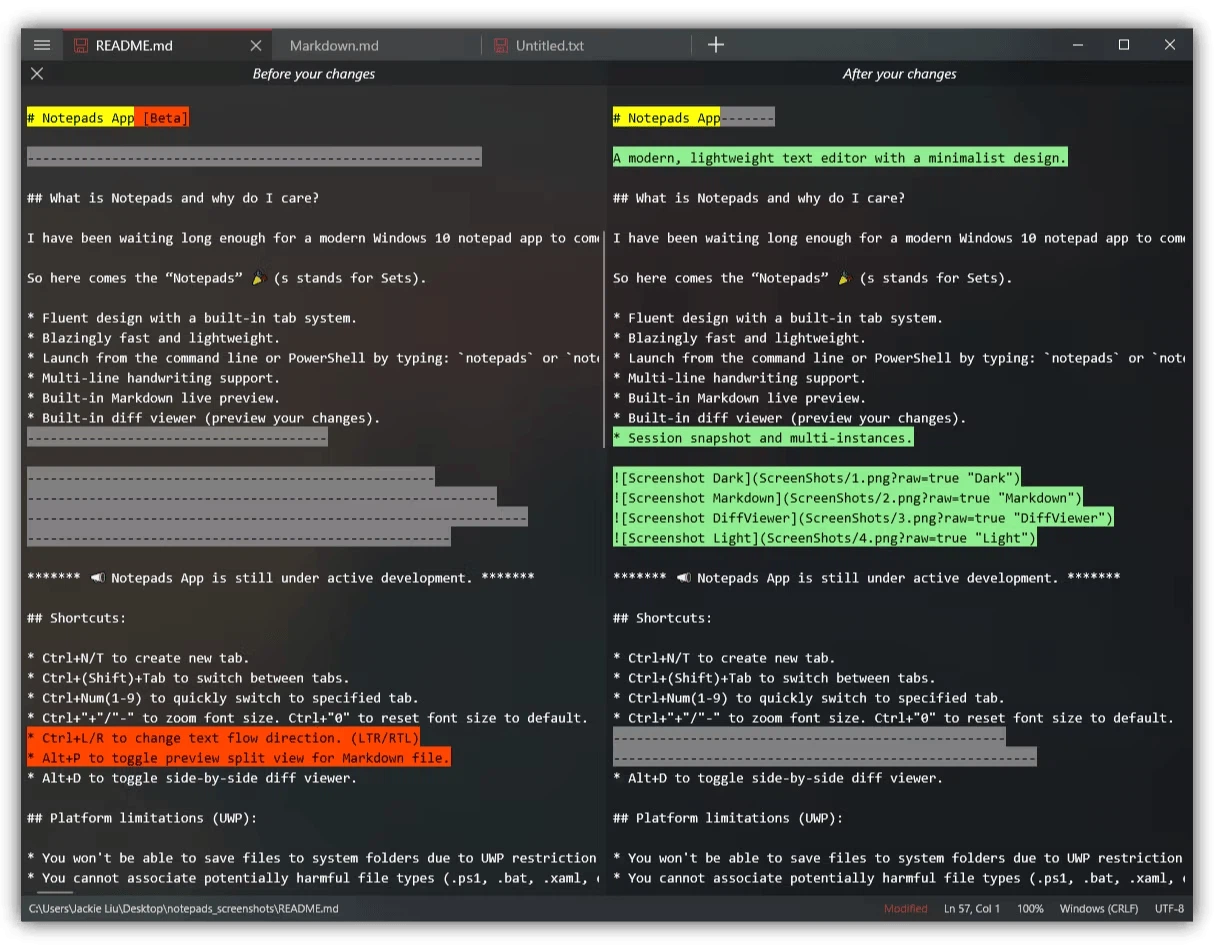
Two features carry more weight than they sound. The live Markdown preview puts the rendered result beside the source while you type, so there is no switching to a browser to check how a table came out. The difference viewer compares a document against its earlier state and shows exactly which lines moved, which is the sort of tool usually found only in software for programmers.
The third is the quiet one. Closing Notepads does not raise a dialogue asking whether to save. It takes a snapshot of everything that is open, and the next launch restores the workspace exactly as it was, cursor positions included. For anyone who keeps a scratch file for half-finished thoughts, this removes an entire category of interruption.
Fast enough that the shell stops mattering
Cold start is under a second, which is the number that decides whether a note-taking program gets used at all. It can be started from a command line, either by name or with a file path, and it supports several instances at once: one window drafting Markdown while another edits a configuration file, with no interference between them.
Two limits are worth knowing before committing. A single file is capped at one megabyte, so it is not the tool for a gigantic log. And because the UWP sandbox restricts where a program may write, it cannot save directly into system-protected directories and cannot be associated with executable script types. For writing notes, editing configuration files and working on Markdown, neither restriction will ever come up; for anything further, they will.
The design principle is easy to state: do what a notepad is for, do it well, and do nothing else. A Fluent interface, tabs, Markdown preview and session snapshots would be nice extras in any editor; inside a shell that opens in under a second, they change what the program is. Open source, no advertising, no tracking – if what you need is a tool for putting words down, this is the most elegant option on Windows.