
Monday Review: Turning Team Work Into One Readable Board
Summary
Monday puts projects on a single colour-coded surface where a table, a kanban board, a Gantt chart and a calendar all read the same data. Drag-and-drop rules replace code, and a small team can start free.
Recommend- Name
- Monday
- Version
- 20260923
- Pricing
- Free
- Open source
- Proprietary
- Operating system
- WebAndroidiOS
- Website
- https://monday.com/
- Updated
- 2026-10-07 22:02
Most of the cost is the asking
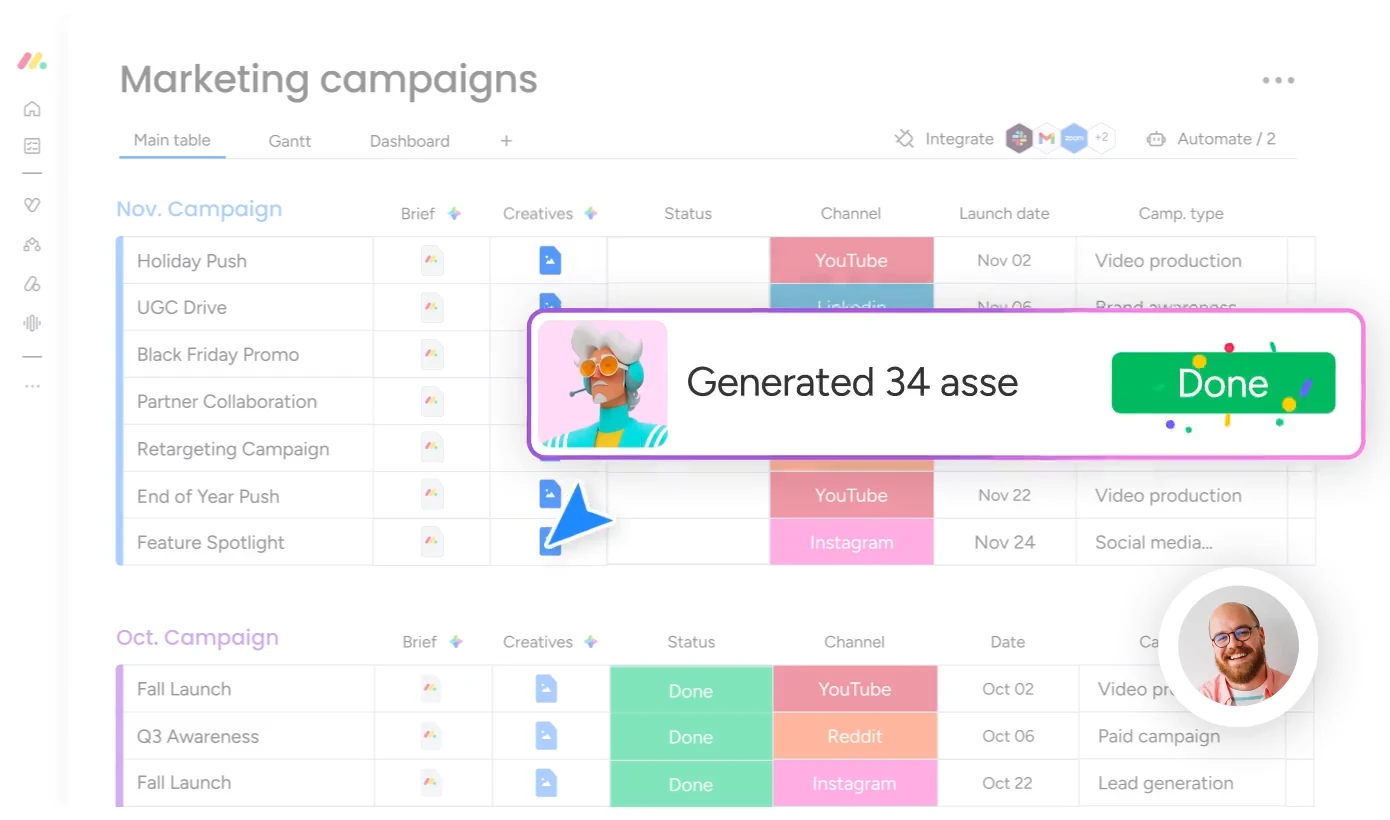
The expensive part of teamwork is rarely the work itself. It is the asking: who is holding this task, where exactly is it stuck, who picks it up next. Most teams spend an hour a day inside that loop and never book it as a cost. Monday takes the loop and turns it into a surface. A task becomes a small colour block, a status becomes a colour label, and the same underlying record can be read as a table, a kanban board, a Gantt chart or a calendar.
That last sentence is where the value sits. A manager opens the Gantt view and sees sequence, overlap and the realistic finish date. The person doing the work opens the board and sees only their own column, which is all they wanted. Both are reading one dataset, so the familiar argument about whose spreadsheet is the correct one simply stops happening. Nobody has to export anything to have the meeting.
Workflows without a developer
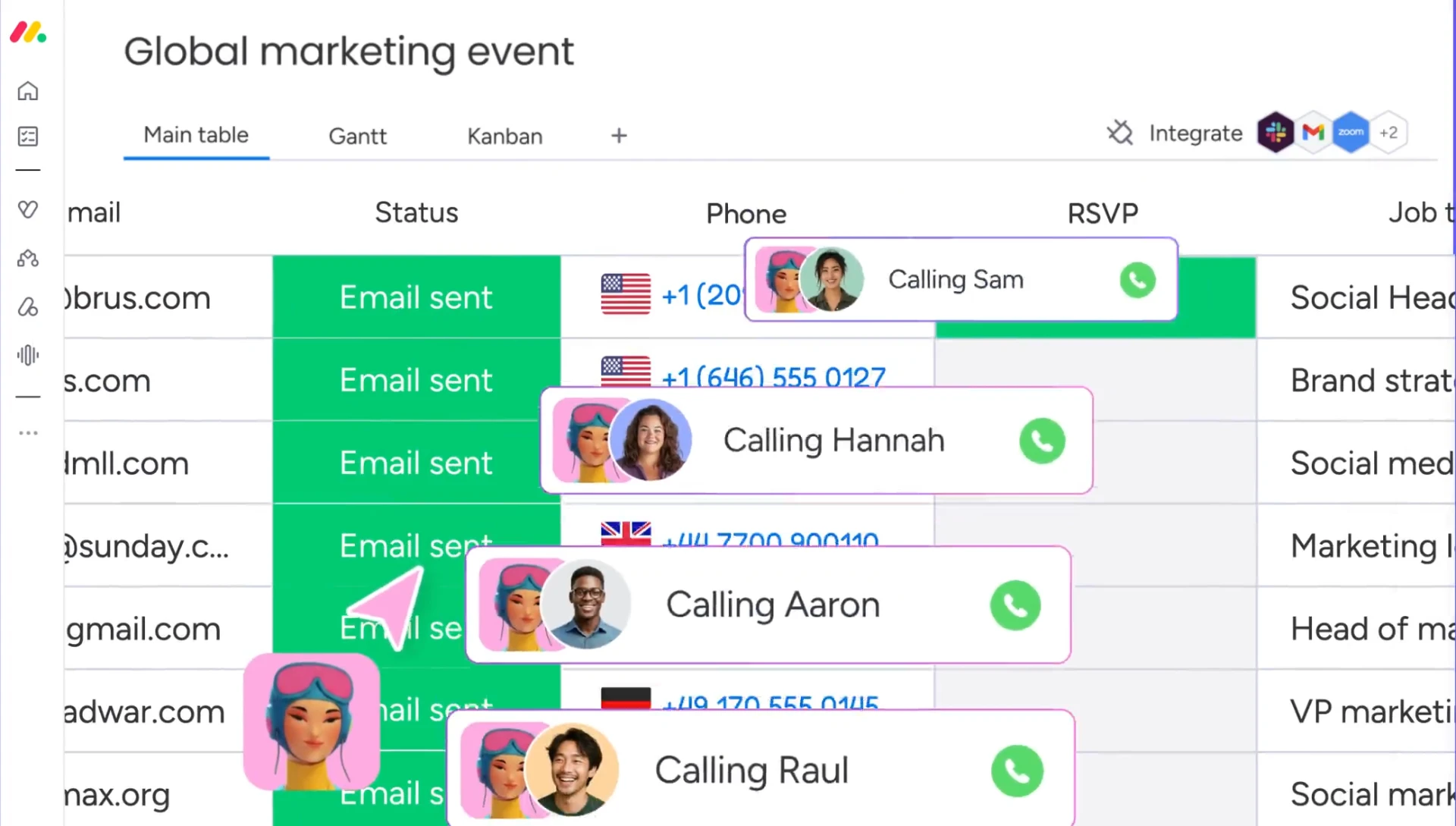
The feature that changes daily behaviour is the automation builder. Drag a field, connect two rules, and a process that matches your own habits exists. A status change fires a notification. A date passing moves an item into a different group. A form submission creates a row and assigns an owner. None of it needs code, and all of it stays editable by the person who owns the process rather than the person who owns the repository. That distinction matters more than the feature list: the moment a workflow requires a ticket to change, people stop proposing improvements.
Templates carry most teams past the first hurdle. Marketing calendars, hiring pipelines, content review queues and client onboarding each arrive with columns, statuses and rules already shaped, so week one is spent working rather than designing. The assistant layer on top can draft a board from a sentence and summarise where a project is slipping, which mostly removes the pre-meeting scramble through forty updates.
Monday sells visibility rather than control. When the board is honest, chasing becomes unnecessary and the argument about who said what loses its material.
What the free tier really covers
The pricing ladder is per seat, and the free plan covers two people with a limited number of boards and no automation quota worth relying on. That is enough to prove the idea on one real project and not enough to run a department. Teams usually move up when automations start replacing reminders they used to send by hand, which is a reasonable moment to pay.
The honest limitation is the same one every flexible platform carries: a board can be shaped into almost anything, and a team with no opinion will shape it into a mess. Someone has to decide what the statuses mean before the first row is entered. Do that once, and the tool disappears into the background where it belongs.
Habits that keep a board honest
Move one real project across first and leave the rest where they are for two weeks. Watch which columns nobody updates; those are either unnecessary or badly named, and both are worth fixing before adding a second project. Keep automation rules few and loud rather than many and quiet, because a notification stream that fires on everything is a notification stream that gets muted, and a muted rule is worse than no rule at all.
Fix the views by role instead of by taste. Leadership gets a dashboard with dates and blockers, the delivery team gets the board, and nobody needs to learn four interfaces to answer a single question. Review the whole thing monthly for ten minutes and delete what has gone stale. A board that has stopped being read is not a neutral artefact; it is a place where work quietly goes missing.