
RustDesk Review: Remote Desktop Where You Hold the Server
Summary
Remote access with the trust chain kept in house: RustDesk is fully open source, works out of the box on a public relay, and lets you stand up your own relay so traffic never leaves your machine. Five platforms, encrypted sessions, free for personal use.
Recommend- Name
- RustDesk
- Version
- 1.4.9
- Pricing
- Free
- Open source
- Open source
- Operating system
- WindowsmacOSLinuxAndroidiOS
- Website
- https://rustdesk.com/
- Updated
- 2026-10-07 22:41
The trust chain is the real feature
Commercial remote access tools are pleasant to use, and the bill arrives every year with a little more on it. The quiet part is not the price but the path: every keystroke of a support session crosses somebody else's infrastructure, and there is no way to audit what happens to it on the way. RustDesk answers that with architecture rather than a promise. The source is public, so the claim that a session is encrypted can be checked instead of believed, and a public relay makes the first connection work without any setup at all.
The interesting part starts when you run the relay yourself. Point the clients at your own server, generate your own key pair, and the traffic that used to cross a vendor network now lands in a machine you can see, log or switch off. For a company with a compliance officer, that is the difference between a tool that needs a risk assessment and one that simply passes. For a household, it is the difference between trusting a company and trusting a box in the corner of the room.
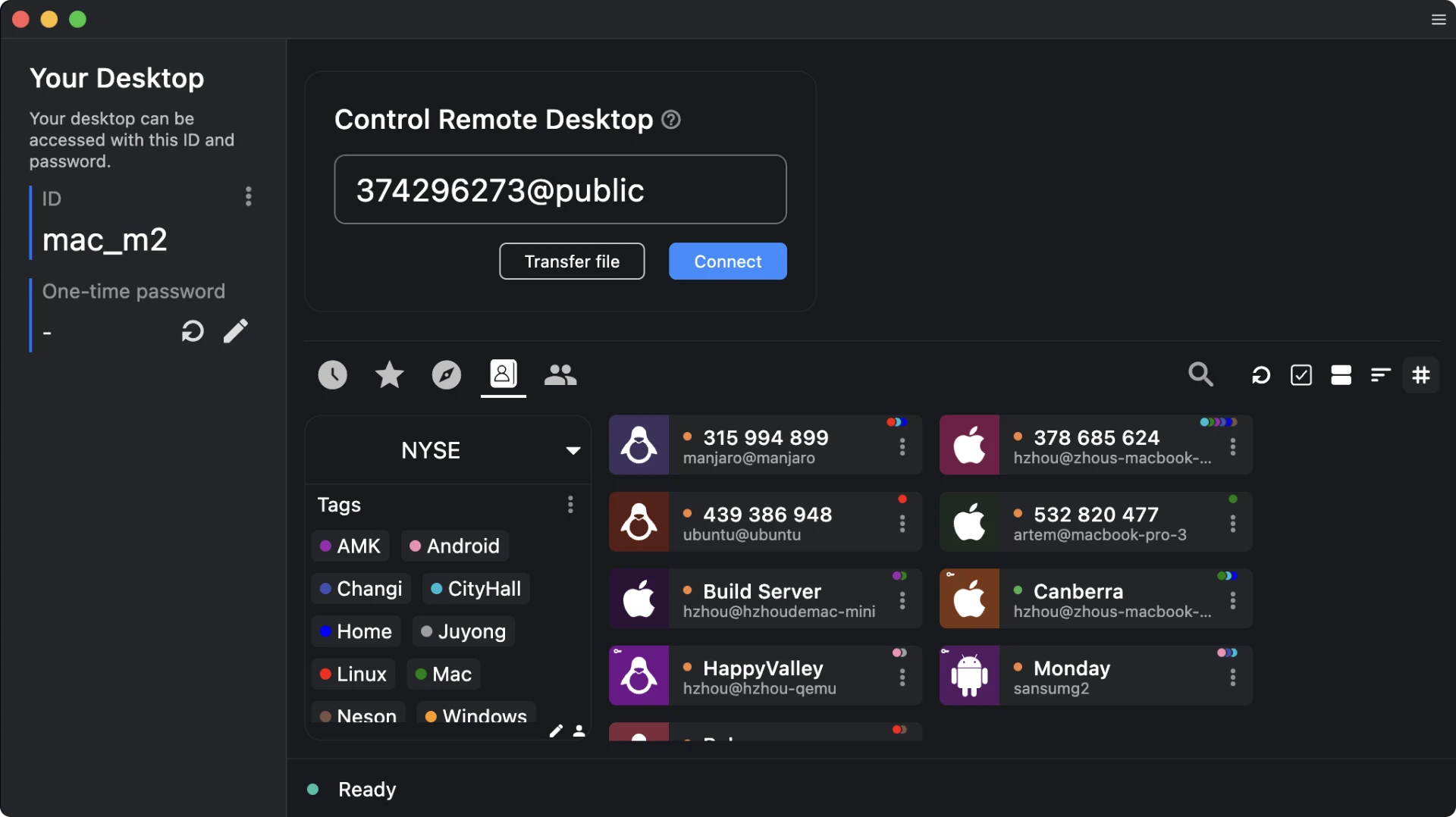
Five platforms, one session
The maturity on offer is not that of a hobby project. Windows, macOS, Linux, Android and iOS are all covered, and a phone can be the controlling side rather than only the thing being controlled, which matters when the problem is a parent's computer and the only device in reach is a handset. Sessions are encrypted end to end between peers, file transfer and a small chat are built in, and unattended access is handled with a permanent password so a machine can be reached while nobody sits in front of it.
Picture quality and input lag are good enough that the tool disappears into the task, and the stability of a long session is where the choice of language shows: a program written in Rust tends to hold its shape over hours in a way that managed runtimes often do not. NAT traversal is automatic, which means it works behind the ordinary routers people actually own, without a public address and without a paragraph of port forwarding instructions.
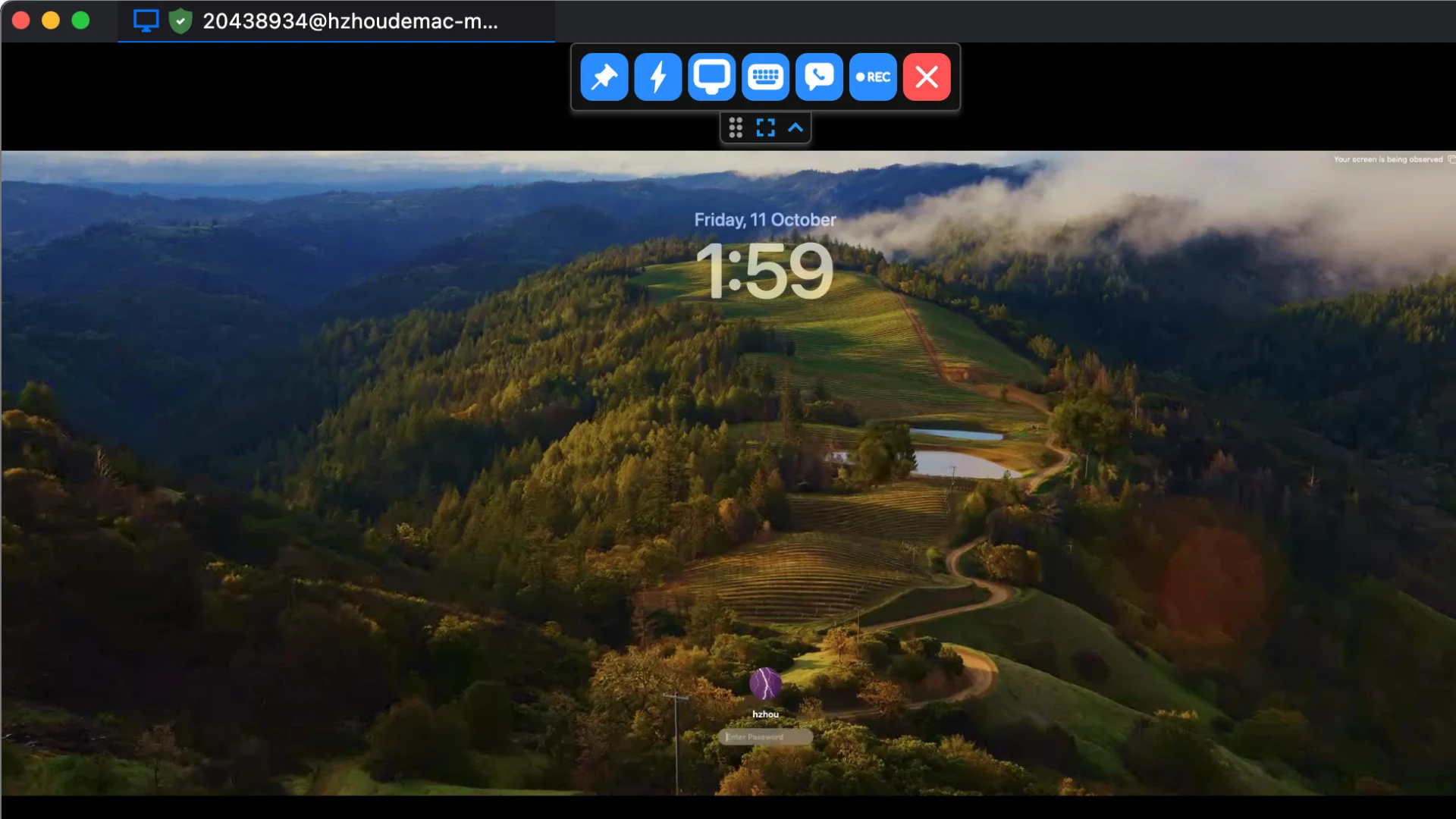
What RustDesk really sells is not the saved subscription. It is the ability to say: the server is mine, the key is mine, so the connection can be trusted. Everything else follows from that sentence.
Getting the setup right
For a home user, the public relay is entirely adequate and the sensible place to start. For anything organisational, the advice is firmer: run your own relay and replace the default key, because the key is what identifies your deployment and a shared one invites the wrong kind of traffic. Machines that are meant to be reached unattended deserve a long random password rather than a memorable one, and a note of which device holds which identifier saves an hour on the day it is needed.
Two habits pay for themselves. Keep a written record of the identifiers and passwords for the machines you support, because the moment of need is never a good moment to go looking. And test the connection before the emergency rather than during it: a five minute check while everyone is calm is worth more than an hour of guessing while they are not. The project is free for personal use and offers a paid route for organisations that need scale, which is a fair shape for software built by a community that wants it to keep existing.