
MaiCord 0.7: a 5MB chat client drawn in C++
Summary
MaiCord 0.7 draws its whole interface in C++ instead of shipping a browser engine, starts in about 70 ms and now covers Linux, with the portable package at 5MB.
Recommend- Name
- MaiCord
- Version
- 0.7
- Pricing
- Free
- Open source
- Open source
- Operating system
- WindowsLinux
- Website
- https://maicord.com/
- Updated
- 2026-11-09 16:57
MaiCord is a chat client for Windows and Linux, released in version 0.7 on 2026-11-08. What sets it apart is not the feature list but the way it is built. The entire interface is drawn by C++ code, with no bundled browser engine and no runtime dependency to install first.
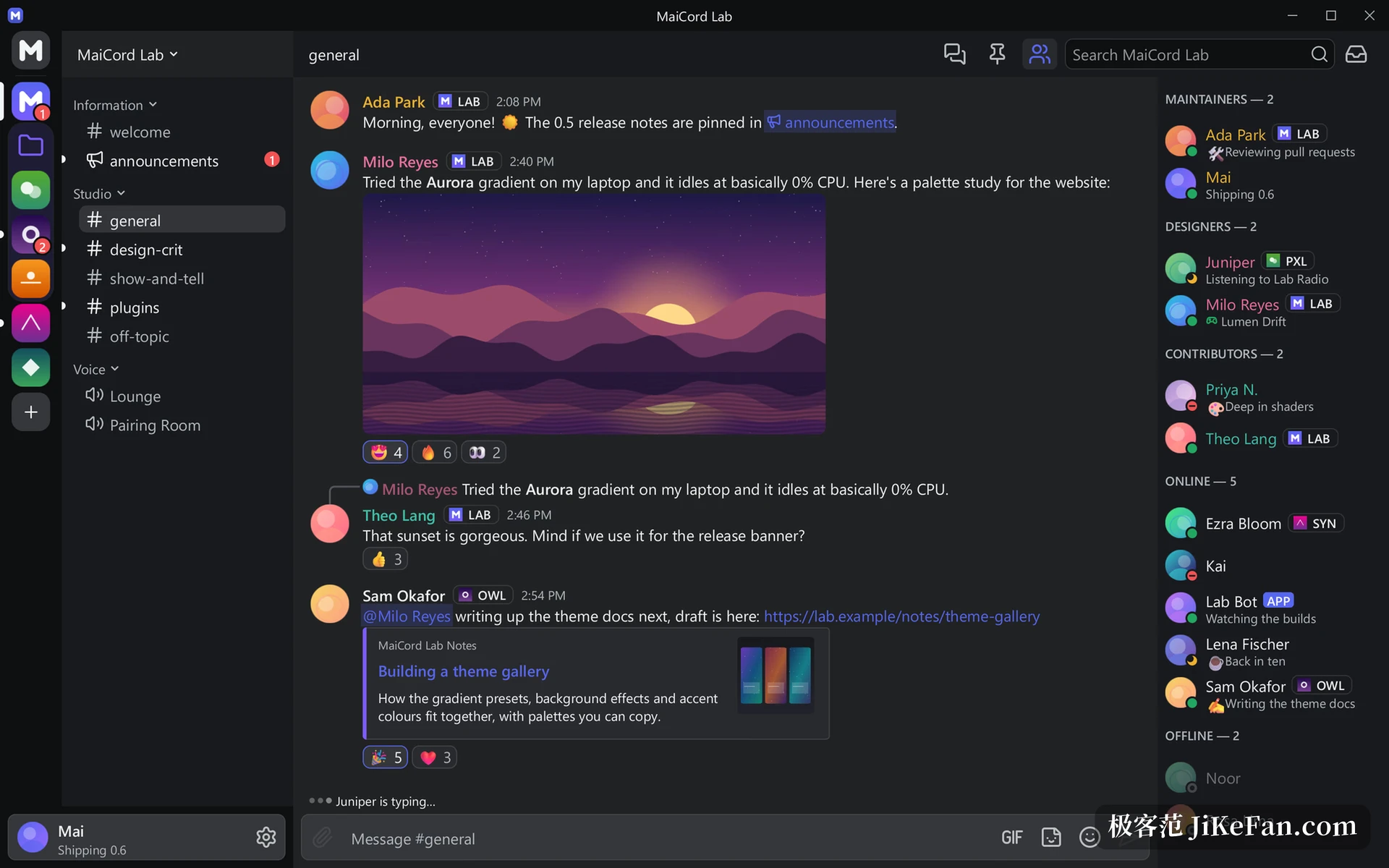
A 5MB binary that draws its own interface
The portable package for Windows weighs 5.0MB, the AppImage for Linux 5.6MB, and the program itself lands near 6MB. Every frame is painted by a renderer written for the job: Direct3D 11 on Windows, OpenGL ES on Linux, redrawing only when the screen content changes.
That removes an entire web runtime. The cost is that every control, every line of type and every animation has to be implemented by hand. The gain is a short start path, a small footprint on disk, and no browser engine running quietly in the background.
70 ms to start, almost nothing when idle
The published numbers are blunt. The first frame takes about 70 milliseconds on Windows and about 0.8 seconds on Linux, and the CPU load stays under 1% while the window sits still. Those two figures decide whether a client can live in the background without being noticed by the task manager.
Version 0.7 also adds a benchmark for the chat list, which turns the cost of scrolling into a number to compare against later.
Chat, voice and server permissions are complete
What daily use needs is mostly there. Messages handle Markdown, code highlighting and terminal colour schemes, and emoji, stickers, custom emoji, embed cards and galleries all render. Replies, forwards, pins, threads, forums and polls exist as well, along with slash commands, application buttons, drop-down menus and pop-ups.
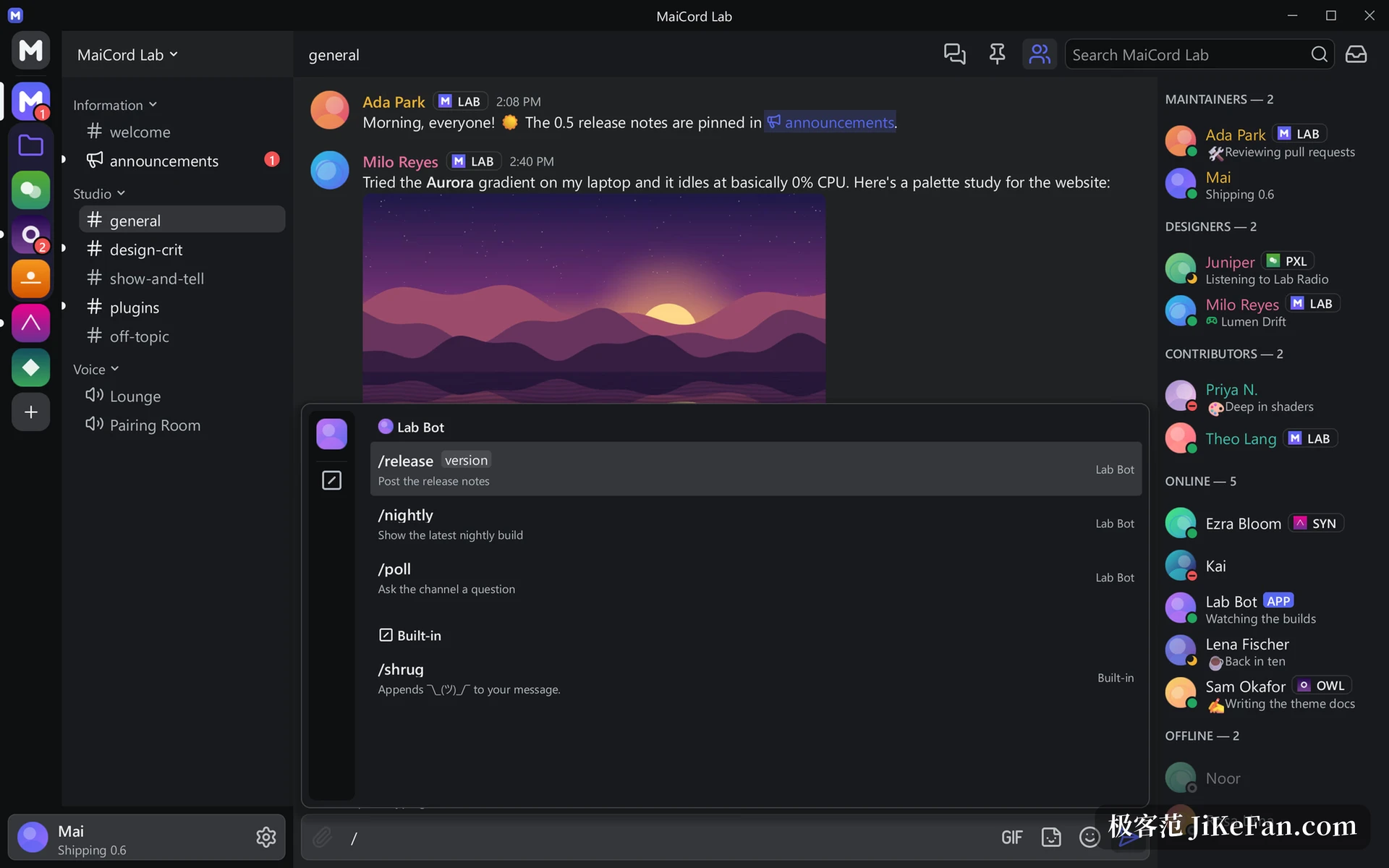
Voice channels encrypt end to end and support push-to-talk, per-user volume, a soundboard and stage channels, and they can show a live stream or a camera feed. On the server side, roles, permissions, member management, ban records and audit logs are covered, and invitations, events and community onboarding come along.
Details follow Windows habits. Notifications, the tray icon, taskbar badges, spell checking and input methods all go through system interfaces, a screen reader reads the window through UI Automation, and update packages are signed and verified before they install.
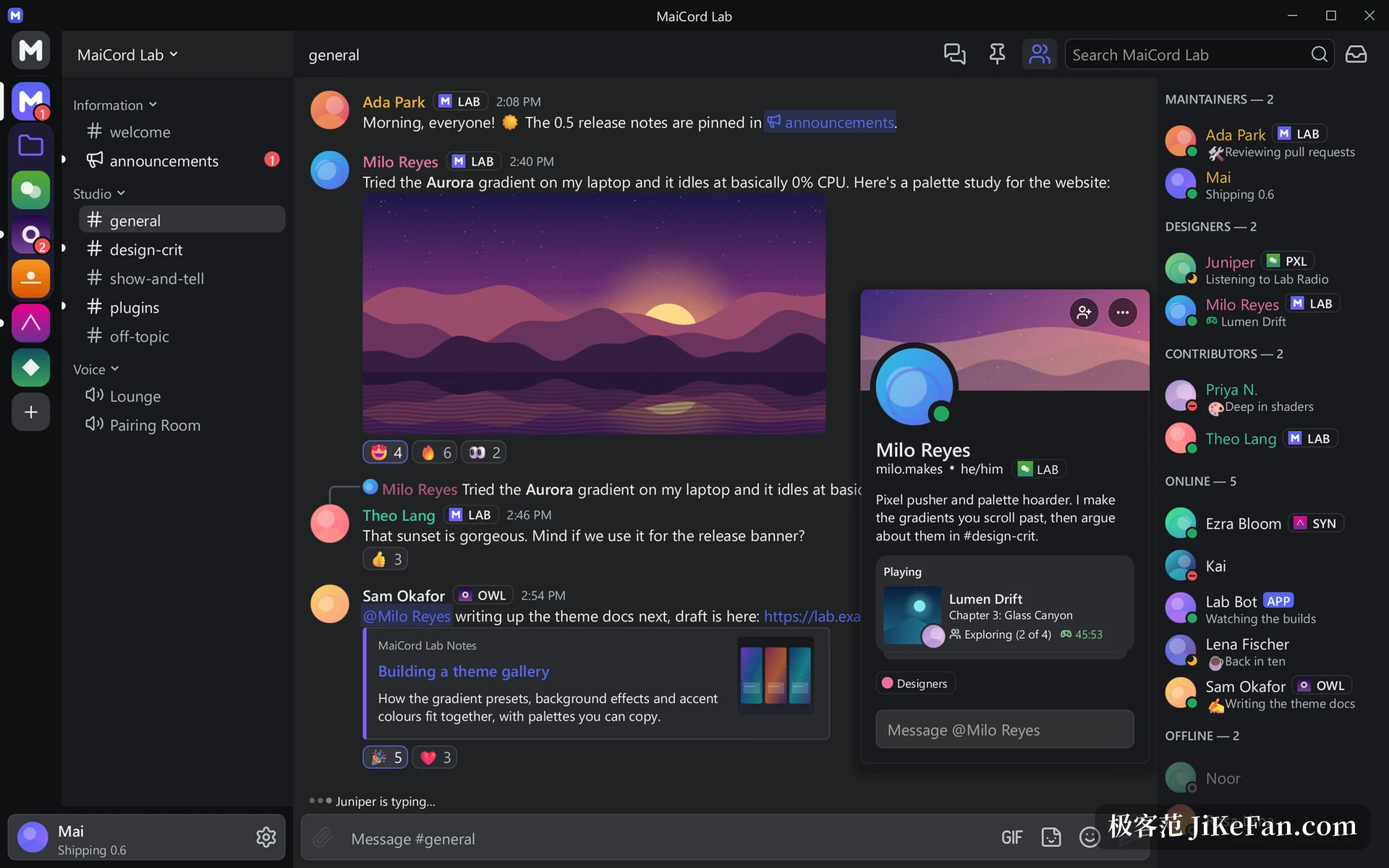
Local data is encrypted, and second factors vary
Message history and credentials are stored encrypted. On Windows the key goes to the system data protection interface, so only the current account can unlock it. On Linux the key is handed to the desktop keyring, with a private key file as the fallback when no keyring exists.
Sign-in accepts a security key, Windows Hello, an authenticator app or SMS as a second factor, and QR sign-in is there too. Up to five accounts can be saved for quick switching.
Every surface in MaiCord is painted by its own renderer, with Direct3D 11 on Windows and OpenGL ES on Linux. No browser engine is included.
Plugins, themes and effects behind one catalogue
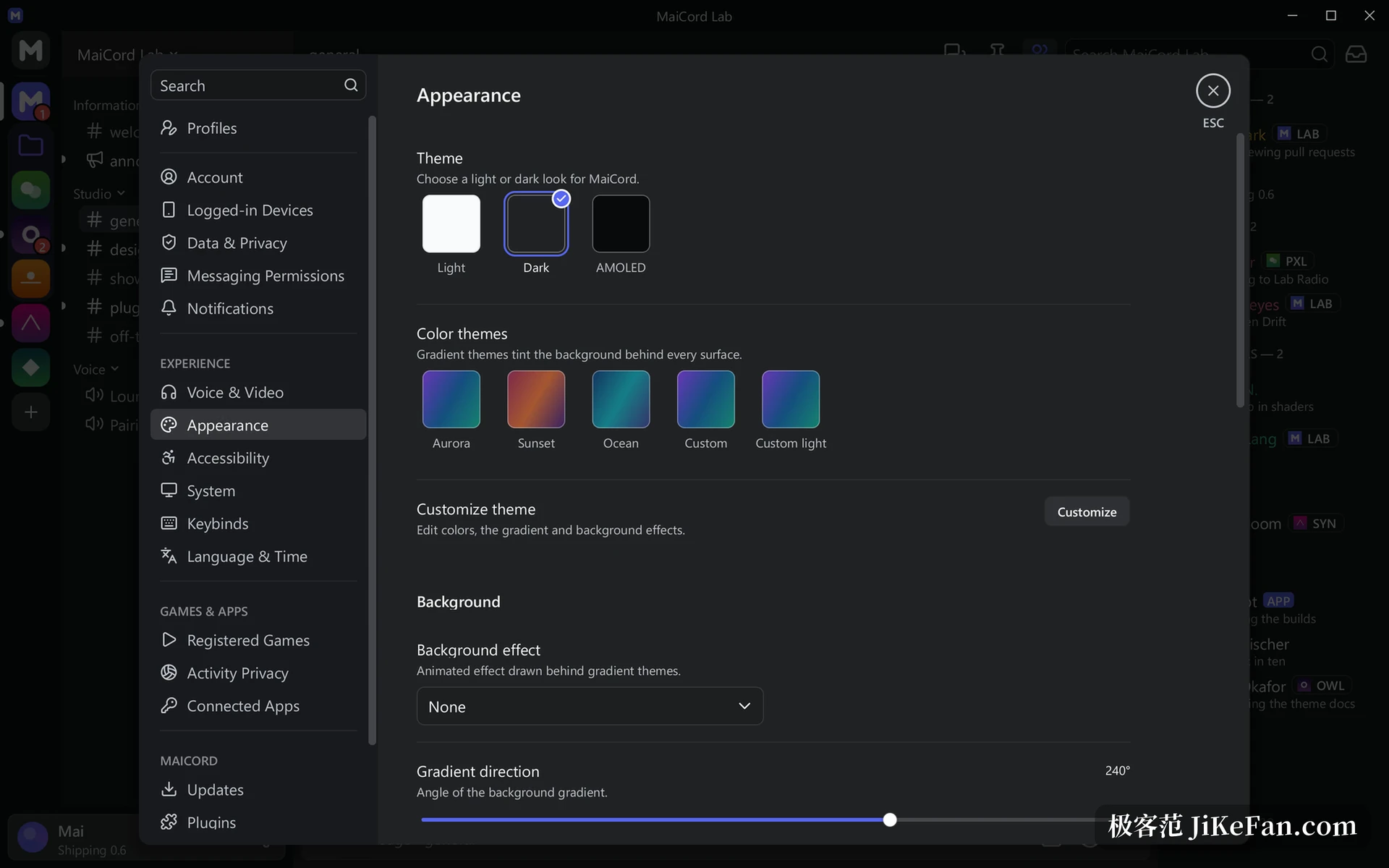
Extensions take the native route and are written against a stable C interface, and the permissions they ask for are listed before anything installs. The official catalogue currently holds 27 plugins, 8 themes and 8 effects, all reviewed, built from public source and signed, with the client checking the signature first.
Themes change colours, font sizes, spacing and animated backgrounds, with dark, light and AMOLED bases. Effects are shaders painted behind the interface, such as falling characters or an aurora.
0.7 adds Linux, and only Wayland
The headline of this release is Linux support: the encryption back end, the GLES renderer and the Wayland back end all landed together. The requirement is stated plainly. The Linux build needs a Wayland session, X11 is not supported yet, and no macOS or mobile build is planned.
Three smaller items came along. Edited messages are labelled as edited, members without a visible role can still see a full profile, and the banner shows the size of the current build.
Who it suits
Anyone who watches resource use and keeps a chat app running in the background will like the 6MB footprint and the idle cost under 1%. People who tinker with themes and plugins find an entry point too, and a curated catalogue keeps extensions from running wild.
Anyone who needs to share a screen or push a camera has to wait; both sit on the roadmap, and the current build can only receive. For Windows-only users who do not mind the size, the gain is mostly start speed and memory.