
Hamdori: the 3.99 dollar hamster that eats your tabs
Summary
Hamdori is a 3D hamster in a corner window: it collects seeds as you type, eats the tab you drifted into and runs a 25 minute focus timer for 3.99 dollars.
Recommend- Name
- Hamdori
- Version
- 1
- Pricing
- Paid
- Open source
- Proprietary
- Operating system
- WindowsmacOS
- Website
- https://hamdori.com/
- Updated
- 2026-11-09 16:57
Hamdori is a desktop pet for macOS and Windows: a 3D hamster in the corner of the screen, bought once for 3.99 dollars. It picks up seeds because you were typing, digs a nest because you walked away, and swallows the tab you just opened on a short video site. More than decoration, it is a small tool that wraps focus in animal behaviour.
How it exists on the desktop
The hamster is not part of the wallpaper and not an ordinary window pinned on top. It runs in a frameless window with a transparent background, parked in one corner; a click lands on the hamster, a click beside it lands on the desktop. Drag it and it swings along as if held by the scruff, then shakes itself when you let go.
The supported range is Apple silicon Macs from M1 onward, plus 64-bit Windows 10 and 11. The interface comes in Korean, English, Japanese and traditional Chinese. Simplified Chinese is absent, which is a real barrier for anyone who does not work comfortably in another language.
Seeds from typing, snacks at lunch
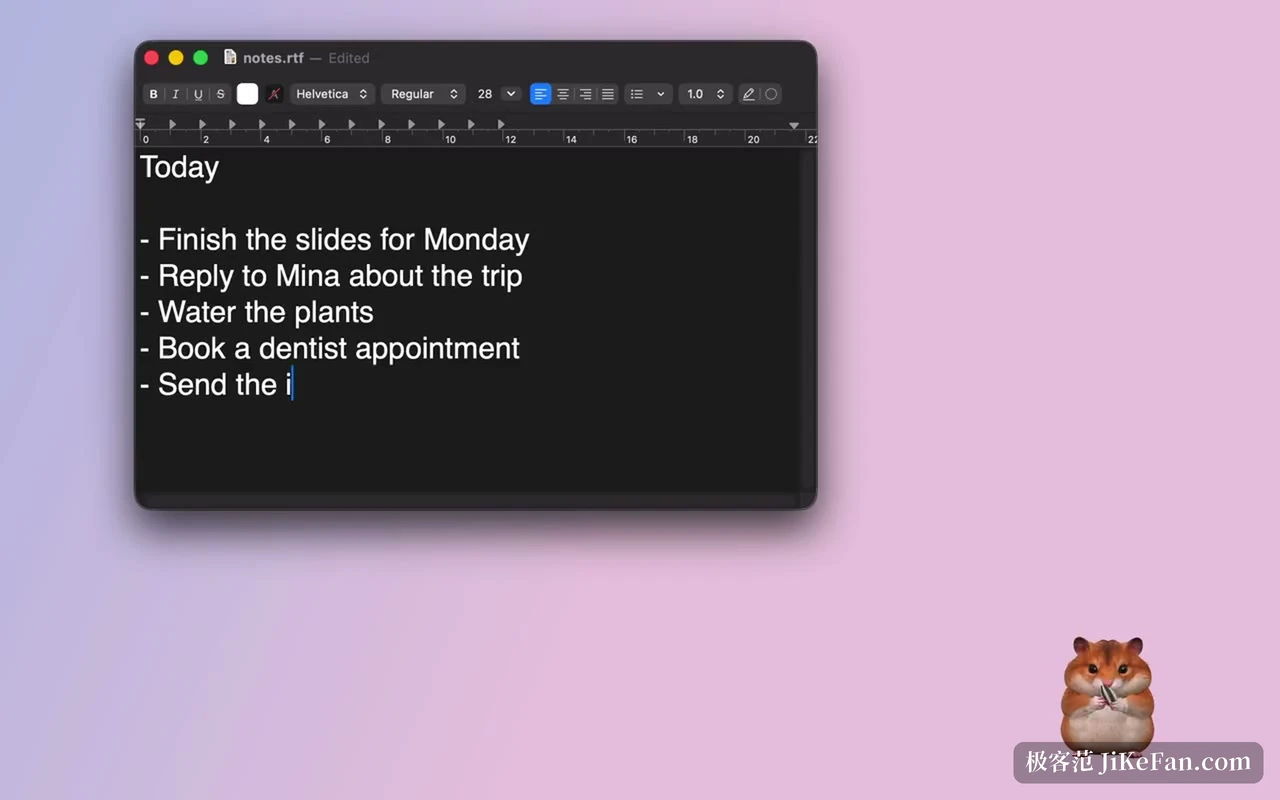
The neatest design choice ties seeds to the amount of typing. Keys go down, seeds pop onto the screen, and the hamster eats some and stuffs the rest into its cheeks until it can carry a load back to the little house. Open the house, take one out, hold it near the mouth and it is gone.
At lunch, meaning between 11:30 and 14:30, clicking the hamster produces that day's snack, rotating by weekday: strawberry, carrot, broccoli, apple, one day each and once only. Stop typing inside that window and it dozes off holding a seed; a keystroke wakes it. Leave the machine for more than a minute and it digs a hollow and lies down, waking when you return.
None of this interferes with work. It happens inside that small window, with no focus stolen and no notification thrown. What makes people keep it is exactly that measure of reacting without interrupting.
Toys and the focus timer
Beside the house sits a small box holding a paper tube, a tissue and a felt ball. Offer the tube and its head appears at the other end; the tissue turns into a tug of war; the felt ball gets pushed back and forth by nose and front paws. Their purpose is to give the wish to slack off somewhere to go that is not another tab.
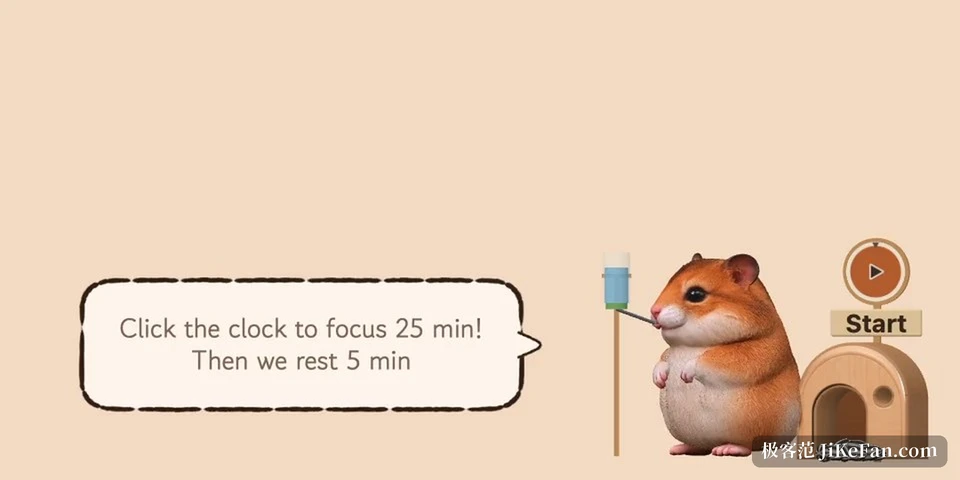
The serious use is the little alarm clock. Right click the hamster, choose rest together, click the clock, and a cycle of 25 minutes of focus and 5 minutes of rest begins. During it the hamster puts on goggles and gnaws away, and calls you when the time is up. There are no reports and no weekly summary, nothing beyond a reminder.
When you drift, it swallows the tab
The distraction guard is where Hamdori separates itself from purely decorative pets. Turn the switch on, put a few sites on the list, and when the front tab belongs to one of them the hamster stares for a moment and then inhales that single tab. Other tabs stay put, and the page you work in is untouched.
The default list includes sites such as YouTube and Instagram; entries can be added or removed, and applications can be listed too. When an application is hit it does not quit the program, only minimises or tucks it away, and if typing is detected it waits before acting.
On the Mac this needs screen recording permission plus a separate grant for browser control. On Windows no extra permission is asked, but the title of the foreground window and the tab names are read. The trade is explicit: to know what you are looking at, it has to hold that access.
Under memory pressure it also lists applications holding memory you are not currently using. That step only informs. You pick one from the list and confirm, and then it asks to close the way you would have quit by hand, with the usual save prompt for unsaved documents. The published position is that no pretend cleaning happens and no switch makes anything faster.
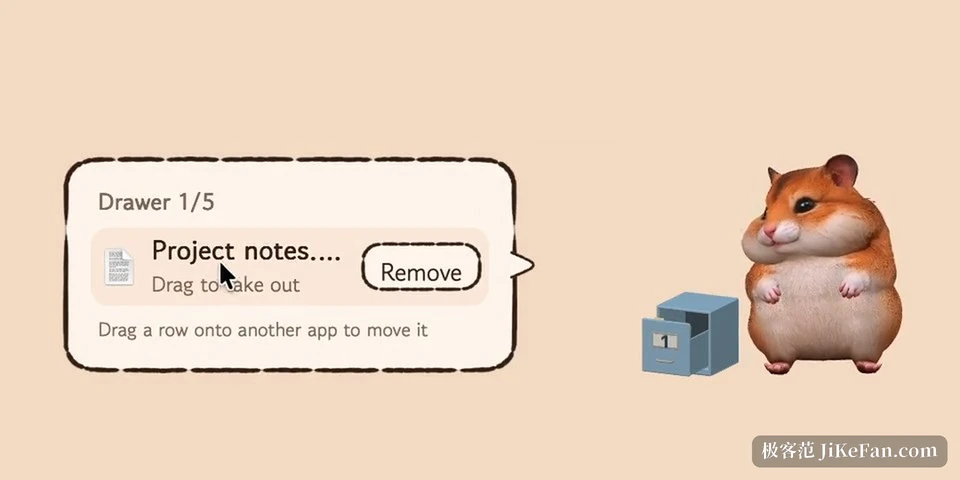
The little drawer beside it works as a staging post. Drag a file onto the hamster and it goes in, five at a time; drag a row out into another application and it is usable there, while the original stays where it was.
Privacy, price and what to accept
Hamdori asks for no accessibility permission and no input monitoring. Knowing whether you are typing relies on what any application can read: on the Mac only the count of key presses, on Windows only the time of the last keyboard or mouse input. The mouse contributes counts of clicks, scrolls and moves plus their positions, never which key went down.
There is no account system; a key from the receipt email activates it, and nothing goes online beyond an activation check roughly once a day and a manual update check. The Windows installer is not code signed for now, so the first launch raises the system warning, a point the site states prominently.
The price is 3.99 dollars, paid once, and one key covers up to three computers with updates included. On 12/1 it goes back to 4.99 dollars. A refund is possible before activation. The developer is independent, the Windows build is recent, and support runs through email.
Three things have to be accepted. Only Apple silicon Macs, so Intel machines are out. No simplified Chinese interface. And the guard depends on how much a browser exposes about tabs: Chrome, Edge, Brave, Arc and Safari are recognised, while other browsers may hand over nothing. Expect a small animal that reminds you to rest and eats a few distracting pages, and the expectations will fit.