
eM Client 11.0.1054: mail, calendar and tasks with PGP and S/MIME
Summary
A desktop client that brings mail, calendar, contacts and tasks together, works with the main mailbox providers, and supports PGP and S/MIME encryption. A free licence covers home use. Current version 11.0.1054.
Recommend- Name
- eM Client
- Version
- 11.0.1054
- Pricing
- Free
- Open source
- Proprietary
- Operating system
- WindowsmacOS
- Website
- https://www.emclient.com/
- Updated
- 2026-10-16 22:09
Four programs for four kinds of information that all arrive in the same message.
Why one client instead of four
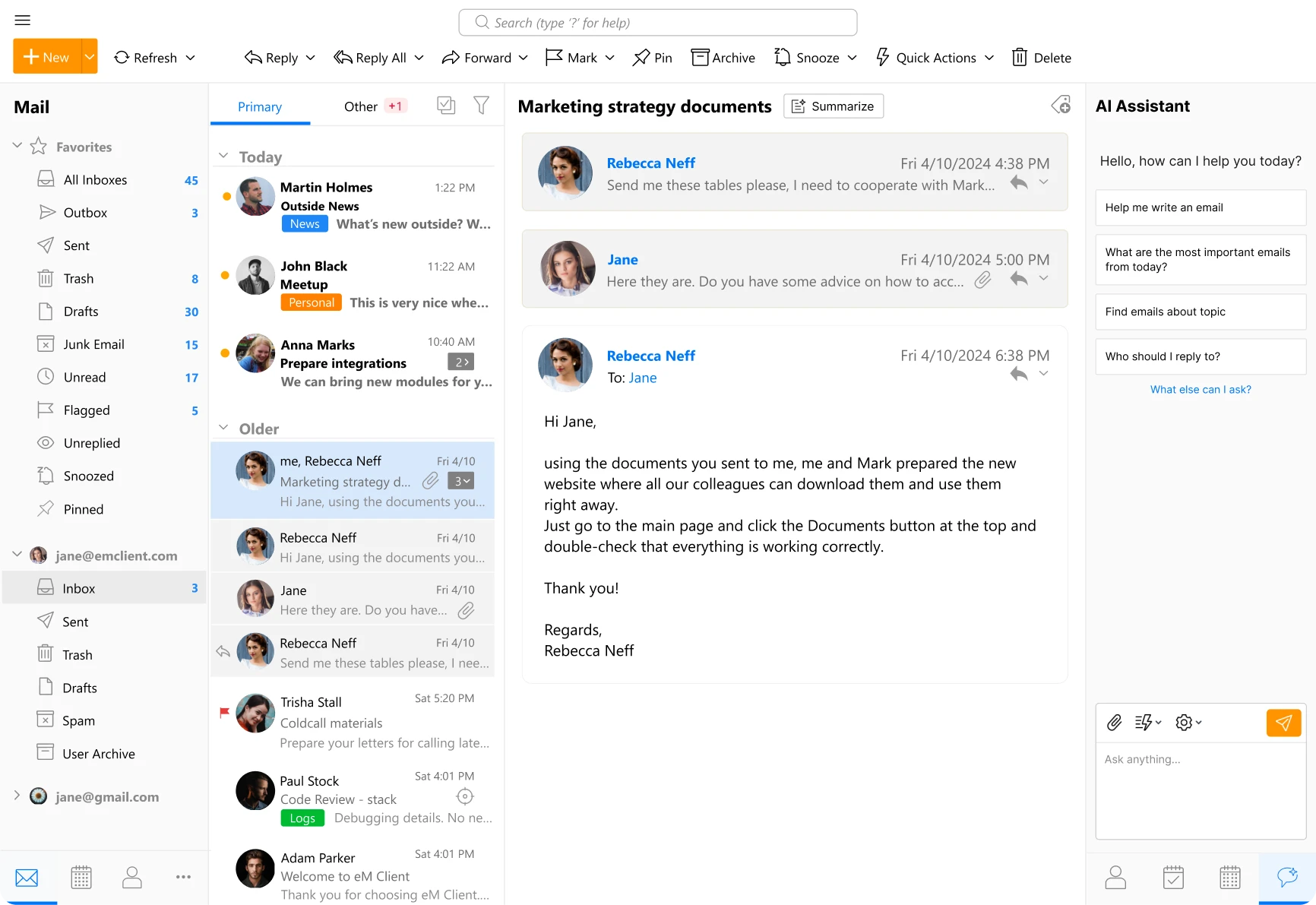
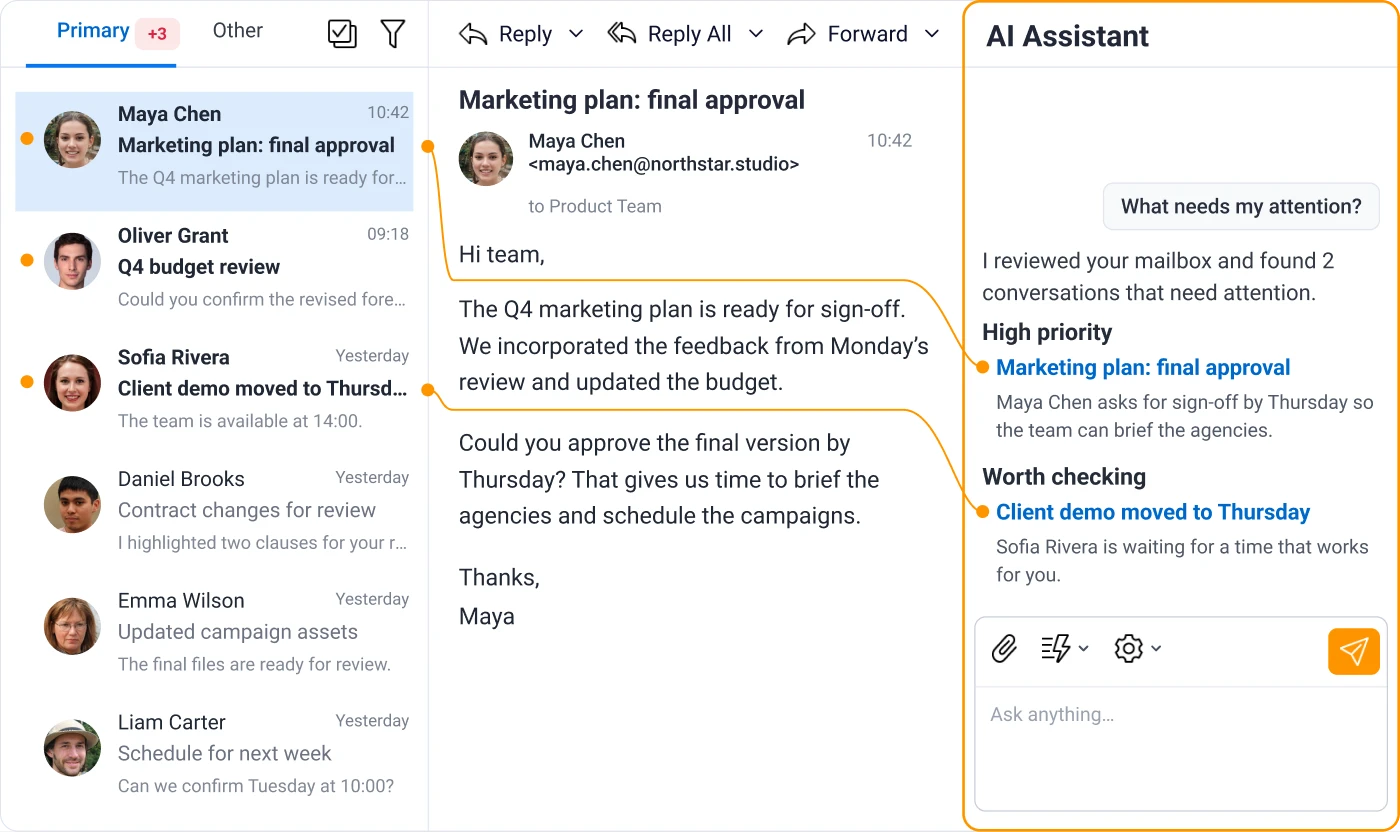
A single incoming message can carry a meeting invitation, an attachment that needs to become a task, and a sender worth adding to contacts. Handled in four separate applications, that is four windows and three manual transfers. Handled in one, it is a drag or a click, and the reason integrated clients exist is that this happens dozens of times a day rather than occasionally.
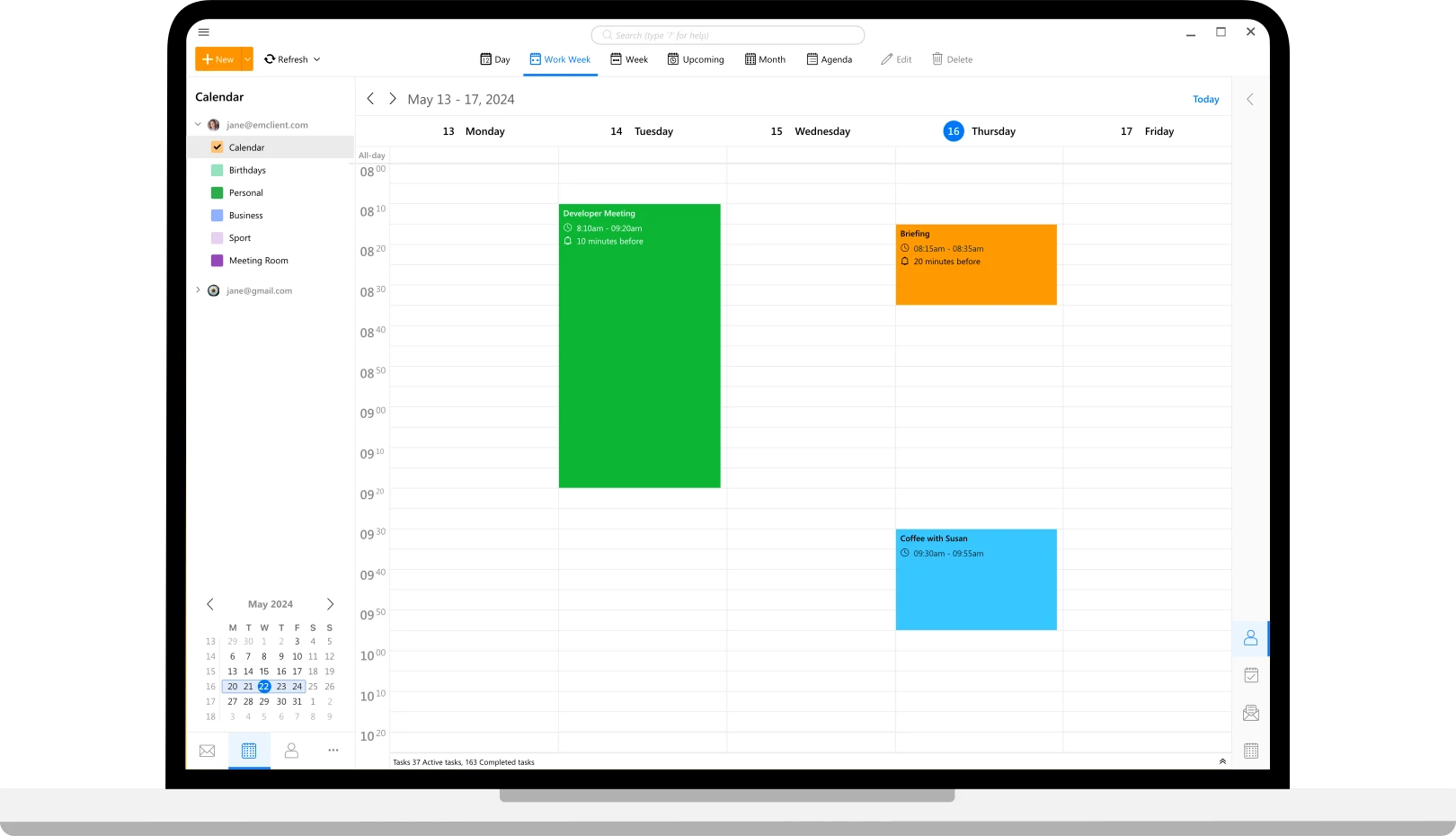
The official description of eM Client follows that logic: mail, calendar, contacts and tasks in one program. It works with the main mailbox providers rather than requiring its own service, which is the practical requirement for anyone whose address predates the client they use.
Version 11.0.1054 continues a long line, and the shape has been stable for years: a three pane layout, a sidebar switching between the four areas, and settings that expose more than most people need, which is the right way round for a client meant to be configured once.
Encryption is the feature that decides the rest
Support for PGP and S/MIME is worth more than a checkbox, because the two solve different problems. S/MIME relies on certificates issued by an authority, which is what an organisation needs for signatures that others can verify without prior arrangement. PGP relies on keys exchanged between people, which suits correspondence outside any hierarchy and survives the disappearance of a certificate authority.
What matters practically is where the keys live. A client that holds private keys locally, asks for a passphrase, and never sends the key anywhere is behaving correctly; one that stores the passphrase alongside the key is not. Whether encryption is on by default matters too, since a feature that must be enabled per message is a feature that gets forgotten on the message that mattered.
The licensing deserves stating clearly: a free licence exists for home use, while commercial use requires a paid one. That split is common and reasonable, but it does mean reading the terms before installing in an office, where the free version is often assumed to cover everything.
What to check before committing
Two things decide whether a desktop client is a good fit. The first is how it stores mail: a local copy makes search instant and offline reading possible, at the cost of disk space and a first synchronisation that takes a while on a large mailbox. The second is how it handles the provider protocols, since a provider that only offers a web interface will always be a second class citizen in any desktop client.
Migration is the third. Importing from another client is usually supported and usually imperfect; contacts tend to arrive cleanly, rules and signatures less so. Budget an evening for the move, and keep the old client installed until the new one has survived a week.
Item
Official information
Current version
11.0.1054
Form
Desktop client
Areas
Mail, calendar, contacts, tasks
Providers
Compatible with the main mailbox services
Encryption
PGP and S/MIME
Licensing
Free licence for home use, paid for commercial
The value of an integrated client is not that it does more, but that it stops you moving the same information between four windows.
Practical notes: set up the account with the provider recommended settings rather than guessing at server names; test encryption by sending a signed message to yourself before relying on it for anything; and check the licence terms for the setting you actually use, since home and commercial use are treated differently.