
GenOffice 0.12.852: six editors behind one AI sidebar
Summary
GenOffice 0.12.852 is a free open source office suite: six editors, one AI sidebar, edits saved as tracked changes you can roll back, no cloud in the PDF path.
Recommend- Name
- GenOffice
- Version
- 0.12.852
- Open source
- Open source
- Operating system
- WindowsmacOSLinux
- Website
- https://genoffice.ai/
- Updated
- 2026-11-09 16:57
GenOffice is an open source office suite for Windows, macOS and Linux, and the version stands at 0.12.852. Six editors share a single AI sidebar, and three claims are stated plainly: native formats, byte-level edits, and conversion that never leaves the machine.
Where AI office work stalls is editing, not writing
With AI and documents, the break usually comes after generation. Asking a model for a paragraph, or for a second draft of a sentence, returns something usable; the trouble starts when that text has to go back into the file. Formatting is flattened, styles fall back to defaults, and comments and tracked changes scatter across the page. Many people therefore copy the answer out and rebuild the layout by hand.
GenOffice aims at that gap. The AI sits inside each editor, changes land as revisions and diffs, every turn leaves a snapshot, and one click rolls it back. That sounds like interface detail. In practice it decides whether you dare let a model near a file you have already rewritten seven times.
What byte preservation actually means
The promise is byte-preserving. Open a .docx, edit one paragraph, and only the data behind that paragraph is rewritten, while the rest of the file keeps its original bytes. Style sheets, headers, footers, embedded objects and comments left by colleagues do not all reflow because you touched a heading.
This matters most when a file travels between programs. A single document may pass through several office suites, and any step that reads everything in and writes everything out can quietly move the layout. Byte preservation keeps the edited region small, so the odds of a broken page on the other side drop with it.
The first question about an AI office tool is not how well it writes. It is whether it can change the one sentence you asked about and leave the rest of the file alone.
Six editors, one sidebar
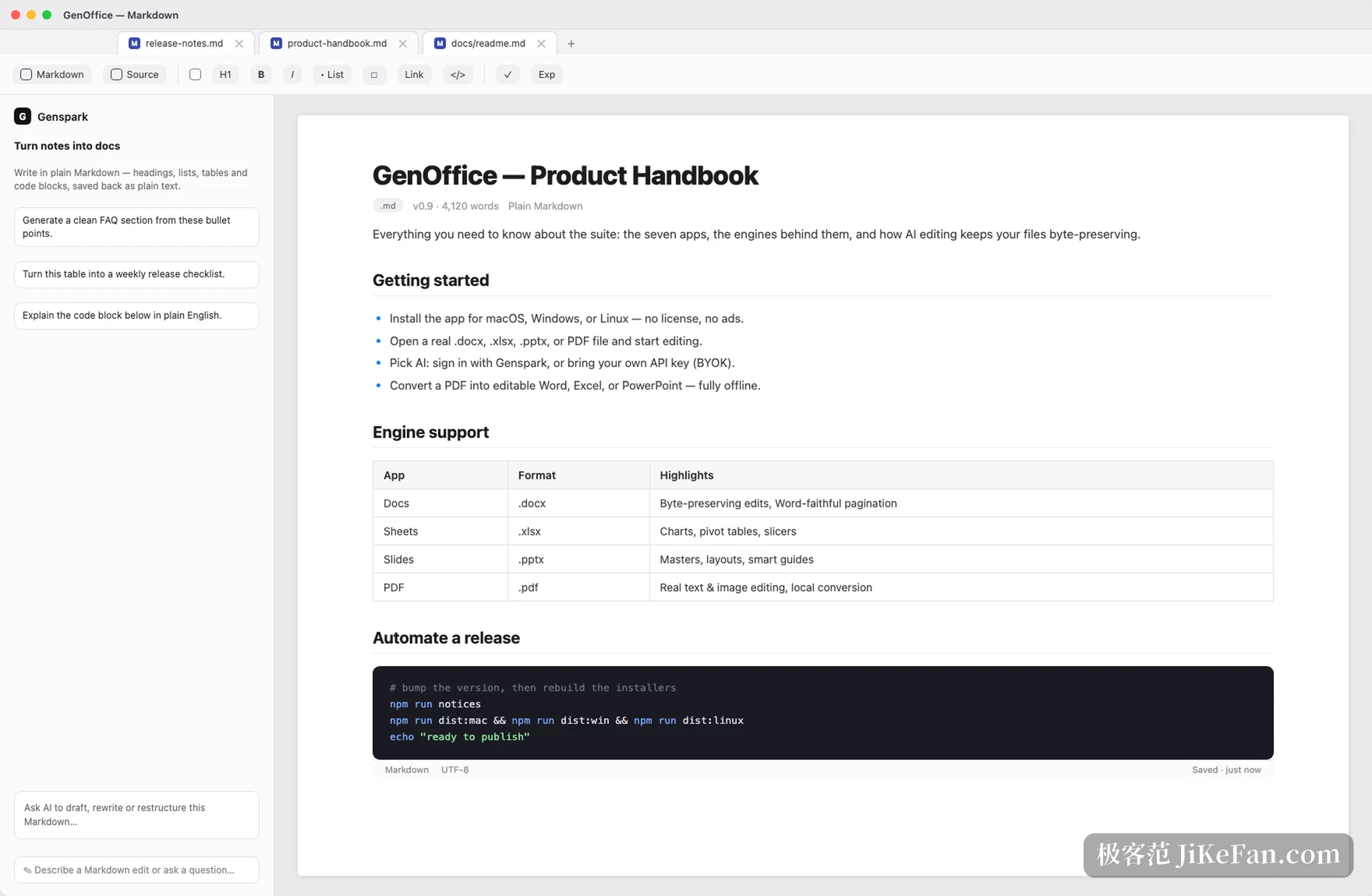
Docs opens .docx, Sheets handles .xlsx, Slides takes .pptx, and the remaining three are PDF, HTML and Markdown. The document sits on the left, the conversation on the right. Select a passage, ask for a rewrite, a polish or a continuation, and the result appears in the text itself, so nothing has to be carried between a chat window and a page.
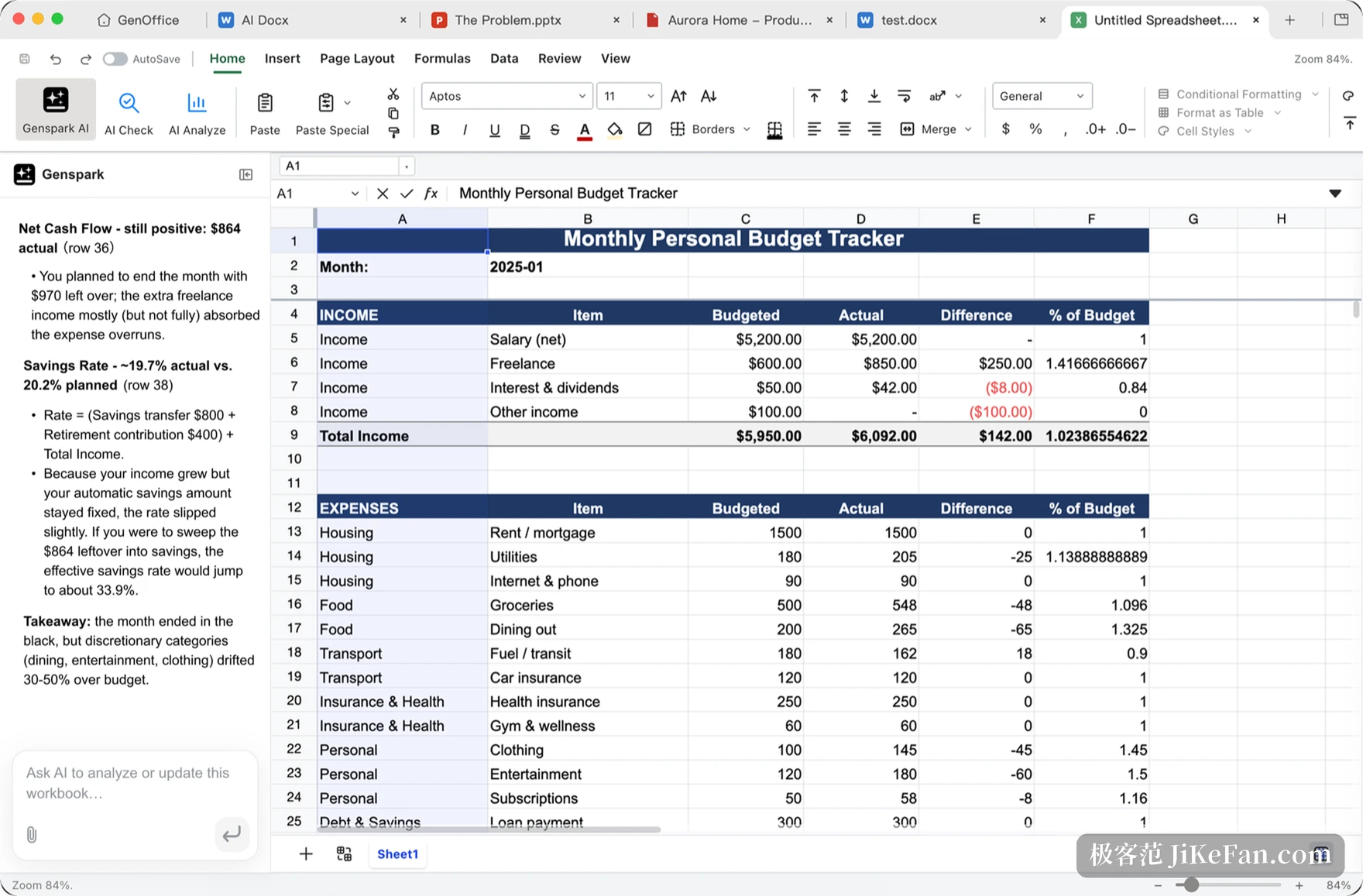
Sheets deserves a paragraph of its own. It runs on a Rust engine written in house, and the AI produces live formulas, pivot tables and charts rather than pre-computed numbers dropped into cells. Ask a question and the answer names the cells it used; click one and the sheet jumps there for checking, which is more useful than a paragraph that merely looks right.
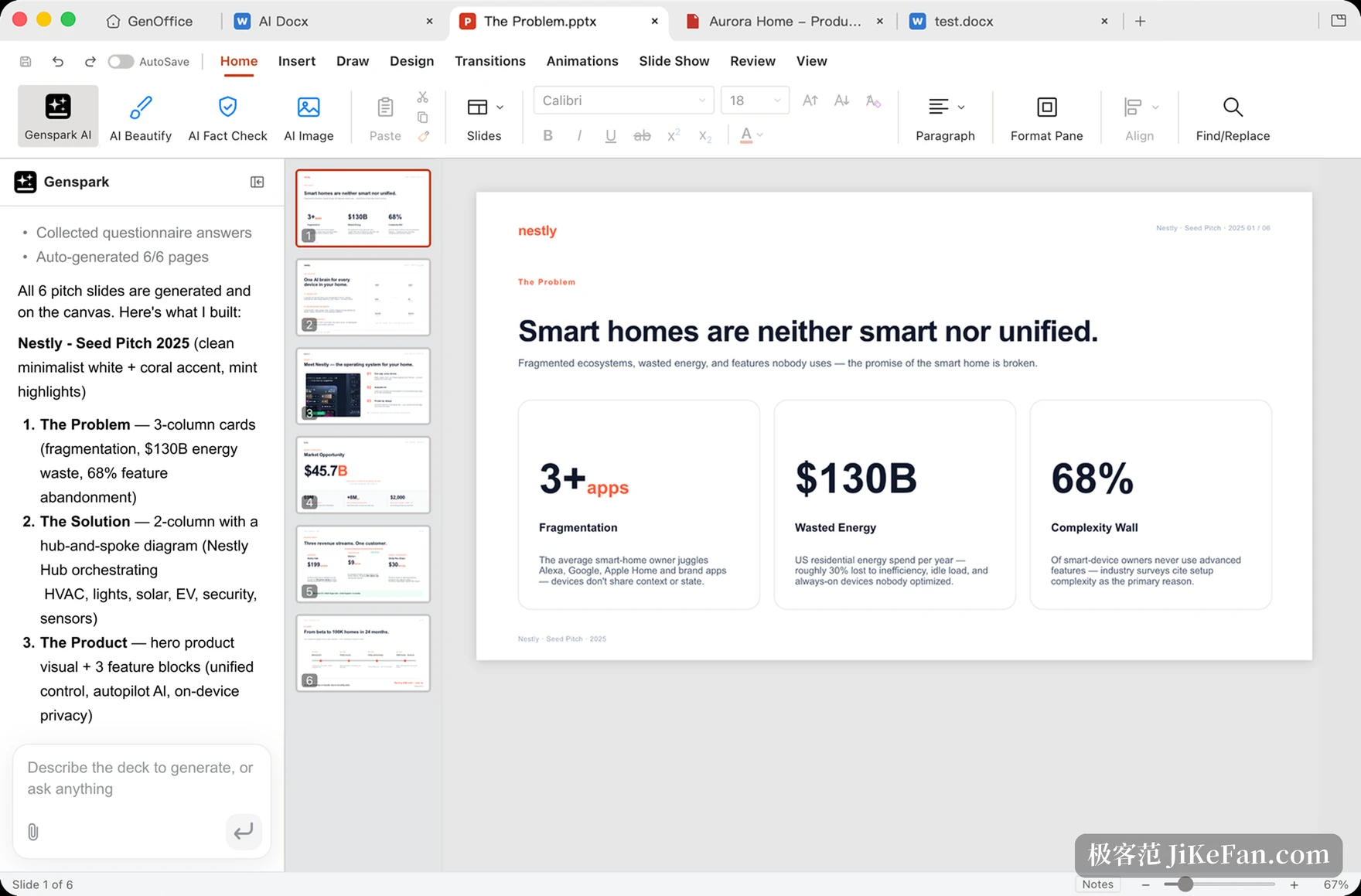
Slides takes a different route. Give it one line, say an investor pitch on a given topic, and it plans the narrative first, then draws each page onto the canvas. What comes out is a deck you can keep editing, with masters, layouts and smart guides intact. HTML goes further: it offers a design note first, colours, type and direction, and only builds the single self-contained page after you agree.
Edit the PDF in place, convert without leaving the machine
PDF has long been the dead end of office work: readable, not editable, and any change means converting first. The GenOffice PDF editor outlines text blocks so you can retype in position, and the content stream is rewritten through PDFium with the original fonts kept where possible. Nothing is painted over with a white box and typed on top.
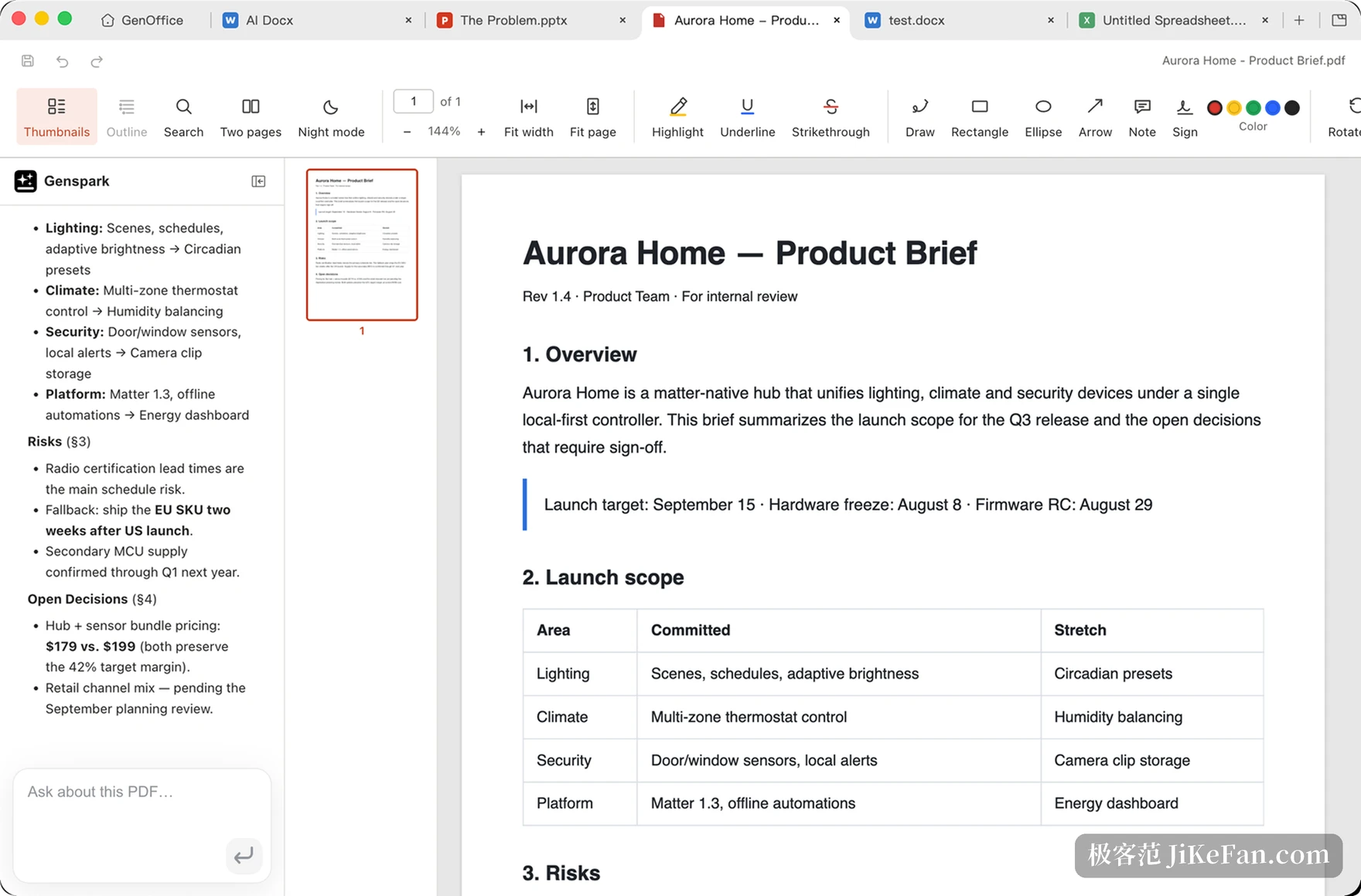
Conversion also happens locally. PDF to Word, Excel or PowerPoint never touches a server, scanned pages go through the system OCR, and the result opens in the editor beside the source for comparison. For anyone handling contracts, reports or internal papers, that single property weighs more than another dozen features.
Free, which is not the same as costless
GenOffice is open source under Apache-2.0. The editors are free, without ads or watermarks, and the code can be read and changed. What costs money is the AI side: you either spend Genspark credits or plug in your own model key, with more than ten providers supported, local compatible endpoints included. Without AI it is still a working office suite; only with AI does a bill appear.
Two things are easy to miss. Official builds report a small amount of usage data by default, and that setting can be turned off. Documents, editing, saving and PDF conversion all stay local, so only AI requests leave, and they go to whichever provider you configured. The project has about 12,000 stars, and it ships a command line tool plus a skill pack for coding assistants, so a program can read and write Office files without opening a window.
What not to count on yet
The project itself admits that complex documents come out with fidelity differences, and says to check anything you plan to hand over before sharing. That is not boilerplate: files with layered styles, nested tables and heavy field codes can still shift after conversion. Dozens of issues remain open and the version is still 0.12, which places it short of the stage where you trust it with a critical process.
The other barrier is psychological. Handing working files to a program that rewrites content on its own requires trust, and snapshots, diffs and revisions exist to build it, though they only prove their worth when something goes wrong. A sensible first run is an unimportant document taken end to end, checking that the edit stays inside the lines, before the files you open every morning are handed over.
Open source office suites are not scarce. What is scarce is one that lets you see what it changed. GenOffice puts byte preservation, local conversion and rollback in plain view; what remains is time, while it grinds down the fidelity of complicated documents.